
In an increasingly digital world, mobile payment applications like Cash App have become indispensable tools for managing daily finances, sending money to friends, and even handling business transactions. When this crucial app suddenly stops working, it can range from a minor inconvenience to a significant disruption, causing frustration and potentially impacting critical financial flows. Understanding the common reasons behind Cash App malfunctions – and, more importantly, how to resolve them – is key to maintaining seamless digital financial operations.
This article delves into the technical intricacies of why your Cash App might be experiencing issues. We’ll explore everything from basic connectivity problems and software glitches to more complex account security measures and server-side outages. By systematically diagnosing the problem and applying targeted solutions, you can efficiently troubleshoot common hurdles and ensure your financial tool remains reliable and secure.

Diagnosing the Immediate Problem: Quick Checks and Common Culprits
Before diving into deeper technical investigations, it’s always best to start with the most common and easily resolvable issues. Often, the problem isn’t with Cash App itself, but with the environment it operates within.
Is It Your Internet Connection? The Foundation of Connectivity
Cash App, like virtually any modern digital service, requires a stable and robust internet connection to function correctly. Without it, transactions can’t process, balances can’t update, and the app simply can’t communicate with its servers. This is often the most overlooked culprit.
- Wi-Fi vs. Mobile Data Issues: Are you connected to Wi-Fi? Try switching to mobile data (if available) or vice versa. Sometimes, a specific Wi-Fi network might have issues, be overloaded, or have strict firewall settings blocking certain app functionalities. If you’re using mobile data, ensure you have sufficient data allowance and strong signal strength. Moving to an area with better reception can sometimes resolve the issue.
- Troubleshooting Network Connection: A quick router restart can often resolve Wi-Fi connectivity glitches. For mobile data, toggling Airplane Mode on and off can reset your device’s cellular connection. If other apps are also struggling with internet access, the problem is almost certainly with your network, not Cash App.
App Glitches and Outdated Software: The Internal Mechanics
Software, no matter how well-designed, can sometimes encounter temporary glitches or become incompatible if not kept up-to-date. These internal issues within the app itself or your device’s operating system can lead to unexpected behavior.
- Force Close and Restart the App: This is the digital equivalent of “turning it off and on again.” Force closing the Cash App and reopening it can clear temporary bugs, refresh its processes, and often resolve minor performance issues.
- For iOS: Swipe up from the bottom of the screen (or double-tap the Home button on older devices) to see your open apps, then swipe up on the Cash App preview to close it.
- For Android: Go to Settings > Apps (or Apps & Notifications) > Cash App > Force Stop.
- Clear App Cache (Android) / Offload App (iOS): Over time, apps accumulate cache data to speed up performance. However, corrupted or excessive cache can sometimes cause problems.
- For Android: Go to Settings > Apps (or Apps & Notifications) > Cash App > Storage > Clear Cache. (Be careful not to select “Clear Data” as this will delete login information and settings).
- For iOS: While there isn’t a direct “clear cache” button, you can “Offload App” (Settings > General > iPhone Storage > Cash App > Offload App). This removes the app but keeps its data, then you can reinstall it from the App Store.
- Check for App Updates: Developers constantly release updates to fix bugs, improve security, and add new features. An outdated version of Cash App might have known bugs or compatibility issues with your device’s operating system.
- Visit the Apple App Store or Google Play Store and search for “Cash App.” If an update is available, install it.
- Operating System Updates: Similarly, ensure your smartphone’s operating system (iOS or Android) is up to date. Outdated OS versions can lead to compatibility issues with newer app versions or introduce their own set of bugs that impact app functionality.
Server Status and Widespread Outages: Beyond Your Control?
Sometimes, the issue isn’t on your end at all. Payment apps rely on robust server infrastructure, and occasionally, these servers can experience outages, maintenance, or high traffic, leading to service disruptions.
- How to Check Cash App’s Official Status Page or Third-Party Down Detectors: Cash App often provides information about widespread issues on its official support Twitter account or a dedicated status page. Websites like DownDetector.com also track user-reported outages for popular services, offering a quick way to see if other users are experiencing similar problems.
- Social Media as a Source of Information: A quick search on Twitter or other social media platforms for “Cash App down” can reveal if other users are reporting issues. If there’s a general outage, patience is often the only solution until the service is restored by the provider.
Account-Specific Roadblocks: Security, Verification, and Limits
Beyond general technical glitches, issues can often stem from specific aspects of your Cash App account, particularly those related to security, regulatory compliance, and transaction limits.
Verification Hurdles: Ensuring Account Security
Cash App, like all financial services, operates under strict regulatory guidelines designed to prevent fraud and money laundering. This often requires users to verify their identity.
- ID Verification Requirements (SSN, DOB): Unverified accounts typically have lower sending and receiving limits. If you’re trying to send or receive amounts exceeding these limits, or if Cash App detects unusual activity, it might prompt you for verification using your full name, date of birth, and the last four digits of your Social Security Number (SSN). Failing to complete this process can restrict your account’s functionality.
- Impact on Sending/Receiving Limits: Ensure your transactions fall within your current account limits. Verification generally increases these limits significantly.
- KYC (Know Your Customer) Regulations: These regulations are in place for your protection and the integrity of the financial system. If Cash App asks for more information, it’s usually a compliance measure.
Insufficient Funds and Card Issues: The Payment Source
Even if the app itself is working perfectly, a transaction won’t go through if the underlying financial sources have issues.
- Checking Linked Bank Account/Debit Card Balance: The most common reason for a transaction failing is insufficient funds in your linked bank account or Cash App balance. Always double-check your available balance before attempting a transfer.
- Expired Cards, Incorrect Details: Ensure the debit card linked to your Cash App account is current and all details (card number, expiration date, CVV) are entered correctly. An expired card will invariably cause transactions to fail.
- Bank Rejections (Fraud Alerts, Daily Limits): Sometimes, your bank might decline a Cash App transaction. This could be due to your bank’s daily transaction limits, or their fraud detection systems flagging the transaction as suspicious. If this happens, contact your bank directly to confirm the transaction or adjust your limits.
Account Holds, Freezes, or Suspensions: When Things Get Serious
In more severe cases, your Cash App account might be temporarily held, frozen, or even suspended. These actions are usually taken for security reasons or due to violations of the terms of service.
- Reasons:
- Suspicious Activity: Unusual spending patterns, frequent large transactions to new recipients, or logins from unusual locations can trigger security protocols.
- Multiple Failed Login Attempts: Repeated incorrect password entries can lead to a temporary lock-out to protect your account from unauthorized access.
- Violation of Terms of Service: Engaging in prohibited activities (e.g., using Cash App for illegal transactions, reselling gift cards, or operating certain types of businesses without proper authorization) can lead to account suspension.
- How Cash App Communicates These Issues: Cash App typically notifies users of holds or suspensions via email or an in-app message. It’s crucial to check your registered email (including spam folders) and the app for any notifications.
- Steps to Resolve: Contacting Support, Providing Documentation: If your account is frozen, you will almost certainly need to contact Cash App support. Be prepared to provide identification, transaction details, and explanations for any flagged activity. Resolving these issues can take time and require patience.
Digital Security and Fraud Prevention: Protecting Your Cash App
While “not working” often implies a technical glitch, sometimes it’s a symptom of a larger security issue. Proactive digital security measures are paramount for any financial application.
Phishing Scams and Unauthorized Access: User Vigilance
The human element is often the weakest link in digital security. Scammers constantly try to trick users into revealing their login credentials.
- Recognizing Scam Attempts (Emails, Texts, Fake Support): Be wary of unsolicited emails, texts, or calls claiming to be from Cash App, especially those asking for your PIN, sign-in code, or other sensitive information. Cash App will never ask for your sign-in code over the phone or email. Look for mismatched sender addresses, generic greetings, and urgent, threatening language.
- Strong, Unique Passwords and 2FA: Always use a strong, unique password for your Cash App account that isn’t reused elsewhere. Enable Two-Factor Authentication (2FA) for an added layer of security. This means that even if someone gets your password, they’d still need access to your phone or email to log in.
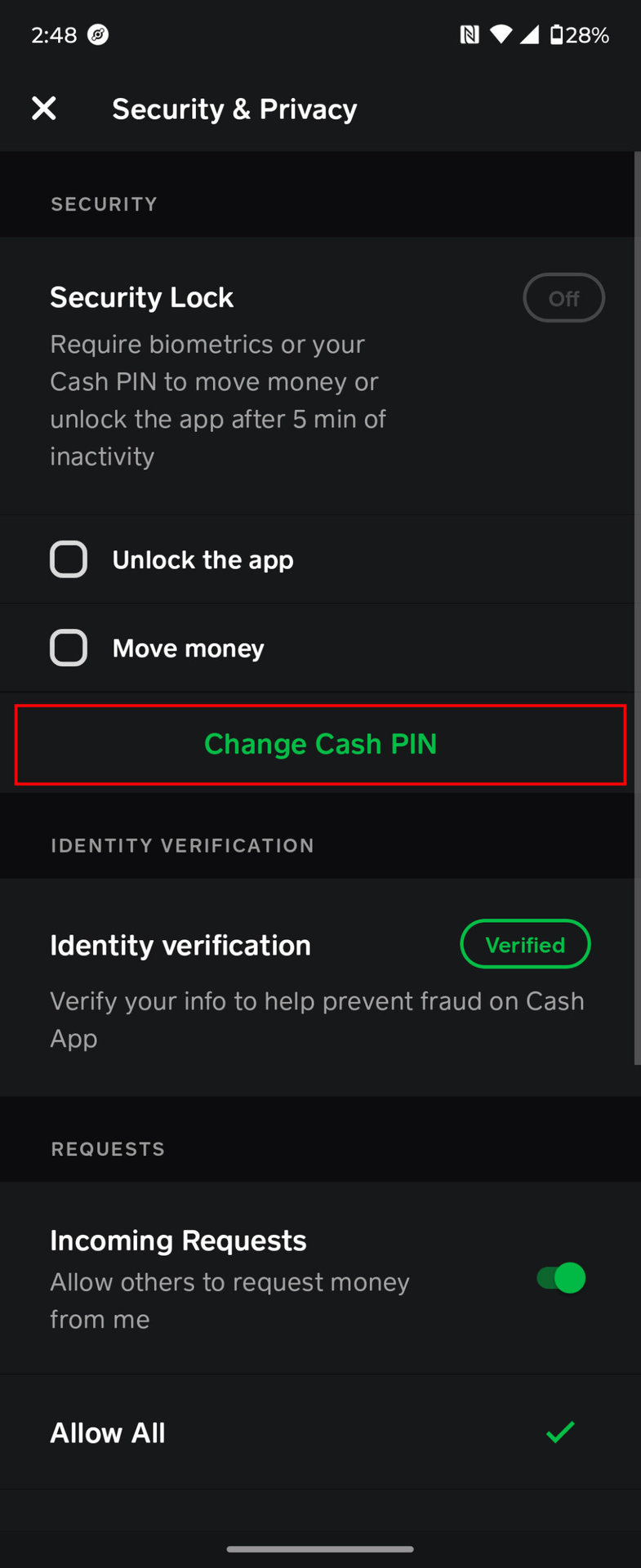
- What to Do If Your Account Is Compromised: If you suspect unauthorized access, immediately change your Cash App PIN, disconnect any linked cards, and contact Cash App support. Report any fraudulent transactions through the app.
Device Security: A Holistic Approach
The security of your Cash App is inherently linked to the security of the device it’s installed on.
- Malware and Viruses on Your Phone: Malicious software on your smartphone can keylog your inputs, steal credentials, or interfere with app functionality. Ensure you have reputable antivirus software (if available for your OS) and exercise caution when downloading apps from untrusted sources.
- Using Official App Stores: Always download Cash App (and any other apps) directly from the Apple App Store or Google Play Store. Third-party app stores can host compromised or fake versions of legitimate applications.
- Keeping Device OS Updated: As mentioned earlier, keeping your device’s operating system updated ensures you have the latest security patches, protecting against known vulnerabilities that could be exploited by malicious actors.
Advanced Troubleshooting and Seeking Expert Help
When the basic and account-specific troubleshooting steps don’t yield results, it’s time to consider more drastic measures or escalate the issue to Cash App’s official support channels.
Reinstalling the App: A Fresh Start
If you’ve tried everything else and the app still isn’t behaving normally, a complete reinstallation can sometimes clear deep-seated software glitches or corrupted files.
- When to Consider This Drastic Step: This should be a last resort after trying all other troubleshooting. It effectively wipes the app’s local data and ensures you’re running a completely fresh installation.
- Important: Ensure You Know Your Login Credentials: Before uninstalling, make absolutely sure you remember your Cash App login credentials (phone number/email and PIN/password). If you’re unsure, try logging in on another device or resetting your password before uninstalling to avoid being locked out.
Contacting Cash App Support: When All Else Fails
If you’ve exhausted all troubleshooting options and the problem persists, direct assistance from Cash App’s official support team is the next step.
- In-App Support Features: Cash App provides an in-app support portal that is often the most efficient way to get help. Navigate to your profile icon, scroll down, and select “Support” or “Cash App Support.”
- Official Phone Numbers and Chat Options: While in-app support is preferred, Cash App also offers limited phone support for specific issues and chat options. Be extremely cautious of fake support numbers found online; always verify numbers through the official Cash App website.
- Preparing Information for Support: When contacting support, have as much relevant information as possible:
- Your Cash App username ($Cashtag)
- The exact date and time the issue started
- Details of the transaction(s) affected (amounts, recipient/sender)
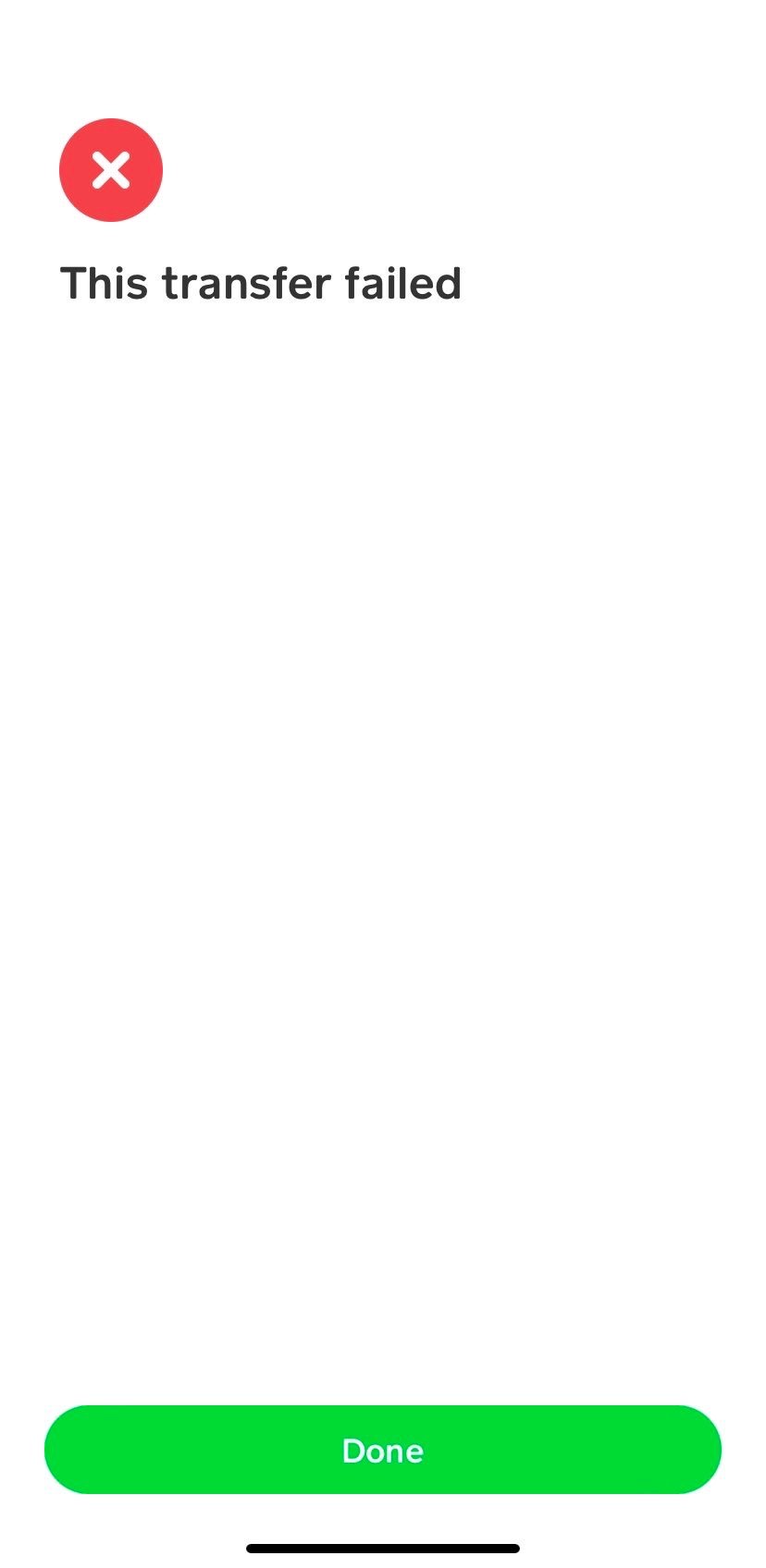
- Any error messages you received (screenshots are very helpful)
- Steps you’ve already taken to troubleshoot
- What to Expect From Support: Be prepared to explain your issue clearly and patiently. Support teams often follow a script of troubleshooting steps and may ask for documentation or verification details. Resolution times can vary depending on the complexity of the issue.
Conclusion
A malfunctioning Cash App can be a source of significant frustration, especially when financial transactions are on the line. By adopting a systematic approach to troubleshooting, starting with basic connectivity and app hygiene, and moving towards account-specific checks and security considerations, most users can diagnose and resolve common issues independently.
Remember that maintaining a secure digital environment – keeping your app and device updated, using strong passwords, and being vigilant against scams – is not just about preventing fraud, but also about ensuring the smooth and uninterrupted operation of your financial tools. If all else fails, Cash App’s dedicated support channels are there to provide expert assistance, guiding you back to a fully functional and reliable financial experience. Stay calm, be methodical, and you’ll likely have your Cash App working smoothly again in no time.
aViewFromTheCave is a participant in the Amazon Services LLC Associates Program, an affiliate advertising program designed to provide a means for sites to earn advertising fees by advertising and linking to Amazon.com. Amazon, the Amazon logo, AmazonSupply, and the AmazonSupply logo are trademarks of Amazon.com, Inc. or its affiliates. As an Amazon Associate we earn affiliate commissions from qualifying purchases.