
Tax season is often met with a mixture of dread and anticipation. For millions of Americans, the promise of a tax refund is a significant financial milestone in their annual budget. Consequently, when a software provider like TurboTax—which heavily markets its “free” versions—presents a bill at the end of the filing process, it can feel like a predatory surprise. If you find yourself staring at a checkout screen wondering, “Why is TurboTax charging me?” you are not alone.
Understanding the financial architecture of tax software is essential for effective personal finance management. The reality is that while the initial entry point may be free, the path to a completed return is often paved with upgrades, service fees, and add-ons that can quickly escalate into a hundred-dollar expense. In this guide, we will break down the mechanics of tax prep pricing, the specific financial triggers that cause fees, and how you can better manage these costs within your financial plan.

The “Free” Illusion: Understanding Software Tiers and Form Complexity
The most common reason users face unexpected charges is the distinction between “simple” and “complex” tax situations. In the world of personal finance, your “financial footprint” determines the level of software you require. If your income sources or deductions exceed the narrow definitions of a basic return, the software will mandate an upgrade.
The IRS Free File vs. Commercial Free Editions
It is a common misconception that TurboTax’s “Free Edition” is the same as the IRS Free File program. Historically, the Free File program was a partnership between the IRS and software companies to provide free services to low-to-moderate income earners. However, the commercial “Free Edition” offered directly on the TurboTax website is much more limited. It is typically restricted to 1040 filers with very simple tax situations, such as W-2 income and the standard deduction. If you have any additional financial variables, the software will trigger a prompt to upgrade to a paid tier like Deluxe or Premier.
Triggers for Mandatory Upgrades
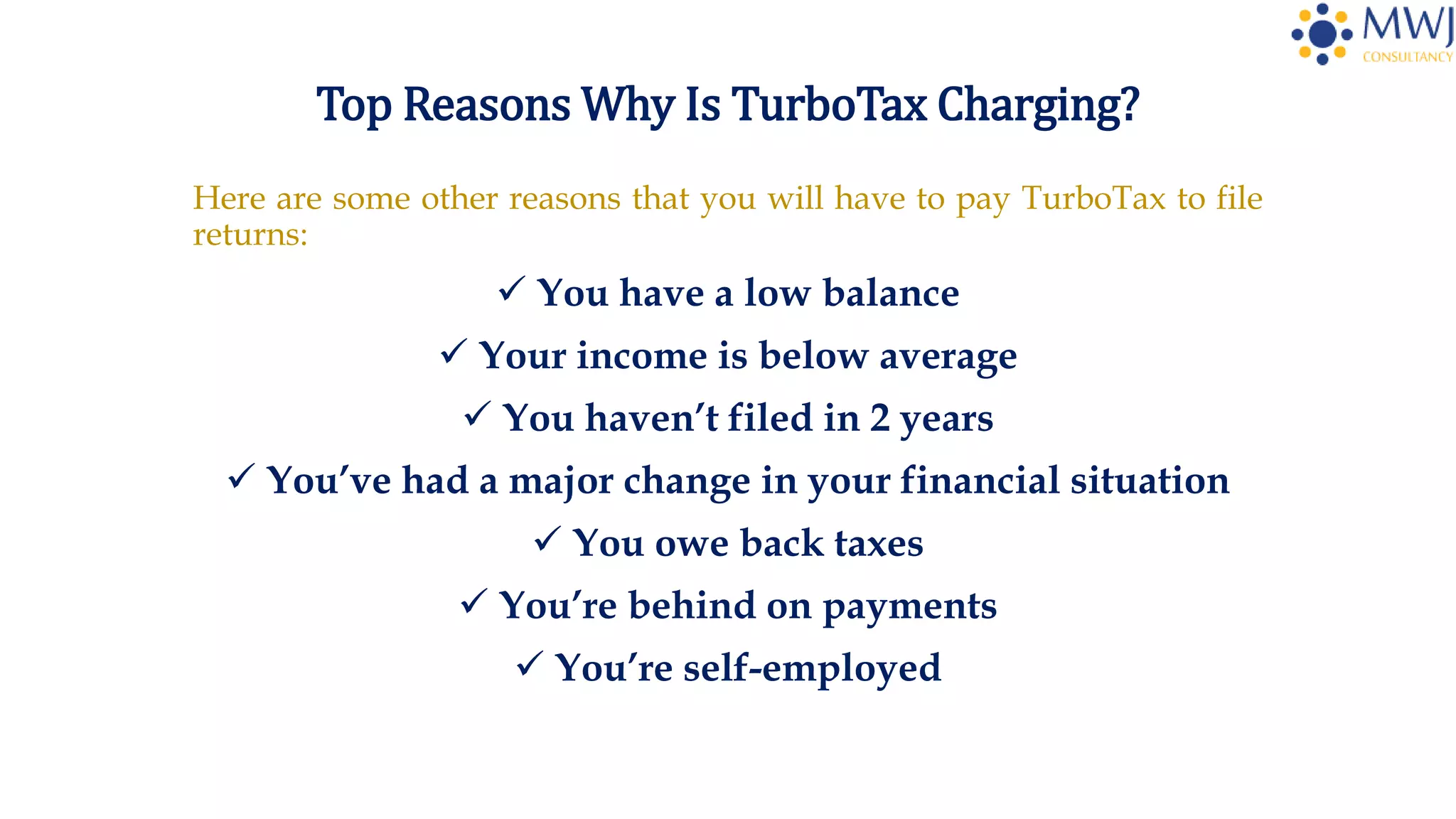
Many users are surprised to find that common financial life events can disqualify them from free filing. For example:
- Student Loan Interest: While common, the 1098-E deduction often requires an upgrade to the Deluxe version.
- Unemployment Income: In some years, reporting 1099-G forms has pushed users out of the free tier.
- Itemized Deductions: If your mortgage interest, charitable donations, or medical expenses exceed the standard deduction, you must use a higher-priced version to claim them.
- Investment Income: If you sold stock, traded cryptocurrency, or received dividends (1099-B or 1099-DIV), you are almost always required to use the “Premier” tier to ensure capital gains are calculated correctly.
The Self-Employed and Gig Economy Premium
For those pursuing side hustles or freelance careers, the financial cost of filing is significantly higher. TurboTax often reserves Schedule C filing—the form used to report profit or loss from a business—for its most expensive “Self-Employed” tier. From a financial tools perspective, this is often justified by the software’s ability to help you find business expenses to lower your tax liability, but it remains a steep upfront cost for a small business owner.
The Hidden Ecosystem of Administrative and Service Fees
Even if you are comfortable paying for the software itself, you may notice your total balance is higher than the advertised price of the package. This is because TurboTax functions not just as a calculator, but as a financial service provider that charges for convenience and security.
The “Pay With Your Refund” Fee
Perhaps the most frustrating charge for many users is the “Refund Processing Service” fee. When you reach the payment screen, TurboTax offers the option to deduct the cost of the software directly from your federal refund so you don’t have to pay out of pocket today. To the cash-strapped taxpayer, this sounds like a great deal.
However, this is a financial service that usually costs between $40 and $60. In financial terms, this is essentially a short-term loan with an incredibly high effective interest rate. If your software costs $100 and you pay a $40 fee to defer payment for three weeks until your refund arrives, you are paying a massive premium for a minor convenience. Paying upfront with a credit or debit card is always the more financially sound decision.
State Filing Costs
While federal filing might be included in a certain package, state filing is frequently a separate line item. Unless you live in a state with no income tax (like Florida or Texas), you will likely be charged an additional fee—often ranging from $40 to $60—to submit your state return through the software. This is a common “gotcha” that filers overlook when they see a “Federal Free” promotion.

Protection and Support Add-ons
During the “wrap-up” phase of the filing process, you will encounter several “upsells” designed to provide peace of mind:
- MAX Rewards/Defense: This bundle often includes audit defense, identity theft monitoring, and priority tech support.
- Audit Defense: A standalone service where a professional will represent you in the event of an IRS audit.
- Full Service: An option to have a CPA or EA review your return before you file.
While these services provide value for those with high-risk financial profiles, for the average W-2 employee, they are often unnecessary expenses that eat into your bottom line.
Strategic Financial Planning: How to Minimize Tax Prep Expenses
Managing your personal finances effectively means auditing your recurring costs, and tax preparation is an annual cost that can be optimized. You do not have to accept the first price presented to you.
Comparison Shopping Within the FinTech Space
TurboTax is the market leader, but it is also one of the most expensive tools available. If you find that TurboTax is charging you $150 for a return that includes investment income, it may be time to look at competitors. Tools like FreeTaxUSA or H&R Block often offer the same 1099 and Schedule C capabilities at a fraction of the cost—sometimes even for free for federal returns. Moving your financial data to a different platform can save you a significant percentage of your tax prep budget.
Utilizing IRS Direct File and Trusted Partners
In recent years, the IRS has launched “Direct File,” a pilot program that allows eligible taxpayers to file directly with the government for free. Additionally, if your Adjusted Gross Income (AGI) is $79,000 or less, you are legally entitled to use the IRS Free File program. To avoid being charged, you must enter these programs through the official IRS.gov website rather than going directly to a commercial provider’s homepage.
Timing Your Purchase
If you are committed to using TurboTax for its user interface and historical data import, timing is everything. Prices for tax software are dynamic. Early in the season (January and early February), companies often offer “Early Bird” discounts. As the April 15th deadline approaches, prices often increase. Furthermore, retail versions of the software (bought at stores like Costco or Amazon) are often cheaper than the online SaaS (Software as a Service) version and frequently include multiple federal filings and one state download in a single flat price.
Evaluating the Value Proposition: Time vs. Money
When asking “Why is TurboTax charging me?”, it is important to perform a cost-benefit analysis. While the fees can be irritating, the software is a financial tool designed to reduce the risk of errors and maximize your legal deductions.
The Cost of Human Error
For a taxpayer with a complex portfolio—rental properties, K-1s from partnerships, or international assets—the $150 spent on software might save $1,000 in missed deductions or prevent a $5,000 penalty from an IRS error. In this context, the charge is an investment in financial accuracy. The automation of importing data from bank accounts and brokerages significantly reduces the manual labor required to manage your finances.
When to Transition to a Professional
There is a point where the cost of software becomes so high that it begins to rival the cost of a local Certified Public Accountant (CPA). If TurboTax is charging you $200+ and you still have to do all the data entry yourself, it may be more financially prudent to hire a professional. A CPA provides year-round tax planning advice that software cannot, potentially offering a better long-term ROI on your financial spend.
Conclusion
TurboTax charges users because it operates on a “freemium” business model, where the complexity of your financial life acts as a gateway to higher fees. From mandatory upgrades for common deductions to administrative fees for processing refunds, the costs are designed to capture value at every step of the user journey.
By understanding these financial triggers, opting out of expensive refund processing “loans,” and considering lower-cost competitors or IRS-sponsored programs, you can take control of your tax-season budget. Remember: the goal of personal finance is not just to maximize your income, but to minimize the unnecessary leakage of your wealth. Being an informed consumer of financial tools like TurboTax is a vital part of that mission.
aViewFromTheCave is a participant in the Amazon Services LLC Associates Program, an affiliate advertising program designed to provide a means for sites to earn advertising fees by advertising and linking to Amazon.com. Amazon, the Amazon logo, AmazonSupply, and the AmazonSupply logo are trademarks of Amazon.com, Inc. or its affiliates. As an Amazon Associate we earn affiliate commissions from qualifying purchases.