
It’s a uniquely frustrating experience: you attempt to make a purchase or send money using Apple Cash, confident you have sufficient funds, only for the transaction to be declined. In an era where digital wallets promise seamless transactions, such an occurrence can be perplexing, leaving you to wonder where your money truly is or why it’s not accessible. This isn’t just a tech glitch; it’s often a financial management conundrum rooted in how digital payment systems interact with your personal finances.
Apple Cash, powered by Green Dot Bank, functions as a digital debit card stored in the Wallet app, allowing users to send, receive, and spend money instantly. While incredibly convenient, the complexities of its operation, linked accounts, and various financial safeguards can sometimes lead to declines that aren’t immediately obvious. Understanding these underlying financial mechanisms and common pitfalls is key to resolving the issue and preventing future headaches.
Understanding How Apple Cash Operates
Before diving into troubleshooting, it’s crucial to grasp the fundamental mechanics of Apple Cash within the broader context of your financial ecosystem. It’s not just another feature on your iPhone; it’s a regulated financial instrument.
The Distinction Between Apple Cash and Apple Pay
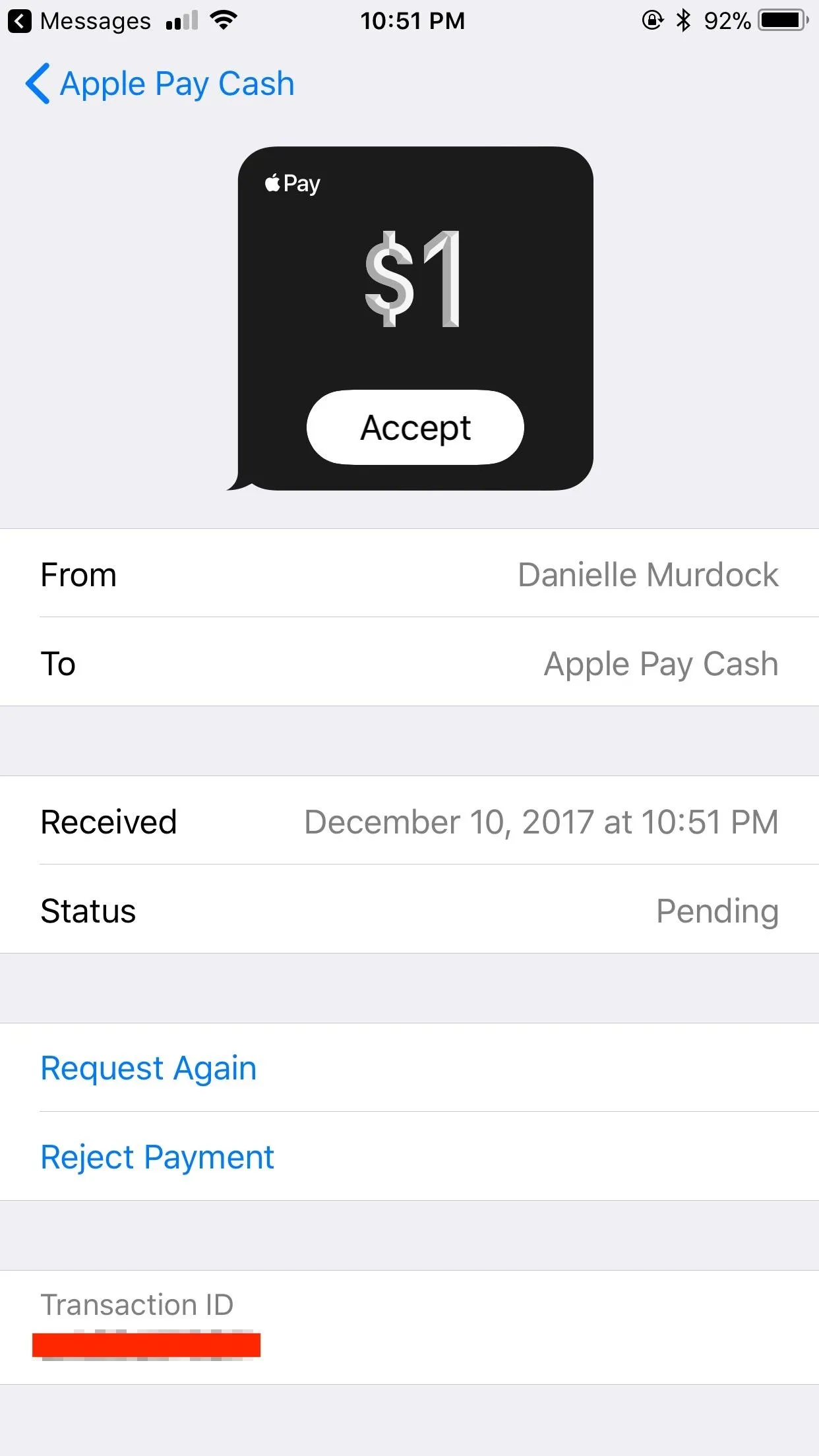
Many users conflate Apple Cash with Apple Pay, but they serve different, though complementary, functions. Apple Pay is the overarching technology that allows you to make secure payments using any card stored in your Wallet app—credit, debit, or prepaid. Apple Cash, on the other hand, is a specific type of debit card within Apple Pay. It holds its own balance, similar to a prepaid card or a digital bank account, and can be used for person-to-person payments via Messages, online purchases, or in-store via Apple Pay where accepted. When you send or receive money through Apple Cash, those funds reside in your Apple Cash account, not directly in your primary bank account until you explicitly transfer them.
Funding Sources and Where Your Money Resides
Your Apple Cash balance can be funded in a few ways: receiving money from others through Messages, transferring funds from a linked debit card, or receiving Daily Cash rewards from an Apple Card. What’s vital to remember is that these funds, once in your Apple Cash account, are held by Green Dot Bank. This means your Apple Cash balance is separate from your bank account balance, even if they are linked. For example, if you have $500 in your checking account but only $50 in your Apple Cash account, any Apple Cash transaction above $50 will be declined unless it’s configured to draw from a linked debit card as a backup. The “money” you have might be in your bank, but not necessarily in the specific Apple Cash account needed for the transaction.
Primary Financial Hurdles Causing Declines
The most common reasons for Apple Cash declines, despite seemingly having funds, are almost always financial in nature. They stem from how money is managed, accessed, or verified within the system.
Insufficient Funds (Even When You Think You Have Money)
This is the most frequent culprit. While you might glance at your main bank account and see a healthy balance, your Apple Cash account might not reflect that. If your Apple Cash transaction defaults to drawing from your Apple Cash balance first, and that balance is lower than the transaction amount, it will decline. Similarly, if your Apple Cash is linked to a specific debit card as a fallback, and that particular debit card has insufficient funds (perhaps you have multiple accounts), the transaction will fail. It’s crucial to check the specific balance of your Apple Cash account within the Wallet app and the balance of any linked debit card that might be used as a secondary funding source.
Linked Debit Card Issues and Bank Holds
When you use Apple Cash, especially for larger transactions or if your Apple Cash balance is low, it might attempt to draw funds directly from a linked debit card. If this linked card is experiencing issues, your Apple Cash transaction will be affected.
-
Expiration Date: An expired linked debit card is a common oversight.
-
Bank Holds: Your bank might place a temporary hold on your card or account due to suspected fraud, unusual activity, or recent large deposits that haven’t fully cleared.
-
Daily/Transaction Limits: Your bank may impose daily spending limits on debit card transactions. If your Apple Cash transaction pushes you over this limit, it will be declined.
-
Card Not Activated/Suspended: A new card might not be activated, or an existing one might have been suspended by your bank for various reasons.
-
Billing Information Mismatch: For some online transactions, if the billing address associated with your linked debit card doesn’t match the information Apple has on file, the transaction might be rejected.
Daily, Weekly, or Per-Transaction Limits
Apple Cash itself has inherent transaction limits designed for security and regulatory compliance.
-
You can send a maximum of $10,000 per message and receive up to $10,000 within a 7-day period.
-
The maximum Apple Cash balance you can hold is $20,000.
-
There are limits on how much you can add to your Apple Cash balance from a debit card (e.g., $10,000 per day, $10,000 per week, $20,000 per month).
Exceeding any of these limits, even if you have funds available elsewhere, will result in a decline. These limits are not always transparently displayed when you attempt a transaction but are a critical component of its operation as a financial tool.
Security Protocols and Account Restrictions

Like any financial service, Apple Cash employs robust security measures to protect users from fraud and comply with financial regulations. Sometimes, these necessary precautions can inadvertently lead to transaction declines.
Identity Verification Requirements
To fully utilize Apple Cash, especially for sending and receiving larger sums, you must verify your identity. This is a Know Your Customer (KYC) requirement mandated by financial regulations. If your identity verification is incomplete, pending, or has issues, certain transactions, or even all transactions, might be declined. This involves providing your Social Security Number and other personal details, which are verified by Green Dot Bank. Until this process is fully completed and approved, your account’s functionality might be restricted.
Unusual Activity Flagging
Automated fraud detection systems monitor transactions for patterns that suggest unusual or potentially fraudulent activity. This could include:
-
A sudden increase in transaction volume or value.
-
Transactions to new or suspicious recipients.
-
Multiple rapid transactions in a short period.
-
Using Apple Cash from a new or unrecognized device.
If a transaction triggers these flags, it might be automatically declined as a precautionary measure, even if the funds are available and the transaction is legitimate. This is a common practice across all digital financial tools to safeguard user funds.
Account Freezes and Restrictions
In more severe cases, or if repeated security flags are triggered, Apple Cash or Green Dot Bank might temporarily freeze or restrict your account. This could happen if there’s suspicion of unauthorized access, a violation of terms and conditions, or an ongoing investigation. When an account is restricted, any attempt to use the funds will result in a decline until the issue is resolved and the restriction is lifted, often requiring direct communication with Apple Support.
Actionable Steps to Resolve and Prevent Future Declines
Facing a declined transaction is frustrating, but proactive steps can help you diagnose and resolve the issue quickly, and prevent future occurrences.
Verifying Account Balances and Transaction History
First, open your Wallet app, tap on your Apple Cash card, and meticulously review your current balance. This is your definitive source for how much money is available in your Apple Cash account. Also, check your transaction history within the Wallet app for any pending transactions or recent outgoing payments that might not have fully processed and reduced your available balance. Don’t forget to cross-reference this with your linked debit card’s bank statement or online banking portal to ensure your primary funds are where you expect them to be.
Checking Linked Card Status and Bank Information
If your transaction is pulling from a linked debit card, navigate to the “…” icon on your Apple Cash card in the Wallet app, then select “Debit Card” to review the details. Ensure the card number, expiration date, and security code are correct and up-to-date. If there’s an issue, remove and re-add the card, or update its information. Crucially, contact your bank directly to inquire about any holds, daily limits, or suspicious activity flags on your linked debit card. They can provide specific reasons for declines originating from their end.
Contacting Support: Apple and Your Financial Institution
If the cause isn’t immediately apparent, it’s time to reach out for professional help.
-
Apple Support: Contact Apple Support for assistance with your Apple Cash account. They can check for account restrictions, identity verification issues, or technical problems on their end related to the Apple Cash service provided by Green Dot Bank. Be prepared to verify your identity.
-
Your Bank: If the issue seems to stem from your linked debit card, contact your bank’s customer service. They can check for internal holds, fraud alerts, or debit card transaction limits that might be preventing Apple Cash from accessing your funds.

Best Practices for Seamless Digital Transactions
To minimize future declines and ensure a smooth financial experience with Apple Cash:
-
Maintain a Buffer: Always keep a slightly higher balance in your Apple Cash than your typical transaction amounts.
-
Regularly Review Statements: Periodically check your Apple Cash transaction history and your linked bank account statements to reconcile balances and spot discrepancies early.
-
Keep Information Updated: Ensure all your personal and financial information (identity verification, linked debit card details) is current and accurate in your Apple Wallet and with your bank.
-
Understand Limits: Be aware of the daily, weekly, and per-transaction limits imposed by Apple Cash and your linked bank accounts.
-
Enable Notifications: Turn on notifications for Apple Cash transactions so you’re immediately aware of activity and can track your balance.
In conclusion, a declining Apple Cash transaction when you believe you have money is almost always a financial issue, not purely a technological one. By understanding how Apple Cash integrates with your personal finance management, meticulously checking balances, understanding limits, and maintaining open communication with your financial institutions, you can demystify these declines and ensure your digital transactions proceed without a hitch.
aViewFromTheCave is a participant in the Amazon Services LLC Associates Program, an affiliate advertising program designed to provide a means for sites to earn advertising fees by advertising and linking to Amazon.com. Amazon, the Amazon logo, AmazonSupply, and the AmazonSupply logo are trademarks of Amazon.com, Inc. or its affiliates. As an Amazon Associate we earn affiliate commissions from qualifying purchases.