
In the early days of digital video, YouTube was a destination primarily confined to the glow of desktop monitors and the cramped screens of early smartphones. However, the last decade has seen a radical transformation in how digital content is consumed. Today, the “living room” has become the fastest-growing surface for YouTube, driven by the rise of Smart TVs, connected devices, and high-speed home networking. When we ask “What is YouTube on TV?”, we are not simply referring to a larger version of a mobile app. We are discussing a sophisticated, purpose-built ecosystem designed for the “lean-back” experience, leveraging specialized hardware and software to bridge the gap between traditional broadcasting and on-demand digital media.

The Evolution of the YouTube on TV Ecosystem
The transition of YouTube from a web-based repository to a television staple was not an overnight occurrence. It required a complete reimagining of the User Interface (UI) and the underlying architecture to support various hardware constraints.
From Desktop to Big Screen: The Shift in the 10-Foot UI
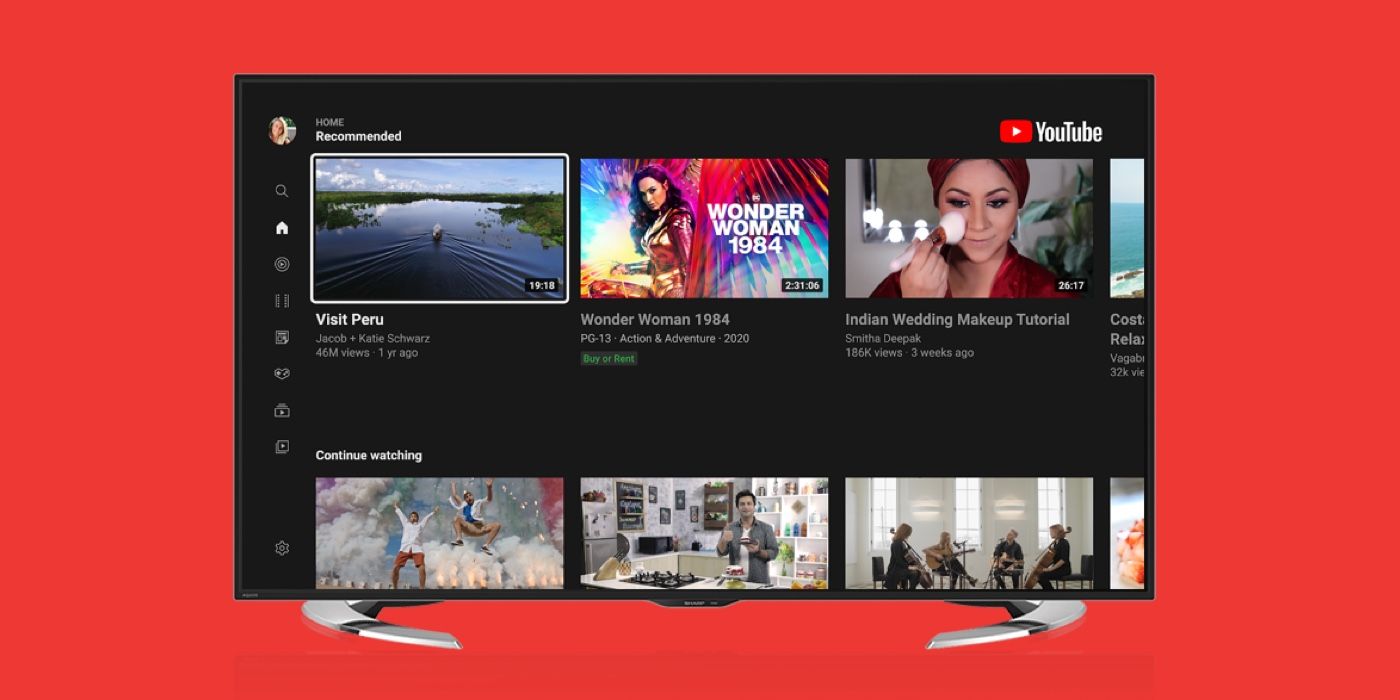
The term “10-foot UI” refers to a graphical user interface designed to be viewed at a distance of approximately ten feet, typical of a living room setting. Unlike a smartphone where the user interacts via touch, or a PC where a mouse provides precision, YouTube on TV relies on a D-pad (directional pad) found on standard remote controls. This necessitated a shift toward larger tiles, simplified navigation menus, and a high-contrast aesthetic that remains legible across the room. The tech behind this evolution involved transitioning from early “Leanback” web-wrappers to high-performance native applications and HTML5-based frameworks that ensure smooth scrolling and rapid thumbnail loading.
Supported Hardware: Smart TVs, Consoles, and Streaming Sticks
YouTube on TV exists across a fragmented hardware landscape. The software must be optimized for diverse operating systems, including:
- Smart TV Platforms: Samsung’s Tizen, LG’s webOS, and Vizio’s SmartCast.
- Streaming Media Players: Apple TV (tvOS), Amazon Fire TV (Fire OS), and Roku.
- Gaming Consoles: PlayStation 5 and Xbox Series X/S, which utilize their significant GPU power to provide the smoothest UI transitions and highest bitrates.
- Google TV and Android TV: These represent the native integration of the Google ecosystem, offering the most seamless experience with features like “System-wide Search” and “Google Assistant” integration.
Technical Specifications and Streaming Quality
To provide a premium experience on 65-inch and 75-inch displays, the technical requirements for YouTube on TV far exceed those of mobile streaming. The platform utilizes advanced codecs and adaptive bitrate streaming to ensure that the “big screen” experience is crisp and lag-free.
Resolution and Refresh Rates: 4K, 8K, and HDR
One of the defining features of YouTube on TV is its support for Ultra High Definition (UHD). While 1080p is standard for mobile, YouTube on TV serves as a primary showcase for 4K content. More recently, the platform has begun supporting 8K resolution on compatible Smart TVs, though this remains a niche segment due to bandwidth requirements.
Equally important is High Dynamic Range (HDR). Using formats like HDR10 and HLG (Hybrid Log-Gamma), YouTube on TV delivers a wider color gamut and higher contrast ratios. For tech enthusiasts, this means the app must communicate effectively with the TV’s hardware to trigger “HDR Mode,” ensuring that the metadata is correctly interpreted by the display panel.
The Role of Video Codecs and Connectivity
Behind the scenes, the efficiency of YouTube on TV relies on sophisticated video compression. Google has pushed the adoption of the VP9 and AV1 codecs. AV1, in particular, is a royalty-free, high-efficiency codec that allows for high-quality 4K streaming at lower bitrates, which is essential for users with standard broadband connections.
Furthermore, the “YouTube on TV” experience is heavily reliant on the local network. Modern apps are designed to handle “buffer health” dynamically, adjusting quality in real-time to prevent pauses. This involves complex algorithms that predict network fluctuations and pre-fetch video segments before the viewer even reaches them.
User Experience and Interface Design
The software design of YouTube on TV focuses on discovery rather than search. Because typing with a remote control is notoriously difficult, the technical architecture prioritizes recommendation engines and seamless device interoperability.
Navigation via Remote Control vs. Mobile Casting
While the D-pad is the primary input, the integration of “Casting” (via the DIAL protocol or mDNS) allows a smartphone to act as a sophisticated remote. When a user “casts” a video from their phone to their TV, the phone does not actually stream the video to the TV; instead, it sends a command to the TV’s YouTube app to fetch the content directly from the cloud. This preserves battery life on the mobile device and ensures the TV utilizes its own hardware decoding capabilities for maximum quality.
The Distinction Between YouTube and YouTube TV
A common point of confusion for many users is the difference between the YouTube app on TV and “YouTube TV.”
- The YouTube App: This is the standard platform for user-generated content, music videos, and premium “Originals.” It is free (supported by ads) or available via YouTube Premium.
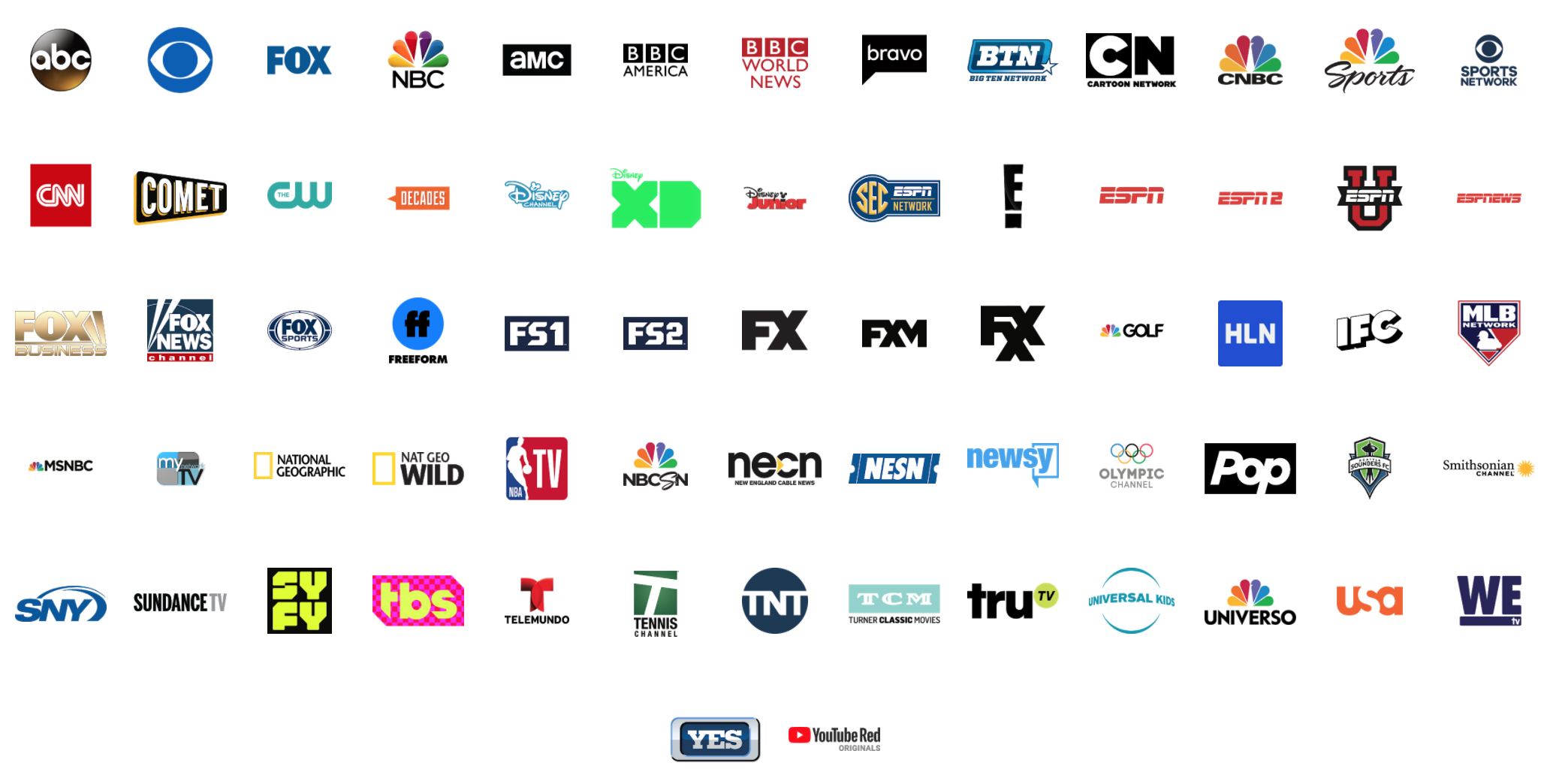
- YouTube TV: This is a separate, subscription-based Over-the-Top (OTT) streaming service that replaces traditional cable. It provides live channels like ABC, CNN, and ESPN.
From a technical standpoint, these are two different applications with different backends, though they often share design languages to maintain brand consistency.
Advanced Features and Future Trends
As hardware becomes more powerful, the YouTube on TV app is evolving from a passive video player into an interactive hub.
Interactive Elements and Second-Screen Integration
Google has recently introduced features that allow for “Second-Screen” synchronization. When watching a video on the TV, a user can open the YouTube app on their phone, which automatically detects what is playing. This allows the user to read comments, view descriptions, or purchase featured products on their phone without interrupting the full-screen video on the TV. This synchronization requires low-latency communication between devices on the same Wi-Fi network, often facilitated through Google’s proprietary cloud linking.
The AI-Driven Personalization Engine
The “Home” feed on a TV is the result of massive data processing. Since TV viewing is often a shared activity (families watching together), the technical challenge is providing a personalized experience. The app now supports “Profiles,” allowing different family members to keep their watch histories separate. The AI algorithms must distinguish between “lean-forward” content (short tutorials, news) and “lean-back” content (long-form documentaries, cinematic travelogues), prioritizing the latter for the television interface.
Security, Privacy, and Control in the Living Room
Bringing a Google-connected app into the most private space of a home—the living room—requires robust security protocols and privacy controls.
Managing Accounts and Guest Mode
YouTube on TV utilizes “OAuth 2.0” for secure logins. Instead of typing a password on the screen (which could be seen by others), the app provides a code that the user enters on a mobile device or laptop to authorize the TV. This keeps credentials secure. For those who do not wish to sign in, “Guest Mode” allows for browsing without saving history to a specific Google account, a critical feature for shared household devices.
Parental Controls and YouTube Kids
Digital safety is a primary concern for the TV ecosystem. The “YouTube Kids” app is often integrated directly into the main YouTube TV interface or available as a standalone application. Technically, this involves strict content filtering and “Gated” environments where the recommendation engine is restricted to age-appropriate whitelists. Parents can set timers and restricted hours via the “Family Link” integration, demonstrating the deep software synergy between Google’s mobile and television platforms.
Conclusion
YouTube on TV is a testament to the convergence of internet flexibility and traditional cinematic viewing. It is a high-tech solution to a simple human desire: the ability to enjoy high-quality content on the best screen in the house. Through the use of advanced codecs like AV1, sophisticated 10-foot UI design, and seamless cross-device synchronization, the platform has successfully moved from the desk to the sofa. As 4K becomes the baseline and AI-driven personalization matures, YouTube on TV will continue to redefine the boundaries of what a “television station” can be, offering an infinite, interactive, and high-definition library that is always just a click away.
aViewFromTheCave is a participant in the Amazon Services LLC Associates Program, an affiliate advertising program designed to provide a means for sites to earn advertising fees by advertising and linking to Amazon.com. Amazon, the Amazon logo, AmazonSupply, and the AmazonSupply logo are trademarks of Amazon.com, Inc. or its affiliates. As an Amazon Associate we earn affiliate commissions from qualifying purchases.