
When you purchase an eBook for your e-reader, you are interacting with a complex ecosystem of file types designed to optimize your reading experience. For most users, the “Kindle format” is a catch-all term for the proprietary file extensions used by Amazon’s ecosystem. However, understanding what these files actually are, how they function, and why they differ from standard files like PDFs or EPUBs is essential for anyone interested in digital literature, self-publishing, or device management.
The Evolution of Kindle File Extensions
The Kindle format has undergone significant transformation since the device’s inception. What began as a simplified derivative of HTML has evolved into a sophisticated, container-based architecture capable of supporting complex typography, interactive features, and advanced digital rights management (DRM).
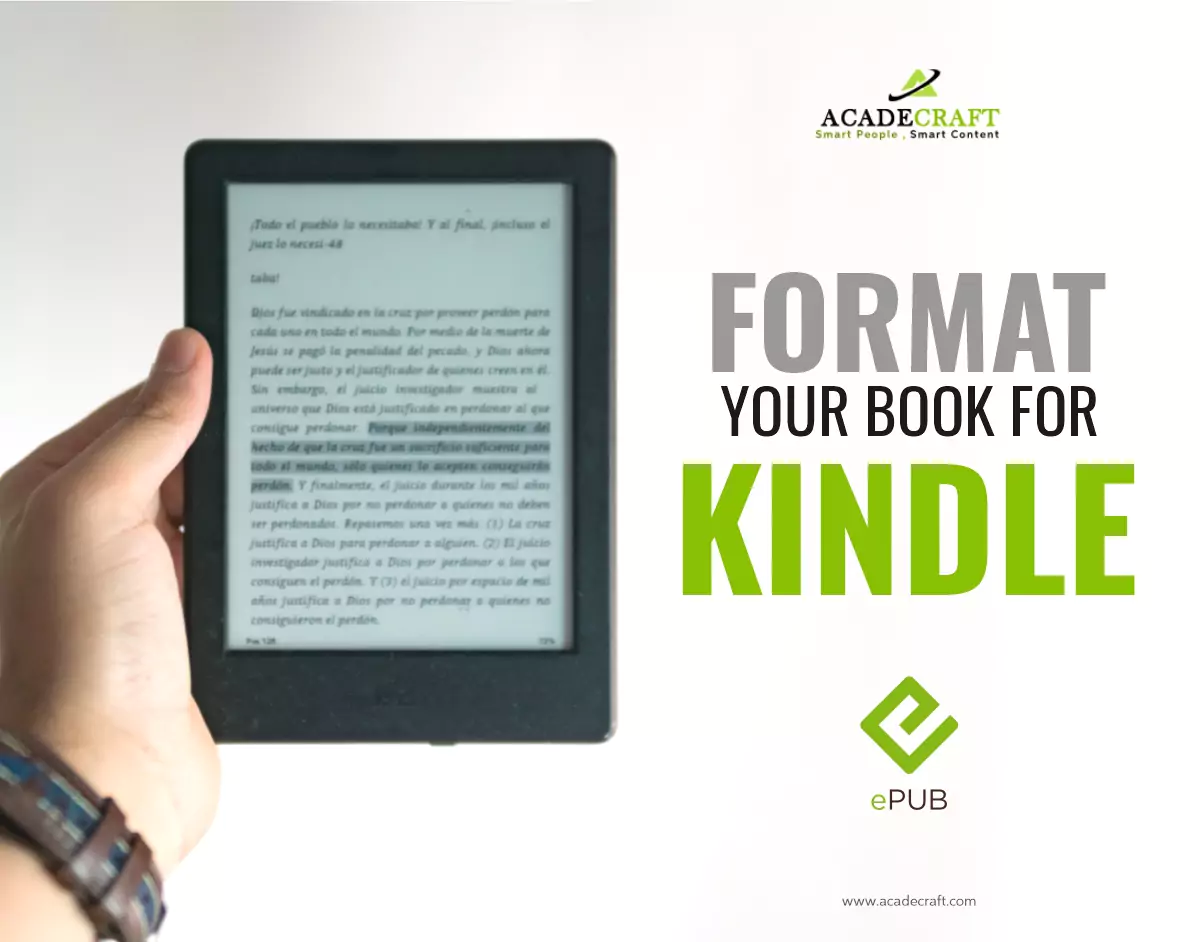
From MOBI to AZW3
In the early days of Kindle, Amazon relied heavily on the MOBI format. Derived from the older PalmDOC format, MOBI files were efficient but limited. They struggled with complex layouts, non-standard fonts, and modern styling requirements. To address these limitations, Amazon introduced the AZW format, which was essentially a proprietary wrapper for MOBI files, often containing DRM protections.
As e-reader hardware became more powerful, Amazon shifted toward AZW3 (also known as Kindle Format 8 or KF8). This format marked a major leap forward, allowing for CSS3 support, embedded fonts, and sophisticated page layouts that mimic physical book design more closely. AZW3 allows for a fluid reading experience that adjusts to various screen sizes while maintaining the integrity of the original design.
KFX: The Modern Standard
Today, the standard for most modern Kindle devices is KFX (Kindle Format X). KFX is designed for enhanced performance, offering features like hyphenation, improved typography, and faster rendering speeds. Unlike its predecessors, KFX treats the eBook as a modular entity, allowing the device to download and render pages more dynamically. While KFX provides the best user experience, it is also the most restricted format, heavily reliant on Amazon’s proprietary DRM infrastructure.
Understanding the Role of DRM
A core component of the Kindle format—and one of the primary reasons it remains “walled off” from other e-reader devices—is Digital Rights Management (DRM). DRM is a set of access control technologies used to restrict the use of proprietary hardware and copyrighted works.
Why Amazon Uses DRM
For publishers and authors, DRM is the digital equivalent of a security seal. It ensures that a purchased eBook is tied to the buyer’s account, preventing unauthorized distribution or file sharing. When you buy a Kindle book, you aren’t strictly “owning” a file in the same way you own a physical book; you are purchasing a license to view that content within the Amazon ecosystem.
Compatibility Implications
Because Kindle formats are encrypted with Amazon’s unique DRM, you cannot simply transfer a file downloaded from your Kindle library to a non-Kindle device, such as a Kobo or a Nook. This interoperability barrier is the hallmark of the Kindle ecosystem. It provides a seamless experience for users who remain within the Amazon fold but creates significant hurdles for those who prefer “open” hardware or who wish to archive their digital library in a neutral format.
Kindle Format vs. Universal Standards (EPUB and PDF)

To truly understand the Kindle format, it is helpful to compare it against the broader landscape of digital publishing. The industry-standard format for most non-Amazon eBooks is EPUB.
The EPUB Advantage
EPUB is an open-source standard. It is a reflowable format, meaning the text automatically adjusts to the screen size of the device it is being read on. Because it is an open standard, EPUB files are compatible with almost every major e-reader app and device globally, with the notable exception of older Kindle hardware.
PDF: The Static Alternative
PDFs are vastly different from Kindle files. While a Kindle file is reflowable, a PDF is fixed-layout. It is designed to look exactly the same regardless of where it is displayed. While this is perfect for technical documents, academic papers, or documents with complex imagery, it is often frustrating on e-readers. Reading a PDF on a Kindle device often requires excessive zooming and panning, as the text does not automatically adjust to the screen size. The Kindle format bridge exists precisely to solve this problem by converting (or “reflowing”) content into a readable digital format.
Managing Your Library and Format Conversion
For many digital enthusiasts, managing a collection of eBooks involves bridging the gap between various formats. While Amazon has made great strides in allowing users to send non-Kindle files (like EPUBs) to their devices via the “Send to Kindle” service, understanding the underlying technical transition is vital.
The Role of Conversion Tools
Software utilities like Calibre have become essential for Kindle users. These tools function as a digital library management system that can convert between formats. If you have an EPUB file and you want to read it on your Kindle, software can strip the EPUB packaging and convert the content into an AZW3 or KFX file that the device can render.
However, it is important to note that conversion is not always perfect. During the transition from one format to another, metadata can be lost, images may become misaligned, and complex formatting—such as tables of contents or internal hyperlinks—may break. This is why “native” Kindle formats downloaded directly from the Amazon store usually provide a superior experience compared to sideloaded, converted files.
Why File Efficiency Matters
One of the key reasons the Kindle format is so optimized is the limited storage capacity of e-ink devices. By stripping away extraneous data and using highly efficient rendering instructions, the Kindle format allows a device to store thousands of books without sacrificing performance. This is why a simple text-heavy novel in a proprietary Kindle format is significantly smaller in file size than a bloated, poorly formatted PDF of the same book.

The Future of Digital Reading Formats
The landscape of eBook formats is trending toward greater compatibility. Amazon recently announced support for EPUB files via their “Send to Kindle” feature, signaling a shift in how they interact with the broader digital publishing world. While the proprietary KFX format remains the engine under the hood for purchased books, the ability to ingest and render open standards indicates that the ecosystem is becoming more flexible.
For authors and publishers, the “Kindle format” remains the gold standard for reach. Because the vast majority of e-reader users utilize Kindle devices or apps, formatting content correctly for this platform is a non-negotiable step in digital distribution. Understanding the hierarchy—from the legacy MOBI and the standard AZW3 to the performance-driven KFX—allows content creators to ensure their work is accessible, secure, and visually appealing.
Ultimately, the Kindle format is more than just a file extension; it is the infrastructure that supports one of the most successful digital storefronts in history. By balancing the needs of copyright protection with the desire for a premium, high-performance reading experience, Amazon has created a format that serves as the backbone of the modern digital library. Whether you are a casual reader or a professional publisher, recognizing the nuances of how these files are built, protected, and rendered is the key to mastering the digital reading experience.
aViewFromTheCave is a participant in the Amazon Services LLC Associates Program, an affiliate advertising program designed to provide a means for sites to earn advertising fees by advertising and linking to Amazon.com. Amazon, the Amazon logo, AmazonSupply, and the AmazonSupply logo are trademarks of Amazon.com, Inc. or its affiliates. As an Amazon Associate we earn affiliate commissions from qualifying purchases.