
In the modern technological landscape, few companies maintain an ecosystem as tightly integrated as Apple. For millions of users worldwide, iPhones, Macs, iPads, and Apple Watches are not just gadgets but essential tools for professional productivity and personal connection. However, even the most refined hardware and software can encounter friction. Whether it is a forgotten Apple ID password, a hardware malfunction, or a complex software glitch after a macOS update, knowing how to access official support is critical.
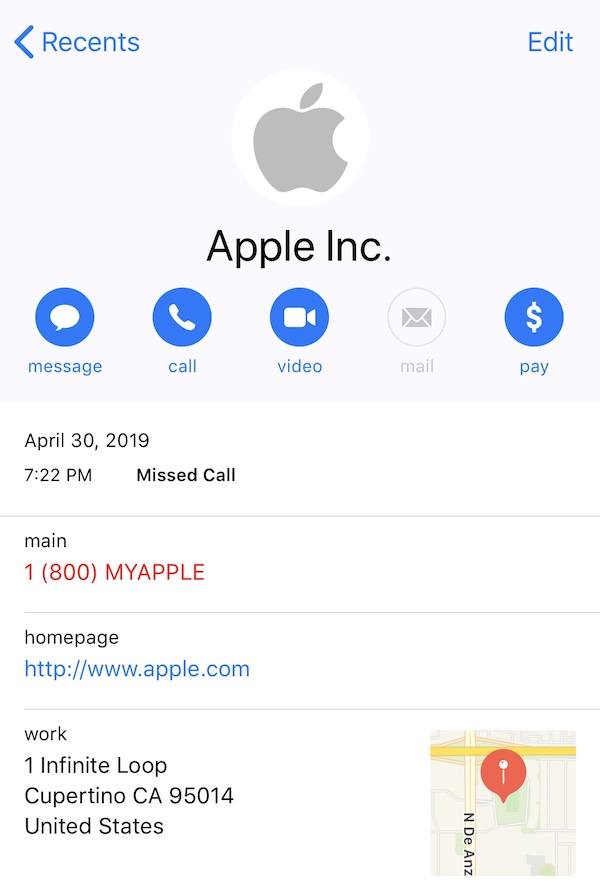
The primary 1-800 number for Apple Support in the United States is 1-800-275-2273 (1-800-APL-CARE). For those looking to make a purchase or check the status of an order, the Apple Store retail line is 1-800-MY-APPLE (1-800-692-7753). While these numbers are the gateway to assistance, navigating the vast infrastructure of Apple’s technical support requires an understanding of their digital tools, security protocols, and service tiers.
Understanding the Primary Contact Channels
Apple’s support structure is designed to be tiered, ensuring that basic queries are handled efficiently while complex technical failures are escalated to senior advisors. The 1-800-275-2273 number is the central nervous system of this operation.
Technical Support vs. Sales Support
It is important to distinguish between the two primary phone lines. The 1-800-275-2273 line is strictly for technical issues. This includes troubleshooting software bugs, hardware diagnostics, and iCloud synchronization errors. On the other hand, 1-800-MY-APPLE is geared toward the consumer experience: purchasing new devices, tracking shipments, and managing trade-ins. If you call the sales line with a technical problem, you will likely be redirected, which can add significant time to your resolution process.
International and Specialized Lines
Apple’s support is global, and the 1-800 number is specific to the United States and Canada. Users traveling abroad or residing in other regions must utilize local toll-free numbers, which Apple maintains on its official “Contact Apple for support and service” webpage. Additionally, there are specialized lines for Enterprise customers and Education institutions, which offer a different level of service level agreement (SLA) for large-scale deployments of Apple hardware.
The Evolution of Apple Support: Digital-First and AI-Enhanced Tools
While the 1-800 number remains a staple for many, Apple has aggressively shifted toward a “digital-first” support model. This transition is designed to provide faster resolutions through self-service and real-time asynchronous communication.
The Apple Support App
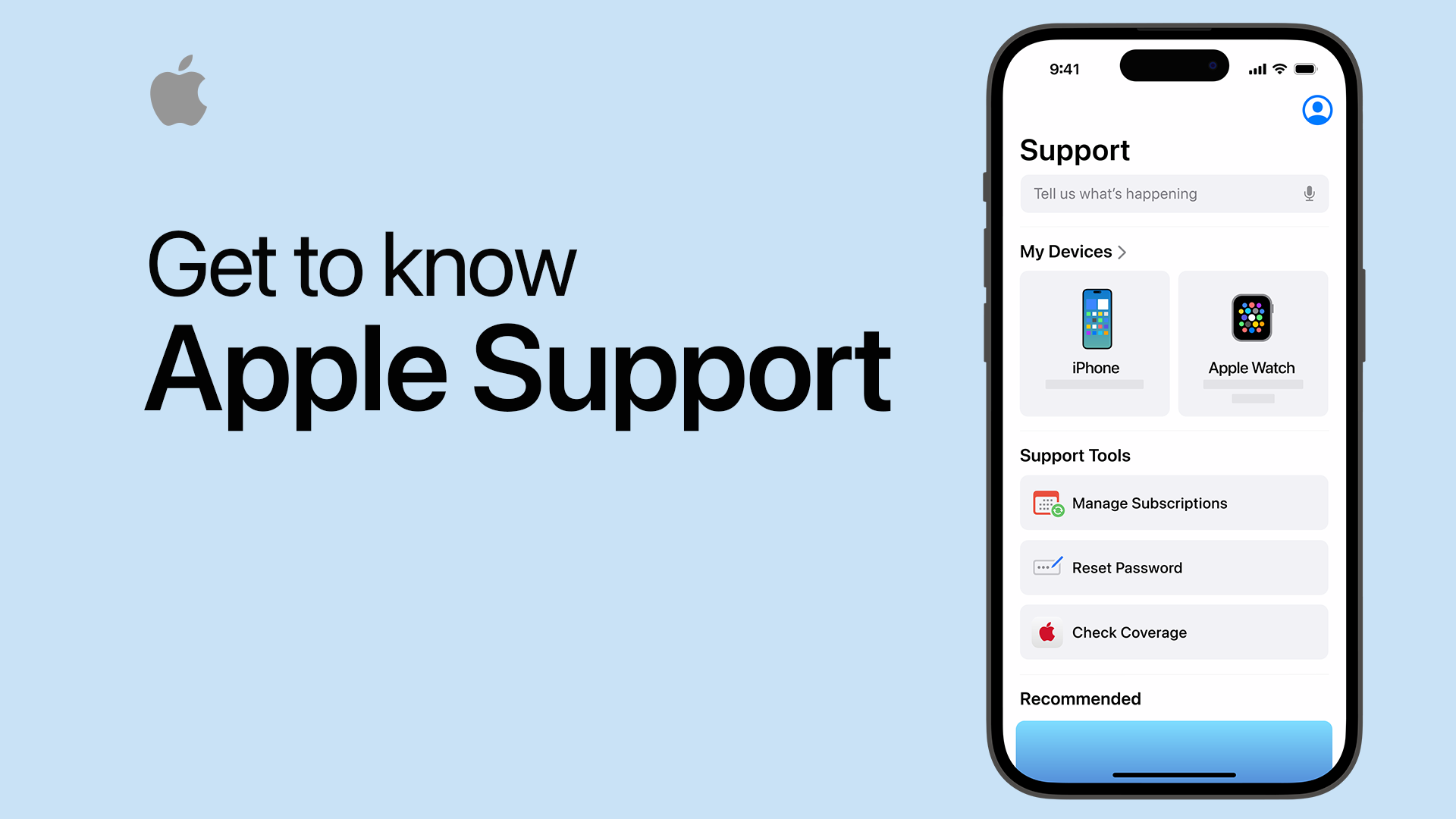
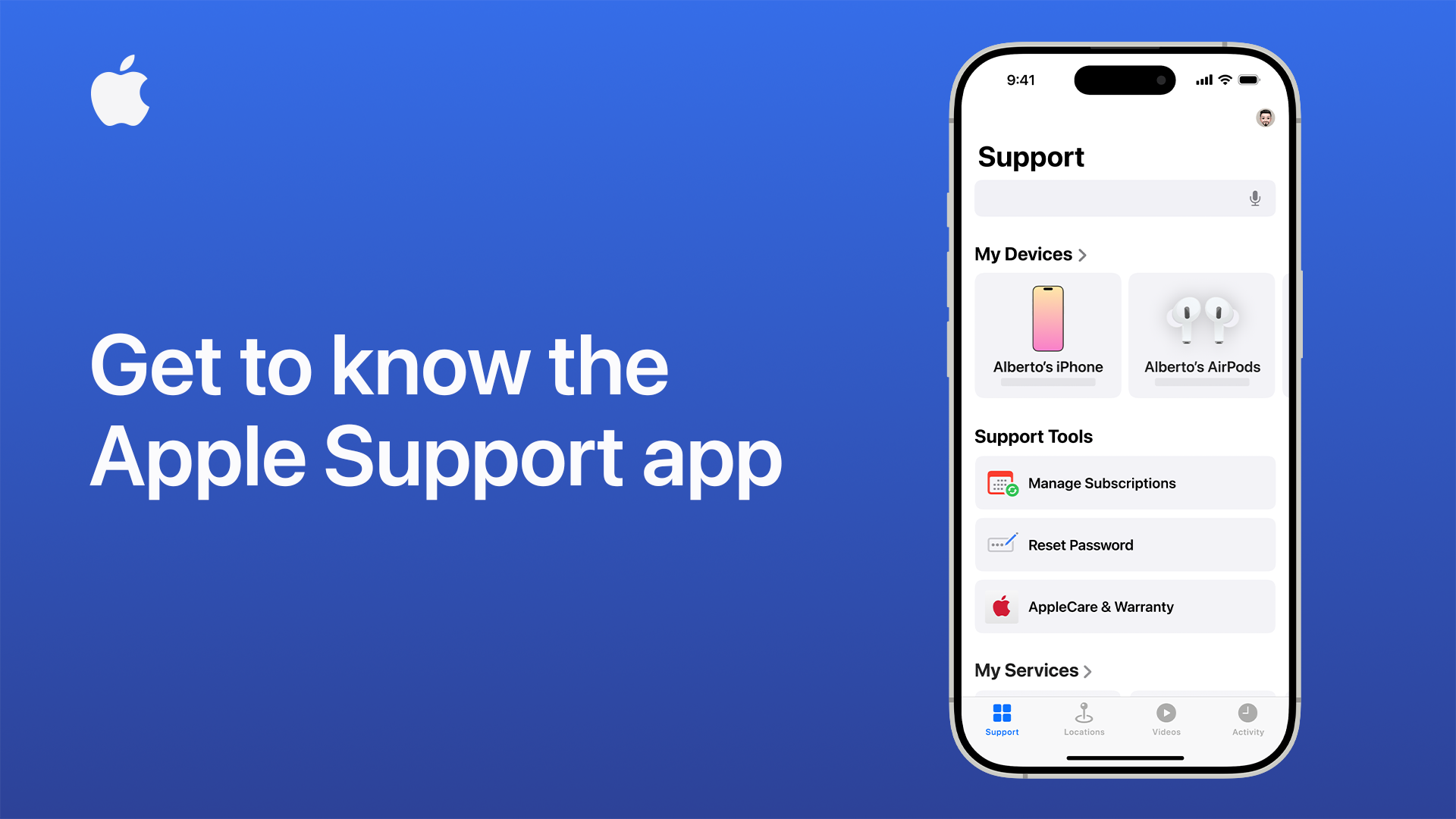
The Apple Support app is perhaps the most efficient way to receive help. Unlike a standard phone call, the app is context-aware. Because it is signed into your Apple ID, it automatically recognizes every device you own. If your MacBook Pro is running slowly, you can select that specific device within the app to see a curated list of common issues. This eliminates the need to explain your hardware specs to a technician, as the app transmits your serial number and warranty status (AppleCare+) directly to the support system.
Live Chat and Social Media Integration
For many users, waiting on hold is an outdated inconvenience. Apple’s Live Chat feature, accessible via the official support website, provides a transcript-based interaction that allows users to multitask. Furthermore, Apple’s dedicated support account on X (formerly Twitter) provides high-level troubleshooting and directs users to relevant white papers and documentation.
AI and Remote Diagnostics
One of the most impressive technical aspects of Apple’s support is the ability to run remote diagnostics. When you are on the phone with an Apple advisor or in a chat session, they can send a prompt to your device. Upon your approval, the device runs a comprehensive hardware scan—checking battery health, memory integrity, and sensor functionality—and reports the data back to the technician. This AI-driven diagnostic tool allows the technician to confirm hardware failure without the user ever leaving their home.
Technical Preparation: What You Need Before You Call
To ensure that your interaction with the 1-800 Apple number is productive, technical preparation is required. Apple advisors follow strict security and verification protocols to protect user data.
Locating Your Serial Number and IMEI
Before dialing, you should have your device’s unique identifiers ready. For an iPhone or iPad, go to Settings > General > About. For a Mac, click the Apple Menu () > About This Mac. If your device will not power on, these numbers are often etched in tiny print on the bottom of the hardware or printed on the original packaging. Having this information ready allows the advisor to instantly pull up your device’s service history.
Verifying AppleCare+ Status
Apple provides a standard one-year limited warranty and 90 days of complimentary technical support. However, many users opt for AppleCare+, which extends this coverage and includes accidental damage protection. You can check your coverage status at checkcoverage.apple.com. Knowing whether your issue is covered under warranty can significantly change the conversation regarding repair costs.
Data Redundancy and Backups
The first question many Apple advisors will ask is: “Is your data backed up?” Whether you are troubleshooting a software issue or preparing for a mail-in repair, data loss is a potential risk. Ensure your device has a recent iCloud backup or a physical backup via Time Machine on macOS. For security reasons, Apple technicians are generally not allowed to perform data recovery; their priority is restoring the device to functional status, which often involves a full factory reset.
Troubleshooting Common Software and Hardware Challenges
While the 1-800 number is there for assistance, many technical hurdles can be solved with standardized troubleshooting steps that the advisors themselves will likely ask you to perform.
Apple ID and Security Lockouts
One of the most frequent reasons for calling Apple Support is account recovery. If you are locked out of your Apple ID due to multiple failed password attempts or a lost Trusted Device for Two-Factor Authentication (2FA), the process is governed by strict automated security protocols. It is important to note that Apple Support cannot manually reset your password for you. They can only guide you through the “Account Recovery” process, which may take several days to verify your identity through automated checks.
Software Updates and Kernel Panics
If your Mac is experiencing “Kernel Panics” (unexpected restarts) or your iPhone is stuck on the Apple logo after an iOS update, the support team will often guide you through Recovery Mode or DFU (Device Firmware Update) Mode. These are low-level environments that allow the device to communicate with a computer (Finder or iTunes) to reinstall the operating system without booting into the corrupted user interface.
Scheduling a Genius Bar Appointment
If phone support determines that your issue is hardware-related—such as a swollen battery, a cracked screen, or a failing logic board—they will help you schedule an appointment at a Genius Bar. Using the 1-800 number to schedule this is often faster than walking into a retail store, where standby wait times can be several hours.
Digital Security and Identifying Support Fraud
In the age of digital transformation, the 1-800 Apple number has unfortunately become a target for social engineering and phishing scams. Protecting your digital security requires a high level of vigilance.
Identifying Phishing and “Spoofing”
Scammers often use “caller ID spoofing” to make it appear as though “Apple Inc.” is calling you. They may claim that your iCloud account has been breached or that “suspicious activity” was detected on your MacBook. Note: Apple will almost never call you out of the blue. Most official interactions are initiated by the user. If you receive an unsolicited call claiming to be from Apple, the safest course of action is to hang up and dial the official 1-800-275-2273 number yourself.
The Verification Process
When you call the official Apple number, the advisor will ask for your name and perhaps a verification code sent to your device. They will never ask for your Apple ID password, your credit card CVV code over an unencrypted channel, or for you to purchase third-party gift cards to “fix” a security issue. If a “technician” asks for remote access to your computer using non-Apple software like AnyDesk or TeamViewer without a formal support case being established through the official Apple portal, it is a red flag for fraud.
Official Communication Channels
Always ensure you are navigating to support.apple.com directly rather than clicking on links in emails or text messages. Scammers often create pixel-perfect replicas of the Apple support site to harvest credentials. By sticking to the official 1-800 number and the verified Apple Support app, you ensure that your technical issues are handled by certified professionals within a secure environment.
In summary, the 1-800 Apple number (1-800-275-2273) is a vital resource for maintaining the health of your digital ecosystem. By understanding the distinction between sales and technical support, leveraging modern digital tools like the Support app, and maintaining rigorous security habits, you can resolve technical challenges effectively and keep your Apple devices running at peak performance.
aViewFromTheCave is a participant in the Amazon Services LLC Associates Program, an affiliate advertising program designed to provide a means for sites to earn advertising fees by advertising and linking to Amazon.com. Amazon, the Amazon logo, AmazonSupply, and the AmazonSupply logo are trademarks of Amazon.com, Inc. or its affiliates. As an Amazon Associate we earn affiliate commissions from qualifying purchases.