
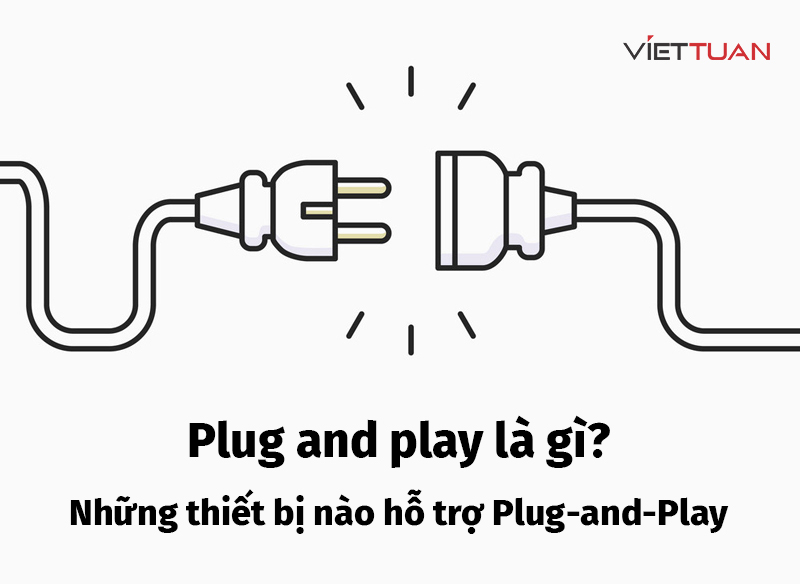
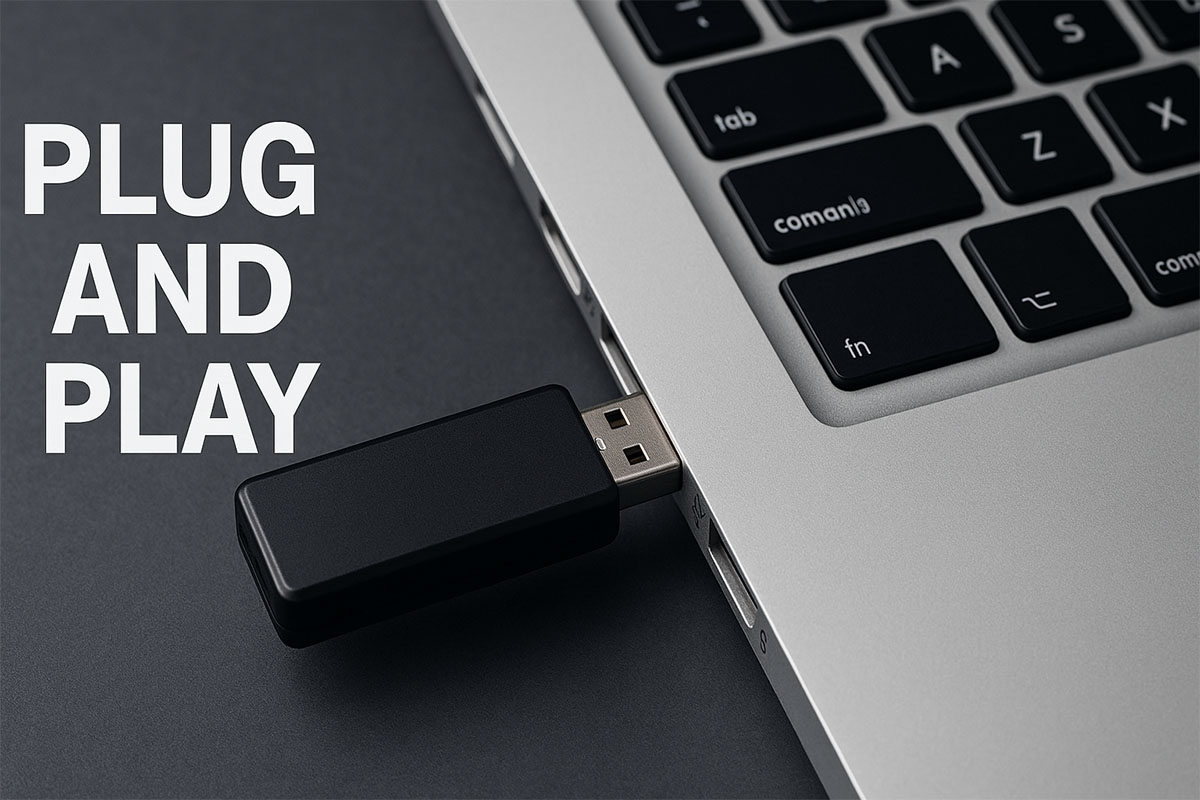
In the vast and ever-evolving landscape of technology, certain concepts stand as foundational pillars, silently orchestrating the seamless interactions we often take for granted. “Plug and Play,” or PnP, is undoubtedly one such concept. At its core, Plug and Play refers to a standard or a set of specifications that allows a hardware device connected to a computer to be automatically recognized and configured by the operating system, often without the need for manual driver installation or complex configuration settings. It’s the magical convenience that lets you connect a new mouse, printer, or external hard drive to your computer, and within moments, it just works.

Before the advent of PnP, integrating new hardware was a notoriously tedious and frustrating endeavor, a task often reserved for tech-savvy enthusiasts or IT professionals. Users frequently had to grapple with obscure settings, manually install drivers from floppy disks or CDs, and resolve arcane resource conflicts involving Interrupt Request (IRQ) lines, Direct Memory Access (DMA) channels, and I/O port addresses. The shift to Plug and Play transformed the user experience, democratizing hardware integration and paving the way for the pervasive, user-friendly computing environment we know today. This article will delve into the history, mechanics, benefits, and future implications of this indispensable technological principle.
The Genesis and Evolution of Plug and Play
The idea of a system that could automatically configure hardware wasn’t new in the early days of computing, but its widespread, practical implementation remained elusive for decades. The complexities of early PC architecture, with its direct memory access and interrupt-driven peripherals, made dynamic resource allocation a significant challenge.
A Historical Necessity: Overcoming Configuration Headaches
Prior to the mid-1990s, the process of adding a new expansion card (like a sound card, network card, or modem) to a PC was often a journey into the abyss of DIP switches, jumpers, and manual conflict resolution. Each device needed unique system resources – an IRQ line to signal the CPU, a DMA channel for high-speed data transfer, and a range of I/O port addresses for communication. If two devices attempted to use the same resource, the system would crash, or one or both devices would simply fail to function. Users had to manually consult device manuals, check existing system configurations, and painstakingly adjust hardware settings to ensure compatibility, a process that could easily consume hours and lead to immense frustration. This era, often dubbed “Plug and Pray,” highlighted a critical barrier to broader PC adoption and ease of use.
Microsoft’s Vision: Windows 95 and Beyond
The true mainstream adoption and popularization of Plug and Play came with the release of Microsoft Windows 95. Microsoft made PnP a cornerstone of its new operating system, recognizing its potential to revolutionize the user experience. Windows 95 was designed from the ground up to detect new hardware, allocate system resources dynamically, and often install the necessary drivers automatically. While not perfect in its initial incarnation – earning it the occasional “Plug and Pray” moniker – Windows 95 laid the essential groundwork. It provided the software infrastructure (like the Configuration Manager and bus enumerators) that could communicate with PnP-compliant hardware and manage system resources. Over subsequent Windows versions, PnP matured significantly, becoming increasingly robust and reliable, cementing its status as an expected feature for virtually all PC peripherals.
The Underlying Technology: How PnP Works
The magic of PnP isn’t truly magic; it’s a sophisticated interplay between hardware and software. When a PnP device is connected, the operating system initiates a sequence of events. First, the device itself, adhering to PnP specifications, identifies itself to the system. This often involves the device sending unique identification codes (like Vendor ID, Product ID, and Revision Number) to the bus controller (e.g., USB controller, PCI controller). The operating system then queries this information, checks its internal database or consults online repositories (like Windows Update) for a matching driver. If a suitable driver is found, the OS installs it. Concurrently, the OS allocates necessary system resources – IRQs, DMA channels, and I/O addresses – ensuring they don’t conflict with existing hardware. This entire process, from detection to full operational status, is designed to happen quickly and autonomously, shielding the user from the underlying complexities.
The Mechanics of Modern Plug and Play
While the core principles of Plug and Play have remained consistent, the sophistication of its implementation has evolved dramatically. Modern PnP systems leverage advanced algorithms and extensive databases to manage a vast array of devices with minimal user intervention.
Device Enumeration and Identification
When you connect a PnP device, the first step is enumeration. This is a process where the operating system (or sometimes the BIOS/UEFI firmware during boot) scans the various hardware buses (like USB, PCI Express, SATA) for newly connected or changed devices. Each detected device is then prompted to provide its unique identification string, often a combination of a Vendor ID, Product ID, and a Subsystem ID. These identifiers are crucial; they act like a digital fingerprint for the hardware. The operating system uses this fingerprint to look up the device in its internal driver store or to search for appropriate drivers online. Standards like ACPI (Advanced Configuration and Power Interface) also play a vital role, enabling the OS to manage hardware power states and perform more intelligent device enumeration.
Driver Management and Installation
Once a device is identified, the operating system’s role shifts to driver management. Drivers are specialized software programs that allow the operating system to communicate with and control specific hardware devices. For PnP devices, the OS first checks if it already has a compatible driver. If not, it will typically search for one:
-
Local Driver Store: A repository of drivers pre-installed with the OS or previously downloaded.
-
Windows Update/Online Repositories: For Windows, this is often Windows Update, which maintains a vast database of certified drivers from various manufacturers. Other operating systems have similar mechanisms.
-
Manufacturer Provided Drivers: If no suitable driver is found automatically, the user might be prompted to install a driver from the manufacturer’s website or an accompanying CD/USB.
Modern PnP emphasizes signed drivers, which are digitally authenticated by a trusted authority (like Microsoft) to ensure their integrity and prevent the installation of malicious or faulty software. This adds a crucial layer of security and stability to the PnP process.
Resource Allocation and Conflict Resolution
The most challenging aspect that PnP revolutionized was resource allocation. In the past, manually assigning IRQs, DMA channels, and I/O port addresses was a headache. PnP-compliant hardware and operating systems work together to dynamically assign these resources. When a new device is detected, the OS queries it for its resource requirements. It then checks which resources are currently available and assigns the necessary ones to the new device, ensuring no conflicts arise with existing hardware. If a conflict does occur (e.g., in a complex system with many legacy non-PnP devices), the OS will attempt to reconfigure other devices if possible. Failing that, it might notify the user of the conflict and guide them towards a solution, though such instances are rare in modern, fully PnP-compliant systems. This dynamic resource management is the cornerstone of seamless hardware integration.
The Broader Impact and Benefits of Plug and Play
The evolution of Plug and Play has had a profound and widespread impact, extending far beyond simply making it easier to install a printer. It has fundamentally reshaped how users interact with technology, spurred innovation, and streamlined IT operations.
Enhanced User Experience and Accessibility
Perhaps the most significant benefit of PnP is the dramatic improvement in user experience. It lowered the barrier to entry for personal computing, allowing individuals with minimal technical knowledge to expand their systems with new peripherals. This ease of use transformed computers from complex machines requiring expert handling into more accessible tools for the general public. Users no longer need to understand the intricacies of system architecture; they just connect a device, and it functions. This “it just works” philosophy has become an expectation, not a luxury, for consumer electronics of all kinds, from smartphones to smart home devices.
Driving Innovation and Device Proliferation
PnP has been a crucial catalyst for innovation in hardware manufacturing. By simplifying the integration process, it empowered hardware manufacturers to create a wider array of peripherals without worrying that their products would be too difficult for the average user to install. This led to an explosion in the variety and functionality of external devices, from specialized gaming controllers to sophisticated audio interfaces, digital cameras, and external storage solutions. The certainty that a new device would be easily recognized and configured by common operating systems encouraged rapid development and competition in the hardware market.
Streamlining IT Management and Support
For IT professionals and system administrators, PnP has been a godsend. Deploying new workstations or upgrading existing ones becomes significantly faster and less error-prone when peripherals can be connected and automatically configured. Troubleshooting is also simplified, as many common issues related to misconfigured hardware or driver conflicts are virtually eliminated. This efficiency translates into reduced operational costs, less downtime, and a more productive workforce. The ability to swap out faulty components or add new ones with minimal disruption is invaluable in corporate environments.
The Rise of USB and Other Universal Standards
The Universal Serial Bus (USB) stands as the quintessential embodiment of the Plug and Play philosophy. Conceived as a simple, unified interface for connecting a wide range of peripherals, USB was designed from its inception with PnP in mind. Its hot-swapping capability (connecting or disconnecting devices while the computer is running) and automatic device detection perfectly align with PnP principles. The widespread adoption of USB, now ubiquitous across virtually all computing devices, is a testament to the success of PnP. Similarly, other modern standards like Thunderbolt and FireWire (IEEE 1394) also heavily leverage PnP to provide high-speed, easy connectivity for specialized peripherals.
Challenges and Limitations in a PnP World
While Plug and Play has dramatically improved the computing experience, it is not without its imperfections and limitations. Users occasionally encounter scenarios where the “plug and play” experience feels more like “plug and pray.”
Driver Compatibility and Stability Issues
Despite the robust mechanisms in place, driver issues remain a primary culprit when PnP fails. Sometimes, the operating system might install a generic driver that offers limited functionality, or an outdated driver that causes instability. Manufacturers occasionally release buggy drivers, or their drivers might conflict with others already installed on the system. Although rare with major peripherals, this can lead to device malfunction, system crashes, or reduced performance. Ensuring driver compatibility across a vast ecosystem of hardware and software combinations is an ongoing challenge, particularly with specialized or niche devices.
Security Implications of Automatic Device Recognition
The very convenience of PnP also presents potential security vulnerabilities. The automatic recognition and driver installation process means that a malicious device, designed to mimic a legitimate peripheral, could potentially inject malware or exploit system vulnerabilities if its drivers are compromised or if the OS trust models are flawed. This concern is particularly relevant with the increasing prevalence of advanced persistent threats and supply chain attacks, where hardware itself can be compromised before it even reaches the user. Safeguards like signed drivers and robust operating system security policies mitigate these risks, but vigilance is always required.
The “Plug and Pray” Scenarios
Even in the age of advanced operating systems, certain situations can lead to a less-than-seamless PnP experience. These “Plug and Pray” scenarios often involve:
-
Legacy Hardware: Older devices that predate widespread PnP adoption may require manual configuration.
-
Unique or Niche Hardware: Highly specialized devices (e.g., certain scientific instruments, industrial controllers) might have proprietary drivers and complex setup procedures that fall outside standard PnP frameworks.
-
Operating System Glitches: Sometimes, internal OS databases or driver caches can become corrupted, leading to PnP failures.
-
Hardware Malfunctions: A faulty device or a problem with the bus itself can prevent proper enumeration.
In these instances, manual troubleshooting, driver updates, or even system reinstallation might still be necessary, reminding users that PnP, while incredibly powerful, is not infallible.
Beyond Hardware: Software and Cloud PnP Concepts
While traditionally associated with hardware, the spirit of Plug and Play has conceptually extended into the software and cloud domains. In software development, the idea of “plug-in architectures” allows developers to add new features or modules to an application without recompiling the entire system. In cloud computing, services are often designed to be “plug and play” – easily integrating with other services via APIs (Application Programming Interfaces) with minimal configuration. Microservices architectures and containerization (e.g., Docker, Kubernetes) embody this principle, allowing components to be deployed, scaled, and interconnected with relative ease, mirroring the hardware PnP convenience in the realm of software infrastructure.
The Future of Seamless Connectivity and Integration
The journey of Plug and Play is far from over. As technology continues its relentless march forward, the demand for even more intuitive, reliable, and invisible integration will only intensify. PnP principles are central to emerging technological paradigms.
IoT and Ubiquitous Computing
The explosion of the Internet of Things (IoT) presents both the ultimate challenge and the ultimate proving ground for PnP. With billions of smart devices – from smart home sensors to industrial machinery – needing to connect, communicate, and operate seamlessly, manual configuration is simply not feasible. PnP is foundational to the vision of ubiquitous computing, where devices in our environment automatically discover each other, form networks, and collaborate without explicit user intervention. Standards like Zigbee, Z-Wave, and Thread, alongside Wi-Fi and Bluetooth, are continuously evolving their auto-configuration capabilities to support this vast, interconnected ecosystem.
AI-Enhanced Device Management
The next frontier for PnP likely involves artificial intelligence and machine learning. Imagine systems that not only automatically configure devices but also intelligently anticipate potential issues, self-diagnose problems, and even self-heal. AI could analyze network traffic, device performance, and user patterns to dynamically optimize resource allocation, predict hardware failures, and proactively suggest or apply driver updates. This could lead to truly “zero-touch” device management, where the system itself takes on a more proactive role in maintaining its own health and connectivity.
Towards “Zero Configuration” Environments
The ultimate aspiration of PnP is to achieve “zero configuration” – a state where hardware and software integration is so seamless as to be entirely invisible. This means no prompts, no manual steps, no troubleshooting, just effortless functionality. This vision is particularly important for consumer electronics, where the expectation for simplicity is paramount. As operating systems become more intelligent, hardware becomes more standardized, and connectivity protocols mature, we move closer to environments where adding any new digital component is as simple and reliable as flipping a light switch.
In conclusion, Plug and Play, once a revolutionary concept, is now an ingrained expectation and a fundamental characteristic of modern computing. It democratized technology, enabled widespread hardware innovation, and simplified the lives of countless users and IT professionals. While challenges persist and the quest for perfect reliability continues, the underlying principles of PnP are now guiding the development of the next generation of interconnected devices and intelligent systems, ensuring a future where technology is not just powerful, but also effortlessly integrated into every facet of our lives.
aViewFromTheCave is a participant in the Amazon Services LLC Associates Program, an affiliate advertising program designed to provide a means for sites to earn advertising fees by advertising and linking to Amazon.com. Amazon, the Amazon logo, AmazonSupply, and the AmazonSupply logo are trademarks of Amazon.com, Inc. or its affiliates. As an Amazon Associate we earn affiliate commissions from qualifying purchases.