
In the modern digital landscape, connectivity is the lifeblood of both productivity and leisure. Whether you are working from a high-rise office, streaming 4K content in your living room, or managing an array of smart home devices, the bridge between your hardware and the internet is your wireless network. At the heart of this connection lies a technical identifier that most users interact with daily, often without realizing its underlying complexity: the SSID.
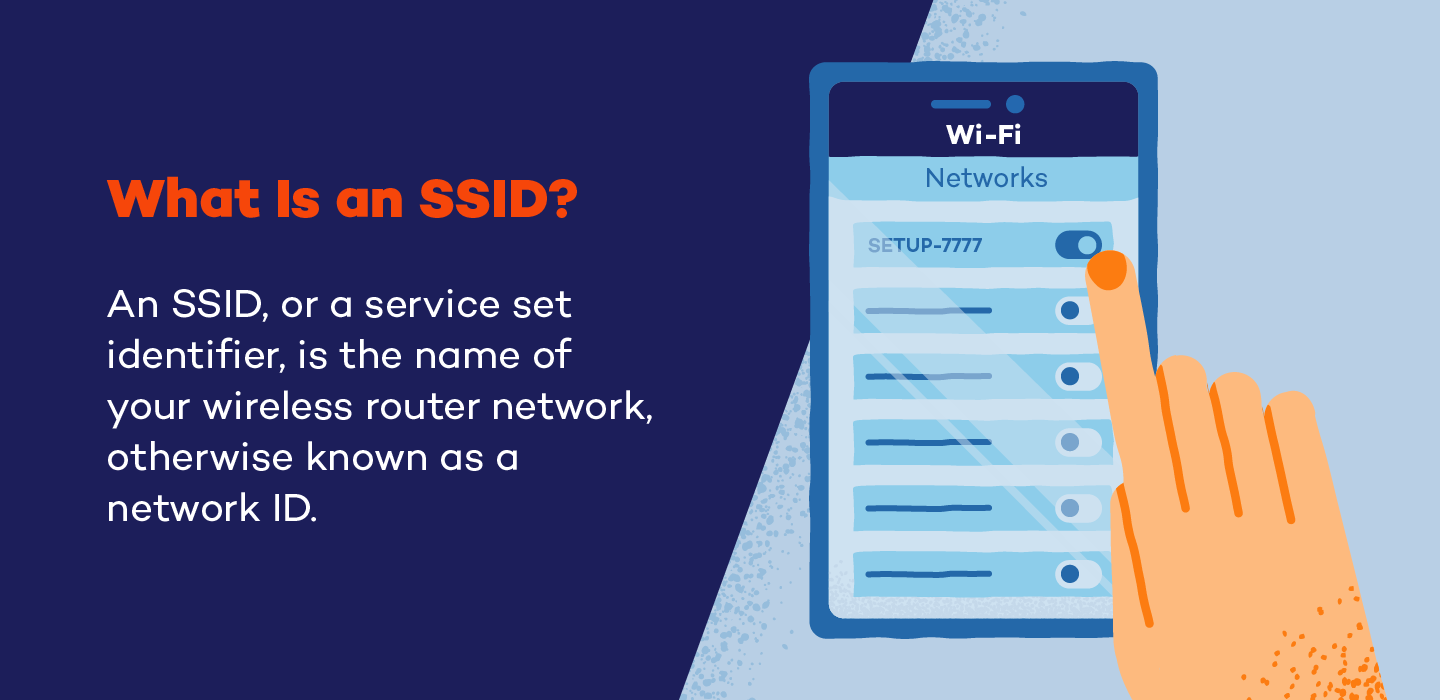
SSID stands for Service Set Identifier. In the simplest terms, it is the technical name assigned to a Wi-Fi network. While it may appear as just a label in a list of available connections on your smartphone or laptop, the SSID serves as a crucial signaling mechanism that allows devices to distinguish one wireless network from another in an increasingly crowded frequency spectrum. Understanding what an SSID is, how it functions, and how to manage it effectively is a fundamental skill in modern digital literacy and network security.
The Technical Foundation of SSID: How Wireless Identification Works
To understand the SSID, one must first understand how a wireless router communicates. A Wi-Fi network operates by broadcasting radio waves across specific frequency bands—typically 2.4GHz, 5GHz, and more recently, 6GHz. Without a way to label these signals, a device searching for a connection would see a chaotic mess of data packets without knowing which router they belong to.
What is a Service Set Identifier?
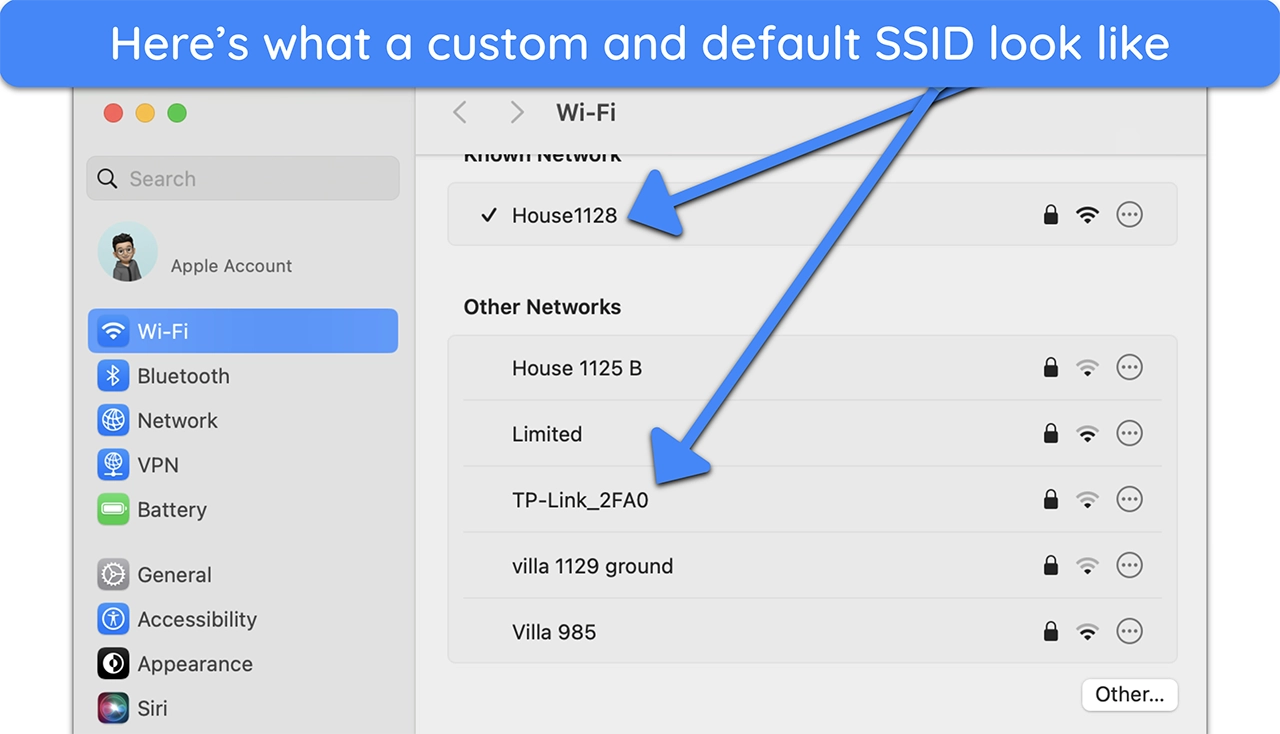
The SSID is a case-sensitive sequence of alphanumeric characters, with a maximum length of 32 characters. It acts as a unique identifier for a wireless local area network (WLAN). When a router is powered on, it periodically broadcasts “beacon frames.” These frames contain the SSID, informing nearby devices that a specific network is available for connection. When you open the Wi-Fi settings on your phone, the list of names you see—”HomeWiFi,” “StarbucksGuest,” or “TP-Link_9921″—are the SSIDs being broadcast by nearby access points.
The Distinction Between SSID and BSSID
In technical circles, it is important to distinguish between the SSID and the BSSID (Basic Service Set Identifier). While the SSID is the human-readable name of the network, the BSSID is the MAC address of the specific wireless radio producing the signal. If you have a large office with five different routers all using the same name (SSID) to provide seamless roaming, each of those five routers will have its own unique BSSID. Your device uses the SSID to know which “brand” of network to join, but it uses the BSSID to identify exactly which physical piece of hardware it is talking to at any given moment.
How Devices Connect via SSID
When you select an SSID and enter the correct password, your device performs a “handshake” with the router. The device sends a probe request containing the SSID, and the router responds with an acknowledgment. This process ensures that data packets intended for your private home network do not accidentally end up being processed by your neighbor’s router, even if both are operating on the same frequency channel.
Configuring and Managing Your Network SSID
For many users, the SSID remains whatever the Internet Service Provider (ISP) set it to during installation. However, managing and customizing your SSID is a vital part of optimizing your home or office tech stack.
Accessing Router Settings
To change or manage an SSID, a user must access the router’s administrative interface. This is typically done by entering the router’s IP address (commonly 192.168.1.1 or 192.168.0.1) into a web browser. Once logged in, the “Wireless Settings” or “WLAN Configuration” menu provides the tools to rename the network, change passwords, and adjust broadcasting settings.
Best Practices for Naming Your Network
While it may be tempting to use a humorous or highly descriptive name, tech experts recommend a balanced approach to SSID naming:
- Avoid Personal Information: Do not include your full name, address, or apartment number in the SSID. This provides unnecessary information to strangers within signal range.
- Distinguish Between Bands: Many modern routers are dual-band or tri-band. It is often helpful to name them differently (e.g., “TechNetwork2G” and “TechNetwork5G”) to manually control which devices occupy which frequency. The 2.4GHz band is better for range, while the 5GHz band offers higher speeds over short distances.
- Avoid Default Names: Keeping a default SSID like “Linksys” or “Netgear” tells potential intruders exactly what brand of router you are using, which can make it easier for them to identify known vulnerabilities in that specific hardware.
The Technical Constraints of SSID Naming
An SSID must adhere to the IEEE 802.11 standards. It can include letters, numbers, and certain special characters like underscores or hyphens. However, because it is case-sensitive, “MyWiFi” and “mywifi” are recognized by devices as two completely different networks. Ensuring your SSID is easy to type but difficult to guess is a minor but effective step in maintaining a clean digital environment.
SSID and Wireless Security: Myths and Realities
The relationship between the SSID and network security is often misunderstood. A common misconception is that the SSID itself acts as a security feature, leading to practices that may not be as effective as users believe.
The Myth of Hiding the SSID
Most routers offer an option to “Hide SSID” or “Disable SSID Broadcast.” The logic seems sound: if a hacker can’t see the network name, they can’t attack it. However, in the world of professional cybersecurity, this is known as “security by obscurity,” and it is largely ineffective.
When an SSID is hidden, the router stops broadcasting the name in its beacon frames. However, the network is not invisible. Specialized software and even basic network scanners can still detect the presence of the network. Furthermore, because your devices (phone, laptop) are programmed to look for that specific hidden network, they will constantly broadcast “probes” asking if the hidden SSID is nearby. This actually makes your mobile devices more vulnerable to tracking when you are away from home.
Protecting Against “Evil Twin” Attacks
An “Evil Twin” attack is a sophisticated tech threat where a malicious actor sets up a Wi-Fi access point with the exact same SSID as a legitimate network (like a coffee shop or airport Wi-Fi). Because devices are often set to “auto-connect” to known SSIDs, your phone might connect to the attacker’s router instead of the real one. Once connected, the attacker can perform a Man-in-the-Middle (MitM) attack to intercept your data. To mitigate this, users should disable “auto-connect” for public SSIDs and always verify they are using encrypted connections (HTTPS).
The Role of WPA3 and Encryption
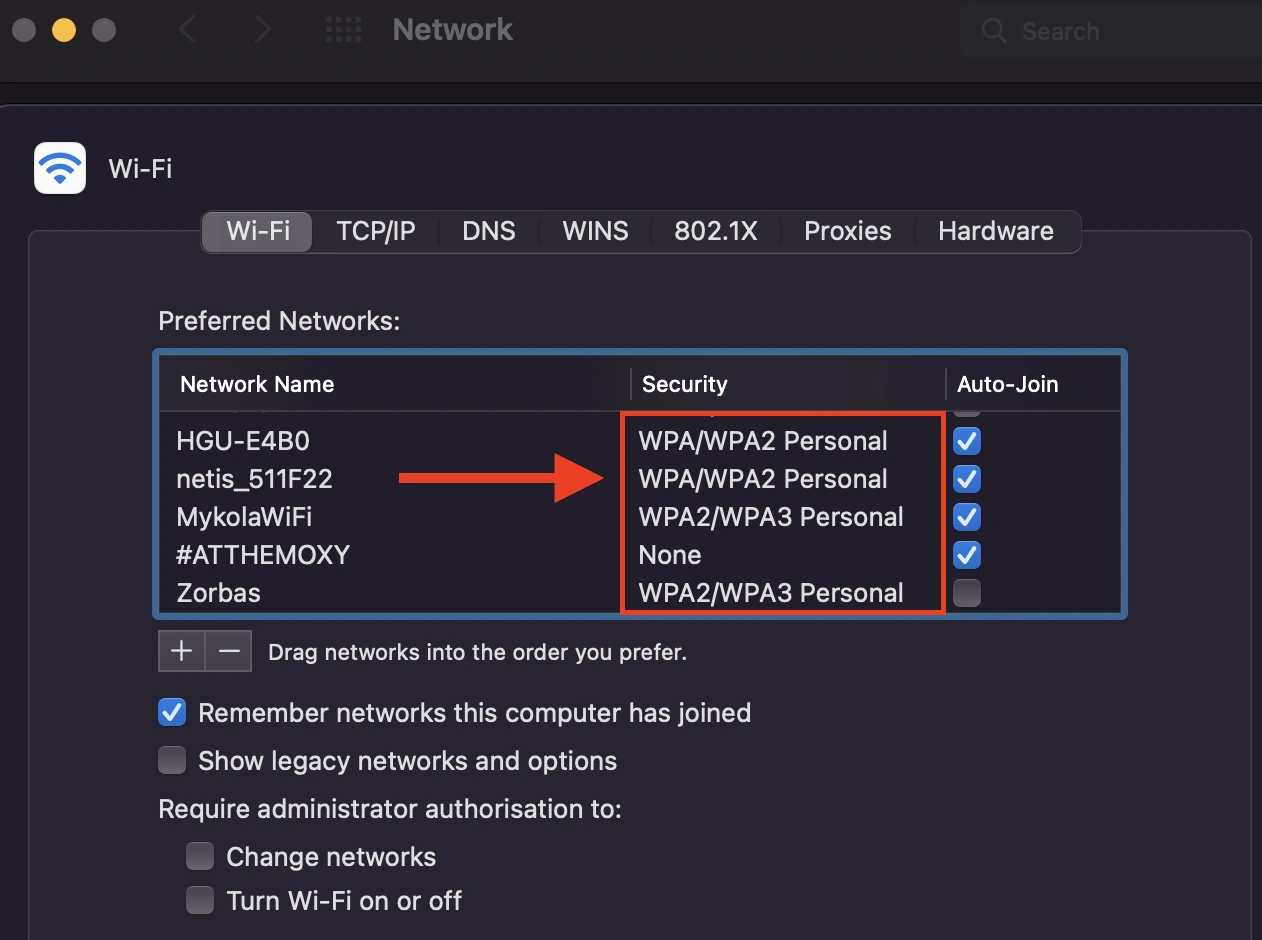
While the SSID identifies the network, the security protocol (WPA2 or the newer WPA3) protects the data. The SSID and the password (Pre-Shared Key) work together to generate the encryption keys for your session. With the advent of WPA3, the handshake process has become much more resilient against “brute force” attacks, where hackers try to guess passwords by cycling through millions of combinations. Regardless of your SSID name, having a strong, complex password and using the latest encryption standard is the most effective way to secure a wireless environment.
Advanced Connectivity: Multiple SSIDs and Guest Networks
As technology evolves, the way we use SSIDs is becoming more segmented and sophisticated. We are moving away from the “one house, one SSID” model toward more complex network architectures.
The Utility of Guest SSIDs
Most modern routers allow for the creation of a “Guest Network,” which is essentially a second SSID running on the same hardware but isolated from the main network. This is a critical tech strategy for both privacy and security. By giving guests a separate SSID, you ensure they can access the internet without having access to your shared folders, local printers, or sensitive devices like NAS (Network Attached Storage) drives.
Segmenting IoT Devices
The explosion of the Internet of Things (IoT)—smart bulbs, Wi-Fi-enabled fridges, and security cameras—presents a unique challenge. Many of these devices have lower security standards than a PC or smartphone. Tech-savvy users often create a dedicated SSID specifically for IoT devices. By isolating these gadgets on their own subnet or SSID, you prevent a vulnerability in a cheap smart plug from becoming a gateway into your primary computer.
SSIDs in Mesh Networks and Range Extenders
In larger homes or offices, a single router may not provide enough coverage. This is where Mesh systems come into play. In a Mesh network, multiple nodes work together to create a single, seamless SSID. As you move from the basement to the attic, your device automatically hands off the connection from one node to another. Because the SSID remains the same, the transition is invisible to the user. This is a significant technological leap over older “Range Extenders,” which often required a separate SSID (e.g., “HomeWiFiEXT”), forcing the user to manually switch networks as they moved through the building.
Conclusion: The Evolving Role of the SSID
The SSID is far more than just a name in a Wi-Fi menu; it is the fundamental identifier that organizes our wireless world. From its technical roots in the 802.11 standard to its role in modern cybersecurity and IoT management, the SSID remains a cornerstone of digital connectivity.
As we move toward a future of even higher speeds with Wi-Fi 7 and beyond, the way we interact with SSIDs may change—perhaps becoming even more automated and integrated into our OS identities. However, the core principle will remain the same: the need for a clear, manageable, and secure way to identify our digital spaces. By mastering the management of your SSID, you are not just naming a network; you are taking control of your technical environment, ensuring that your data remains secure and your connectivity remains seamless.
aViewFromTheCave is a participant in the Amazon Services LLC Associates Program, an affiliate advertising program designed to provide a means for sites to earn advertising fees by advertising and linking to Amazon.com. Amazon, the Amazon logo, AmazonSupply, and the AmazonSupply logo are trademarks of Amazon.com, Inc. or its affiliates. As an Amazon Associate we earn affiliate commissions from qualifying purchases.