
In the fast-paced environment of modern offices and home workspaces, efficiency is the currency of productivity. Whether you are managing a small business, a law firm, or a busy household, the ability to process documents quickly and accurately is essential. Among the many features found on contemporary multifunction printers (MFPs), the Automatic Document Feeder—commonly abbreviated as ADF—stands out as a mission-critical component for anyone dealing with multi-page paperwork.
Understanding what an ADF printer is, how it functions, and why it is a non-negotiable feature for power users is key to optimizing your document workflow. This guide breaks down everything you need to know about this technology, helping you decide if an ADF-equipped device is the right upgrade for your tech stack.
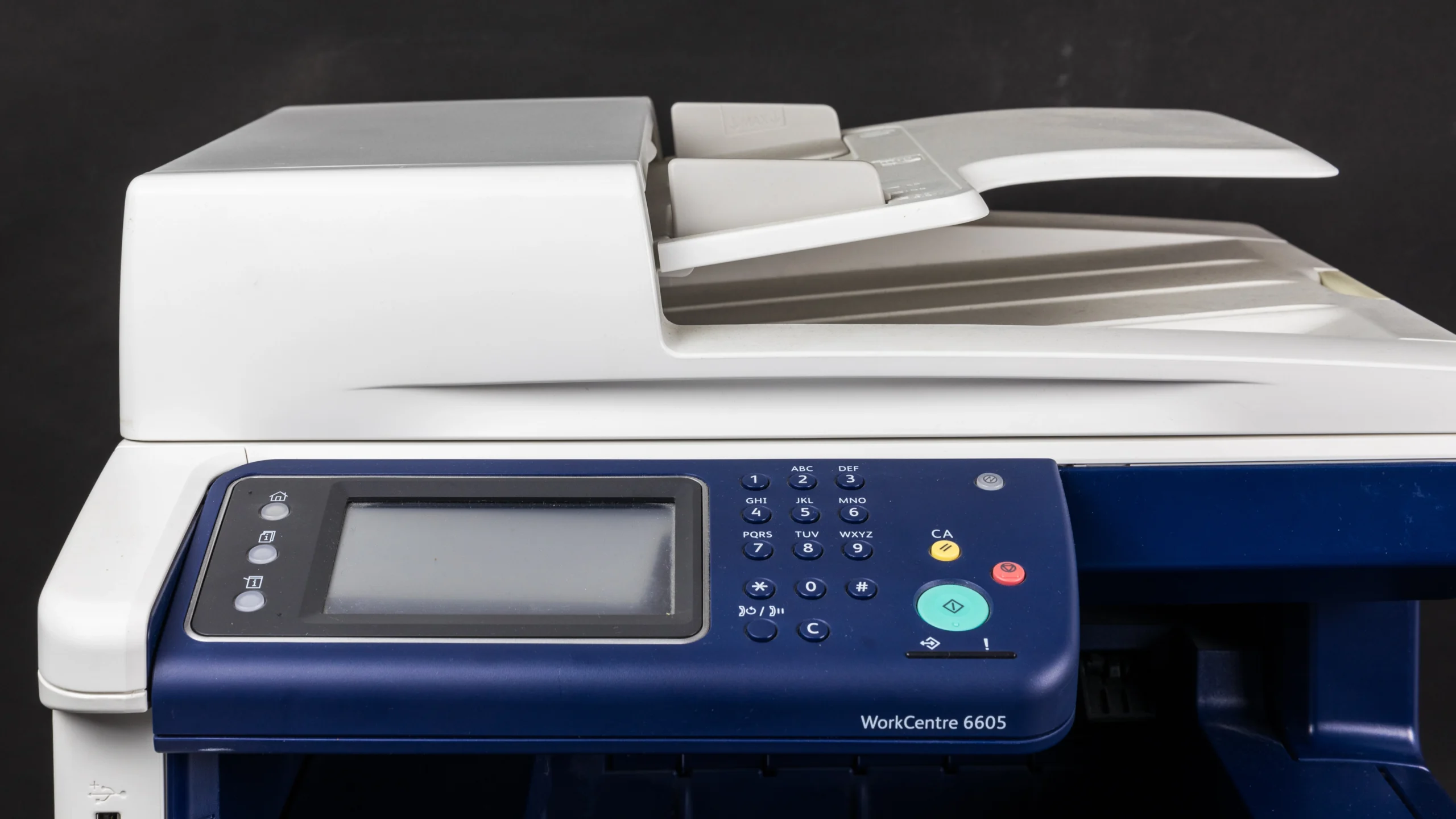
Understanding the Automatic Document Feeder (ADF)
At its core, an ADF is a hardware mechanism located on top of an MFP or standalone scanner. Unlike a flatbed scanner, which requires you to lift a lid, place a single document on the glass, close the lid, scan, and repeat the process for every page, an ADF automates the entire sequence.
The Mechanics of Paper Handling
When you place a stack of pages into the ADF tray, the device uses a series of motorized rollers to pick up the top sheet, pull it across the scanning sensor (or capture bar), and then eject it into an output tray. This cycle repeats automatically until the entire stack has been digitized or copied.
This automation is made possible by sophisticated paper sensors that detect the presence of documents in the input tray. Once the sensor is triggered, the printer’s firmware takes over, coordinating the motor speed with the scan head’s capture rate. For high-volume users, this means the difference between spending ten minutes manually swapping pages and completing the same task in thirty seconds.
ADF vs. Flatbed: A Performance Comparison
While every ADF printer still includes a flatbed scanning surface for delicate items like photographs, fragile historical documents, or bound books, the ADF is purpose-built for speed. The flatbed is designed for precision and physical protection of the document, whereas the ADF is designed for throughput. Relying solely on a flatbed for a 50-page contract is not just inefficient; it is a significant drain on human resources. An ADF-equipped printer effectively eliminates the “human bottleneck” in the document digitization process.
Advanced ADF Features and Capabilities
Not all ADF printers are created equal. As technology has evolved, so has the intelligence of these feeding mechanisms. When researching or purchasing a device, it is important to look beyond the basic definition of an ADF and examine the specific capabilities that enhance productivity.
Duplex Scanning: The Double-Sided Advantage
The most significant evolution in ADF technology is “Duplex Scanning.” Basic ADFs are “simplex,” meaning they scan only one side of the paper. If you have double-sided documents, you have to manually flip the stack and feed it through again—a process that is prone to ordering errors.
A duplexing ADF (often referred to as DADF or RADF) handles double-sided documents in one pass. It either flips the paper internally using a complex path of rollers or features a “dual-sensor” design where the document passes between two scan heads simultaneously. The latter, known as Single-Pass Duplex, is the gold standard for speed and minimizes the risk of paper jams, as the document follows a straight path through the feeder.

Multi-Size Handling and Sensor Intelligence
High-end ADF printers often feature adjustable width guides. These allow the printer to handle a variety of media, from standard A4 and Letter-sized documents to narrow receipts or business cards. Intelligent ADFs are also equipped with ultrasonic multi-feed sensors. This technology detects if two pages have been pulled through the feeder simultaneously—a common issue with thin or static-charged paper. If the sensor detects a multi-feed, it pauses the scan, preventing pages from being missed or skipped during digitization.
The Operational Benefits of ADF Technology
The primary value proposition of an ADF printer lies in its contribution to digital transformation. In an era where cloud storage and digital archiving are the norms, the speed at which you can move information from paper to digital format determines your operational agility.
Streamlining Document Workflows
For professionals in sectors like accounting, real estate, or medicine, paperwork is constant. An ADF printer allows these users to batch-scan entire files directly into a specific folder on their computer, an email attachment, or a cloud service like Google Drive, Dropbox, or OneDrive.
When integrated with Optical Character Recognition (OCR) software—which is often bundled with ADF-equipped printers—the device becomes more than just a digitizer; it becomes an information engine. It turns static images into searchable text, allowing you to find a specific clause in a fifty-page document in seconds, rather than searching through physical filing cabinets.
Reducing Human Error and Fatigue
Manual scanning is repetitive, boring, and error-prone. It is easy for a user to skip a page, place a document upside down, or lose their place during a long manual scan. An ADF removes this variability. Once the settings are configured—such as resolution, file type (PDF, JPEG, TIFF), and destination—the printer performs the job with mechanical consistency. This allows the user to initiate a large scan job and walk away to handle other tasks while the machine works in the background, effectively multitasking.
Choosing the Right ADF Printer for Your Needs
Selecting the right device requires a balanced assessment of your printing habits. While it might be tempting to buy the printer with the most impressive specifications, unnecessary features can lead to increased costs and wasted space.
Capacity and Duty Cycles
Check the ADF input capacity. If you regularly scan multi-chapter reports or lengthy legal discovery documents, a 20-sheet ADF tray will require constant refilling. Look for trays with 50, 80, or 100-sheet capacities. Additionally, consider the “Recommended Monthly Scan Volume.” Like internal combustion engines, printer mechanisms have a life span; choosing a device that aligns with your volume ensures that the ADF rollers and motors don’t wear out prematurely.
Connectivity and Software Integration
A modern ADF printer is only as good as the software that controls it. Ensure that the device supports modern connectivity standards like Wi-Fi Direct or Ethernet. Furthermore, investigate the printer’s mobile app compatibility. Many manufacturers now offer apps that allow you to manage your ADF scan jobs directly from a smartphone or tablet, providing a seamless bridge between your physical paper and your mobile digital workspace.

Maintenance Considerations
ADFs contain moving parts that are subject to friction and dust buildup. To maintain performance, the rollers inside the ADF will eventually need cleaning or replacement. When evaluating a potential purchase, research the availability of “maintenance kits.” A device that allows the user to easily pop open the ADF housing to wipe down the rollers or replace a worn-out pick-up tire is much cheaper to maintain over a five-year lifespan than a device that requires professional service for basic maintenance.
Ultimately, the choice of an ADF printer comes down to valuing your time. By automating the transition from the physical to the digital realm, an ADF-equipped printer transforms from a simple utility into an essential component of a streamlined, efficient, and modern professional workspace. Whether you are aiming for a paperless office or simply trying to declutter your home desk, this technology is the foundation of effective document management.
aViewFromTheCave is a participant in the Amazon Services LLC Associates Program, an affiliate advertising program designed to provide a means for sites to earn advertising fees by advertising and linking to Amazon.com. Amazon, the Amazon logo, AmazonSupply, and the AmazonSupply logo are trademarks of Amazon.com, Inc. or its affiliates. As an Amazon Associate we earn affiliate commissions from qualifying purchases.