
In an era where data has become the lifeblood of both personal and professional spheres, the limitations of traditional storage methods are becoming increasingly apparent. For years, the standard solution for running out of space on a laptop or desktop was to plug in a USB external hard drive. However, as our digital ecosystems expand to include multiple devices, massive high-definition media libraries, and the need for seamless remote collaboration, a more robust solution is required. This is where Network-Attached Storage (NAS) comes into play.
A NAS hard drive is not merely a piece of hardware; it is a sophisticated intersection of networking technology and data management. Unlike a standard hard drive that connects to a single computer, a NAS system connects directly to your network, creating a centralized “private cloud” that is accessible to every authorized device in your home or office. Understanding what a NAS is, how it functions, and why the specific hard drives inside it matter is essential for anyone looking to professionalize their digital infrastructure.

Understanding the Fundamentals of NAS Technology
To grasp what a NAS hard drive is, one must first understand the architecture of the system it inhabits. At its core, a NAS is a dedicated file-level storage device that provides local area network (LAN) nodes with data access through a standard Ethernet connection.
What Exactly is a NAS?
Think of a NAS as a specialized, miniature computer optimized purely for data storage and retrieval. It possesses its own processor (CPU), RAM, and an operating system (often Linux-based). Unlike a desktop PC, it doesn’t require a monitor or keyboard; instead, you manage it via a web browser or a dedicated app. Its primary purpose is to hold multiple hard drives in a “RAID” configuration, ensuring that even if one drive fails, your data remains safe.
The Difference Between NAS and DAS
Most consumers are familiar with Direct-Attached Storage (DAS). This includes thumb drives, external HDDs, and the internal drives of a PC. A DAS is “blind” to the network; it only talks to the device it is physically plugged into. A NAS, conversely, functions as a node on your network, much like a printer or a smart TV. This independence allows a NAS to stay powered on 24/7, performing background tasks like cloud syncing, antivirus scanning, and automated backups without needing a host computer to be active.
Why Your Choice of Hard Drive Matters
You cannot simply pull a hard drive out of a standard desktop and expect it to thrive inside a NAS enclosure. NAS hard drives are engineered for fundamentally different workloads. While a desktop drive is designed to run for maybe 8 hours a day, 5 days a week, a NAS drive is built for 24/7/365 operation. They are manufactured with different firmware, physical components, and vibration tolerances to withstand the unique environment of a multi-bay storage server.
Hardware Architecture: The Marriage of Enclosures and Drives
A complete NAS setup consists of two main components: the NAS enclosure (the “brain”) and the hard drives (the “muscle”). While you can buy “populated” units that come with drives pre-installed, tech enthusiasts often prefer to buy the enclosure and drives separately to customize their storage capacity and performance levels.
The NAS Enclosure
The enclosure is the chassis that houses the internal components. Enclosures are categorized by “bays,” which refer to the number of slots available for hard drives. A 2-bay NAS is common for home users looking for simple data mirroring, while 4-bay, 8-bay, or even rack-mounted 12-bay systems are utilized by small businesses and professional media creators. These enclosures feature high-speed Ethernet ports (often 1GbE, 2.5GbE, or 10GbE) to ensure that data can move quickly across the network.
NAS-Optimized Hard Drives
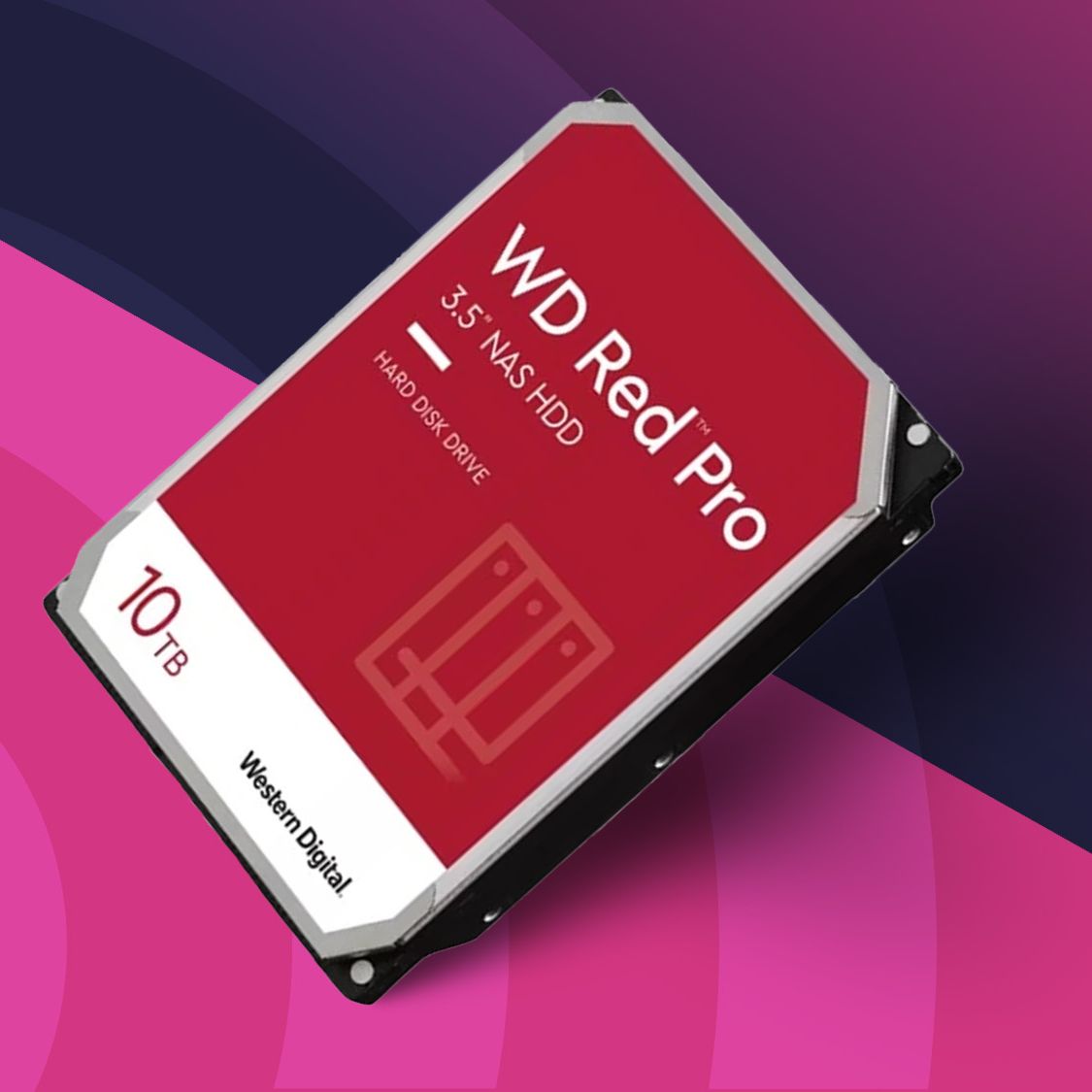
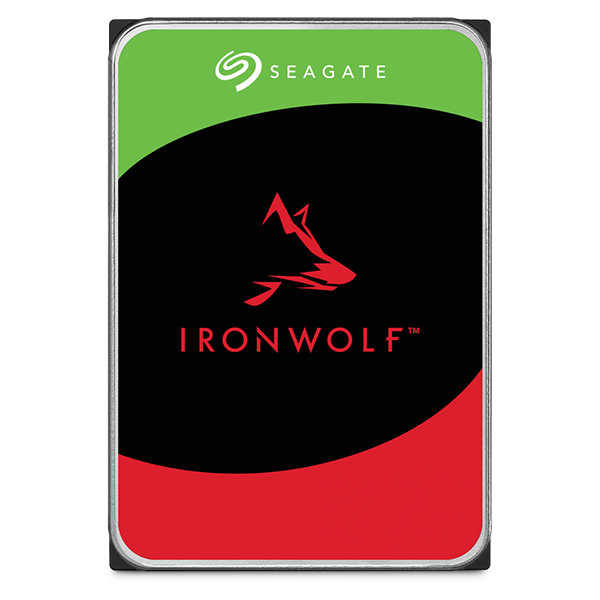
When shopping for drives to put inside your NAS, you will encounter specialized lines such as Western Digital’s “Red” series or Seagate’s “IronWolf.” These drives are optimized for RAID environments. They include features like Rotational Vibration (RV) sensors, which detect when the vibrations from neighboring drives are too high and adjust the drive’s head to prevent read/write errors. They also feature specific error recovery controls that prevent the drive from “dropping out” of a RAID array during a minor correction process.
SSDs vs. HDDs in a NAS Environment
While traditional mechanical Hard Disk Drives (HDDs) are the standard for NAS due to their high capacity and low cost-per-terabyte, Solid State Drives (SSDs) are gaining traction. Many modern NAS enclosures include M.2 NVMe slots for “caching.” This involves using a small, lightning-fast SSD to store frequently accessed data, significantly boosting the overall system speed while the bulk of the data sits on slower, high-capacity HDDs.
Key Features and Benefits of NAS Systems
The transition from external USB drives to a NAS system offers several transformative advantages for data integrity and accessibility.
Data Redundancy and RAID Explained
The most significant benefit of a multi-drive NAS is RAID (Redundant Array of Independent Disks). RAID allows you to group multiple drives together to act as one. In a RAID 1 configuration (Mirroring), the NAS writes the exact same data to two different drives. If one drive experiences a mechanical failure, you lose zero data; you simply swap the dead drive for a new one, and the system “rebuilds” itself. Higher RAID levels, like RAID 5 or RAID 6, offer a balance between increased storage capacity and fault tolerance.
Private Cloud and Remote Accessibility
With a NAS, you are no longer beholden to subscription-based cloud services like Google Drive or Dropbox. Modern NAS operating systems allow you to set up “Remote Access,” which lets you log into your home server from anywhere in the world. You can stream your movie collection to a hotel room in another country or upload photos from your phone directly to your home hard drives, ensuring your data stays in your physical possession.
Centralized Media Streaming and Backups
For tech-savvy households, a NAS often serves as a media server using software like Plex or Jellyfin. The NAS transcodes video files on the fly, allowing you to watch 4K content on various devices without lag. Simultaneously, the NAS can act as a centralized backup target for every laptop in the house, utilizing Time Machine for Macs or Windows Backup for PCs, ensuring that no device is ever more than a few hours away from a full recovery point.
Technical Specifications: Choosing the Right Drive for the Job
Selecting the right hard drive for your NAS requires a dive into some of the more technical aspects of storage engineering. Not all terabytes are created equal.
CMR vs. SMR: The Storage Recording Method Debate
One of the most critical technical distinctions in the NAS world is between Conventional Magnetic Recording (CMR) and Shingled Magnetic Recording (SMR). SMR drives overlap data tracks to increase density, which is fine for occasional backups but disastrous for NAS RAID environments where constant writing and rewriting occur. When a NAS drive performs a RAID rebuild on SMR drives, the performance can drop so low that the system assumes the drive has failed. Always ensure your NAS hard drives are rated as CMR.
Reliability Metrics: MTBF and Workload Rates
Professional NAS drives are rated by their Mean Time Between Failures (MTBF) and their Annualized Workload Rate. A standard desktop drive might be rated for 55TB of data transfer per year. In contrast, an enterprise-grade NAS drive might be rated for 300TB or even 550TB per year. These metrics give you an indication of the drive’s durability under heavy, multi-user access scenarios.
Power Management and Heat Dissipation
Because a NAS is always on, power efficiency is a major consideration. NAS hard drives are designed to operate at lower temperatures and consume less power during idle states than high-performance gaming drives. However, they are also designed to “spin up” quickly when access is requested. Proper heat dissipation is managed through a combination of the drive’s internal firmware and the cooling fans built into the NAS enclosure.
Implementation and Future-Proofing Your Storage
Setting up a NAS is an investment in your digital future, and doing it correctly from the start will save hours of troubleshooting later.
Initial Setup and Configuration Tips
When you first install your hard drives into the NAS, the system will prompt you to choose a file system. While EXT4 is the traditional choice, many modern units offer Btrfs. Btrfs is highly recommended for NAS users because it offers “data scrubbing” and “self-healing” capabilities. It can detect “bit rot”—the silent corruption of data over time—and use the redundant data in your RAID array to automatically repair the corrupted files.
Security Best Practices for Network Storage
Because a NAS is connected to the internet, it can be a target for ransomware. To secure your NAS hard drives, you should always disable the default “admin” account, enable Two-Factor Authentication (2FA), and ensure your firewall is active. Furthermore, utilize the NAS’s ability to create “Snapshots.” Snapshots are read-only records of your data at a specific point in time; if you are hit by ransomware, you can simply roll back your entire drive to a snapshot taken before the infection occurred.
Scaling Your Storage as Data Grows
The beauty of a NAS is its scalability. If you start with two 4TB drives and find yourself running out of room, many systems allow for “Online Capacity Expansion.” You can replace the drives one by one with larger 12TB or 18TB models, allowing the RAID array to expand without you ever having to take the server offline or move your files manually.
In conclusion, a hard drive NAS is far more than just a place to dump old files. It is a powerful, centralized hub that provides professional-grade data security, accessibility, and versatility. By choosing NAS-specific hardware, understanding the mechanics of RAID, and implementing strong security protocols, you can take complete control of your digital life, ensuring your data is protected today and accessible tomorrow.
aViewFromTheCave is a participant in the Amazon Services LLC Associates Program, an affiliate advertising program designed to provide a means for sites to earn advertising fees by advertising and linking to Amazon.com. Amazon, the Amazon logo, AmazonSupply, and the AmazonSupply logo are trademarks of Amazon.com, Inc. or its affiliates. As an Amazon Associate we earn affiliate commissions from qualifying purchases.