
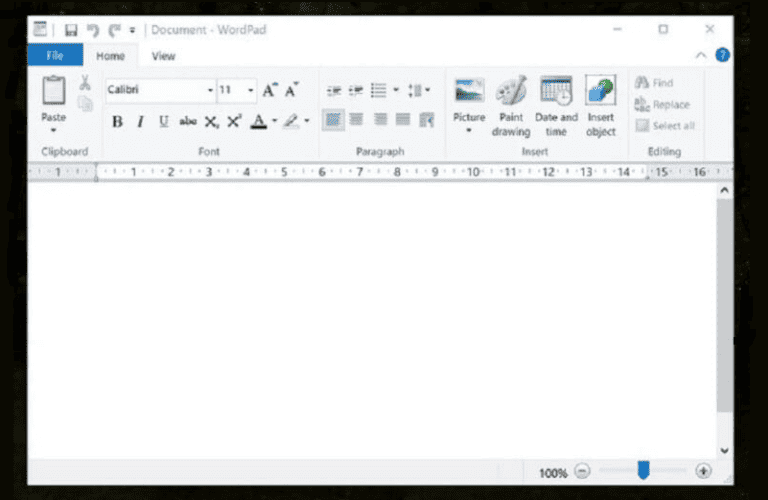
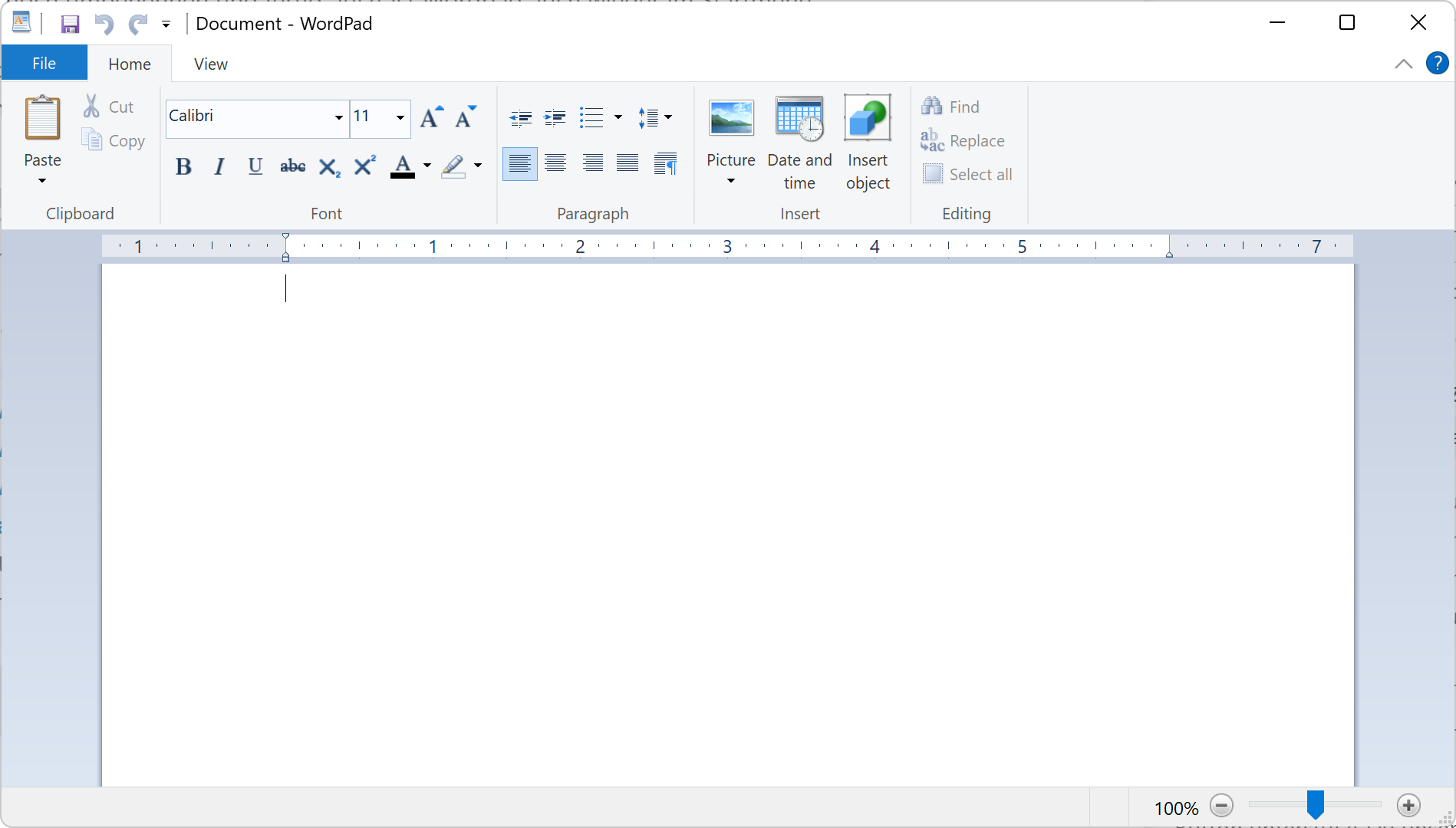
For nearly three decades, WordPad served as the dependable middle child of the Windows ecosystem. Sitting comfortably between the minimalist, feature-poor Notepad and the powerhouse that is Microsoft Word, WordPad was the go-to tool for quick drafts, formatted text, and simple document editing. It was a staple of the Windows experience, arriving pre-installed on every machine since Windows 95. However, in an era of rapid digital evolution, even the most reliable software eventually faces the chopping block. Microsoft officially announced the deprecation of WordPad in late 2023, signaling the end of an era for the humble rich-text editor.

The End of an Era: Deprecation and Removal
The decision to retire WordPad did not happen overnight; it was the culmination of shifting software priorities and the maturation of alternative tools. Microsoft’s official stance is that WordPad is no longer receiving updates and will be removed from future versions of Windows entirely. While the application may still linger in existing installations for the time being, it has effectively entered its sunset phase.
Why Now?
The primary driver behind this decision is the evolution of the Windows operating system toward a leaner, more cloud-integrated environment. WordPad, which relies on older, legacy code, has not received any significant feature updates in years. For Microsoft, maintaining a codebase that serves a diminishing demographic—users who want more than plain text but less than a full Office suite—is no longer a strategic priority. The resources once dedicated to maintaining this niche utility are being reallocated toward more modern, AI-driven, and collaborative software solutions.
The Impact on Legacy Users
For casual users, the removal of WordPad might seem like a non-issue. However, for those who relied on it as a lightweight, no-nonsense interface for .RTF (Rich Text Format) and .DOCX files, the change represents a disruption to a long-established workflow. The transition requires users to migrate their habits, forcing a move toward either minimalist plain-text editors or full-featured word processing environments.
The Evolution of Windows Editing Tools
To understand why WordPad is disappearing, one must look at the widening gap between the tools available at the launch of Windows 95 and those available today. In the mid-90s, the digital divide between a simple text editor and a word processor was vast. Today, the cloud and web-based applications have rendered that middle ground nearly obsolete.
From Notepad to WordPad and Beyond
Historically, Windows provided three tiers of text management:
- Notepad: For pure, unformatted text—code, logs, and quick notes.
- WordPad: For basic document formatting, bullet points, and compatibility with various file types without the overhead of heavy software.
- Microsoft Word: The gold standard for professional publishing, collaboration, and complex document architecture.
As Notepad evolved to include features like tabs and auto-save, it encroached on the territory WordPad once held. Simultaneously, the rise of free, web-based tools like Microsoft 365 Online (formerly Word Online) and Google Docs meant that users could access professional-grade formatting tools for free through a browser, without needing to install heavy software.
The Rise of Modern Alternatives
Today’s ecosystem is dominated by lightweight, cross-platform apps. Modern users often prefer software that syncs across devices, supports real-time collaboration, and integrates with cloud storage. WordPad, which was inherently tethered to the local machine, failed to adapt to this mobile-first, cloud-first reality. The shift represents a broader industry trend where “utility” software is being replaced by “productivity platforms.”
Navigating the Post-WordPad Landscape
If you were a frequent user of WordPad, the looming removal of the program does not mean you are out of options. Depending on your needs, there are several pathways to transition to a new workflow without losing the simplicity you enjoyed.
The Professional Powerhouse: Microsoft Word
For users who were primarily using WordPad for .DOCX files, the logical step up is Microsoft Word. While Microsoft Word requires a subscription or a one-time purchase, the web version (Word Online) is free for anyone with a Microsoft account. It offers significantly more features, including spell-check, grammar correction via AI, and seamless cloud synchronization, making it a superior choice for anyone drafting formal documents.
The Minimalist’s Choice: Notepad
If your use of WordPad was largely about creating quick, distraction-free notes that didn’t necessarily require bold fonts or complex margins, you may find that the modern version of Notepad is more than sufficient. Microsoft has recently updated Notepad to include tabbed browsing, dark mode, and session persistence, which means your text remains even if you accidentally close the application. It is lighter, faster, and more integrated into the modern Windows UI than WordPad ever was.
The Open Source Alternatives
For those who prefer not to use Microsoft products or want a standalone desktop application without a subscription model, open-source software remains the best alternative.
- LibreOffice Writer: A robust, feature-rich word processor that can handle almost any file format imaginable. It is the closest functional equivalent to Microsoft Word and is completely free.
- AbiWord: A highly lightweight, open-source word processor that mirrors much of the simplicity WordPad offered while providing a more modern feature set.
The Future of Windows Productivity
The sunsetting of WordPad is a microcosm of a larger shift in how we interact with technology. Microsoft is moving away from maintaining a fragmented collection of small, disconnected utilities and toward a unified experience where AI and cloud connectivity dictate the feature sets.
The Role of AI in Writing
One of the reasons Microsoft feels confident in retiring WordPad is the integration of AI tools like Microsoft Copilot directly into the Windows operating system. As AI takes over the heavy lifting of formatting, summarizing, and editing, the need for a simple “rich text” middle-ground application diminishes. The future of writing on Windows isn’t just about inputting text; it’s about having an assistant that manages the structure and quality of that text in real-time.
Simplifying the User Experience
By cleaning up the “bloatware” that accumulated over decades of Windows development, Microsoft is aiming to provide a more streamlined, cohesive user experience. Every application included in an operating system requires security patches, testing, and compatibility verification. By trimming the legacy applications that no longer serve a vital function, Microsoft reduces the attack surface for potential security vulnerabilities and simplifies the OS architecture.
Conclusion: Embracing the Change
While there is always a sense of nostalgia when a long-standing piece of software is retired, the departure of WordPad is a sign of progress. The digital landscape has matured, offering users tools that are far more capable, secure, and collaborative than anything available in the late 90s. Whether you transition to the cloud-powered efficiency of Microsoft Word, the streamlined simplicity of modern Notepad, or the versatility of an open-source alternative, you will find that the modern ecosystem provides a better experience than the one WordPad leaves behind. The technology we use is becoming smarter and more integrated, ensuring that our tools evolve at the same pace as our creative and professional needs.
aViewFromTheCave is a participant in the Amazon Services LLC Associates Program, an affiliate advertising program designed to provide a means for sites to earn advertising fees by advertising and linking to Amazon.com. Amazon, the Amazon logo, AmazonSupply, and the AmazonSupply logo are trademarks of Amazon.com, Inc. or its affiliates. As an Amazon Associate we earn affiliate commissions from qualifying purchases.