
The visual web is an undeniable force, shaping how we discover, learn, and interact with information. For years, Google Chrome offered a seemingly simple yet profoundly powerful tool for navigating this visual landscape: the picture search option, often referred to as “Search by Image.” This feature, deeply integrated into the browser, allowed users to right-click an image and instantly find its source, discover similar visuals, or identify objects within it. However, in recent times, many users have reported its disappearance or a significant change in its functionality, sparking confusion and frustration. This article delves into the evolution of Chrome’s picture search, exploring the reasons behind these changes, the underlying technologies, and what alternatives are available for users seeking to harness the power of visual search.

The Evolution and Disappearance of “Search by Image”
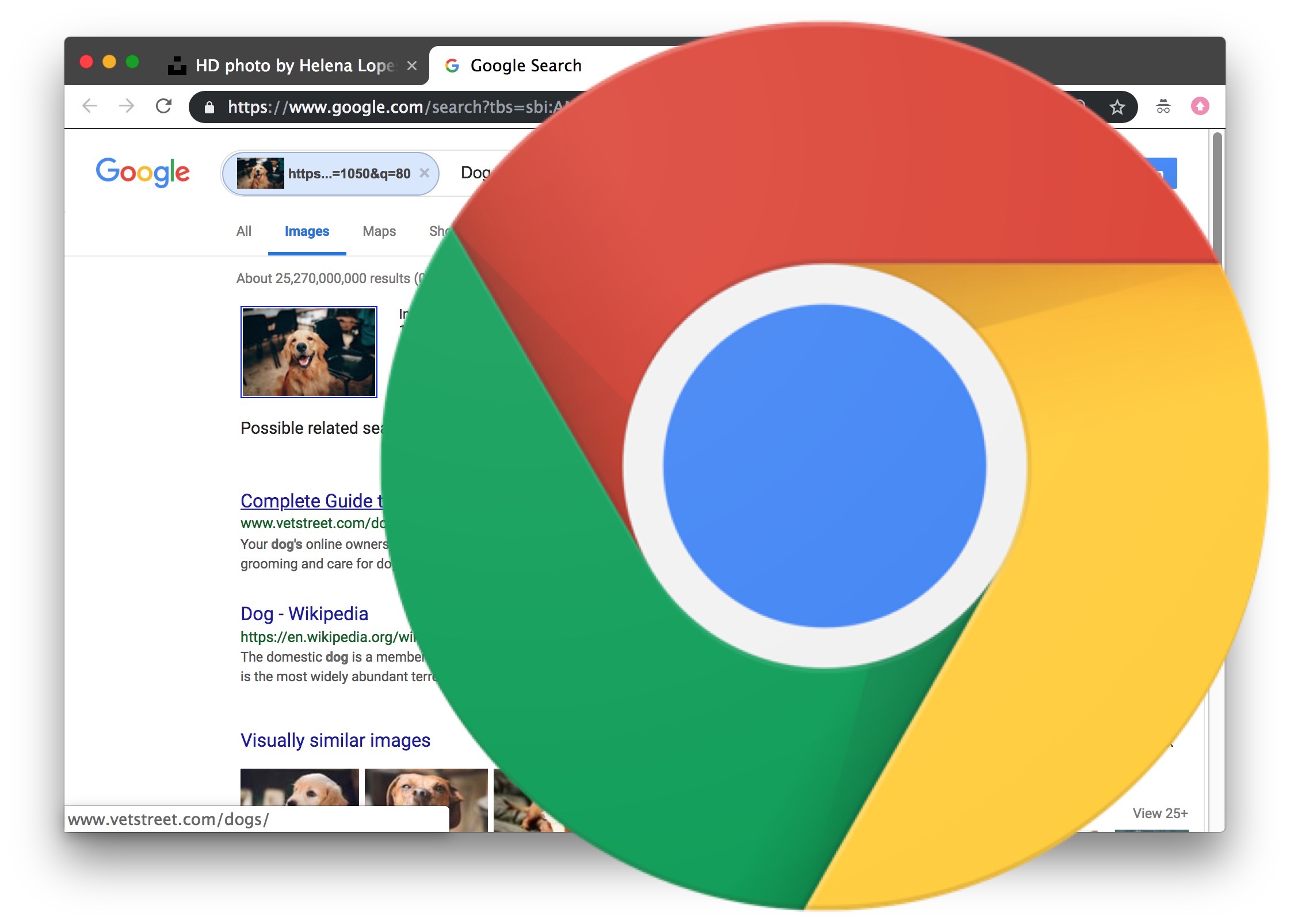
For a long time, the “Search by Image” option was a cornerstone of Google’s visual search capabilities within Chrome. It was intuitive: hover over an image, right-click, and select “Search Google for this image.” This action would then initiate a reverse image search, presenting users with a wealth of information related to that specific picture. The underlying technology, known as reverse image search, leverages sophisticated algorithms to analyze an image’s visual characteristics – its colors, shapes, textures, and even metadata – and then compares them against a vast database of indexed images on the web.
The Rise of Visual Search and its Integration
Google’s journey into visual search began long before the convenient right-click option in Chrome. Google Images itself was launched in 2001, initially as a way to find images based on text queries. However, the true paradigm shift occurred with the development of reverse image search. This allowed users to upload an image or provide a URL and have Google find visually similar images or pages containing that image. The integration into Chrome was a logical extension, bringing this powerful tool directly to the user’s fingertips without requiring them to navigate to a separate Google search page. This seamless integration made it incredibly accessible for a wide range of uses, from fact-checking to finding the origin of a meme, or even identifying a product seen in a photograph.
Shifting User Experience and Functionality Changes
The perceived disappearance or alteration of the “Search by Image” option has been a gradual process, influenced by several factors. One of the primary reasons for this shift is the evolution of Google’s search engine and its broader approach to visual search. Google has been increasingly emphasizing its dedicated visual search products, most notably Google Lens. While the direct “Search by Image” option in Chrome might have been simplified or even phased out in some regions or for certain user groups, Google’s commitment to visual search remains strong, albeit through different interfaces.
This shift can also be attributed to the growing sophistication of AI and machine learning. Google Lens, for instance, goes beyond simply finding similar images; it can identify objects, translate text within images, recognize landmarks, and even solve math problems. This advanced functionality has led Google to steer users towards these more powerful tools, potentially at the expense of the simpler, legacy “Search by Image” feature. The intention is likely to guide users to a richer and more comprehensive visual search experience.
Understanding the Underlying Technology: Reverse Image Search and AI
At the heart of Chrome’s picture search, and indeed all of Google’s visual search capabilities, lies the powerful technology of reverse image search, augmented by cutting-edge artificial intelligence. This technology is far more complex than a simple pixel-by-pixel comparison.
How Reverse Image Search Works
When you initiate a reverse image search, Google doesn’t just look for an exact match. Instead, it breaks down the image into a series of unique characteristics. These characteristics can include:
- Color Histograms: Analyzing the distribution and prevalence of different colors within the image.
- Texture Analysis: Identifying patterns and textures that are distinctive to the image.
- Shape and Object Recognition: Using AI to detect and identify objects, people, or landmarks within the image.
- Metadata: Although often stripped for privacy, embedded metadata like EXIF data can sometimes provide clues about the camera, location, and date.
- Content Fingerprinting: Creating a unique digital “fingerprint” of the image based on its visual features, which is then compared against Google’s massive index of images.
This complex analysis allows Google to find not only identical images but also visually similar ones, even if they have been cropped, resized, or slightly altered.
The Role of AI and Machine Learning
Artificial intelligence, particularly deep learning and convolutional neural networks (CNNs), plays a crucial role in enhancing reverse image search. These AI models are trained on vast datasets of images, enabling them to:
- Understand Context: AI can interpret the content of an image, recognizing that a picture of a dog is a dog, regardless of breed, color, or pose.
- Identify Relationships: It can understand the relationships between objects within an image, which is vital for more complex searches.
- Improve Accuracy: Machine learning algorithms continuously learn and improve, leading to more accurate and relevant search results over time.
- Enable New Functionalities: AI is the driving force behind advanced features like object detection, text recognition (OCR), and semantic understanding of visual content.
This constant advancement in AI is why Google is pushing towards tools like Google Lens, which leverage these sophisticated capabilities for a more intelligent and interactive visual search experience.
Navigating the New Landscape: Alternatives and Workarounds
While the direct “Search by Image” option might have changed, the functionality is far from gone. Google has strategically shifted its emphasis towards more integrated and advanced visual search tools. Understanding these alternatives allows users to continue leveraging the power of visual search effectively.
Google Lens: The Integrated Powerhouse
Google Lens has become the flagship for Google’s visual search endeavors. Initially available as a standalone app and integrated into the Google Photos app, it has now been woven into Chrome itself, often accessible through the address bar or as an extension.
- Accessing Google Lens in Chrome: Depending on your Chrome version and operating system, you might find Google Lens integrated in several ways. One common method is to right-click on an image and see an option like “Search image with Google” or “Search with Google Lens.” This option often directly launches Google Lens analysis of the image. Another approach is through Chrome extensions that bring Google Lens functionality to the forefront.
- Beyond Simple Identification: Google Lens offers a significantly richer experience than the traditional “Search by Image.” It can:
- Identify Objects: Recognize products, plants, animals, landmarks, and more.
- Extract Text: Copy text from images, translate languages, or search for specific information within the text.
- Find Similar Products: If you find a piece of clothing or furniture you like, Lens can help you find where to buy it.
- Solve Problems: It can even assist with homework by solving math problems or providing information on historical events depicted in an image.
The intention behind this integration is to provide a more context-aware and actionable visual search experience.
Manual Reverse Image Search and Browser Extensions
For users who prefer a more traditional approach or encounter specific situations where the integrated Lens option isn’t ideal, manual reverse image searching and specialized browser extensions offer robust alternatives.
- Manual Reverse Image Search on Google Images: The classic method still works perfectly. You can visit images.google.com and either drag and drop an image file onto the search bar or paste an image URL. This will perform a reverse image search, providing results similar to the original “Search by Image” functionality.
- Third-Party Browser Extensions: The Chrome Web Store hosts a plethora of extensions designed to enhance or replicate the “Search by Image” functionality. Some popular examples include:
- Reverse Image Search: This type of extension typically adds a right-click option to search an image using various reverse image search engines (Google, Bing, Yandex, etc.).
- Image Search Options: These extensions often allow users to customize which search engines are available in the right-click menu and can offer additional features like searching within specific parts of an image.
These extensions provide a level of control and customization that some users might find beneficial, especially if they work with visual content frequently or have specific search engine preferences.
The Future of Visual Search in Browsers
The evolution of Chrome’s picture search option reflects a broader trend in technology: the increasing reliance on AI to understand and interact with the world visually. As AI capabilities advance, we can expect visual search to become even more sophisticated, intuitive, and integrated into our daily digital lives.
AI-Driven Contextual Understanding
The future likely holds visual search tools that possess a deeper contextual understanding. Instead of just identifying objects, they might understand the scene, the mood, or the intent behind an image. This could lead to more personalized and relevant search results, anticipating user needs before they are even explicitly stated. Imagine pointing your browser at a recipe photo, and it not only identifies the ingredients but also suggests a wine pairing or cooking time.
Seamless Cross-Platform Integration
As devices become more interconnected, expect visual search to be seamlessly integrated across all platforms. From your smartphone to your desktop, and even smart displays, the ability to initiate a visual search from any point and receive consistent, relevant results will become standard. This will further blur the lines between traditional search and visual discovery.

Ethical Considerations and Privacy
As visual search becomes more powerful, so do the ethical considerations surrounding it. Issues of privacy, data usage, and the potential for misuse of facial recognition technology will need to be addressed. Google and other tech companies will face increasing pressure to be transparent about how visual data is collected, processed, and used, and to provide users with robust privacy controls. The balance between innovation and user protection will be a critical ongoing discussion.
In conclusion, while the specific “Search by Image” option in Chrome may have undergone changes, the underlying technology and its applications are more advanced than ever. By understanding the evolution of these features and embracing tools like Google Lens and available extensions, users can continue to harness the immense power of visual search to explore, discover, and understand the digital world around them. The picture search option, in its various forms, is not disappearing; it is evolving into a more intelligent and integral part of our online experience.
aViewFromTheCave is a participant in the Amazon Services LLC Associates Program, an affiliate advertising program designed to provide a means for sites to earn advertising fees by advertising and linking to Amazon.com. Amazon, the Amazon logo, AmazonSupply, and the AmazonSupply logo are trademarks of Amazon.com, Inc. or its affiliates. As an Amazon Associate we earn affiliate commissions from qualifying purchases.