
In the vast and rapidly evolving landscape of technology, acronyms are commonplace. From CPU to RAM, GPU to Wi-Fi, the tech lexicon is rich with shorthand designed to encapsulate complex concepts. Among these, perhaps none is more foundational, more widely recognized, and yet sometimes vaguely understood, than “PC.” For many, it’s simply a term for their desktop or laptop. But what does PC truly stand for, and what deeper significance does it hold in the history and future of computing? At its core, “PC” stands for Personal Computer. This seemingly straightforward definition, however, opens the door to a fascinating exploration of how computing evolved from room-sized behemoths to the indispensable, individual-centric devices we rely on today, and how the “personal” aspect revolutionized society.
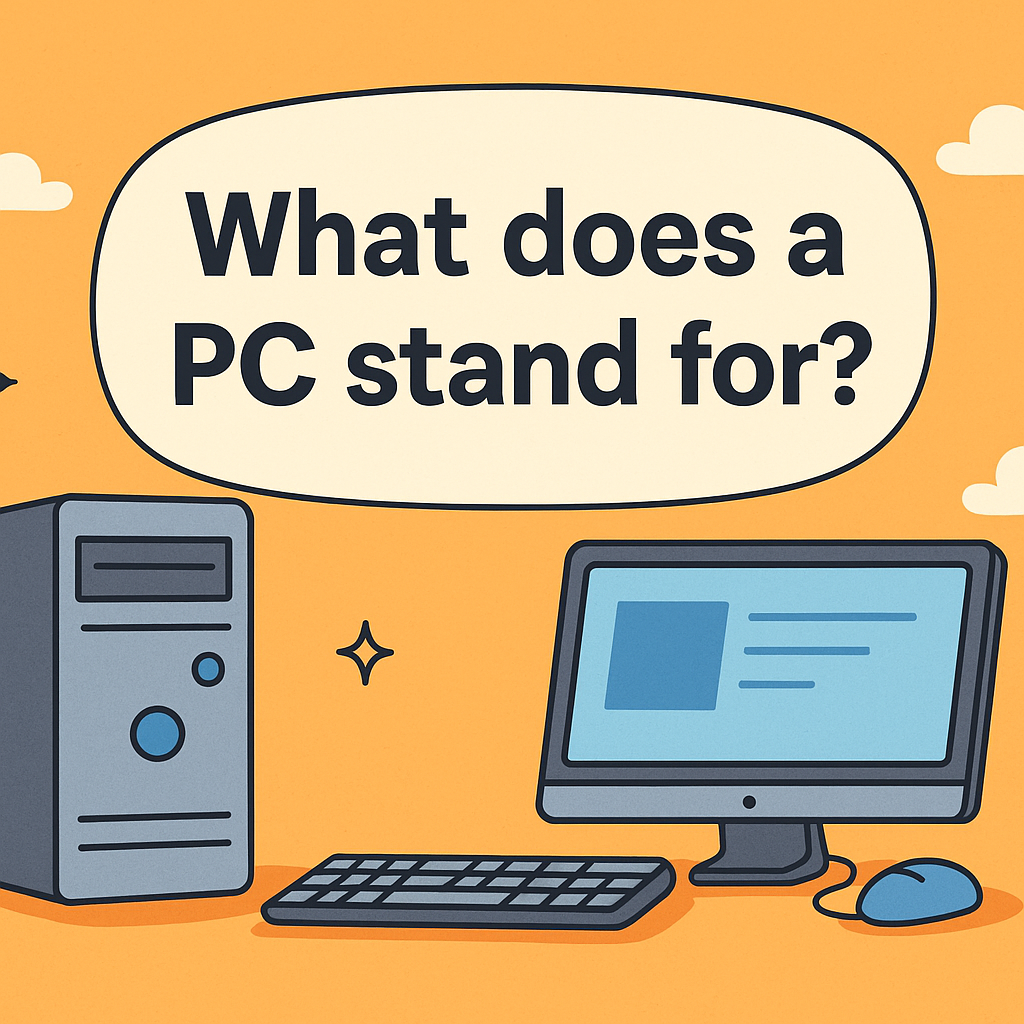
The term “Personal Computer” is more than just a label; it represents a paradigm shift. Prior to the advent of the PC, computers were primarily large, expensive machines owned by corporations, universities, and government agencies, operated by specialized technicians in controlled environments. They were shared resources, not individual tools. The PC democratized computing, bringing processing power and digital capabilities directly into the hands of individuals, transforming workplaces, homes, and creative pursuits across the globe. Understanding what PC stands for, therefore, is not merely about decoding an acronym, but about appreciating a pivotal moment in technological history and its ongoing legacy.
The Fundamental Acronym: Decoding PC
The meaning of PC is deceptively simple: Personal Computer. Yet, this simplicity belies a profound philosophical and practical distinction that reshaped the entire computing industry and, by extension, modern society. It emphasizes individual ownership, direct interaction, and tailored usage, a stark contrast to the shared, centralized computing models that preceded it.
Personal Computer: More Than Just a Name
The “personal” in Personal Computer is the operative word. It signifies a machine designed for single-user operation, intended to be owned and controlled by an individual, for their specific tasks and needs. This concept diverged sharply from the earlier paradigms of mainframe computers and minicomputers. Mainframes, for example, were massive systems serving multiple users simultaneously through terminals, managing large databases and complex computational tasks for entire organizations. Minicomputers, while smaller, still typically served departmental or small business needs, often shared among several users.
The Personal Computer, by contrast, placed the entire computing experience – the processing power, storage, and user interface – directly at one person’s fingertips. This shift empowered individuals in unprecedented ways, from managing personal finances and writing documents to playing games and developing software without needing access to a shared institutional machine or a team of operators. It fostered innovation, creativity, and a new era of digital literacy, making technology accessible and intuitive for the masses rather than an elite few.
Distinguishing PC from Other Computing Devices
While the term “computer” itself is broad, encompassing everything from supercomputers to embedded systems in appliances, “PC” carves out a specific niche. Not every computer is a PC.
-
Mainframes and Servers: These are powerful machines designed for high-volume data processing, network management, and hosting applications for multiple users or other computers. While they perform computing, they are not “personal” in their primary function or ownership model.
-
Smartphones and Tablets: These are indeed personal devices and perform many computing tasks. However, in traditional parlance, they are often categorized separately due to their mobile-first operating systems, unique form factors, and primary input methods (touchscreens). While some might argue they are a form of personal computer, the term “PC” traditionally refers to desktop and laptop form factors running full-fledged desktop operating systems like Windows, macOS, or Linux.
-
Embedded Systems: These are specialized computers integrated into other devices (like cars, smart appliances, industrial machinery) to perform specific control functions. They are not general-purpose “personal” machines.
The distinction lies in the general-purpose nature, the ownership model, and the user-centric design that allows an individual to perform a wide range of tasks, from productivity and communication to entertainment and development, all within a self-contained, user-controlled environment.
A Brief History of the Personal Computer
The journey from mainframe dominance to the ubiquitous Personal Computer is a testament to relentless innovation and a vision for democratizing computing power. The concept wasn’t an overnight revelation but a gradual evolution driven by technological breakthroughs and market demands.
Early Beginnings: Mainframes to Minicomputers
Before the PC, the computing landscape was dominated by large, centralized machines. In the 1950s and 60s, mainframes like the IBM System/360 were the workhorses of government and big business. They were expensive, required dedicated cooled rooms, and were operated by trained professionals. Access was typically batch-oriented or through “dumb terminals” that merely displayed data from the central machine.
The 1960s saw the rise of minicomputers, such as those from Digital Equipment Corporation (DEC). Smaller and more affordable than mainframes, they made computing accessible to smaller departments and businesses, fostering interactive computing environments. Yet, even minicomputers were shared resources, too costly and complex for individual ownership. They paved the way by shrinking the physical size and cost of computing, making the idea of an even smaller, more personal machine seem plausible.
The Dawn of the Home Computer Era
The real spark for the “personal” computer emerged in the 1970s. Driven by hobbyists, engineers, and a burgeoning counter-culture movement that valued individual empowerment, innovators began experimenting with microprocessors – single chips that contained the core processing unit of a computer. Kits like the Altair 8800 (1975) allowed enthusiasts to build their own rudimentary computers, albeit requiring significant technical expertise. These machines lacked screens, keyboards, or storage as we know them, but they proved the feasibility of a small, affordable computer.
Companies like Apple, Commodore, and Tandy (RadioShack) soon followed, introducing pre-assembled machines designed for homes. The Apple II (1977), Commodore PET (1977), and TRS-80 (1977) were among the first truly user-friendly “home computers,” featuring built-in keyboards, monitors (or TV connections), and often rudimentary operating systems and programming languages (like BASIC). These machines primarily found their niche in gaming, educational software, and simple productivity tasks, laying the groundwork for widespread acceptance.
IBM PC and the Standardization of an Industry
The true inflection point for the Personal Computer, establishing “PC” as a widely understood standard, came with the introduction of the IBM Personal Computer (IBM PC) in 1981. While not the first personal computer, IBM’s entry legitimized the category for businesses and mainstream consumers. IBM, a titan of the mainframe era, brought its immense brand credibility, marketing power, and distribution network to the nascent personal computing market.
Crucially, IBM made several strategic decisions that inadvertently fostered an entire industry ecosystem:
-
Open Architecture: IBM opted for an open architecture, meaning third-party companies could create hardware components and peripherals compatible with the IBM PC.
-
Third-Party Software: They licensed the operating system, MS-DOS, from a then-small company called Microsoft, and allowed other companies to develop software for the platform.
-
Off-the-Shelf Components: IBM used readily available, non-proprietary components where possible.
These decisions led to the proliferation of “IBM PC compatibles” or “clones” from companies like Compaq, Dell, and HP. This competition drove down prices, accelerated innovation, and cemented the IBM PC architecture as the de facto standard for personal computing. The term “PC” became synonymous with these machines, particularly those running MS-DOS and later, Microsoft Windows, distinguishing them from Apple’s Macintosh line, which used a proprietary architecture and operating system. The legacy of the IBM PC is profound; it didn’t just sell a computer, it launched an industry and defined what a “PC” would largely mean for decades.
The Anatomy of a Modern PC
Despite decades of evolution, the fundamental architecture of a Personal Computer remains remarkably consistent. Whether a sleek laptop or a towering desktop, all PCs share core components that work in concert to deliver the computing experience. Understanding these parts is key to appreciating the “how” behind a PC’s operation.

Core Components: CPU, RAM, Storage
At the heart of every PC are its primary functional units:
-
Central Processing Unit (CPU): Often called the “brain” of the computer, the CPU executes instructions, performs calculations, and manages the flow of data. Processors from Intel (e.g., Core i series, Xeon) and AMD (e.g., Ryzen, Threadripper) dominate this space. Its speed and core count are critical determinants of a PC’s overall performance.
-
Random Access Memory (RAM): This is the computer’s short-term, volatile memory. RAM stores data that the CPU needs to access quickly and frequently while it’s actively working on tasks. The more RAM a PC has, the more applications and data it can handle simultaneously without slowing down. Unlike permanent storage, RAM loses its contents when the computer is turned off.
-
Storage (HDD/SSD): This is where your operating system, programs, and files are permanently stored.
-
Hard Disk Drives (HDDs): Traditional storage devices that use spinning platters to read and write data magnetically. They offer large capacities at a lower cost.
-
Solid State Drives (SSDs): Newer storage devices that use flash memory (similar to USB drives) for data storage. SSDs are significantly faster, more durable, and consume less power than HDDs, though they tend to be more expensive per gigabyte. Many modern PCs use an SSD for the operating system and critical applications, sometimes complemented by a larger HDD for bulk storage.
-
-
Motherboard: The central printed circuit board that connects all the other components – CPU, RAM, storage, graphics card, peripherals – allowing them to communicate with each other. It’s the nervous system of the PC.
-
Graphics Processing Unit (GPU): While some CPUs have integrated graphics, dedicated GPUs (often on a separate “graphics card”) are crucial for demanding visual tasks like gaming, video editing, and 3D rendering. NVIDIA (GeForce, Quadro) and AMD (Radeon) are the primary manufacturers.
-
Power Supply Unit (PSU): Converts AC power from the wall outlet into the DC power needed by the computer’s internal components.
Input/Output Devices and Peripherals
A PC wouldn’t be “personal” without ways for a user to interact with it and for it to communicate results.
-
Input Devices:
-
Keyboard: For text entry and commands.
-
Mouse/Trackpad: For navigating graphical user interfaces (GUIs).
-
Microphone: For voice input and communication.
-
Webcam: For video communication and capture.
-
-
Output Devices:
-
Monitor/Display: To visualize the computer’s output.
-
Speakers/Headphones: For audio output.
-
Printer: For hard copies of documents.
-
-
Networking: Modern PCs include built-in Ethernet ports and Wi-Fi adapters for connecting to networks and the internet, facilitating communication and access to online resources.
Operating Systems: The PC’s Soul
Hardware provides the raw power, but the Operating System (OS) brings it to life. The OS is the fundamental software that manages all the computer’s hardware and software resources, providing a user interface and enabling other programs to run.
-
Microsoft Windows: The dominant OS for PCs, known for its widespread hardware compatibility and vast software ecosystem. It runs on a multitude of manufacturers’ devices.
-
macOS (formerly OS X): Apple’s proprietary OS, exclusively running on Macintosh computers. Known for its user-friendly interface, strong integration with Apple hardware, and focus on creative professionals.
-
Linux: An open-source, Unix-like OS available in many distributions (e.g., Ubuntu, Fedora, Debian). Popular among developers, servers, and users who value customization and control. It offers robust performance and security.
The choice of OS often dictates the software available, the user experience, and the overall compatibility with various peripherals and services. It is the software layer that truly makes the hardware a “personal” and usable machine.
The Enduring Relevance and Evolution of the PC
Decades after its inception, the Personal Computer, in its myriad forms, remains an indispensable tool. Far from being supplanted by mobile devices, the PC has continued to evolve, adapting to new demands and maintaining its unique position as a powerful, versatile, and central hub for work, creativity, and entertainment.
PCs in Professional and Creative Fields
For professionals across virtually every industry, the PC is the primary workstation. Its power, flexibility, and expansive software ecosystem make it unmatched for complex tasks:
-
Software Development: Programmers rely on PCs for coding, compiling, testing, and deploying applications, benefiting from powerful processors, ample RAM, and multiple displays.
-
Graphic Design, Video Editing, 3D Modeling: Creative professionals demand high-performance CPUs, powerful GPUs, vast amounts of RAM, and fast storage for rendering complex graphics, editing high-resolution video, and building immersive 3D environments.
-
Engineering and Scientific Research: PCs are used for simulations, data analysis, CAD (Computer-Aided Design), and complex calculations.
-
Business Productivity: From spreadsheets and word processing to enterprise resource planning (ERP) and customer relationship management (CRM) software, PCs are the backbone of modern office environments. The ability to run full-featured applications with sophisticated interfaces is paramount.
While tablets and smartphones offer mobility, they generally lack the raw processing power, screen real estate, precise input methods (keyboard/mouse), and extensive software suites required for demanding professional work.
Gaming and Entertainment Hubs
Beyond productivity, the PC has long been the powerhouse for digital entertainment, particularly in the realm of gaming. PC gaming consistently pushes the boundaries of graphical fidelity and interactive experiences, often outpacing dedicated game consoles in terms of performance and visual quality. This is due to:
-
Upgradability: PCs can be easily upgraded with newer, more powerful graphics cards, faster CPUs, and more RAM.
-
Flexibility: PCs support a wider range of peripherals (specific controllers, VR headsets, ultra-wide monitors) and offer access to a vast library of games from various digital storefronts.
-
Modding Community: The open nature of PC gaming allows for user-created modifications (“mods”) that extend game longevity and creativity.
Furthermore, PCs serve as central entertainment hubs, used for streaming high-definition video, managing extensive media libraries, and even creating content like podcasts and YouTube videos. Their versatility makes them ideal for media consumption and creation alike.
The Future of Personal Computing: Desktops, Laptops, and Beyond
The PC is not a static concept; it continues to adapt. While traditional desktops and laptops remain popular, the form factor of the “personal computer” is becoming increasingly diverse:
-
Ultra-Portable Laptops (Ultrabooks): Thin, light, and powerful laptops with excellent battery life, designed for maximum portability without sacrificing significant performance.
-
2-in-1s (Convertibles/Detachables): Laptops that can transform into tablets, offering touch input and portability while retaining the power of a full PC.
-
All-in-One PCs: Desktops where the computer components are integrated directly into the monitor, reducing cable clutter and footprint.
-
Small Form Factor PCs: Compact desktops that offer significant power in a tiny enclosure, suitable for home theater PCs or space-constrained environments.
-
Cloud Computing and Thin Clients: While not replacing local PCs, the rise of cloud computing allows for processing to happen remotely, accessed via less powerful “thin clients” or even web browsers on any device. This paradigm shift might redefine what “personal computing” means in terms of local hardware dependence.
The essence of the Personal Computer — a powerful, flexible, user-centric machine – remains constant. Manufacturers continue to innovate with new materials, more efficient processors, enhanced display technologies, and deeper integration of AI and machine learning capabilities. As technology progresses, the PC will continue to be a vital instrument in our personal and professional lives, constantly evolving but always staying true to its core identity as the individual’s gateway to the digital world.

Conclusion
To ask “what does PC stand for computer” is to ask about the very bedrock of modern digital life. The answer, Personal Computer, encapsulates more than just an acronym; it tells the story of a technological revolution that shifted computing power from centralized institutions to the fingertips of individuals. From its humble beginnings in hobbyist garages to the sophisticated machines that power today’s global economy and creative endeavors, the PC has consistently adapted, innovated, and remained indispensable.
The Personal Computer stands as a testament to the power of individual empowerment through technology. It has shaped industries, fostered creativity, and connected billions, proving that giving powerful tools to individuals can unlock boundless potential. As we look to the future, with advancements in AI, quantum computing, and new interface paradigms, the PC will undoubtedly continue its evolution, steadfast in its mission to serve as humanity’s most versatile and personal digital companion. Its legacy is etched not just in silicon and code, but in the countless ways it has transformed how we work, learn, create, and interact with the world.
aViewFromTheCave is a participant in the Amazon Services LLC Associates Program, an affiliate advertising program designed to provide a means for sites to earn advertising fees by advertising and linking to Amazon.com. Amazon, the Amazon logo, AmazonSupply, and the AmazonSupply logo are trademarks of Amazon.com, Inc. or its affiliates. As an Amazon Associate we earn affiliate commissions from qualifying purchases.