
The role of a PC technician is often misunderstood as simply “fixing computers.” In reality, a PC technician serves as the frontline architect of digital stability. They are the bridge between complex hardware engineering and user-end functionality. Whether working in an enterprise IT department, a specialized repair shop, or as an independent consultant, a PC technician’s primary mandate is to ensure that computing systems remain reliable, secure, and high-performing.
As technology becomes increasingly ingrained in every facet of professional and personal life, the scope of a PC technician’s work has evolved. It is no longer just about swapping out a faulty hard drive; it is about managing system ecosystems, diagnosing subtle software conflicts, and fortifying hardware against modern digital threats.
Hardware Diagnostics and Component Lifecycle Management
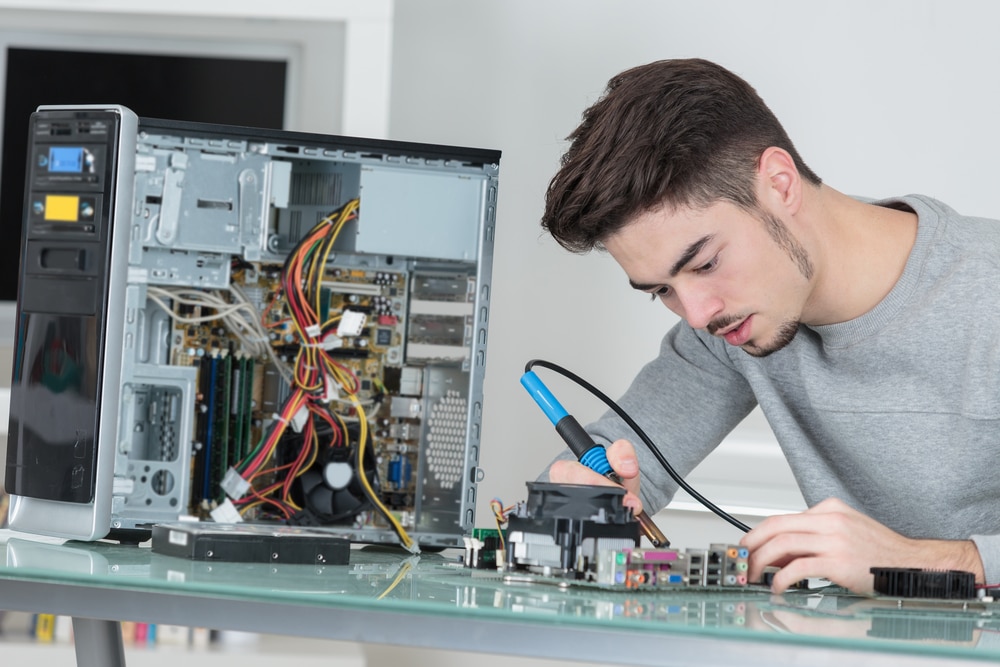
At the core of the PC technician’s daily operations lies the physical machine. Every component inside a desktop or laptop—from the central processing unit (CPU) to the solid-state drive (SSD)—has a life cycle and a failure point. A technician must possess the keen diagnostic skills required to differentiate between a localized component failure and a broader system instability.
Component-Level Troubleshooting
When a machine fails to boot or experiences the infamous “blue screen of death,” the technician begins a systematic process of elimination. This involves testing power supply units (PSUs) for voltage stability, checking RAM modules for parity errors, and inspecting motherboards for thermal damage or capacitor swelling. By isolating hardware, technicians save organizations thousands of dollars that would otherwise be wasted on premature device replacements.
Hardware Upgrades and Scalability
PC technicians are the primary drivers of hardware optimization. As software bloat increases and processing requirements rise, older machines often struggle to keep up. Technicians evaluate system bottlenecks and recommend targeted upgrades—such as migrating from legacy mechanical hard drives to NVMe SSDs or increasing memory capacity—to extend the useful life of hardware, thereby promoting sustainable technology practices and cost efficiency.
Software Deployment, Configuration, and Security
While hardware provides the foundation, software is where the technician brings the machine to life. In a corporate environment, a PC technician is often responsible for imaging and deployment. This is the process of setting up a master configuration that can be pushed to dozens or hundreds of computers simultaneously, ensuring that every workstation adheres to company security policies and performance standards.
Operating System and Driver Maintenance
The operating system is the environment in which users work. A PC technician manages the life cycle of the OS, from the initial installation to the frequent deployment of security patches and feature updates. Furthermore, they are the masters of driver management. Without correctly configured drivers, even the most powerful hardware remains non-functional. Technicians must navigate the complexities of compatibility, ensuring that peripheral devices—such as specialized printers, biometric scanners, and high-fidelity audio equipment—communicate seamlessly with the OS.
Digital Security and Threat Mitigation
In the current threat landscape, a PC technician is a vital component of a company’s digital security strategy. They are responsible for configuring local firewalls, verifying that antivirus definitions are current, and ensuring that disk encryption—such as BitLocker—is active and functioning. By managing user permissions and restricting access to critical system folders, the technician prevents accidental system corruption and unauthorized access. They are often the first to spot symptoms of malware infections or data breaches, acting as the immediate containment unit to stop the spread of threats across a network.
Network Integration and Peripheral Support
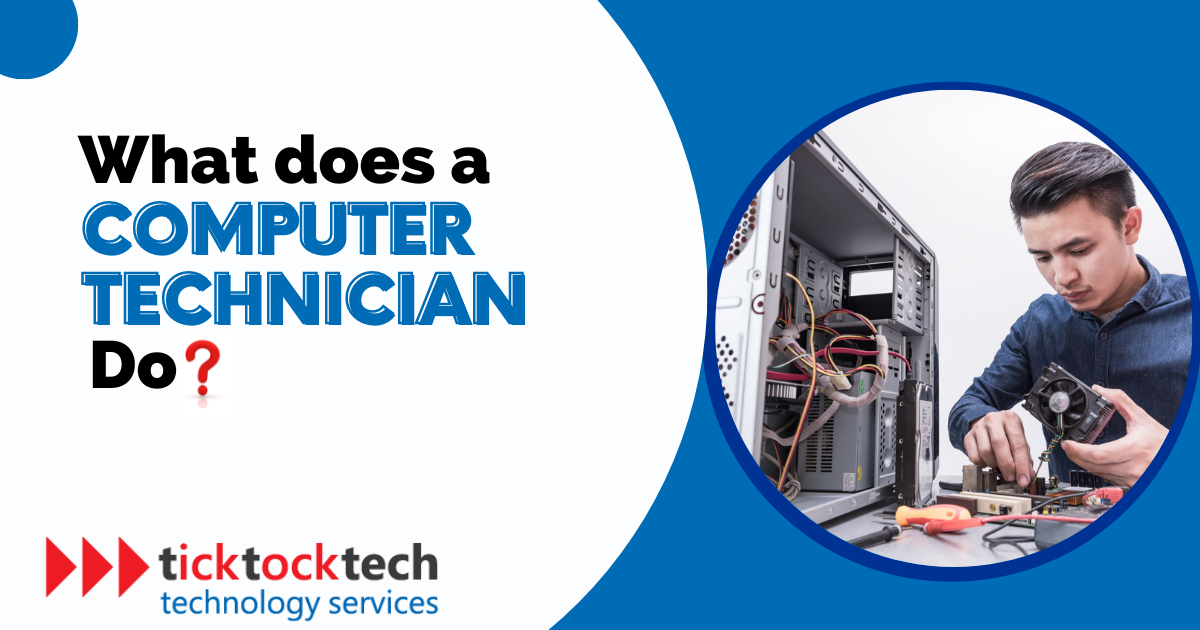
A computer is rarely an island. The modern PC technician must understand how a workstation connects to the wider world. This includes troubleshooting network interface cards (NICs), configuring TCP/IP settings, and ensuring that a machine can reliably access both local area networks (LANs) and cloud-based resources.
Connectivity Troubleshooting
When a user loses internet connectivity or cannot access a shared drive, the PC technician must determine where the failure lies. Is it a cabling issue? A faulty router port? A DNS configuration error? Or perhaps a Group Policy update gone wrong? Technicians use a variety of diagnostic tools—from physical cable testers to command-line utilities like ping, tracert, and ipconfig—to trace connectivity faults and restore access.
Peripheral Ecosystem Management
Modern offices rely on a vast array of peripherals, including docking stations, multi-monitor setups, and proprietary specialized hardware. The PC technician is responsible for the “last mile” of IT support: ensuring that a user’s ergonomic workspace functions correctly. This often involves intricate cable management, troubleshooting USB-C hub connectivity, and calibrating display settings to ensure color accuracy or optimal resolution for design-heavy workstations.
The Human Element: Communication and Documentation
Perhaps the most underrated aspect of a PC technician’s job is the “help desk” component. Technical prowess is useless if the technician cannot translate complex jargon into actionable advice for the end-user. Much of the job involves managing frustration, as technology failure is inherently disruptive.
Technical Documentation and Knowledge Management
A proficient PC technician never relies solely on memory. They maintain meticulous records of every repair, update, and configuration change. This documentation is crucial for two reasons: it provides a historical audit trail for future troubleshooting, and it serves as the foundation for an organization’s knowledge base. By documenting common issues and their solutions, technicians build a library that empowers users to perform basic self-service troubleshooting, effectively reducing the volume of support tickets over time.
Training and End-User Empowerment
Part of the technician’s mandate is to prevent recurring issues through user education. Whether it is teaching staff how to identify phishing attempts, explaining the importance of proper shutdown procedures, or demonstrating how to use company-approved cloud backup solutions, the technician acts as a teacher. By fostering a more “digitally literate” workforce, they reduce the risk of human error, which remains one of the primary causes of system instability and security vulnerabilities.
The Future of the PC Technician Role
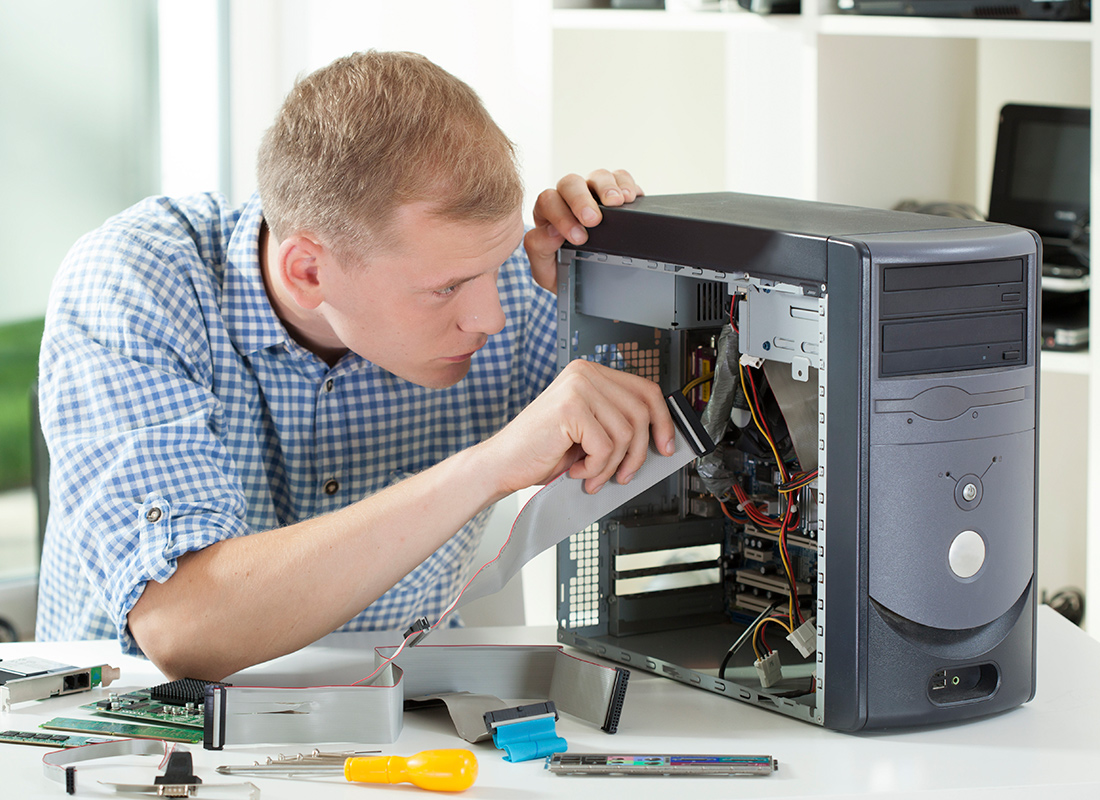
As we move further into an era of cloud computing and AI-driven IT management, the role of the PC technician is shifting from a purely reactive position to a proactive, strategic one. While remote management tools allow technicians to fix many issues without ever touching the physical machine, the necessity for skilled local hardware management remains constant.
The PC technician of the future will be more focused on data orchestration and edge computing support. They will manage devices that are increasingly integrated with AI tools, ensuring that localized hardware can handle the processing loads required by modern machine learning applications. As machines become more sophisticated, the technician’s role will require a higher degree of specialization in hardware-software integration.
Despite these changes, the fundamental objective remains unchanged: the PC technician ensures that the tools upon which the world relies are working, efficient, and secure. They are the unseen guardians of productivity, ensuring that when a professional sits down at their desk, the digital window to their work remains wide open and perfectly clear. Through a combination of rigorous diagnostic skills, deep system knowledge, and effective communication, the PC technician transforms the chaotic reality of computing into a reliable utility.
aViewFromTheCave is a participant in the Amazon Services LLC Associates Program, an affiliate advertising program designed to provide a means for sites to earn advertising fees by advertising and linking to Amazon.com. Amazon, the Amazon logo, AmazonSupply, and the AmazonSupply logo are trademarks of Amazon.com, Inc. or its affiliates. As an Amazon Associate we earn affiliate commissions from qualifying purchases.