
In the dynamic landscape of digital entertainment, streaming services have fundamentally reshaped how we consume television. Among the giants, Hulu stands out as a versatile platform, offering a blend of on-demand content and, with its Live TV package, access to traditional broadcast channels. A frequently posed question by users transitioning from cable or simply navigating the complexities of streaming is: “What channel is CBS on Hulu?” This seemingly straightforward query opens a Pandora’s Box of technological nuances, interface navigation, and subscription tier specifics that are central to understanding modern media consumption. This article delves into the technicalities of accessing CBS content on Hulu, exploring the underlying mechanisms, user interface elements, and optimization strategies inherent in the streaming experience.

Decoding Hulu’s Live TV and On-Demand Offerings
Understanding where to find CBS on Hulu necessitates a clear distinction between Hulu’s primary service models: the standard on-demand library and the enhanced Hulu + Live TV package. Each offers a different avenue for accessing content, underpinned by distinct technical architectures and licensing agreements.
Hulu + Live TV: Your Gateway to Live CBS
For those seeking to watch CBS programs as they air, the Hulu + Live TV subscription is the critical component. This premium tier transforms Hulu from an on-demand video library into a comprehensive cable-replacement service, streaming live television channels directly over the internet. The technical marvel behind this involves Hulu securing digital distribution rights with various broadcast networks, including CBS, and integrating them into a unified streaming environment.
Crucially, the availability of a live CBS channel is contingent upon the user’s geographical location. Hulu leverages geo-location technology, typically based on your IP address, to determine your local market. This allows the platform to deliver the feed from your nearest CBS affiliate station – for example, WCBS-TV in New York or KCBS-TV in Los Angeles. This ensures that you receive local news, sports, and syndicated programming relevant to your region, mirroring the experience of traditional over-the-air or cable broadcasts. From a technological standpoint, this requires robust content delivery networks (CDNs) to stream live video seamlessly to millions of users simultaneously, minimizing latency and buffering. Furthermore, Hulu + Live TV includes cloud DVR functionality, a significant tech advantage allowing users to record live broadcasts and store them in the cloud for later viewing, transcending the limitations of physical recording devices.
Hulu’s On-Demand Library: Catching Up on CBS Shows
Even without the Live TV add-on, the base Hulu subscription (Hulu with ads or Hulu (No Ads)) offers an extensive on-demand library that includes a selection of shows from various networks, often available the day after their original broadcast. For CBS content, this availability is primarily dictated by specific licensing agreements between CBS (or its parent company, Paramount Global) and Hulu.
While you won’t find a “CBS channel” to watch live with a standard Hulu subscription, you can often stream individual episodes of popular CBS series such as Tracker, NCIS, or FBI shortly after they air. This involves a different technical process: content is ingested, encoded, and uploaded to Hulu’s servers, becoming part of its on-demand catalog. Users then access these pre-recorded files, allowing for flexible viewing times. The distinction is vital: live streaming involves a continuous, real-time data feed, whereas on-demand viewing is about accessing discrete, pre-packaged media files. The user experience is also different, with on-demand offering complete control over playback (pause, rewind, fast-forward) and often integrated features like watchlists and recommendations based on viewing history, powered by sophisticated algorithms.
Navigating the Hulu Interface: Finding CBS Content
The user interface (UI) of a streaming application is the primary point of interaction between the user and the vast content library. For Hulu, navigating this interface efficiently is key to locating both live CBS streams and on-demand CBS programming. Hulu’s design aims for intuitive discovery, but understanding its structure can significantly enhance the user experience.
Locating Live CBS within the Hulu App
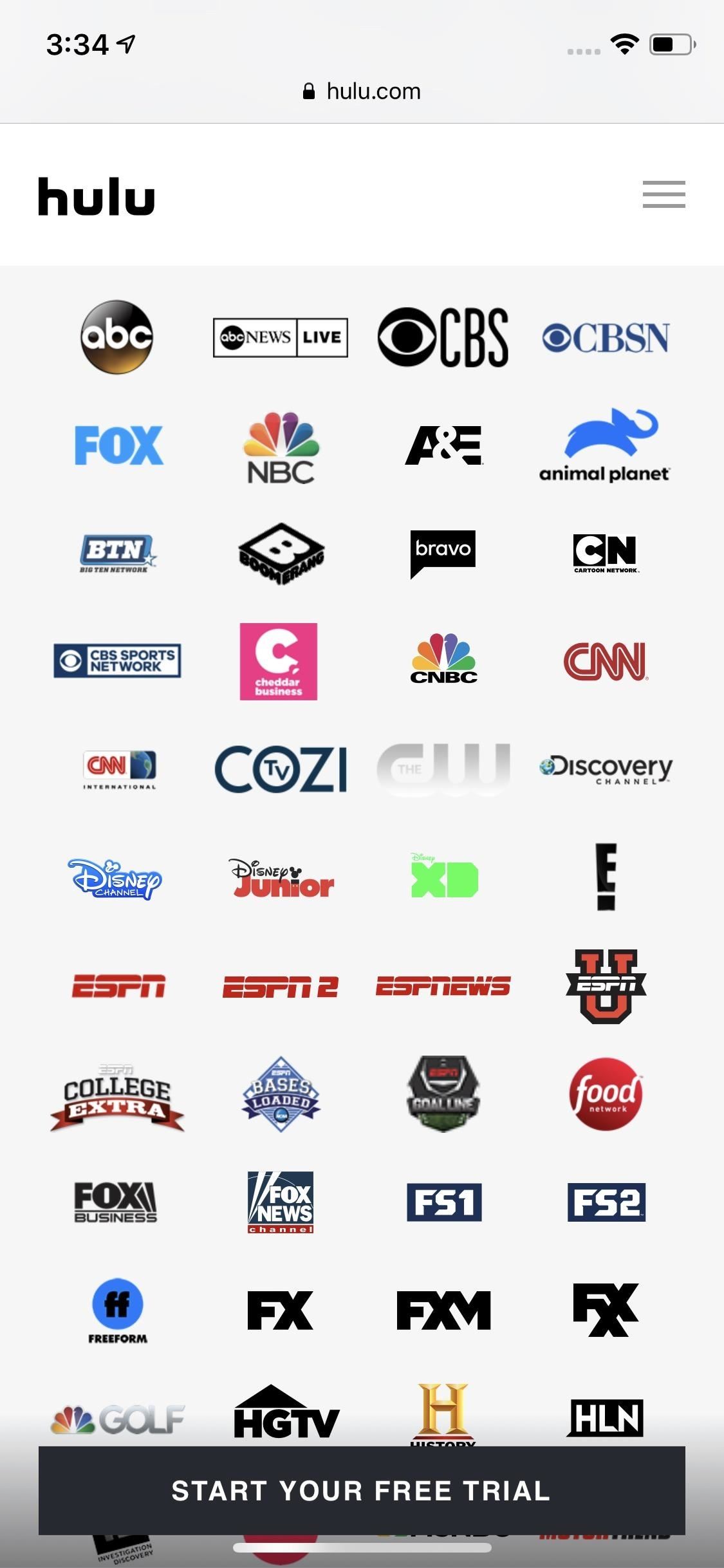
For Hulu + Live TV subscribers, finding the live CBS channel is typically a straightforward process designed to mimic traditional TV guides. Upon launching the Hulu app, users can often find a “Live” or “Live Guide” tab prominently displayed in the navigation menu, usually at the top or side of the screen. Tapping or clicking on this brings up an interactive channel guide, akin to a digital program schedule. Within this guide, channels are typically listed alphabetically or by category, allowing users to scroll through and locate their local CBS affiliate.
Alternatively, the “Home” screen of Hulu + Live TV often features a “Live TV” row showcasing currently airing programs, sometimes including CBS if a popular show is on. For direct access, the search function is an indispensable tool. By typing “CBS” into the search bar, users can quickly pull up the live channel option, along with any on-demand content related to CBS. Once on the live channel, typical streaming controls allow for pausing, rewinding (within a limited buffer), and fast-forwarding through current programming, all facilitated by robust underlying streaming protocols designed for real-time video delivery. Users can also add their favorite channels, including CBS, to a personalized “My Stuff” section, allowing for quicker access in subsequent sessions – a customization feature central to modern app design.
Discovering On-Demand CBS Shows and Movies
Finding on-demand CBS content on Hulu is a more exploratory process, relying heavily on the platform’s search and browsing capabilities. If you’re looking for a specific CBS show like Blue Bloods or The Equalizer, the most efficient method is to use the universal search bar, typically represented by a magnifying glass icon. Typing the show’s title will usually bring up a dedicated show page, where users can browse available seasons and episodes, view cast information, and see related content.
For broader discovery, users can navigate through Hulu’s various browsing categories. While there isn’t a dedicated “CBS network” category in the same way there are categories for “Hulu Originals” or “FX,” users can often find CBS shows grouped under genres (e.g., “Drama,” “Crime,” “Comedy”) or listed on the “TV Shows” section. Some interfaces might also have a “Networks” or “Channels” filter, allowing users to drill down by content provider. Each show page is a hub of information, leveraging metadata (show descriptions, episode summaries, air dates) to provide a rich user experience. The playback mechanism for on-demand content is highly optimized for various devices, employing adaptive bitrate streaming to adjust video quality based on the user’s internet connection and device capabilities, ensuring a smooth viewing experience whether on a smartphone or a 4K smart TV.
Understanding the Nuances: Regional Availability and Service Tiers
Beyond simply finding CBS, a deeper understanding of Hulu’s operational intricacies reveals layers of technological and logistical considerations that impact content availability. These nuances are crucial for a complete tech-centric perspective on streaming.
The Geographical Factor: Local CBS Affiliates
As mentioned, the live CBS channel on Hulu + Live TV is tied to your geographical location. This is not a mere convenience but a fundamental aspect of broadcast television’s regulatory and licensing structure. Hulu’s system relies on accurately determining your current physical location, primarily through your device’s IP address. For mobile devices, location services might also be used. This information is then cross-referenced with Hulu’s database of local affiliate agreements to present the correct local CBS feed.
This technological handshake ensures compliance with broadcasting laws and local market agreements, preventing out-of-market viewing which could violate licensing terms. For users, this means that while traveling, their live local channels on Hulu will change to reflect their new location, provided Hulu has agreements with the local affiliates there. This dynamic geo-fencing mechanism is a complex system designed to replicate the traditional broadcast model in a digital environment, requiring constant updates and robust database management by Hulu. Using Virtual Private Networks (VPNs) to bypass these geo-restrictions is generally against Hulu’s terms of service, and their systems are sophisticated enough to detect and block many VPN connections, emphasizing the technical effort put into maintaining regional content integrity.
Beyond the Basics: Hulu Add-ons and Bundles
While not directly related to finding the main CBS channel, Hulu’s ecosystem of add-ons and bundles represents another layer of technological integration and content strategy. For instance, services like Paramount+ (which is owned by CBS’s parent company, Paramount Global) offer extensive CBS and Paramount content, including live feeds of local CBS stations in many markets. While Hulu doesn’t integrate Paramount+ directly as an add-on in the same way it does with SHOWTIME or STARZ, the existence of such bundles (like the Disney Bundle, which includes Hulu, Disney+, and ESPN+) highlights the broader trend of media conglomerates creating interconnected streaming ecosystems.
From a technological standpoint, these bundles showcase the increasing complexity of backend integrations, single sign-on technologies, and shared user data analytics across multiple platforms. While Hulu doesn’t offer a “CBS-specific” premium add-on, understanding the various service tiers and how content is distributed across a broader digital landscape is crucial for anyone navigating the modern streaming world. These bundles aim to provide a more holistic entertainment solution, often optimizing subscription costs for users while leveraging cross-platform engagement data to inform content strategies and personalization algorithms.
Troubleshooting and Maximizing Your Hulu Experience
Even with the most robust technology, streaming can sometimes encounter hurdles. Understanding common technical issues and adopting best practices can significantly enhance your Hulu experience, particularly when trying to watch CBS content.
Common Tech Issues and Solutions
Streaming quality issues are frequently rooted in internet connectivity. Buffering, pixelated video, or outright disconnections often point to an insufficient internet speed or an unstable Wi-Fi signal. Hulu recommends minimum speeds for different video qualities, with higher demands for HD and 4K content. Troubleshooting often starts with a basic internet speed test, followed by router resets or switching to an Ethernet connection for more stability.
Geo-location problems, especially for live TV, can arise if Hulu inaccurately detects your location. This might happen with certain network configurations or if you’re attempting to use a VPN. Hulu’s systems are designed to identify and block most VPN traffic to enforce geo-restrictions. If you suspect a location issue, ensure your device’s location services are enabled for Hulu and that your IP address correctly reflects your home region. Device compatibility and app updates are also critical. Older streaming devices or outdated app versions can lead to performance issues, bugs, or even prevent access to certain features. Regularly checking for and installing app updates and ensuring your streaming device’s firmware is current can resolve many common problems, ensuring optimal performance and security.

Optimizing Your Streaming Setup
Maximizing your Hulu experience, especially for demanding live content like CBS, involves optimizing your entire streaming ecosystem. The choice of streaming device plays a significant role. Dedicated streaming sticks (Roku, Fire TV Stick, Apple TV), smart TVs, gaming consoles, and even modern web browsers offer varying degrees of performance, user interface fluidity, and support for advanced features like 4K HDR. Ensuring your device has adequate processing power and memory is essential for smooth playback and app navigation.
Your home network setup is equally vital. A strong Wi-Fi signal, ideally on the 5GHz band, or a wired Ethernet connection to your primary streaming device, can dramatically improve stability and speed. Positioning your Wi-Fi router centrally and minimizing interference from other electronics can also help. Beyond hardware, personalizing your Hulu experience through user profiles allows for tailored recommendations and separate watch histories for each family member, driven by Hulu’s recommendation algorithms that analyze viewing patterns. Utilizing features like “My Stuff” to curate a watchlist of CBS shows ensures that your favorite content is always just a few clicks away, reflecting a thoughtful approach to user-centric digital design.
In conclusion, finding CBS on Hulu is far more than just locating a channel number; it’s an immersive dive into the technological underpinnings of modern streaming. From understanding the difference between live and on-demand content delivery mechanisms to navigating sophisticated user interfaces and troubleshooting common tech issues, the journey to watching CBS on Hulu encapsulates the complexities and innovations of digital entertainment. By grasping these technical concepts, users can unlock the full potential of their Hulu subscription and enjoy a seamless, personalized viewing experience.
aViewFromTheCave is a participant in the Amazon Services LLC Associates Program, an affiliate advertising program designed to provide a means for sites to earn advertising fees by advertising and linking to Amazon.com. Amazon, the Amazon logo, AmazonSupply, and the AmazonSupply logo are trademarks of Amazon.com, Inc. or its affiliates. As an Amazon Associate we earn affiliate commissions from qualifying purchases.