
The shift from traditional linear cable to over-the-top (OTT) streaming services has fundamentally changed how we consume media. At the forefront of this revolution is YouTube TV, a service that combines the familiarity of live television with the technological agility of a modern app. However, for many users transitioning from a standard cable box, the primary question remains: “What can I watch YouTube TV on?”
Unlike the proprietary hardware required by cable providers, YouTube TV is designed for cross-platform flexibility. This guide provides a comprehensive technical breakdown of the hardware, software requirements, and ecosystem integrations that support YouTube TV, ensuring you can access your favorite channels whether you are in your living room or on the move.
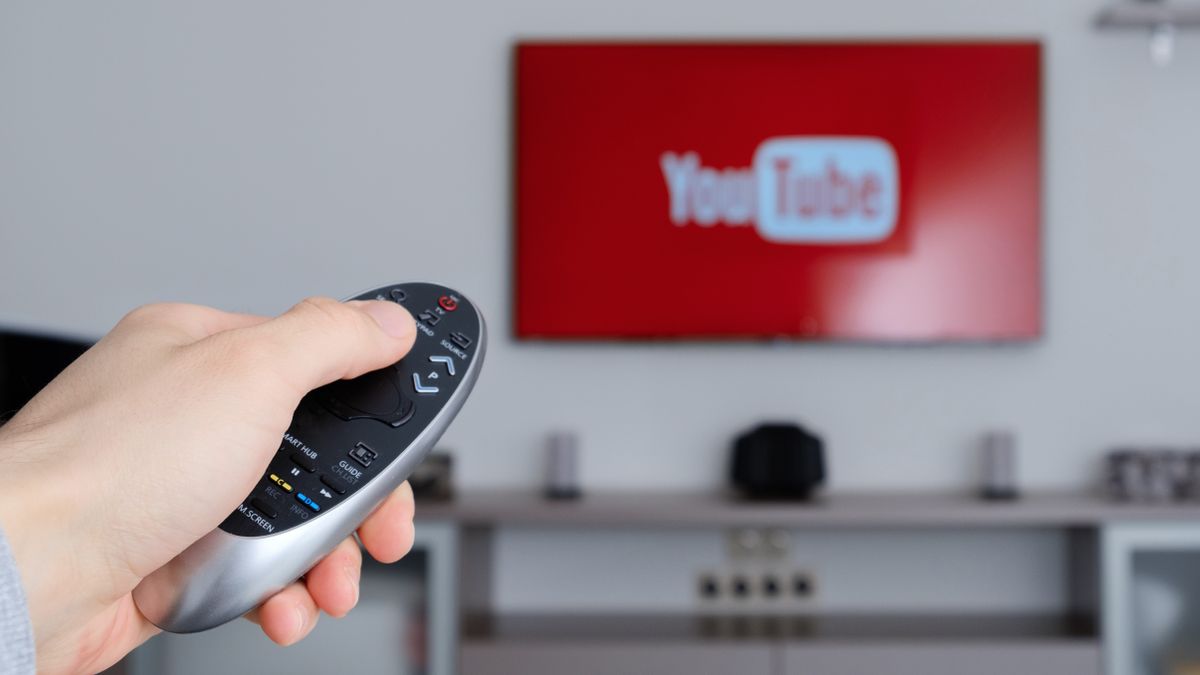
1. The Living Room Core: Smart TVs and Streaming Media Players
The most common way to experience YouTube TV is through a television. As the industry has moved toward “Smart” ecosystems, the reliance on external set-top boxes has diminished, though they remain the gold standard for performance.
Built-in Smart TV Platforms
Most modern televisions manufactured after 2016 come equipped with an operating system capable of running the YouTube TV application natively.
- Samsung Smart TVs: Models from 2016 and later running the Tizen OS support the app. For the best experience, users should ensure their firmware is updated to the latest version to avoid UI lag.
- LG Smart TVs: LG’s webOS (versions 3.0 and higher) provides a robust environment for YouTube TV. The “Magic Remote” integration allows for fluid navigation through the live grid guide.
- Vizio SmartCast: Vizio users can access the app directly on the SmartCast home screen. Vizio also leverages built-in Chromecast technology, allowing users to “cast” from their phones if the native app requires a reset.
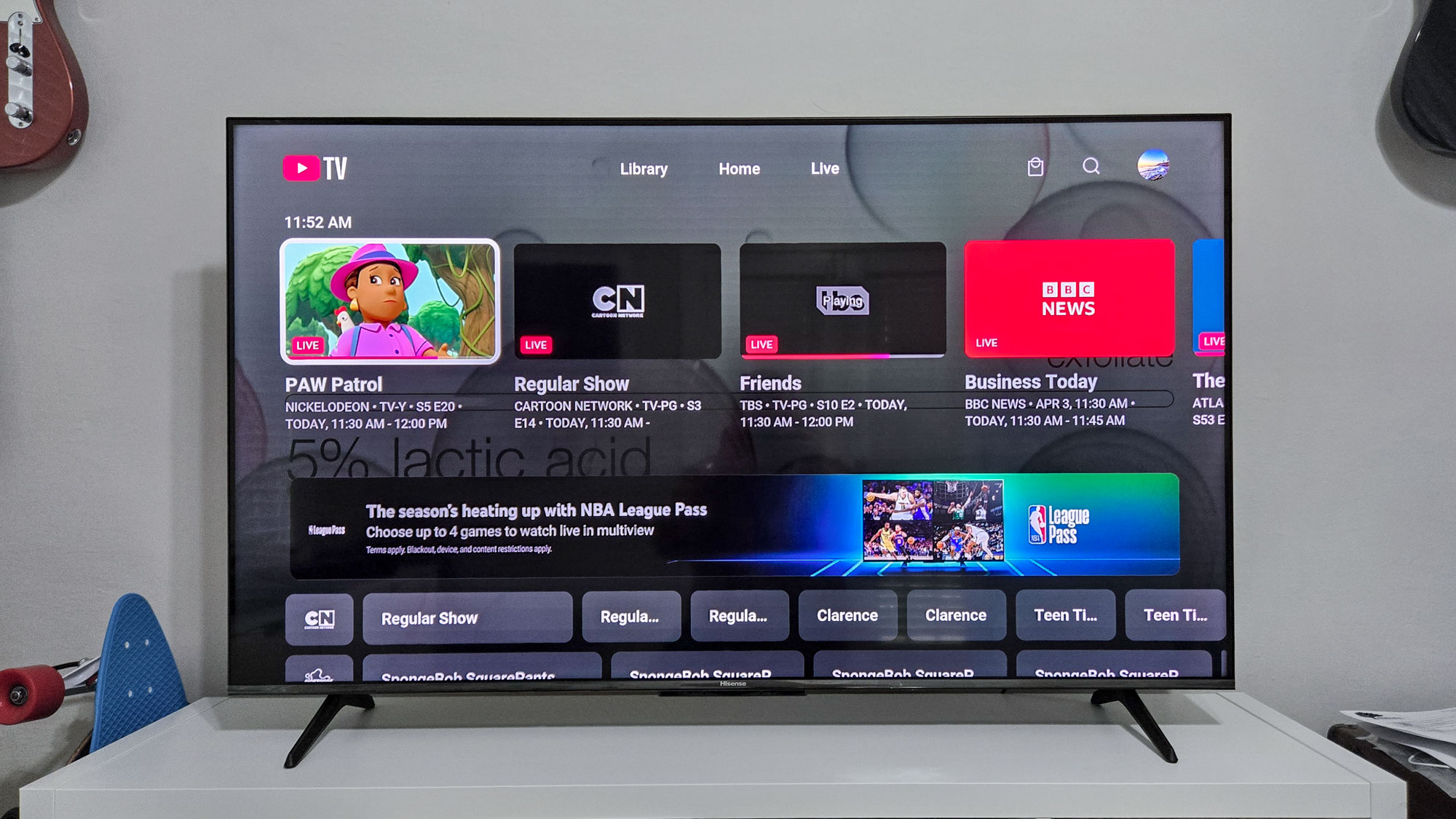
- Android TV and Google TV: As a Google product, YouTube TV is most deeply integrated here. Brands like Sony, Hisense, and TCL (Google TV versions) offer a seamless experience where live channels can often be integrated directly into the television’s home screen discovery layer.
Dedicated Streaming Media Players
For users with older televisions or those who prefer a snappier interface than a TV’s built-in processor can provide, dedicated streaming sticks are the preferred tech solution.
- Chromecast with Google TV: This is the flagship device for the service. It features a dedicated “Live” tab that pulls your YouTube TV lineup directly into the OS, eliminating the need to even open the app.
- Roku: Almost all current Roku devices—including the Roku Ultra, Streaming Stick+, and Roku Premiere—support YouTube TV. Despite historical carriage disputes, the app is currently stable and highly optimized for Roku’s lightweight OS.
- Amazon Fire TV: After years of competition, Amazon and Google reached an agreement. YouTube TV is now available on the Fire TV Stick (2nd Gen and above), Fire TV Cube, and Fire TV Edition smart TVs.
- Apple TV: For those in the Apple ecosystem, the Apple TV 4K and Apple TV (4th Generation) offer perhaps the fastest navigation thanks to their high-performance A-series chips.
2. Portability and the On-the-Go Experience: Mobile and Web
One of the greatest technological advantages of YouTube TV over traditional cable is the decoupling of the service from a physical address. This is achieved through sophisticated mobile applications and web-based streaming.
Mobile Devices: iOS and Android
The YouTube TV app is engineered to handle variable bitrates, ensuring that even on a fluctuating 4G or 5G connection, the stream remains stable.
- Android Compatibility: The app works on most Android smartphones and tablets running Android L (5.0) or later. On Android, the app often supports “Picture-in-Picture” (PiP) mode, allowing you to watch a game while answering emails or browsing the web.
- iOS and iPadOS: For Apple users, the app requires iOS 12 or later. The iPad version is particularly well-regarded for its utilize of the larger screen, offering a sidebar for scores and stats during live sports broadcasts.
- Technical Optimization: Both mobile versions allow for “Offline Downloads” if you have the 4K Plus add-on, a technical feat that caches encrypted video files for viewing without an internet connection.
Web Browsers and Desktop Access
For professionals or students, the ability to watch on a laptop is a significant convenience. YouTube TV does not require a standalone desktop application; instead, it leverages the power of modern web engines.
- Supported Browsers: The service is optimized for Chrome, Firefox, Safari, and Microsoft Edge.
- Technical Requirements: The web version utilizes HTML5 video playback and requires JavaScript to be enabled. It supports high-definition streaming, though 4K playback on the web is often contingent on the browser’s ability to decode VP9 or AV1 codecs and the computer’s display HDCP compliance.
3. Gaming Consoles and Specialized Smart Hardware
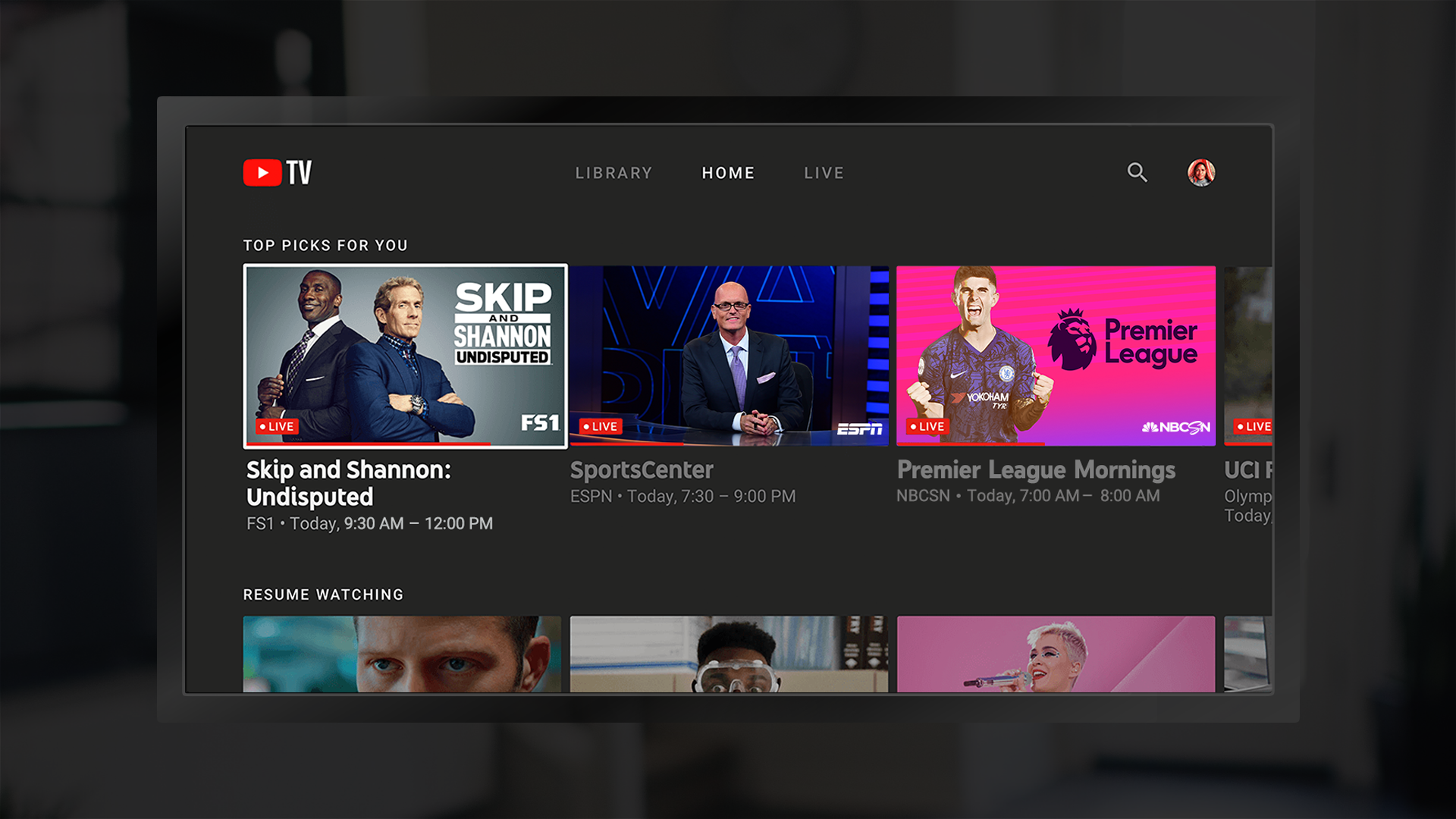
The versatility of the YouTube TV app extends into devices that were not originally intended for television consumption, such as gaming consoles and smart home displays.
Gaming Consoles: PlayStation and Xbox
Gaming consoles often possess more powerful GPUs and CPUs than standard streaming sticks, resulting in a significantly faster user interface and lower latency when switching between channels.
- PlayStation: The app is available on the PlayStation 4, PS4 Pro, and PlayStation 5. The PS5 version, in particular, benefits from high-speed SSDs, making the loading of the DVR library instantaneous.
- Xbox: Microsoft users can download the app on Xbox One, Xbox One S, Xbox One X, and the newer Series S and Series X. The app is integrated into the Xbox media architecture, allowing for voice control via headsets.
Smart Displays: The Google Nest Ecosystem
As the smart home evolves, the “kitchen TV” has been replaced by the smart display. The Google Nest Hub and Nest Hub Max allow users to stream YouTube TV directly. This integration is handled via Google Assistant, enabling voice commands like “Hey Google, play ESPN on YouTube TV.” Technically, these devices function as a hybrid between a tablet and a Chromecast, receiving the stream via the cloud while providing a touch interface for channel navigation.
4. Technical Requirements for an Optimal Viewing Experience
Owning a compatible device is only half the battle. To ensure the hardware performs as intended, certain technical thresholds must be met regarding connectivity and software.
Bandwidth and Network Stability
Streaming live video is significantly more data-intensive than streaming on-demand content because the data cannot be buffered as deeply.
- Standard Definition (SD): A minimum of 3 Mbps is required for a single SD stream.
- High Definition (HD): 7 Mbps to 13 Mbps is recommended for a consistent 1080p experience, especially for high-frame-rate content like sports (60fps).
- 4K Ultra HD: If you have the 4K Plus add-on, you will need a consistent 25 Mbps per stream.
- Wi-Fi vs. Ethernet: For stationary devices like Smart TVs and consoles, an Ethernet connection (Cat5e or Cat6) is technically superior to Wi-Fi, as it eliminates packet loss and reduces the “latency” or delay behind the live broadcast.
HDCP and Hardware Security
To protect copyrighted content, YouTube TV utilizes High-bandwidth Digital Content Protection (HDCP). If you are using an external streaming stick or a PC, your HDMI cables and monitor must be HDCP 1.4 compliant for HD and HDCP 2.2 compliant for 4K content. If your hardware does not meet these handshake requirements, the app may throw an error code or limit the resolution to 480p.
Location Services and Geo-Fencing
Because YouTube TV provides local broadcast networks (ABC, NBC, CBS, FOX), the hardware must be able to report its location.
- Mobile: Uses GPS coordinates.
- Streaming Sticks: Uses IP address geolocation.
- Requirement: Users must “check in” from their home area periodically on a mobile device or browser to maintain access to local programming, a technical measure used to comply with regional licensing agreements.
5. Troubleshooting and Device Maintenance
Even with compatible hardware, software conflicts can occur. Maintaining the technical health of your device is essential for an uninterrupted viewing experience.
App Cache and Data Management
On devices like the Fire TV Stick or Android TV, the YouTube TV app stores “cache” data to speed up loading times. Over time, this data can become corrupted. Tech-savvy users should periodically go into Settings > Apps > YouTube TV and select “Clear Cache.” This refreshes the app’s temporary memory without requiring a full re-login.
Firmware Updates
The streaming industry moves fast. Manufacturers frequently release firmware updates to patch security vulnerabilities and improve video decoding. If the YouTube TV app is crashing or stuttering, the first technical step should always be checking for a System Update on the host device.
The Role of HDMI 2.1
For users aiming for the absolute peak of performance, ensuring your device is plugged into an HDMI 2.1 port can be beneficial. While YouTube TV doesn’t currently require the full bandwidth of HDMI 2.1, the standard’s “Auto Low Latency Mode” (ALLM) and “Quick Media Switching” (QMS) features can help eliminate the black screen flickers that sometimes occur when the app switches between different frame rates or dynamic range profiles (HDR vs. SDR).
By understanding the technical landscape of YouTube TV, users can maximize their subscription. Whether you choose the high-processing power of a PlayStation 5 or the convenience of a Chromecast, the service’s architecture ensures that high-quality live television is accessible across nearly every screen in the modern digital home.
aViewFromTheCave is a participant in the Amazon Services LLC Associates Program, an affiliate advertising program designed to provide a means for sites to earn advertising fees by advertising and linking to Amazon.com. Amazon, the Amazon logo, AmazonSupply, and the AmazonSupply logo are trademarks of Amazon.com, Inc. or its affiliates. As an Amazon Associate we earn affiliate commissions from qualifying purchases.