
The digital landscape has undergone a seismic shift from traditional linear broadcasting to the on-demand era of Over-The-Top (OTT) platforms. Paramount Plus, the successor to CBS All Access, stands as a cornerstone of this evolution, integrating decades of legacy media with cutting-edge streaming technology. To the uninitiated, “watching” a service might seem simple, but maximizing the technical potential of Paramount Plus requires an understanding of device ecosystems, network requirements, and software optimization.
This guide explores the technical architecture of Paramount Plus, detailing how to deploy the service across various hardware platforms while ensuring the highest possible fidelity in video and audio output.

1. Hardware Ecosystems and Device Compatibility
The modern streaming environment is fragmented across various operating systems and hardware configurations. Paramount Plus is built on a versatile tech stack that allows it to operate across virtually any device with an internet connection and a screen. However, the experience varies significantly based on the hardware’s processing power and software version.
Smart TVs and Dedicated Streaming Players
For the most robust experience, dedicated streaming players like the Roku Ultra, Amazon Fire TV Stick 4K Max, and Apple TV 4K are preferred. These devices feature dedicated processors designed specifically for video decoding. Paramount Plus supports these platforms natively, often offering the most stable UI/UX on these devices.
When using Smart TVs (such as those from Samsung, LG, or Vizio), the experience is governed by the TV’s internal Operating System (e.g., Tizen, webOS). It is critical to ensure your TV’s firmware is up to date. Manufacturers frequently release patches that optimize the app’s interaction with the TV’s hardware, reducing “input lag” and preventing crashes during high-bitrate playback.
Gaming Consoles: Beyond Play
Gaming consoles represent some of the most powerful hardware in a home theater setup. Paramount Plus is available on the PlayStation 4, PlayStation 5, Xbox One, and Xbox Series X|S. These machines excel at handling the heavy graphical demands of modern streaming apps. Because these consoles are designed for high-performance data throughput, they often provide a smoother navigation experience than the built-in apps on many budget-friendly Smart TVs.
Mobile Devices and Portable Tech
On the go, Paramount Plus utilizes adaptive bitrate streaming to deliver content to iOS and Android devices. For an optimal tech experience, users should ensure their devices support Widevine L1 DRM (Digital Rights Management), which is necessary for HD and 4K playback on Android. Apple users benefit from the seamless integration of the “TV” app, which can aggregate Paramount Plus content directly into the iOS ecosystem.
2. Optimizing the Technical Streaming Experience
Watching Paramount Plus is one thing; watching it in its highest technical form is another. To achieve 4K Ultra HD, Dolby Vision, and Dolby Atmos, certain technical benchmarks must be met within your home network and hardware chain.
Bandwidth Requirements and Network Stability
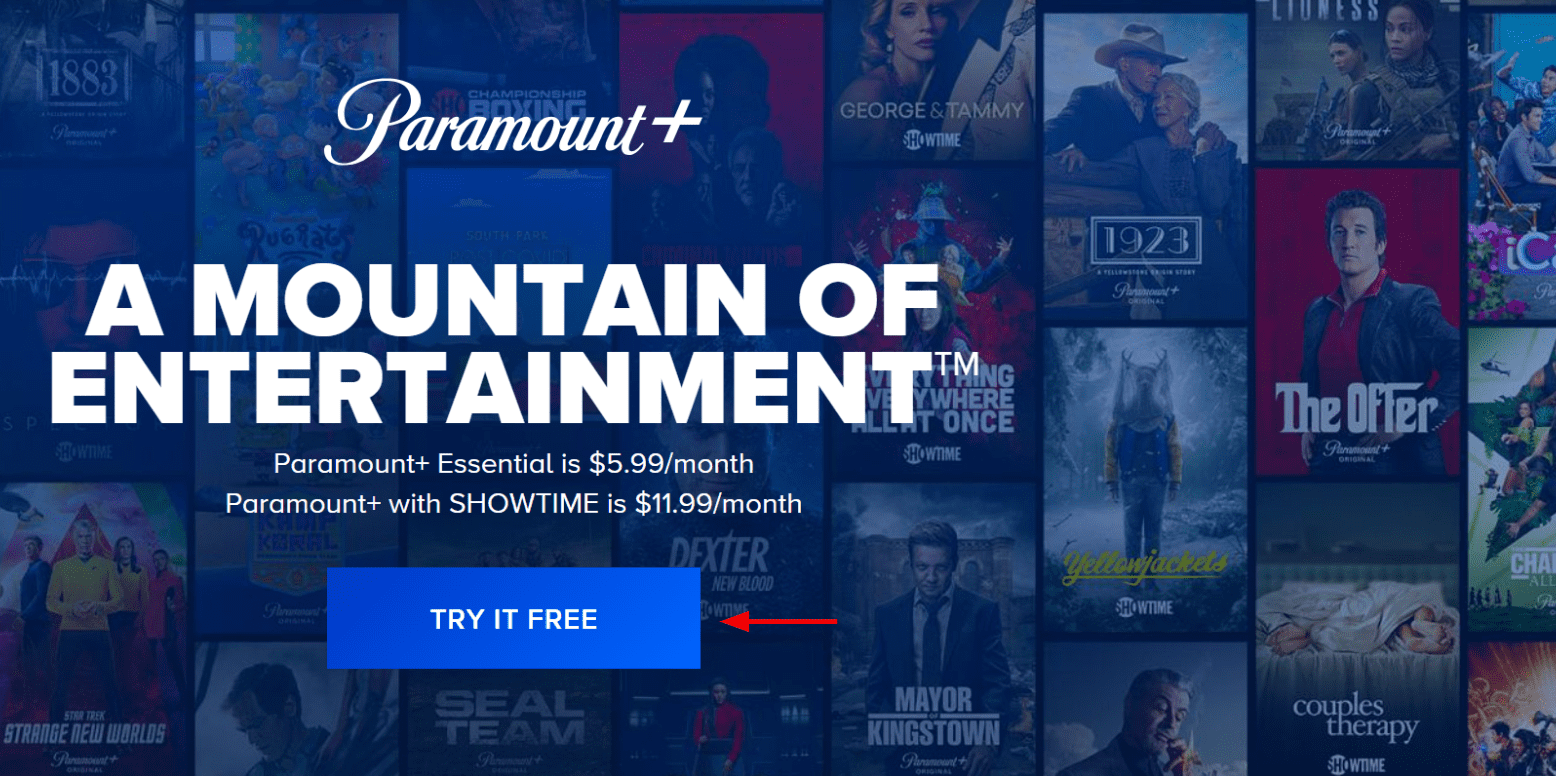
Streaming high-definition content is a data-intensive process. For standard 1080p HD, a stable connection of 5 Mbps is the bare minimum. However, for 4K UHD content—available on the Paramount+ with SHOWTIME tier—you require a minimum sustained speed of 25 Mbps.
Tech-savvy users should prioritize a wired Ethernet connection over Wi-Fi whenever possible. If Wi-Fi is the only option, utilizing the 5GHz band rather than the 2.4GHz band can significantly reduce interference from other household gadgets. Implementing a Mesh Wi-Fi system can also eliminate “dead zones” where the bitrate might drop, causing the app to buffer or downgrade the video resolution.
Understanding HDR and Audio Passthrough
Paramount Plus supports advanced imaging standards like Dolby Vision and HDR10. These technologies allow for a wider color gamut and higher contrast ratios. To enable these, every link in your technical chain must be compatible. If you are using an external streaming stick, it must be plugged into an HDMI 2.0 or 2.1 port that supports HDCP 2.2.
On the audio side, many titles support Dolby Atmos. To experience this, your hardware must support “bitstream” output or “audio passthrough,” sending the raw audio data to a compatible soundbar or A/V receiver for decoding. Without these settings properly configured in the app and the device’s system menu, you may be limited to standard stereo sound.

Managing Data Usage and Offline Downloads
For users on metered connections or mobile data, Paramount Plus includes technical settings to manage data consumption. Within the mobile app, you can toggle between “High Quality” and “Data Saver” modes. The latter utilizes more aggressive compression algorithms to reduce the file size of the stream. Additionally, the “Download” feature allows for offline viewing—a technical necessity for travelers—allowing encrypted video files to be stored locally on a device’s internal flash storage.
3. Navigating the Interface and Advanced Software Features
The software design of Paramount Plus is more than just a menu; it is a sophisticated recommendation engine powered by machine learning and metadata tagging. Understanding how to interact with this software can improve your content discovery.
User Profiles and Personalization Algorithms
Paramount Plus allows for the creation of up to six individual profiles. Each profile maintains its own “Keep Watching” queue and “My List.” From a technical perspective, these profiles segment the data harvested by the platform’s recommendation algorithm. By keeping profiles separate, the AI can more accurately predict what a specific user wants to watch based on their unique viewing history and “watch-time” metrics.
Parental Controls and Content Filtering
For households with children, the platform offers robust technical filters. These are not merely suggestions; they are hard-coded restrictions based on content ratings (G, PG, TV-14, etc.). By setting a PIN-protected profile, parents can ensure that the app’s API (Application Programming Interface) restricts access to mature content across all synced devices, providing a secure digital environment.
Integrating with Third-Party Aggregators
In the modern tech ecosystem, many users prefer not to jump between apps. Paramount Plus can be integrated as a “Channel” within platforms like Apple TV Channels, Amazon Prime Video Channels, or YouTube TV. This technical integration allows the host app to handle the billing and the video player interface, often resulting in a more unified search experience across different streaming libraries.
4. Troubleshooting and Digital Maintenance
Even the most polished software can encounter technical hurdles. Most issues with Paramount Plus can be traced back to cache corruption, software version mismatches, or DNS conflicts.
Clearing Cache and Reinstalling
If the app becomes sluggish or fails to load, the first technical step is to clear the app’s cache. On Android TV or Fire TV, this can be done in the system settings. This process flushes temporary data that may have become corrupted. If the issue persists, a full “clean install”—deleting the app and redownloading the latest version from the app store—is the most effective way to resolve persistent bugs.
Troubleshooting Connectivity and VPNs
Sometimes, the app may fail to initialize due to IP-related issues. If you are using a VPN (Virtual Private Network) for digital security, Paramount Plus may block the connection. This is because the service uses geo-fencing technology to comply with licensing agreements. To resolve this, you must use a VPN provider that offers “obfuscated servers” or specific “streaming-optimized” IP addresses that are not flagged by the platform’s security headers.
Firmware and System Updates
The relationship between an app and the underlying OS is a constant dance of updates. If Paramount Plus stops working after a system update, it usually means the app developer needs to release a patch to maintain compatibility with the new OS kernel. Regularly checking for both “App Updates” and “System Updates” is the best way to maintain a stable streaming environment.
5. The Future of Streaming Technology at Paramount
As we look toward the future, Paramount Plus is likely to integrate even more advanced technologies to stay competitive in the “streaming wars.”
AI-Driven Quality Enhancements
We are seeing the rise of AI upscaling within hardware (like the Nvidia Shield Pro), but platforms themselves are starting to use server-side AI to improve encoding efficiency. This means future versions of the Paramount Plus app may deliver higher visual quality at lower bitrates, making 4K streaming more accessible to those with slower internet connections.
Cloud Scalability and Global Deployment
The backend of Paramount Plus relies on massive cloud infrastructure (typically AWS or Google Cloud). As the service expands globally, the technical challenge lies in reducing latency. By utilizing Content Delivery Networks (CDNs), Paramount Plus caches content on servers physically closer to the user. This reduces the “hops” data must take across the internet, leading to faster “time-to-first-frame” and a more responsive user interface.
In conclusion, watching Paramount Plus is an experience defined by the synergy between software and hardware. By selecting the right devices, optimizing your home network for high-bandwidth data, and understanding the internal settings of the app, you can transform a simple “viewing” session into a high-fidelity home cinema experience. As streaming technology continues to advance, staying informed on these technical nuances will ensure you remain at the forefront of the digital entertainment revolution.
aViewFromTheCave is a participant in the Amazon Services LLC Associates Program, an affiliate advertising program designed to provide a means for sites to earn advertising fees by advertising and linking to Amazon.com. Amazon, the Amazon logo, AmazonSupply, and the AmazonSupply logo are trademarks of Amazon.com, Inc. or its affiliates. As an Amazon Associate we earn affiliate commissions from qualifying purchases.