
In the rapidly evolving digital landscape, managing various forms of digital currency and credits has become a common challenge for users. Among these, Google Play balance stands out as a prevalent form of digital credit, primarily used for purchasing apps, games, movies, books, and other digital content within the Google Play Store ecosystem. A frequently posed question by users, often seeking greater flexibility, is “how to transfer Google Play balance.” This article delves into the intricacies of Google Play balance, exploring the possibilities, limitations, and effective strategies for its management, strictly adhering to a technology-focused perspective. We will demystify the mechanisms, offer practical workarounds, and provide insights into the underlying policies that govern this digital asset.
Understanding Google Play Balance and Its Limitations
Google Play balance represents a form of credit tied directly to a user’s Google account, redeemable exclusively within the Google Play Store. It can be acquired through various means, including redeeming Google Play gift cards, earning credits from Google Opinion Rewards, or receiving refunds for digital purchases. While it offers a convenient way to access a vast library of digital content, its functionality is governed by specific terms of service that significantly impact its transferability.
What is Google Play Balance?
Google Play balance is essentially digital store credit. It’s not a transferable monetary asset in the traditional sense, like funds in a bank account or a digital wallet such as PayPal. Instead, it’s a closed-loop currency designed to facilitate transactions within the Google Play ecosystem. When you redeem a gift card or earn rewards, the value is credited to your Google Play account, ready to be spent on apps, in-app purchases, subscriptions, movies, TV shows, ebooks, and audiobooks available through Google’s digital storefront. This system ensures that the value remains within Google’s platform, supporting its content creators and publishers.
Why Direct Transfers Are Not Possible (and common misconceptions)
One of the most persistent misconceptions among users is the belief that Google Play balance can be directly transferred to another Google account, converted into cash, or moved to external payment platforms. Unfortunately, Google’s policies explicitly prohibit such direct transfers. The primary reasons behind this restriction are multifaceted:
-
Security and Fraud Prevention: Allowing easy transfer could open doors to various forms of fraud, including money laundering or the exploitation of stolen gift cards. By keeping the balance tied to a single, verified Google account, Google enhances security for both users and the platform.
-
Regulatory Compliance: Financial regulations vary significantly across regions. Treating Google Play balance as transferable currency would subject Google to a much more complex web of financial compliance laws, similar to banks or payment processors. By limiting its scope to internal store credit, Google simplifies its regulatory obligations.
-
Business Model Integrity: The Google Play ecosystem thrives on users engaging with its content. Limiting balance transfers ensures that credits are spent within the store, fostering purchases and subscriptions that directly benefit developers and Google itself.
-
Technical Architecture: The underlying technical infrastructure is designed to associate the balance with a specific user ID, not as a fungible asset that can be seamlessly moved between disparate accounts or external systems.
These fundamental reasons make direct transfers of Google Play balance impossible under current policies. Users often discover this limitation when attempting to consolidate balances from multiple accounts, gift funds to friends or family, or withdraw unused credit.
Key Restrictions and Policies
Beyond the general inability to transfer, several other policies govern Google Play balance:
-
Non-Refundable (with exceptions): Generally, Google Play balance is non-refundable once redeemed. Exceptions usually apply only if required by law or under specific circumstances related to accidental purchases or content issues, and even then, refunds typically revert to Play balance, not external cash.
-
Account-Specific: The balance is intrinsically linked to the Google account that redeemed it. It cannot be merged with another account’s balance or transferred to a different Google ID.
-
No Cash Value Outside the Store: Google Play balance holds no monetary value outside of the Google Play Store. It cannot be used for physical goods, services from other vendors, or converted into cash.
-
Expiration (Rare, but possible): While most Google Play balances, especially those from gift cards, do not expire, certain promotional credits or balances acquired through specific programs might have an expiration date. Users should always check the terms associated with their credit source.
Understanding these restrictions is crucial for setting realistic expectations and planning how to best utilize your existing balance.
Exploring Indirect Methods for Utilizing Your Balance
While direct transfers are off the table, users are not entirely without options when it comes to extending the utility of their Google Play balance beyond their immediate personal use. These indirect methods leverage existing Google Play features to allow for a semblance of “transfer” in the form of shared access or gifting.
Gifting Apps, Games, and Digital Content
One of the most straightforward ways to effectively “share” your Google Play balance is by purchasing digital content as a gift for another user. Google Play allows you to buy specific apps, games, movies, TV shows, or books and send them directly to someone else’s Google account.
How it works:
-
Select Content: Browse the Google Play Store and choose the app, game, movie, or book you wish to gift.
-
Gift Option: On the item’s detail page, look for a “Gift” or “Share” option (the exact wording might vary, but an icon resembling a gift box or three dots for more options is common).
-
Recipient Details: You will be prompted to enter the recipient’s email address. Ensure it’s the email associated with their Google account.
-
Payment: When prompted for payment, select your Google Play balance as the payment method.
-
Confirmation: The recipient will receive an email with a redemption code or a direct link to claim the gifted content.
This method is ideal for surprising a friend with a new premium app, giving a child access to an educational game, or sharing a movie with family members. It effectively utilizes your balance to provide value to another person, albeit in the form of specific content rather than raw credit.
Purchasing Google Play Gift Cards (for others)
While you cannot buy a Google Play gift card with your existing Google Play balance, this option is often mistakenly considered. The intention here is to clarify that if you want to give a transferable form of Google Play credit to someone else, you would need to purchase a new physical or digital Google Play gift card using an external payment method (like a credit card or PayPal) and then send that gift card to them. Your existing balance cannot be converted into a gift card. This is a crucial distinction and a common point of confusion.
Clarification: You cannot liquidate your existing Google Play balance to buy another Google Play gift card for someone else. This is a common misconception. The Google Play balance is designed to be spent on content, not recirculated to create new gift cards. If your goal is to give a Google Play gift card, it must be purchased using an external payment method, not your current balance.
Utilizing Family Library for Shared Purchases
For families, Google offers the “Family Library” feature, which allows up to five family members (including the family manager) to share eligible purchased apps, games, movies, TV shows, and books across their Google accounts. This is not a direct transfer of balance, but it enables multiple users to benefit from a single purchase made by the family manager.
How it works:
-
Set up Family Group: The family manager creates a Google Family Group and invites up to five other members.
-
Add Payment Method: The family manager sets up a family payment method (usually a credit card).
-
Share Eligible Content: Once set up, most eligible purchases made by any family member using the family payment method can be shared with other family members without them having to buy it again. Importantly, purchases made with individual Google Play balance are generally not automatically shared through the Family Library unless specific settings are configured or if the primary family payment method is used for the purchase.
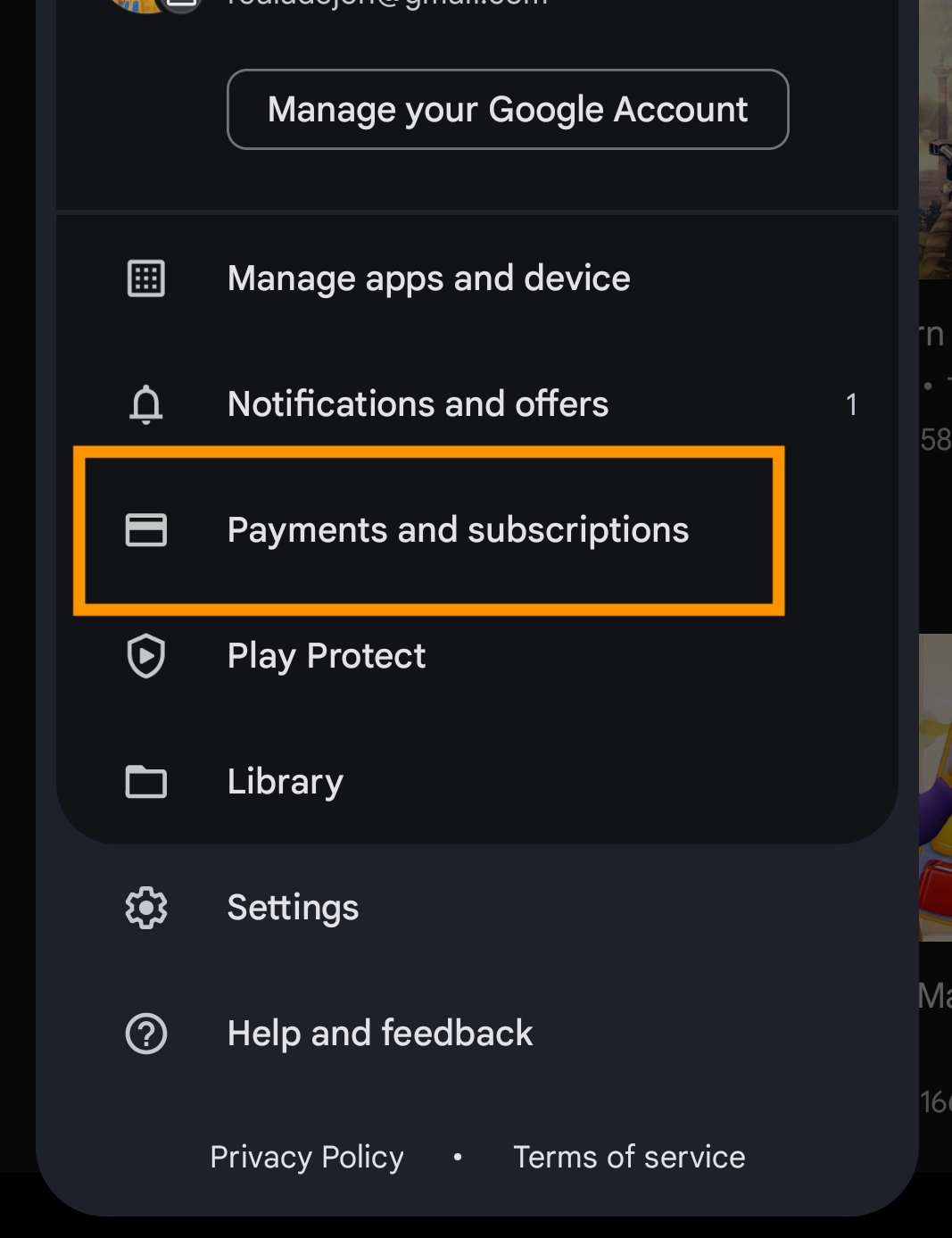
While this doesn’t transfer your balance, it allows you to utilize your balance to purchase content (if you use it as your payment method for an eligible item) that can then be accessed by other family members through the Family Library. This indirectly extends the value of your spending to your family group, offering a form of collective utility. The key is that the Family Library facilitates content sharing, not balance transfer.
Best Practices for Managing Your Google Play Funds
Given the restrictions on transferring Google Play balance, effective management becomes paramount. Proactive strategies can help users maximize the value of their accumulated credit and prevent situations where unused balance becomes a source of frustration.
Tracking Your Balance Effectively
The first step to good management is knowing exactly how much balance you have and where it comes from.
-
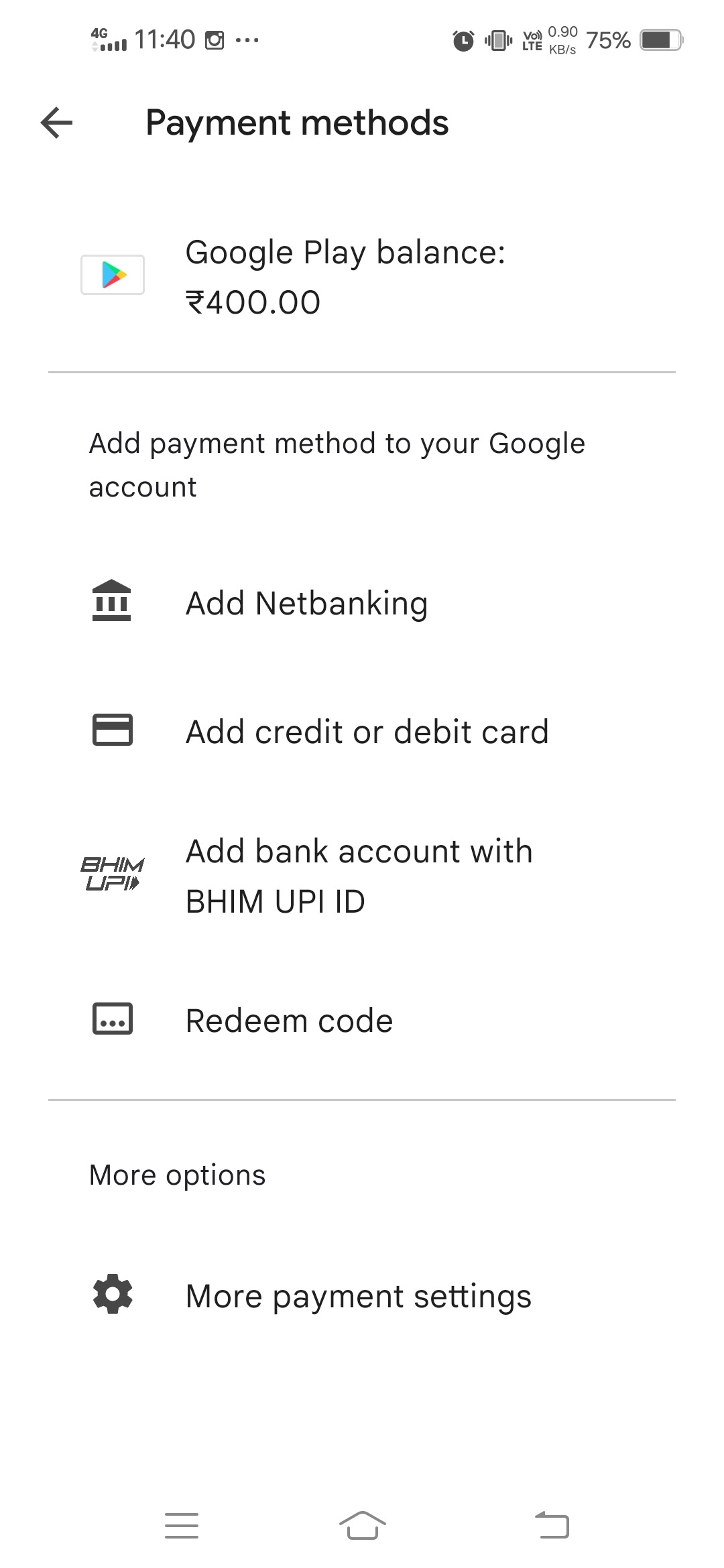
Regular Checks: Periodically check your Google Play balance directly from the Google Play Store app or website. Your balance is usually displayed prominently when you initiate a purchase or in the “Payment methods” section of your account settings.
-
Understand Sources: Be aware of the origin of your balance (e.g., gift cards, rewards, refunds). This is important because certain promotional credits might have expiration dates or specific usage restrictions.
-
Spending Habits: Keep a mental note of your typical spending on Google Play. If you rarely buy content, a large balance might accumulate unnecessarily.
Planning Purchases to Maximize Value
With non-transferable funds, strategic spending ensures no value is wasted.
-
Prioritize Essential Purchases: Use your balance for necessary app subscriptions, in-app purchases for games you actively play, or digital content you genuinely want to consume (movies, books).
-
Look for Deals and Sales: Google Play frequently offers discounts on apps, games, movies, and books. Plan your purchases around these sales to stretch your balance further.
-
Consider Future Needs: If you know you’ll need specific apps or subscriptions in the future, using your balance for these planned expenses can be a wise move.
-
Avoid Impulse Buys: Resist the urge to spend your balance on trivial items just because it’s available. Treat it as real money and make thoughtful purchasing decisions.
-
Leverage Google Play Pass: If you’re a heavy gamer or app user, consider subscribing to Google Play Pass. You can often pay for this subscription using your Google Play balance, providing access to hundreds of apps and games without ads or in-app purchases, effectively maximizing the utility of your balance over time.
Safeguarding Your Account
Protecting your Google account is crucial, as your Google Play balance is directly tied to it.
-
Strong, Unique Password: Use a robust, complex password for your Google account that is different from passwords used for other services.
-
Two-Factor Authentication (2FA): Enable 2FA (also known as two-step verification) for your Google account. This adds an extra layer of security, requiring a second verification step (like a code from your phone) in addition to your password, making it significantly harder for unauthorized users to access your account.
-
Be Wary of Phishing: Exercise caution with suspicious emails or messages asking for your Google account credentials or promising ways to “transfer” or “cash out” your balance. Google will never ask for your password via email.
-
Monitor Account Activity: Regularly review your Google account activity and purchase history within the Google Play Store to quickly identify any unauthorized transactions.
By adhering to these best practices, users can ensure their Google Play balance is utilized efficiently and securely within the confines of the platform’s policies.
Future Outlook: Potential Changes and User Demand
The current restrictions on Google Play balance transfers are a source of ongoing discussion among users. While Google’s stance has been consistent, understanding the user desire for flexibility and potential future developments is insightful from a technology platform perspective.
Why Users Desire Balance Transfer Options
The primary reasons users seek transfer options are rooted in convenience and flexibility:
-
Consolidation: Users often have small, lingering balances across multiple Google accounts (e.g., a personal account and an old work account), which are too small to use individually but significant if combined.
-
Gifting Flexibility: While gifting specific content is possible, the ability to gift a general monetary value (like a gift card) from an existing balance would offer more choice to recipients.
-
Unused Balance: Many users accumulate balance from refunds or rewards that they don’t have an immediate use for, leading to a desire to repurpose or withdraw these funds.
-
Financial Management: Some users prefer to consolidate all their digital funds into a single platform or convert them to general-purpose cash for broader financial management.
These desires reflect a broader trend in digital services where users expect greater control and interoperability between their digital assets.
Industry Trends and Google’s Stance
Historically, most major digital storefronts (like Apple’s App Store, PlayStation Store, Xbox Marketplace, Steam) operate with similar closed-loop credit systems. This industry standard suggests that Google is unlikely to fundamentally alter its policy to allow direct cash conversion or peer-to-peer balance transfers without significant regulatory or competitive pressure. The operational complexities, fraud risks, and regulatory hurdles of becoming a full-fledged financial transfer service are substantial.
However, platforms do sometimes introduce more flexible gifting options or expanded payment methods that indirectly address some user concerns. For instance, the ability to easily purchase gift cards for other services using Google Play balance (if that were ever implemented, which it currently is not) could be a step towards greater flexibility. For now, Google’s focus remains on maintaining the integrity and security of its Play Store ecosystem as a platform for digital content consumption.
Alternatives to Google Play for Digital Purchases
For users who find the Google Play balance restrictions too limiting, understanding alternative digital marketplaces can be beneficial:
-
Direct from Developers: Many app developers offer their software directly from their websites, sometimes at a discount or with different licensing terms. This allows users to pay with conventional payment methods that offer more flexibility.
-
Other Digital Retailers: For movies, books, and music, various platforms like Amazon, Barnes & Noble, or direct publisher sites offer content that might be more portable across devices or less tied to a single ecosystem.
-
Physical Gift Cards for Other Retailers: If the goal is to provide a monetary gift for general digital purchases, purchasing gift cards for broad retailers (e.g., Amazon, Steam, or even general-purpose prepaid cards) using conventional money is a more flexible option than trying to leverage Google Play balance.
While Google Play remains a dominant force for Android users, exploring these alternatives can provide a solution for those who prioritize flexibility over the convenience of a single, integrated platform. The tech landscape continues to evolve, and while direct balance transfers remain elusive for Google Play, users can adapt by understanding current policies and utilizing available workarounds and alternative services.
aViewFromTheCave is a participant in the Amazon Services LLC Associates Program, an affiliate advertising program designed to provide a means for sites to earn advertising fees by advertising and linking to Amazon.com. Amazon, the Amazon logo, AmazonSupply, and the AmazonSupply logo are trademarks of Amazon.com, Inc. or its affiliates. As an Amazon Associate we earn affiliate commissions from qualifying purchases.