
In the landscape of modern Software as a Service (SaaS) and marketplace platforms, Airbnb stands as a benchmark for seamless user experience (UX) and robust digital infrastructure. For users looking to join this ecosystem, the signup process is more than a simple registration; it is an entry point into a sophisticated cloud-based network that balances accessibility with high-level security protocols. Understanding the technical nuances of how to sign up for Airbnb ensures that users can optimize their digital presence while maintaining rigorous data privacy standards.
Understanding the Airbnb Digital Infrastructure
Before initiating the signup process, it is essential to understand the technical environment of the platform. Airbnb operates as a cross-platform application, meaning its architecture is designed to provide a consistent experience whether accessed via a desktop web browser or a native mobile application on iOS or Android.
Web Browser vs. Native Mobile Application
When signing up via a desktop or laptop, users interact with Airbnb’s web-based interface, which is built using modern JavaScript frameworks like React. This environment relies on browser cookies and local storage to manage session states. From a technical perspective, signing up on a browser allows for easier management of document uploads if the user is transitioning from other desktop-based files.
Conversely, the mobile application provides a more integrated experience by leveraging native hardware features. During the signup phase, the mobile app can access the device’s camera for immediate identity verification and use biometric authentication (such as FaceID or fingerprint sensors) for future logins. The mobile tech stack is optimized for lower latency, making the real-time aspects of the onboarding process—such as receiving SMS short-codes—highly efficient.
Account Synchronization and Cross-Platform Compatibility
Airbnb utilizes a centralized database architecture to ensure that once an account is created, the user’s profile, preferences, and security settings are synchronized across all devices. This synchronization is handled through secure APIs (Application Programming Interfaces) that push and pull data in real-time. Whether you begin your registration on a MacBook and complete it on an iPhone, the transition is frictionless, provided the underlying authentication tokens remain valid.
Step-by-Step Technical Onboarding Process
The onboarding sequence is a masterclass in UX design, intended to reduce “churn”—the technical term for users abandoning the process—while simultaneously gathering necessary data points for platform integrity.
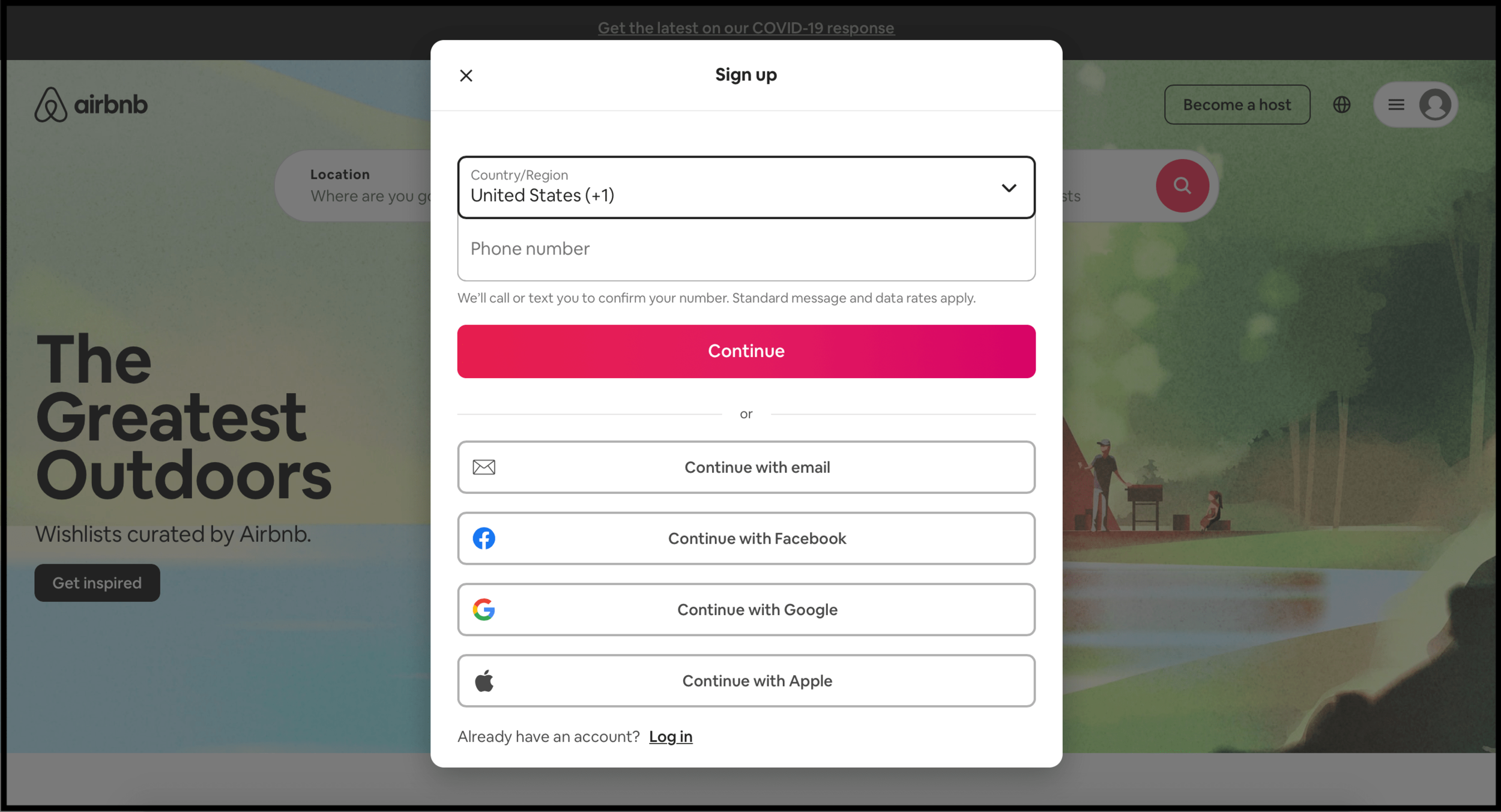
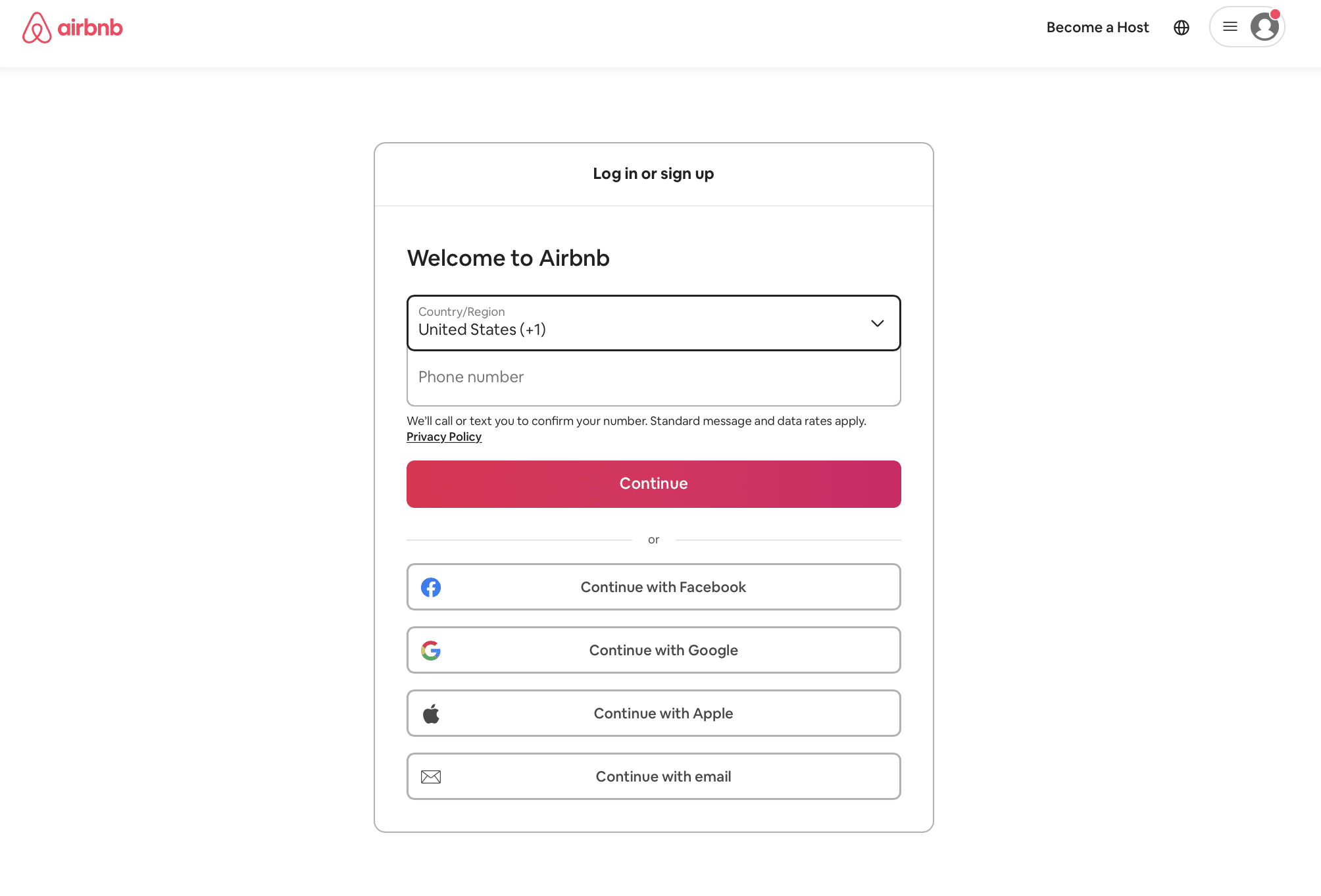
Initial Authentication Methods: OAuth and SSO
The first technical decision a user faces is the choice of authentication protocol. Airbnb offers several paths:
-
Single Sign-On (SSO): Users can authenticate using existing credentials from Google, Apple, or Facebook. Technically, this uses the OAuth 2.0 protocol. Instead of creating a new password, Airbnb receives a secure “token” from the third-party provider that verifies the user’s identity. This reduces password fatigue and leverages the security infrastructure of larger tech giants.
-
Standard Email Registration: For users preferring to decouple their social media identities from their travel profiles, the standard email path is available. This requires the manual entry of an email address and the creation of a unique password. From a security standpoint, this password should be managed via an encrypted password manager to ensure it meets complexity requirements.
Data Integrity and Profile Verification Protocols
Once the authentication method is selected, the platform initiates a series of data entry steps. This is where the platform’s backend begins to build a “trust profile.”
-
Name and Legal Identity: Users must provide legal names that match government-issued identification. This data is encrypted at rest using industry-standard AES-256 encryption.
-
Phone Number Verification: This is a critical step for two-factor authentication (2FA). The system sends a Short Message Service (SMS) code to the user’s device. Technically, this serves as a “something you have” factor in the security triad, ensuring that the person creating the account has physical access to the registered device.
-
Email Confirmation: A verification link is dispatched to the registered email address. Clicking this link validates the SMTP (Simple Mail Transfer Protocol) path, confirming that the user can receive official platform communications and system alerts.
Securing Your Digital Footprint on Airbnb
In an era of increasing cyber threats, the technical setup of an Airbnb account must prioritize digital security. The signup process is the most opportune time to implement these defenses.
Implementing Multi-Factor Authentication (MFA)
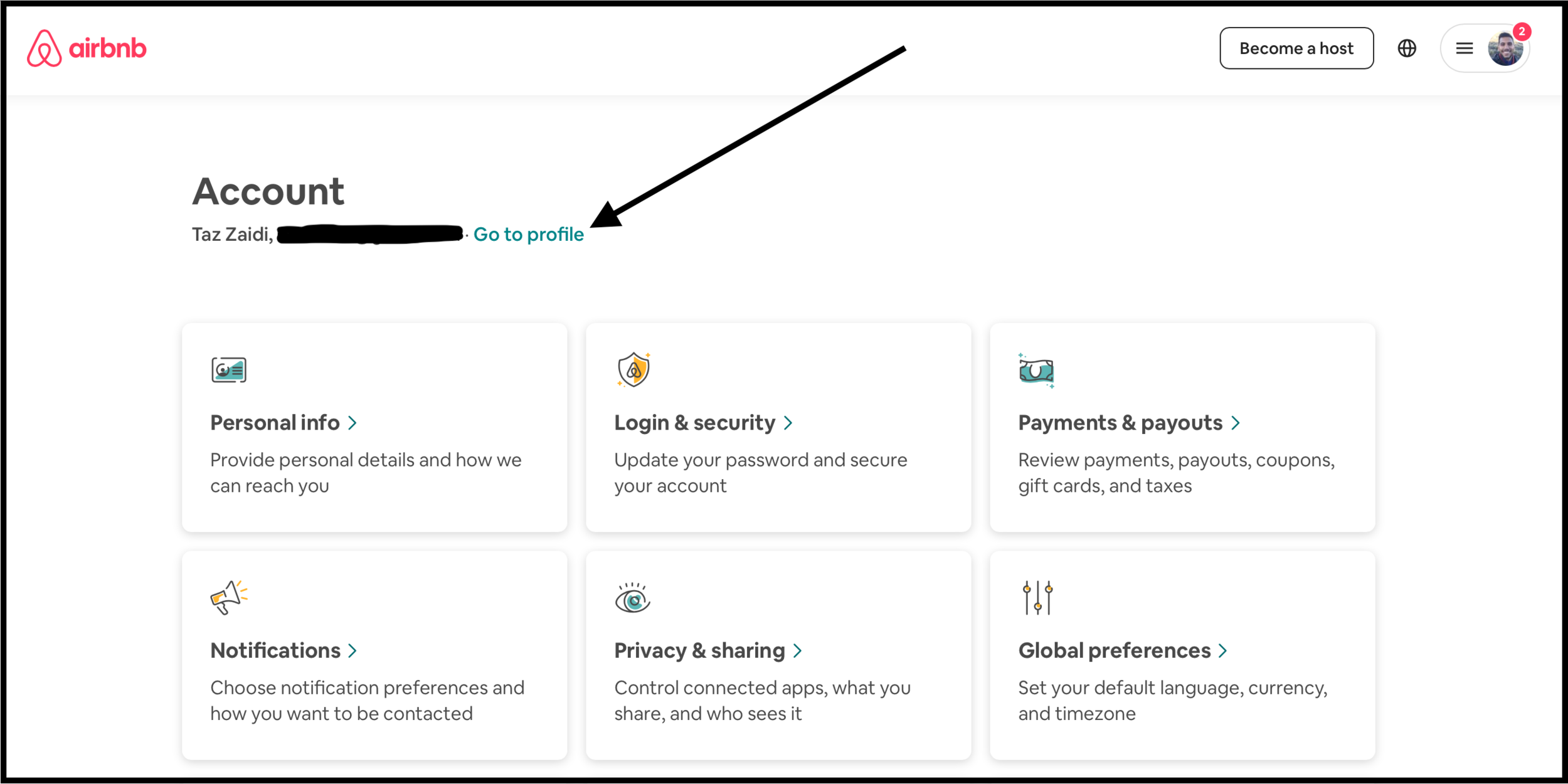
While Airbnb requires phone verification during signup, savvy tech users should dive into the security settings immediately after account creation to confirm that Multi-Factor Authentication (MFA) is fully optimized. MFA adds layers of defense beyond the password. In the event of a credential leak elsewhere on the internet, MFA prevents unauthorized access by requiring a secondary time-based one-time password (TOTP) or an SMS code for every new login attempt from an unrecognized IP address.
Managing Privacy Settings and Data Permissions
Post-signup, users should audit the permissions granted to the application. On mobile devices, the Airbnb app may request access to:
-
Location Services: Used for providing hyper-local search results and mapping.
-
Contacts: Often used for referral programs (which many users choose to disable for privacy).
-
Camera and Photos: Necessary for uploading profile pictures and verification documents.
From a digital security perspective, it is recommended to set location services to “While Using the App” rather than “Always” to conserve battery and limit background data transmission. Furthermore, reviewing the “Data Privacy” section within the account dashboard allows users to opt-out of certain data-sharing agreements with third-party advertisers.
Optimizing the User Experience Through App Features
Once the account is technically active, the platform utilizes various software tools to personalize the user interface.
Leveraging Location Services and Push Notifications
The technical efficacy of the Airbnb app relies heavily on push notification servers (APNs for Apple and FCM for Android). During the signup and setup phase, users are prompted to enable notifications. Technically, this creates a persistent connection between the device and Airbnb’s servers. This is vital for receiving instant updates on booking requests, security alerts, or messages from hosts.
The integration of Global Positioning System (GPS) data allows the app to surface “Experience” or “Stays” based on the user’s current coordinates. This geofencing technology ensures that the content remains relevant to the user’s physical context, enhancing the utility of the software.
The Role of AI and Machine Learning in Personalized Results
Immediately following signup, Airbnb’s machine learning algorithms begin to process the user’s initial interactions. Every search query, “wishlist” addition, and click-through rate is ingested into a recommendation engine. This engine uses collaborative filtering and deep learning models to predict which properties will most likely appeal to the user. From a tech standpoint, the more information provided during the profile setup (such as travel preferences and interests), the more accurate these algorithmic predictions become.
Troubleshooting Common Technical Barriers during Signup
Despite the streamlined design, technical hurdles can occur during the registration phase. Understanding how to resolve these ensures a smooth onboarding.
Addressing Browser Cache and Cookie Conflicts
Users attempting to sign up via a web browser may encounter “looping” errors or “Session Expired” messages. This is often caused by corrupted browser cookies or conflicting cache files from previous visits to the site. The technical resolution involves clearing the browser’s cache or opening an “Incognito” or “Private” window. This creates a clean session state, free from legacy data that might interfere with the new account’s JavaScript execution.
Resolving Identity Verification Latency
One of the more complex technical stages of Airbnb signup is the “Verified Identity” process. This often involves uploading a photo of a passport or driver’s license. Airbnb utilizes third-party identity verification APIs (such as Jumio or Onfido) that use computer vision to analyze the document for authenticity.
Common technical failures in this stage include:
-
Low Resolution: The API cannot parse the text (OCR – Optical Character Recognition).
-
Glare/Reflections: Obstructions that prevent the algorithm from verifying security holograms.
-
Timeout Errors: High-resolution images exceeding the upload limit of the user’s current bandwidth.
To mitigate these, ensure the device has a stable 4G/5G or Wi-Fi connection and that the image file is in a standard format like .JPEG or .PNG, typically under 5MB in size.
By approaching the Airbnb signup process through a technical lens, users can ensure their account is not only functional but also secure and optimized for the best possible digital experience. The convergence of secure authentication, encrypted data management, and sophisticated UI/UX makes the Airbnb onboarding process a definitive example of modern app ecosystem integration.
aViewFromTheCave is a participant in the Amazon Services LLC Associates Program, an affiliate advertising program designed to provide a means for sites to earn advertising fees by advertising and linking to Amazon.com. Amazon, the Amazon logo, AmazonSupply, and the AmazonSupply logo are trademarks of Amazon.com, Inc. or its affiliates. As an Amazon Associate we earn affiliate commissions from qualifying purchases.