
In an increasingly digital world, the convenience of managing our finances from a smartphone has become not just a luxury, but an expectation. Mobile banking applications, like the Chase App, have evolved into sophisticated financial hubs, allowing users to perform a wide array of tasks from checking balances to transferring funds. One common scenario that arises is the need to access your full credit card number, expiration date, and CVV/CVC code when your physical card isn’t readily available, or for specific online transactions. This can be particularly useful for setting up recurring payments, making online purchases on a new device, or simply as a backup when your card is lost or temporarily misplaced.
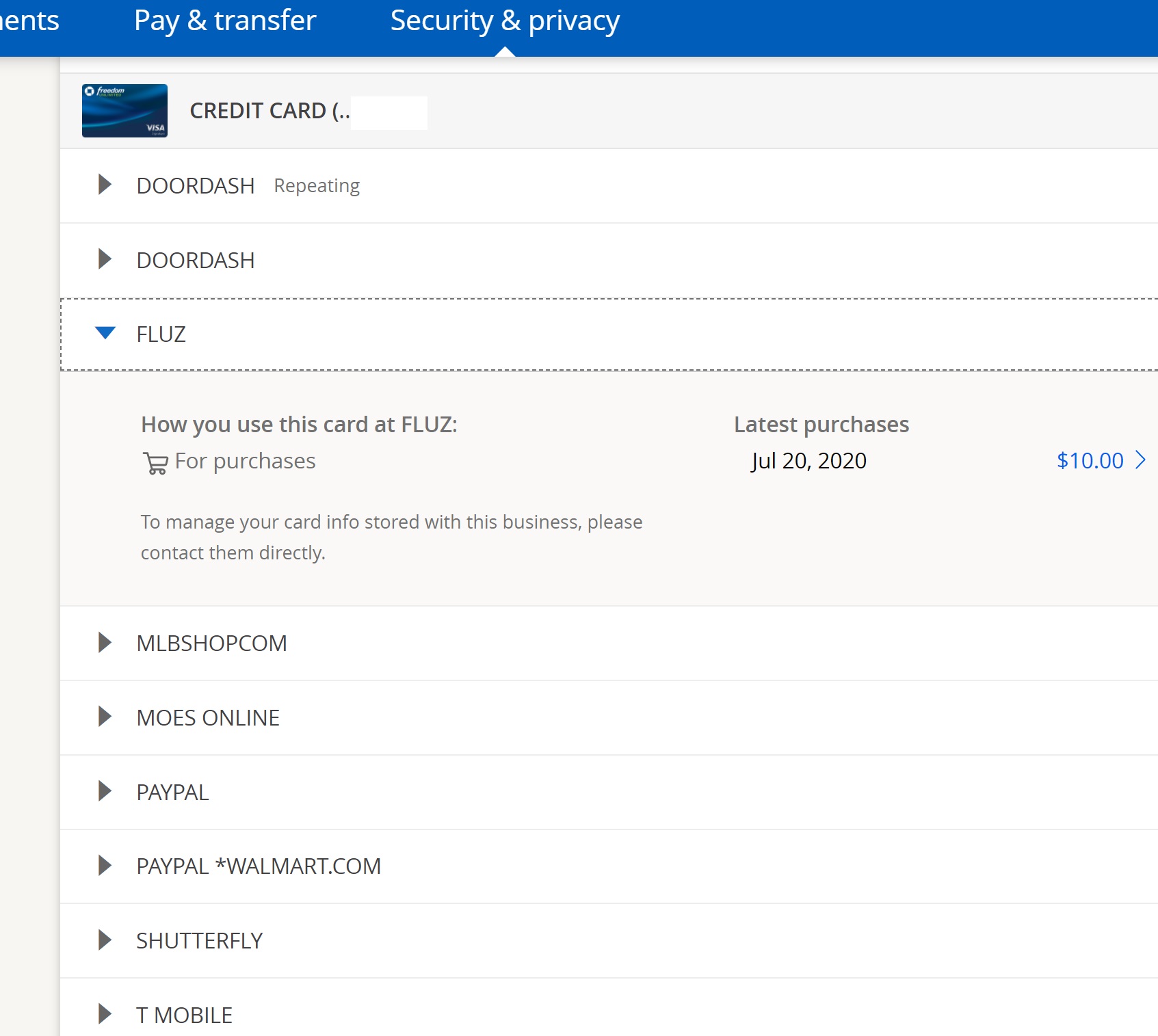
While the primary design of these apps prioritizes security by keeping such sensitive details discreet, Chase, like many leading financial institutions, understands the legitimate need for cardholders to retrieve this information securely within the trusted environment of their app. This guide delves into the technical process of accessing your credit card details through the Chase App, exploring the reasons behind this functionality, the step-by-step navigation, and crucially, the robust digital security measures in place to protect your financial data. We’ll also touch upon alternative digital solutions like virtual cards and mobile wallets that further enhance convenience and security in the digital transaction landscape.
Understanding Why You Might Need Your Full Card Number Digitally
The concept of a physical credit card has been foundational to consumer finance for decades. However, the ubiquity of online commerce and the rise of digital services mean that the physical card isn’t always the most convenient or even necessary tool. There are several legitimate scenarios where accessing your complete credit card number, expiration date, and security code directly from your banking app becomes invaluable. Understanding these needs underscores the importance of the digital access features provided by apps like Chase’s.
Online Purchases Without Physical Card
Imagine you’re making an online purchase, perhaps on a new computer or while traveling without your wallet. Without your physical card, you can’t complete the transaction. The Chase App offers a secure way to retrieve all necessary details—the 16-digit card number, the expiry date, and the 3- or 4-digit security code (CVV/CVC)—allowing you to proceed with your purchase seamlessly from any device, provided you can log into your app. This eliminates the need to memorize sensitive information or compromise security by writing it down.
Setting Up Recurring Payments and Subscriptions
Many services, from streaming platforms to utility bills, require a credit card on file for recurring payments. When setting up a new subscription or updating an expired card for an existing service, you often need to manually input the full card details. If your card isn’t handy, accessing these details through the app simplifies the process, ensuring continuity of service without interruption. It’s a quick, convenient solution for managing your digital payment ecosystem.
Verification and Account Setup
Beyond purchases, credit card numbers are frequently used for identity verification or to link financial accounts within other applications. For instance, setting up a new payment gateway, linking to a budgeting app, or verifying your identity for certain online services might require you to provide your full card number as a proof of ownership or a primary payment method. The Chase App provides a secure digital source for this information, reducing the risk of errors or security vulnerabilities associated with less secure methods of retrieval.
Lost, Stolen, or Damaged Physical Card
Perhaps one of the most critical reasons to access your card number digitally is in the event of a lost, stolen, or damaged physical card. While the immediate action is typically to report the card to Chase and request a replacement, you might still need to make essential online purchases or manage existing subscriptions before the new card arrives. The app can often provide temporary access to card details (or details of a virtual card number) even if the physical card is compromised, ensuring minimal disruption to your financial activities during an stressful situation. It’s a lifeline that keeps you financially operational.
Navigating the Chase App for Card Information
Accessing sensitive information like your full credit card number within a mobile banking application requires a meticulously designed user interface that balances accessibility with stringent security. The Chase App is built with this balance in mind, guiding users through a secure authentication process before revealing any confidential data. The following steps provide a general tutorial on how to locate your card details, though minor variations might occur with app updates.
Prerequisites: App Setup and Secure Login
Before you can access your card details, ensure you have the Chase Mobile App installed on your smartphone or tablet and that it is updated to the latest version. You will also need your Chase online banking username and password. For enhanced security and convenience, it is highly recommended to enable biometric login options such such as fingerprint (Touch ID) or facial recognition (Face ID), if your device supports them. This provides an additional layer of security beyond your password, making unauthorized access significantly harder.
Step-by-Step Guide to Revealing Your Card Number
-
Launch the Chase App: Open the Chase Mobile App on your device.
-
Secure Login: Log in using your username and password, or your enabled biometric authentication (fingerprint/Face ID). You may also be prompted for a multi-factor authentication (MFA) code if logging in from an unrecognized device or location.
-
Select the Desired Card: Once logged in, you’ll typically land on an overview screen showing your various Chase accounts. Locate the specific credit card account for which you need the number and tap on it. This will take you to that card’s account details page.
-
Find Card Details Option: On the card’s details page, look for an option that says “Show Card Details,” “Card Number,” “Manage Card,” or similar. This option is often discreetly placed to prevent accidental disclosure. It might be under a “More” menu or represented by an icon (e.g., an eye icon). Tap this option.
-
Re-authenticate for Security: For security purposes, Chase will almost certainly prompt you to re-authenticate before revealing the full card number. This is a critical security measure to ensure that only the authorized user is attempting to view sensitive information. You might be asked to re-enter your password, use your biometric authentication again, or enter a one-time passcode sent to your registered phone number or email.
-
View Card Number: Once successfully re-authenticated, your full 16-digit credit card number will be displayed on the screen. It’s usually visible for a limited time or until you navigate away from the screen, ensuring it’s not inadvertently left on display.
Locating Your Card’s Security Code (CVV/CVC) and Expiration Date
In addition to the main card number, you will often need the expiration date and the 3- or 4-digit security code (CVV2 for Visa/Mastercard, CVC2 for Discover, CID for American Express). These details are usually displayed on the same “Show Card Details” screen as the card number, sometimes alongside it or directly below.
-
Expiration Date: Typically shown in MM/YY format.
-
Security Code (CVV/CVC): This is the crucial 3 or 4-digit code usually found on the back of physical cards (Visa, Mastercard, Discover) or the front (American Express). Within the app, it will be clearly labeled. Remember, this code is dynamic in some contexts (like virtual cards) but for your primary card, it remains static until the card is replaced.
Always exercise caution and ensure you are in a private setting when viewing these details, even within the secure confines of the app.
The Robust Security Measures of Mobile Banking Apps
The ability to access highly sensitive financial information like a full credit card number through a mobile app is a testament to the sophisticated security architecture employed by institutions like Chase. Far from being a security risk, these features are built upon layers of advanced technological safeguards designed to protect user data from unauthorized access and cyber threats. Understanding these mechanisms offers insight into the digital security landscape.
Encryption and Data Protection Protocols
At the heart of mobile banking security is robust encryption. All data transmitted between your device and Chase’s servers is encrypted using industry-standard protocols, typically Transport Layer Security (TLS) or Secure Sockets Layer (SSL). This ensures that any information—from your login credentials to your card details—is scrambled and unintelligible to anyone attempting to intercept it. Furthermore, sensitive data stored locally on your device (if any, though card numbers are usually retrieved in real-time) is also encrypted, protecting it even if your device falls into the wrong hands. Chase employs state-of-the-art firewalls, intrusion detection systems, and secure coding practices to create a fortress around its data.
Multi-Factor Authentication (MFA) and Biometric Security
Multi-Factor Authentication (MFA) is a cornerstone of modern digital security. When you log into the Chase App, particularly on a new device or when accessing sensitive information, you are often prompted to provide more than just your password. This might involve a one-time passcode sent to your registered phone or email, or a confirmation through another trusted device. This ‘something you have’ combined with ‘something you know’ (your password) drastically reduces the risk of account compromise, even if your password is stolen.
Biometric security, such as Touch ID (fingerprint) and Face ID (facial recognition), adds another powerful layer. These technologies provide a highly secure and convenient way to verify your identity, leveraging unique biological traits that are extremely difficult to replicate. When enabled, they replace or supplement password entry, making access to your account both quicker and more secure.
Fraud Monitoring and Alerts
Chase’s security doesn’t stop at authentication. Behind the scenes, sophisticated fraud detection systems continuously monitor transactions and account activity for unusual patterns. These AI-powered systems can flag suspicious behavior in real-time, such as transactions outside your usual spending habits or geographic location. If potential fraudulent activity is detected, you will typically receive an immediate alert via text, email, or an in-app notification, allowing you to quickly review and confirm or deny the transaction. This proactive monitoring is crucial for mitigating financial losses from unauthorized use.
Best Practices for User Security
While Chase implements robust security, user vigilance is also paramount.
-
Strong, Unique Passwords: Always use complex, unique passwords for your banking app, distinct from passwords used for other online services.
-
Enable Biometrics & MFA: Utilize Touch ID/Face ID and ensure MFA is active for an added layer of protection.
-
Keep App Updated: Regularly update the Chase App to ensure you have the latest security patches and features.
-
Secure Wi-Fi: Avoid accessing your banking app over unsecured public Wi-Fi networks where data interception is easier.
-
Monitor Account Activity: Regularly review your transaction history and statements for any unauthorized activity.
-
Device Security: Keep your device’s operating system updated and use screen locks (PIN, pattern, biometrics) to prevent unauthorized physical access.
Beyond the Full Number: Virtual Cards and Digital Wallets
While retrieving your full credit card number from the Chase App serves a crucial purpose, the broader landscape of digital payments offers even more advanced and secure alternatives for everyday transactions. These technologies are designed not only for convenience but specifically to enhance security by reducing the exposure of your primary card details.
Enhancing Security with Virtual Card Numbers
Many financial institutions, including Chase, now offer the option to generate virtual card numbers. A virtual card is a randomly generated, unique 16-digit card number that is linked to your primary credit card account but differs from its physical number. These numbers can often be created and managed directly within the banking app or via a browser extension.
The key security advantage is that a virtual card number can be used for single transactions, specific merchants, or for a limited time, reducing the risk of your primary card number being compromised if a merchant’s system is breached. If a virtual card number is stolen, it can be easily deactivated without affecting your main account or requiring a new physical card. This feature is particularly useful for online shopping with less familiar merchants or setting up subscriptions where you want an extra layer of control.
Seamless Transactions with Digital Wallets (Apple Pay, Google Pay)
Digital wallets like Apple Pay, Google Pay, and Samsung Pay offer a highly secure and convenient way to make payments in stores, online, and within apps without needing to reveal your actual card number. When you add your Chase credit card to a digital wallet, a unique, encrypted device account number (token) is created and used for transactions. Your actual card number is never stored on your device or shared with the merchant.
This tokenization technology means that even if a merchant’s payment system is compromised, your real credit card number remains safe. For in-store purchases, these wallets often leverage biometric authentication (Face ID, Touch ID) for an added layer of security. The seamless integration and enhanced protection make digital wallets a superior option for most daily transactions, minimizing the scenarios where you’d need to manually input your full card details.
Managing Card Access and Freezing Options
Modern banking apps provide granular control over your card’s access and usage. Beyond just viewing your card number, you can typically:
-
Freeze/Unfreeze Card: Instantly freeze your card if you misplace it, preventing any new transactions, and then unfreeze it once found. This is a quick and effective way to secure your account without canceling the card.
-
Set Spending Limits/Alerts: Customize spending limits for certain transaction types or receive alerts for transactions exceeding a specific amount.
-
Report Lost/Stolen: Directly report a card as lost or stolen and order a replacement, often with expedited shipping.
-
View Pending/Posted Transactions: Monitor all activity on your card in real-time, helping you spot unauthorized charges immediately.
These features empower users with significant control over their card security, making the mobile app a powerful tool for proactive financial management.
Troubleshooting Common Issues and Further Support
While mobile banking apps are designed for ease of use and reliability, occasional issues can arise when attempting to access card details. Knowing how to troubleshoot common problems and where to seek further assistance can save time and reduce frustration.
App Not Loading or Freezing
If the Chase App is not loading correctly, freezing, or crashing, consider the following:
-
Check Internet Connection: Ensure your device has a stable Wi-Fi or cellular data connection.
-
Restart App: Fully close the app (swipe up on iOS, close from recent apps on Android) and reopen it.
-
Restart Device: A simple device restart can often resolve temporary software glitches.
-
Check for App Updates: Go to your device’s app store (App Store for iOS, Google Play Store for Android) and check if there’s an update available for the Chase App. Updates often include bug fixes and performance improvements.
-
Clear Cache (Android): On Android, you can try clearing the app’s cache (Settings > Apps > Chase > Storage > Clear cache).
Unable to Locate Card Details
If you’ve followed the steps but can’t find the “Show Card Details” option or it’s unresponsive:
-
Re-authenticate: Ensure you are correctly re-authenticating when prompted. An incorrect password or biometric scan will prevent access.
-
App Version: Verify you have the latest version of the app. Features can change with updates.
-
Account Type: Confirm you are looking at a credit card account, not a debit card or checking account, as the interface and features may differ.
-
Temporary Glitch: It might be a temporary system issue. Try again after some time.
Contacting Chase Customer Service
If you’ve exhausted troubleshooting options and still cannot access your card details, or if you suspect a more serious issue, contacting Chase customer service is the next step.
-
In-App Support: Many apps have a “Contact Us” or “Help” section that can connect you directly to customer support via phone or secure messaging.
-
Phone Number: The customer service number for your specific credit card is usually found on the back of your physical card or on Chase’s official website.
-
Website Support: Chase’s website often provides FAQs, support articles, and contact information for various issues.
When contacting support, be prepared to verify your identity with personal information. Never share your full password or security codes via unsecure channels.
Conclusion
The ability to securely access your credit card number from the Chase App epitomizes the ongoing evolution of digital banking. It represents a powerful confluence of convenience and robust security, enabling users to manage their financial lives with unprecedented flexibility. Whether you need to make an urgent online purchase, set up recurring payments, or simply require verification details, the app provides a secure and reliable portal to this sensitive information.
However, the power of digital access comes with a shared responsibility. While Chase invests heavily in sophisticated encryption, multi-factor authentication, and fraud monitoring, user vigilance—through strong passwords, updated software, and cautious usage—remains paramount. By understanding both the “how-to” of navigating these features and the “why” behind their comprehensive security measures, users can fully leverage the Chase App not just for transactional purposes, but as a cornerstone of their personal digital security strategy in an increasingly connected world. As technology continues to advance, mobile banking apps will only become more integrated and secure, continually redefining the way we interact with our finances.
aViewFromTheCave is a participant in the Amazon Services LLC Associates Program, an affiliate advertising program designed to provide a means for sites to earn advertising fees by advertising and linking to Amazon.com. Amazon, the Amazon logo, AmazonSupply, and the AmazonSupply logo are trademarks of Amazon.com, Inc. or its affiliates. As an Amazon Associate we earn affiliate commissions from qualifying purchases.