
Navigating the pre-flight process, particularly securing your boarding pass, is a critical step for any traveler. American Airlines, like most major carriers, offers a robust suite of technological solutions designed to streamline this process, making it more efficient and user-friendly. From sophisticated mobile applications to intuitive online portals and self-service kiosks, understanding these tech tools is key to a smooth journey. This guide delves into the various digital and automated pathways to obtain your American Airlines boarding pass, ensuring you’re ready for your flight with minimal fuss.
The Digital Path: Utilizing American Airlines’ Online Platforms
In an increasingly connected world, the most common and convenient methods for obtaining your boarding pass involve digital platforms. American Airlines provides travelers with powerful online tools that allow for check-in and boarding pass retrieval from virtually anywhere.

American Airlines Website Check-in
The American Airlines website is a comprehensive hub for managing your travel. To check in and retrieve your boarding pass online, begin by visiting AA.com. Locate the “Check-in” tab, typically prominent on the homepage. You will need your Passenger Name Record (PNR), which is a six-character alphanumeric code, along with your first and last name. Alternatively, you can use your AAdvantage number, e-ticket number, or confirmation code to pull up your reservation.
Once your reservation is accessed, the system will guide you through a series of steps. This typically includes confirming your flight details, verifying personal information, acknowledging hazardous materials restrictions, and selecting or confirming your seat. If you have any baggage to check, the system will often prompt you to declare it, and in some cases, allow you to pay baggage fees in advance. Upon successful completion of these steps, the website will generate your digital boarding pass. You’ll typically have the option to print it directly from your computer, send it to your email address for later printing, or send a mobile version directly to your smartphone. The website’s interface is designed for clarity, using visual cues and clear prompts to guide users through each stage, minimizing potential errors.
The American Airlines Mobile App Experience
For the modern traveler, the American Airlines mobile app (available on iOS and Android) is an indispensable tool. It transforms your smartphone into a pocket-sized travel agent, offering a seamless and integrated experience for everything from booking to boarding. To get your boarding pass via the app, first ensure you have the latest version installed. Log in with your AAdvantage account or retrieve your reservation using the PNR.
The app’s interface is highly optimized for mobile devices, featuring a dashboard that immediately displays your upcoming trips. A “Check-in” prompt will typically appear within 24 hours of your flight’s departure. Tapping this will initiate a similar process to the website check-in: confirm details, acknowledge declarations, and finalize your seat selection. Once complete, your boarding pass will be instantly accessible within the app. It’s often displayed prominently on the main screen for your specific flight. The app uses intuitive gestures and a clean design, making the process quick and efficient. Beyond just the boarding pass, the app also provides real-time flight status updates, gate changes, and even estimated wait times for security checkpoints, enriching the pre-flight experience with actionable data.
Mobile Boarding Passes and Digital Wallets
The American Airlines mobile app excels in its support for mobile boarding passes, revolutionizing how travelers interact with airport touchpoints. When your boarding pass is generated within the app, it’s not just an image; it’s an interactive digital document. This digital pass contains a QR code or barcode that can be scanned at security checkpoints and boarding gates.
Furthermore, the app allows for the seamless integration of your mobile boarding pass into your device’s native digital wallet (e.g., Apple Wallet on iOS or Google Wallet/Pay on Android). This feature is particularly useful as it allows you to access your boarding pass without needing to open the American Airlines app or even have an internet connection once saved. Digital wallet passes often update automatically with gate changes or new boarding times, providing dynamic, real-time information. To add your pass to a digital wallet, look for the “Add to Apple Wallet” or “Save to phone” option within the boarding pass view in the American Airlines app. This functionality simplifies airport navigation, as your boarding pass is quickly accessible with just a few taps or even from your lock screen, enhancing both convenience and efficiency.
Self-Service Kiosks: Automated Airport Convenience
For those who prefer a physical boarding pass or need to check baggage, American Airlines’ self-service kiosks at the airport offer a robust technological alternative to agent-assisted check-in. These kiosks are strategically placed throughout the terminal, providing a quick and efficient way to manage your check-in process.
Navigating the Kiosk Interface
Upon approaching an American Airlines self-service kiosk, you’ll be greeted by a touchscreen interface. These systems are designed with user-friendliness in mind, typically featuring large buttons and clear instructions. To begin, you will need to identify yourself. Common methods include:
- Scanning your passport: The kiosk has an integrated scanner that can read the machine-readable zone of your passport.
- Inserting your credit card: The card used for purchase often links directly to your reservation.
- Entering your PNR (confirmation code): This six-character code is a universal identifier for your reservation.
- Entering your AAdvantage number: If you are a loyalty program member, this provides quick access.
Once your reservation is located, the kiosk will display your flight details. Similar to online check-in, you’ll be prompted to confirm personal information, declare hazardous materials, and potentially select or confirm your seat. The touchscreen interface makes these selections straightforward, often with visual seat maps for easy navigation.
Scanning and Printing Options
A key function of the self-service kiosk is its ability to print your boarding pass and baggage tags. After completing the check-in process, the kiosk will typically ask if you need to print a boarding pass. Selecting “Yes” will trigger the internal printer to dispense a physical boarding pass, usually on standard thermal paper. This is particularly useful for those who prefer a physical document or if their mobile device battery is low.
If you have declared checked baggage, the kiosk will also print baggage tags. These tags contain a barcode that links to your specific flight and destination. The kiosk will provide clear instructions on how to attach these tags to your luggage. After attaching the tags, you’ll proceed to a designated bag drop area, which may be automated or staffed by an agent, to finalize the baggage check process. The integration of printing capabilities directly into the check-in flow makes the kiosks a powerful technological solution for streamlining airport procedures.
Traditional Methods and Special Circumstances
While digital and self-service options are the norm, there are situations where traditional methods or agent assistance become necessary. Understanding these scenarios and how technology supports them is crucial.
Agent-Assisted Check-in
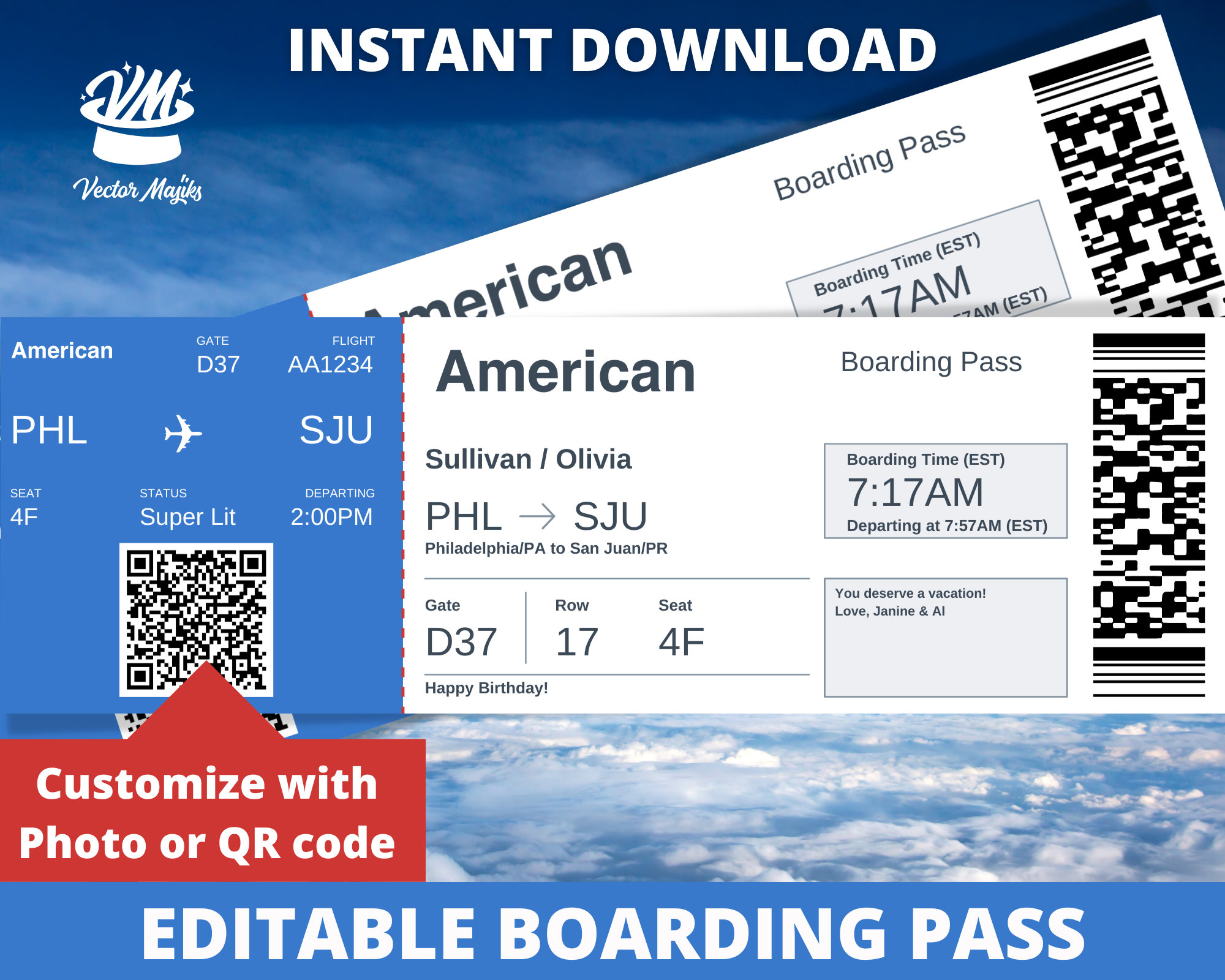
Despite the advancements in self-service technology, American Airlines continues to offer traditional check-in at the airport counter with a customer service agent. This option is particularly beneficial for passengers with complex itineraries, special assistance needs (e.g., unaccompanied minors, wheelchair assistance), oversized baggage, or those who simply prefer face-to-face interaction. The agents utilize sophisticated terminal systems that pull up your reservation, process check-in, issue boarding passes, and handle baggage. Even in this traditional setting, technology plays a pivotal role behind the scenes, ensuring accurate data management and efficient processing. The agent’s workstation is connected to the airline’s central reservation system, enabling real-time updates and problem-solving.
When Digital Fails: Troubleshooting Common Issues
Technology, while powerful, isn’t infallible. Occasionally, you might encounter issues preventing you from obtaining your boarding pass digitally. Common problems include:
- Technical glitches: Website or app outages, though rare, can occur.
- Reservation errors: Mismatched names, incorrect passport details, or unconfirmed segments can block digital check-in.
- Payment issues: Outstanding balance or payment discrepancies might prevent check-in.
- International travel requirements: Some international routes require manual verification of travel documents (visas, health declarations) by an agent, disabling online check-in.
- System maintenance: Scheduled maintenance can temporarily affect online services.
In such cases, the recommended course of action is to first try a different digital method (e.g., if the app fails, try the website). If issues persist, proceeding to an airport self-service kiosk or the American Airlines check-in counter is necessary. These backup methods are critical components of the overall system, ensuring that even with technological hiccups, travelers can still obtain their boarding pass and board their flight.
Group Travel and Special Accommodations
For group travel, the check-in process can sometimes be more complex due to multiple passengers on a single reservation. While online and app check-in is usually possible for individual members of a group, larger groups or those with specific logistical needs might benefit from agent assistance. American Airlines’ systems are designed to handle group bookings, but splitting reservations or managing specific requests often requires human intervention. Similarly, passengers requiring special accommodations, such as those traveling with pets in the cabin, requiring medical equipment, or needing mobility assistance, may find that while initial digital check-in is possible, a final verification or boarding pass issuance might require an agent’s review. The underlying technology supports flagging these special circumstances, ensuring agents are prepared to assist when a digital solution alone isn’t sufficient.
Pre-Flight Essentials: What You Need Before You Board
Regardless of how you obtain your boarding pass, several crucial pieces of information and adherence to specific deadlines are essential for a smooth departure. These are fundamental elements of the travel tech ecosystem, impacting every step of your journey.
Required Identification and Travel Documents
Your boarding pass is just one component of what you need to board your flight. At the security checkpoint and boarding gate, you will be required to present a valid government-issued photo identification that matches the name on your boarding pass. For domestic travel within the U.S., a driver’s license or state-issued ID (compliant with REAL ID standards) is typically sufficient. For international travel, a valid passport is mandatory. Many international destinations also require visas, and health declarations may be necessary depending on current global health conditions.
The technology behind airline systems verifies that the name on your boarding pass precisely matches your ID. Discrepancies, even minor ones, can lead to delays or denied boarding. Advanced Passenger Information System (APIS) data, submitted during booking or check-in, is electronically transmitted to destination countries for pre-clearance, highlighting the critical role of accurate data entry in international travel.
Understanding Check-in Deadlines
American Airlines, like all airlines, enforces strict check-in deadlines. These deadlines vary depending on whether you are traveling domestically or internationally, and if you are checking bags. Typically, online and mobile app check-in closes 45 minutes prior to departure for domestic flights and 90 minutes for international flights, though specific airports may have earlier cutoffs. For checked baggage, you usually need to have your bags processed at least 45 minutes to an hour before departure, and sometimes longer for international flights or specific destinations.
These deadlines are not arbitrary; they are built into the airline’s operational technology systems. Missing a check-in deadline can result in the cancellation of your reservation and forfeiture of your ticket. The systems are designed to initiate the finalization of passenger manifests, baggage loading, and flight departure procedures based on these cutoffs. Adhering to these deadlines, facilitated by the timely use of online or app check-in, is paramount for a stress-free departure.
Enhancing Your Boarding Experience with Technology
Beyond simply getting a boarding pass, American Airlines leverages technology to enhance the entire pre-boarding and boarding experience, providing passengers with valuable information and streamlined processes.
Real-Time Flight Status Updates
The American Airlines app and website are powerful tools for staying informed about your flight’s status. They provide real-time updates on departure and arrival times, gate assignments, and any potential delays or cancellations. Push notifications from the mobile app can alert you instantly to changes, allowing you to adjust your plans proactively. This constant stream of data, powered by sophisticated flight tracking and operational systems, is crucial for passengers navigating busy airports. Knowing exactly when and where your flight is scheduled to board eliminates guesswork and reduces stress.
Utilizing AAdvantage Features
For members of American Airlines’ AAdvantage loyalty program, technology offers additional layers of convenience and benefits. When checking in online, via the app, or at a kiosk, your AAdvantage number ensures your flight mileage is automatically credited. The app also allows AAdvantage members to track their loyalty status, view upcoming upgrades, and manage their account details. Preferred boarding groups, often tied to AAdvantage elite status, are clearly indicated on your digital or printed boarding pass, facilitating a smoother and often earlier boarding process. The integration of the loyalty program with the check-in and boarding pass systems showcases a comprehensive technological approach to customer experience.

Security and Privacy Considerations for Digital Boarding Passes
While digital boarding passes offer immense convenience, it’s important to be mindful of security and privacy. Your mobile boarding pass contains sensitive personal information, including your full name, flight details, and often a barcode that can be scanned to reveal more data. When displaying your boarding pass on your phone, be aware of your surroundings to prevent unauthorized viewing. Similarly, if you choose to email your boarding pass, ensure your email account is secure.
The underlying technology for digital boarding passes uses encryption and secure protocols to protect your data in transit. However, user awareness and responsible handling of digital documents are equally important. After your flight, consider removing expired boarding passes from your digital wallet to maintain a clean and secure digital footprint. American Airlines, like all reputable tech platforms, implements robust security measures, but personal vigilance remains a key component of digital safety.
aViewFromTheCave is a participant in the Amazon Services LLC Associates Program, an affiliate advertising program designed to provide a means for sites to earn advertising fees by advertising and linking to Amazon.com. Amazon, the Amazon logo, AmazonSupply, and the AmazonSupply logo are trademarks of Amazon.com, Inc. or its affiliates. As an Amazon Associate we earn affiliate commissions from qualifying purchases.