
Maintaining a comprehensive archive of your tax returns is a cornerstone of sound personal finance management. While tax season often feels like a hurdle to be cleared and quickly forgotten, the documents generated during this period—specifically your Form 1040 and its accompanying schedules—are some of the most vital pieces of financial data you possess. Whether you are applying for a mortgage, verifying income for a business loan, or preparing for a future audit, knowing how to efficiently retrieve these documents from TurboTax is an essential skill.

TurboTax has become a dominant force in the financial tool landscape, offering a streamlined interface for complex calculations. However, the true value of the software lies in its ability to serve as a digital repository for your fiscal history. Understanding how to navigate this platform to secure your records ensures that you remain in control of your financial narrative.
The Importance of Keeping Digital Tax Records for Your Personal Finance Strategy
In the modern financial ecosystem, your tax return is more than just a summary of what you owe the government; it is a comprehensive snapshot of your economic life. Financial institutions and government agencies view these documents as the “gold standard” for income verification.
Audit Preparedness and Legal Compliance
The IRS generally recommends keeping tax records for at least three to seven years, depending on the complexity of your filings. Having immediate access to your TurboTax downloads ensures that if the IRS or a state taxing authority requests clarification on a deduction or a reported income stream, you can respond with precision. This proactive approach to record-keeping mitigates the stress of potential audits and protects your financial reputation.
Facilitating Major Financial Transactions
If you are planning to buy a home or refinance an existing mortgage, your lender will invariably ask for at least two years of tax returns. These documents allow lenders to verify your Adjusted Gross Income (AGI) and assess your debt-to-income ratio. If you cannot produce these documents quickly, you risk delaying your closing date or missing out on favorable interest rates. By downloading and organizing these files from TurboTax ahead of time, you position yourself as a prepared and low-risk borrower.
Long-term Wealth Planning and Trend Analysis
Reviewing several years of tax returns can reveal significant patterns in your financial health. You can track the growth of your investment income, observe the impact of capital gains or losses, and see how changes in tax law have affected your effective tax rate. This historical perspective is invaluable when working with a financial advisor to build a long-term wealth strategy or when adjusting your withholding to maximize your monthly cash flow.
Step-by-Step Guide to Downloading Your Return from TurboTax
Navigating the TurboTax interface to find your documents varies slightly depending on whether you are looking for the current tax year or a prior one. The following steps outline the process to ensure you have the correct PDF versions of your filings.
Accessing Current Year Returns
If you have just finished filing or are within the same calendar year as your filing, your return is usually front and center on the user dashboard.
-
Log in to your TurboTax account using your secure credentials.
-
Navigate to the “Tax Home” section of the sidebar.
-
Scroll down to the section titled “Your tax returns & envelopes.”
-
Select the specific year you wish to access and click on “Download/print return (PDF).”
-
When prompted, choose the “Full Return” option. This ensures you get not just the 1040 form, but all supporting schedules and worksheets that may be necessary for deep financial analysis later.
Retrieving Prior Year Documentation
TurboTax stores returns for several years, but access may depend on the level of service you purchased.
-
From the “Tax Home” screen, look for a link or tab labeled “Documents” or “Past Years.”
-
Select the tax year you need from the list of available filings.
-
If the year is locked, you may need to complete a “clear and restart” or pay a small fee if you used the free version in that specific year, though most paid tiers include multi-year storage.
-
Download the PDF and save it using a standardized naming convention (e.g., “2023TaxReturnFinalFederalState.pdf”).
Understanding File Formats: PDF vs. .tax Files
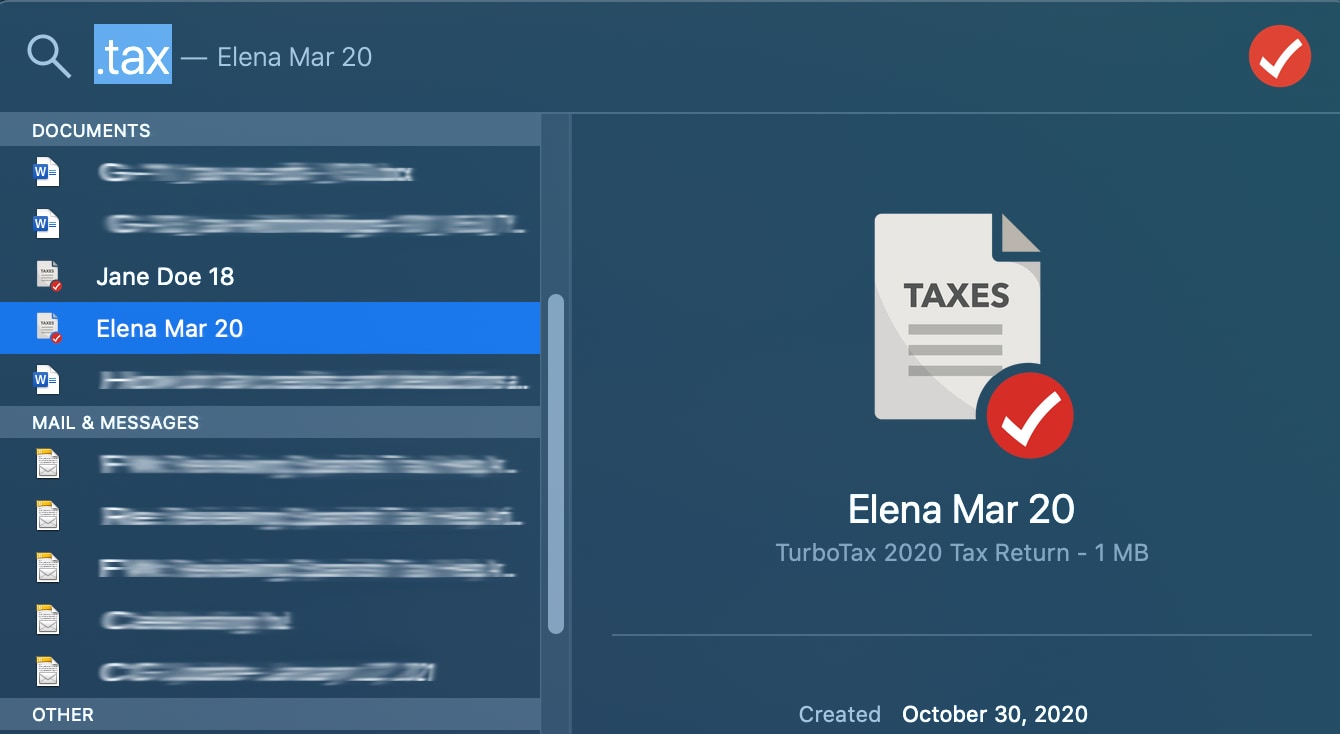
When downloading your data, you will often see two different file types. The PDF is the readable version meant for printing and sharing with lenders or accountants. The “.tax” file is a data file specifically for TurboTax software. While it is wise to save the .tax file for future software imports, the PDF is the document required for almost all financial and legal purposes.
Maximizing the Value of Your Tax Data for Future Financial Decisions
Once you have successfully downloaded your returns, the next step is to use that data to improve your financial position. A tax return is a diagnostic tool that, when read correctly, points toward opportunities for optimization.
Analyzing Effective Tax Rates and Deductions
Many taxpayers focus solely on their refund amount, but the more important metric is your effective tax rate. By reviewing your downloaded return, you can see exactly how much of your total income went to federal and state taxes. If this number is higher than expected, it may be time to investigate more aggressive tax-advantaged investment vehicles, such as a 401(k), IRA, or Health Savings Account (HSA), which can lower your taxable income.
Leveraging Tax Returns for Retirement Planning
Your tax return provides a clear view of your contributions to retirement accounts and any distributions taken. For those in higher tax brackets, your return can highlight the need for Roth conversions or the benefits of tax-loss harvesting in your brokerage accounts. By downloading your returns every year, you create a longitudinal study of your journey toward financial independence.
Identifying Potential Savings for the Next Fiscal Year
Reviewing Schedule A (Itemized Deductions) or your business expense summaries on Schedule C can help you identify areas where you might be overspending or where you could be missing out on valuable credits. For instance, if you notice your charitable contributions are lower than your financial goals allow, you might choose to implement a “bunching” strategy in the following year to exceed the standard deduction threshold.
Secure Storage and Privacy: Protecting Your Most Sensitive Financial Asset
A tax return contains your Social Security number, home address, income sources, and bank account details. This makes it a primary target for identity thieves. Once you have downloaded your files from TurboTax, you must treat them with the highest level of security.
Digital Safes and Encrypted Cloud Storage
Storing your tax returns in an unencrypted folder on your desktop is a significant security risk. Instead, utilize an encrypted cloud storage provider or a dedicated “digital vault.” Services that offer zero-knowledge encryption ensure that even the service provider cannot see your files. Additionally, ensure that your cloud account is protected by robust multi-factor authentication (MFA).
Physical Backups and the “Three-Two-One” Rule
In the world of financial data, the “Three-Two-One” rule is the gold standard: keep three copies of your data, on two different media types, with one copy stored off-site. For tax returns, this might mean having one copy in your encrypted cloud, one on a password-protected external hard drive, and one printed copy stored in a fireproof home safe. This redundancy protects you against hardware failure, cyberattacks, or natural disasters.
Identity Theft Prevention in the Digital Age
When sharing your downloaded return with a third party—such as a mortgage broker or a CPA—never send the file as a standard email attachment. Standard email is often unencrypted and easily intercepted. Use a secure file-sharing portal provided by the professional, or use a password-protected link that expires after a set period.
Troubleshooting Common Access Issues for Financial Continuity
Occasionally, users encounter hurdles when trying to retrieve their data. Maintaining financial continuity requires knowing how to bypass these roadblocks.
Dealing with Expired Accounts or Tiered Paywalls
TurboTax often requires an active subscription or a previous purchase to access prior-year returns. If you find yourself locked out because you switched to a different software provider, you may need to pay for a “Plus” add-on to unlock your archives. While this is an additional cost, the value of having the official record usually outweighs the nominal fee.

Recovering Access During Critical Financial Windows
If you lose access to your TurboTax account entirely—perhaps due to a lost password or an old email address—you must act quickly, especially if you are in the middle of a time-sensitive loan application. TurboTax offers account recovery tools that utilize phone verification and security questions. If all else fails, you can request a “Tax Transcript” directly from the IRS website. While a transcript is not as detailed as the full TurboTax PDF, it is often accepted by lenders as proof of income and filing.
By treating the process of downloading and archiving your TurboTax returns as a vital financial habit, you empower yourself with the data necessary to navigate the complexities of modern personal finance. These documents are the evidence of your hard work and the roadmap for your future financial growth. Keep them secure, keep them organized, and use them as a tool to build a more prosperous financial life.
aViewFromTheCave is a participant in the Amazon Services LLC Associates Program, an affiliate advertising program designed to provide a means for sites to earn advertising fees by advertising and linking to Amazon.com. Amazon, the Amazon logo, AmazonSupply, and the AmazonSupply logo are trademarks of Amazon.com, Inc. or its affiliates. As an Amazon Associate we earn affiliate commissions from qualifying purchases.