
In the modern digital landscape, Meta stands as a pillar of global connectivity, encompassing some of the world’s most influential platforms, including Facebook, Instagram, WhatsApp, and the burgeoning virtual frontiers of Reality Labs. For users, developers, and tech enthusiasts, the sheer scale of Meta’s infrastructure—serving billions of active accounts—presents a unique challenge: how does one actually contact a company of this magnitude?
Unlike traditional companies with a singular customer service hotline, Meta utilizes a sophisticated, multi-tiered support ecosystem driven by automation, artificial intelligence, and specialized portals. Navigating this web requires a technical understanding of the platform’s architecture. Whether you are dealing with a platform-wide glitch, a compromised security profile, or a complex API integration issue, knowing which digital door to knock on is essential for a timely resolution.

Navigating the Meta Support Landscape
The primary hurdle in contacting Meta is moving past the broad self-service layers to find a channel that addresses specific technical needs. Meta’s philosophy is “self-service first,” which means their infrastructure is designed to solve 99% of problems through automated documentation and community-driven forums.
The Self-Service Revolution: Meta Help Centers
Every Meta property—Facebook, Instagram, WhatsApp, and Quest—has its own dedicated Help Center. These are not merely FAQ pages; they are dynamic repositories of documentation that evolve alongside software updates. For the average user, these centers are the first line of defense. They utilize a logic-based search engine that redirects users to specific reporting forms based on the technical nature of their issue. For example, reporting a bug in the Facebook app interface follows a different data path than reporting a broken link on Instagram’s desktop version.
Meta Business Suite and Technical Account Management
For those managing sophisticated digital presences, the Meta Business Suite acts as a centralized command center. This platform provides more granular contact options than standard user accounts. Within the Business Suite, technical administrators can access “Support Inboxes” that track ongoing tickets. The technical advantage here is the ability to provide Meta’s systems with specific Asset IDs (Page IDs, Ad Account IDs, or Pixel IDs), which allows their internal diagnostic tools to pinpoint the exact location of a server-side error or a synchronization lag between platforms.
Specialized Contact Points for Account Security and Technical Issues
Security is perhaps the most frequent reason users attempt to contact Meta. In an era of sophisticated phishing and session hijacking, the technical protocols for regaining access to an account are rigorous and highly automated to prevent social engineering.
Recovering Compromised Accounts and Identity Verification
When an account is compromised, the standard contact methods are often bypassed by the malicious actor. Meta provides specialized “Hacked” portals (e.g., facebook.com/hacked) that initiate a secure, encrypted communication channel between the user and Meta’s security automated systems. This process often involves “Identity Proofing,” where users upload government-issued ID or utilize video selfies. From a tech perspective, this uses biometric analysis and facial recognition algorithms to verify the user’s identity against existing profile data, providing a high-security bridge to account recovery without needing a human intermediary.
Reporting Technical Bugs and Platform Glitches
Meta encourages a “developer-centric” approach to bug reporting. Within their mobile applications, the “Shake to Report” feature is a clever piece of UI/UX engineering. By physically shaking the device when a glitch occurs, the app captures a snapshot of the current state of the software, including logs and device metadata. This information is sent directly to Meta’s engineering teams. For more serious platform vulnerabilities, Meta operates a robust Bug Bounty program through “Meta Whitehat.” This is the highest level of technical contact, where security researchers can communicate directly with Meta engineers regarding zero-day exploits or backend vulnerabilities, often receiving financial compensation for their discoveries.

Leveraging Premium Support: Meta Verified and Developer Channels
In recent years, Meta has shifted its support model to include more direct human intervention for those who require it, particularly through subscription services and professional developer tools.
Meta Verified: The New Era of Direct Access
The introduction of Meta Verified represents a paradigm shift in how users interact with the company. By paying a monthly subscription, users receive a verified badge and, more importantly, access to “Direct Support.” This channel provides a prioritized queue for live chat support. For individuals whose digital identity is critical to their technical workflow, this is the most reliable way to bypass automated bots and speak with a support representative who can manually review account flags or technical restrictions.
Developer and API Support
For those building on the Meta Open Graph or utilizing the WhatsApp Business API, the “Meta for Developers” portal is the essential contact hub. This environment is tailored for technical professionals. It includes a “Developer Support” section where users can file “Dev Support Tickets.” This is distinct from standard customer service; these tickets are handled by technical account managers and engineers who understand code-level issues, API rate limits, and integration errors. The community forums within this portal also serve as a peer-to-peer contact layer where Meta engineers often participate in discussions regarding upcoming SDK changes or deprecated features.
Effective Communication Strategies with Meta
Contacting Meta is only half the battle; the other half is ensuring your communication is structured in a way that the platform’s systems (and eventually its human staff) can process effectively.
Documentation and Technical Clarity
When filling out a contact form or initiating a live chat, the quality of the information provided determines the speed of the resolution. Meta’s support agents—whether AI or human—rely on “Contextual Data.” To expedite a request, users should provide:
- Exact Error Messages: Copy-pasting the specific error code (e.g., “Error 400: Bad Request”) is more helpful than a general description.
- Step-by-Step Replication: Describing exactly what buttons were pressed leading up to the issue.
- Device Specs: Mentioning the operating system version, app version, and hardware model helps engineers rule out compatibility issues.
- Timestamps: Providing the exact time an issue occurred allows Meta’s backend teams to check server logs for that specific window.
Understanding AI-Driven Support Tiers
It is important to recognize that Meta uses Natural Language Processing (NLP) to categorize incoming requests. If your initial contact is vague, the AI may route you to a generic help article. To reach a higher tier of support, use precise, technical terminology. Using words like “Authentication,” “Integration,” “UI Rendering,” or “Data Synchronization” signals to the system that the issue is technical and may require a more specialized response.
The Future of Meta’s Support Infrastructure
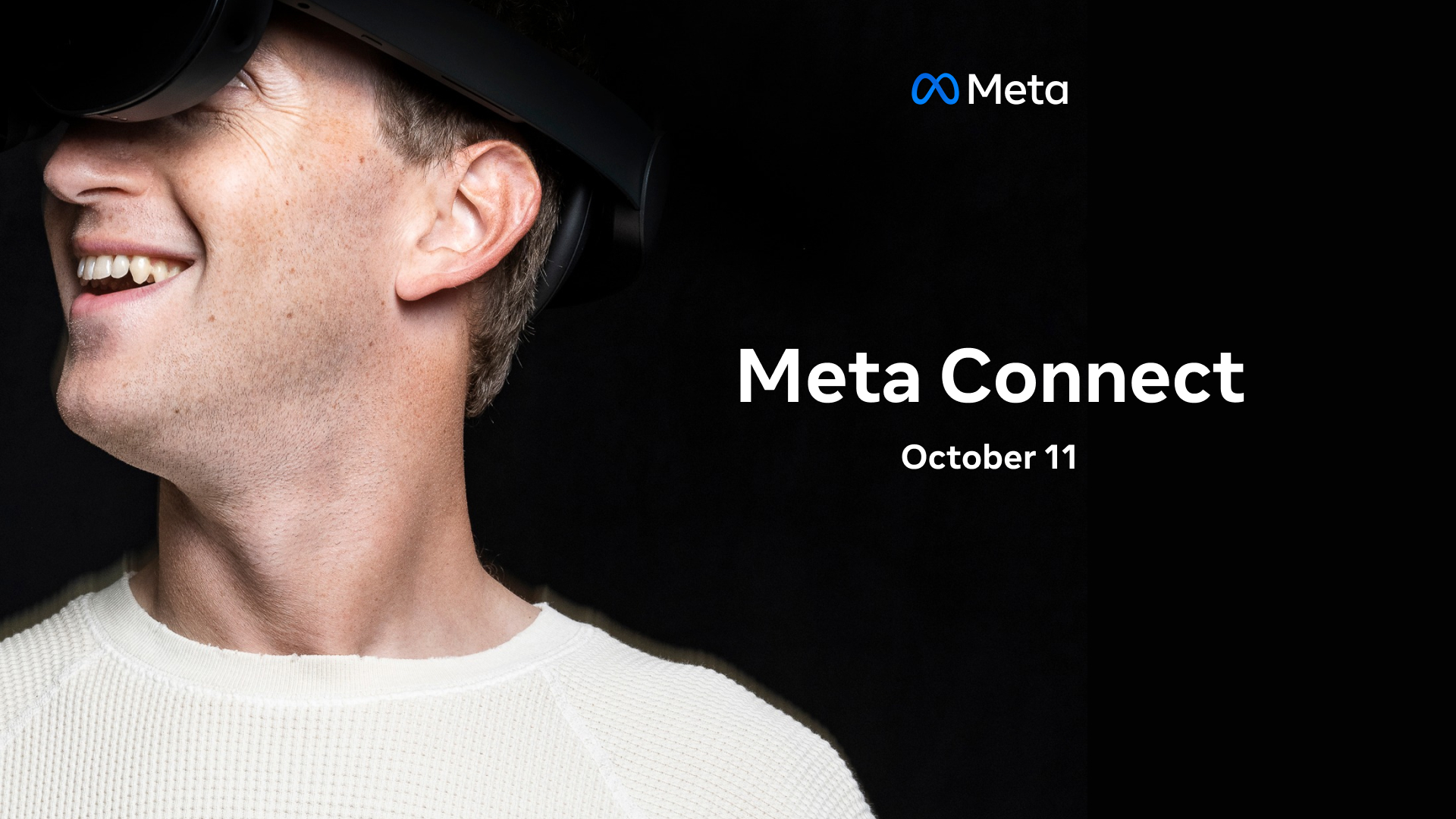
As Meta continues to pivot toward the Metaverse and integrated AI agents, the way we contact them will likely shift from text-based forms to interactive AI assistants. We are already seeing the integration of Meta AI across their apps, which acts as a real-time concierge. In the future, “contacting Meta” might involve speaking directly to a specialized AI agent capable of diagnosing account issues in real-time by analyzing your account’s metadata and server status instantly.
Furthermore, the expansion of Meta’s hardware line (Ray-Ban Meta glasses, Quest headsets) has forced the company to adopt more traditional hardware support models, including warranty claims and physical repair coordination. This adds a layer of “real-world” contact that was previously unnecessary for a purely software-based company.
In conclusion, while Meta does not offer a simple “1-800” number for general inquiries, they have built an incredibly complex and efficient system for managing technical issues at scale. By understanding the distinction between the various Help Centers, leveraging the Business Suite for professional assets, and utilizing developer portals for code-level issues, users can effectively navigate the Meta ecosystem. The key to successful contact lies in identifying the right channel for your specific technical need and providing the data necessary for their systems to help you. In the world of Big Tech, being a “power user” of support systems is just as important as being a user of the platforms themselves.
aViewFromTheCave is a participant in the Amazon Services LLC Associates Program, an affiliate advertising program designed to provide a means for sites to earn advertising fees by advertising and linking to Amazon.com. Amazon, the Amazon logo, AmazonSupply, and the AmazonSupply logo are trademarks of Amazon.com, Inc. or its affiliates. As an Amazon Associate we earn affiliate commissions from qualifying purchases.