
The Ubiquity and Utility of Your Cash App Cashtag
In the increasingly digital landscape of personal finance, mobile payment applications like Cash App have become indispensable tools for millions. At the heart of a user’s Cash App identity lies the “Cashtag”—a unique identifier beginning with a dollar sign (e.g., $YourName). This distinctive handle serves as your public address within the Cash App ecosystem, enabling seamless peer-to-peer transactions, receiving payments, and even facilitating business interactions. Understanding its function is paramount to effective use of the application.
A Cashtag is not merely a username; it’s a personalized, secure proxy for your financial account within Cash App. When someone sends you money, they search for your Cashtag, eliminating the need to share sensitive bank details or even phone numbers directly. This simplicity and added layer of abstraction are core to the platform’s user experience and security design. For many, their initial Cashtag might have been chosen quickly, perhaps reflecting an old nickname, a temporary phase, or simply a default suggestion. Over time, personal preferences evolve, professional identities shift, or privacy concerns may arise, prompting a desire to update this crucial digital identifier. Modifying your Cashtag can reflect a new professional persona, align with a current branding effort, or simply offer a more mature and appropriate handle. The process, while straightforward, warrants a careful understanding of its implications to ensure continuity and security in your financial transactions.

A Comprehensive Guide to Modifying Your Cash App Cashtag
Changing your Cashtag on Cash App is a relatively simple process designed to be intuitive for users. However, navigating the app’s interface to locate this specific setting requires a clear set of instructions. This section outlines the precise steps involved, ensuring a smooth transition to your new identifier.
Step 1: Accessing Your Cash App Profile
The journey to updating your Cashtag begins from the main screen of the Cash App application. Launch Cash App on your mobile device. In most versions of the app, you will find your profile icon in the top right-hand corner of the screen. This icon typically displays your profile picture or a generic avatar if no picture has been set. Tapping this icon will open your personal profile page, which serves as the central hub for all your account settings and personal information.
Step 2: Navigating to Account Settings and Cashtag Edit Option
Once on your profile page, you’ll see a range of options related to your account, privacy, and support. Look for an option that explicitly says “Profile,” “Personal,” or similar. Within this section, your current Cashtag will usually be displayed prominently, often directly beneath your name. To initiate the change, you will need to tap on your existing Cashtag or an ‘Edit Profile’ button that includes the Cashtag as an editable field. The interface is designed to make this element clearly distinguishable as an editable field.
Step 3: Selecting and Inputting Your New Cashtag
Upon tapping your Cashtag, an input field will appear, allowing you to delete your old Cashtag and type in your desired new one. It’s crucial to remember that Cashtags are unique across the entire Cash App network. If your chosen Cashtag is already in use by another user, the app will prompt you with an error message, indicating that it is unavailable. You will then need to experiment with alternatives, potentially adding numbers, underscores, or different spellings until you find a unique and available Cashtag.
When choosing a new Cashtag, consider its readability, memorability, and professionalism. Avoid overly complex combinations of characters that might be difficult for others to type correctly. Once you have entered an available Cashtag, the app will typically display a confirmation button, often labeled “Set,” “Save,” or a checkmark icon.
Step 4: Confirming the Change and Understanding its Immediate Impact
After selecting your new Cashtag and confirming your choice, Cash App will process the update. This change is usually instantaneous. Once confirmed, your old Cashtag will be permanently retired and will no longer be associated with your account. It may become available for other users to claim after a period, though Cash App’s specific policy on this is not always publicly detailed.
From this point forward, all transactions—both sending and receiving—will utilize your new Cashtag. It is vital to communicate this change to any individuals or businesses that regularly send you money via Cash App. While the app itself doesn’t automatically notify your contacts of a Cashtag change, consistent communication ensures that your financial flow remains uninterrupted. This immediate effect underscores the importance of thoughtful selection before finalizing your new identifier.
Strategic Considerations and Best Practices for Cashtag Management
Changing your Cashtag has implications beyond a simple aesthetic update. Strategic thinking ensures that the modification enhances your Cash App experience rather than causing unforeseen complications. Understanding these considerations is key to effective digital identity management within the payment platform.
Uniqueness and Future Availability
As previously mentioned, every Cashtag must be unique. When you change your Cashtag, your old one becomes disassociated from your account. While it won’t immediately be available for someone else to claim, Cash App policies typically allow for a “cooling off” period before a retired Cashtag can be reused. This means that if you later decide you want your old Cashtag back, it might no longer be available. Therefore, choose your new Cashtag with foresight, considering its long-term suitability. Avoid temporary or fleeting references unless you’re prepared for potential future changes.
Communication with Existing Contacts and Payment Senders
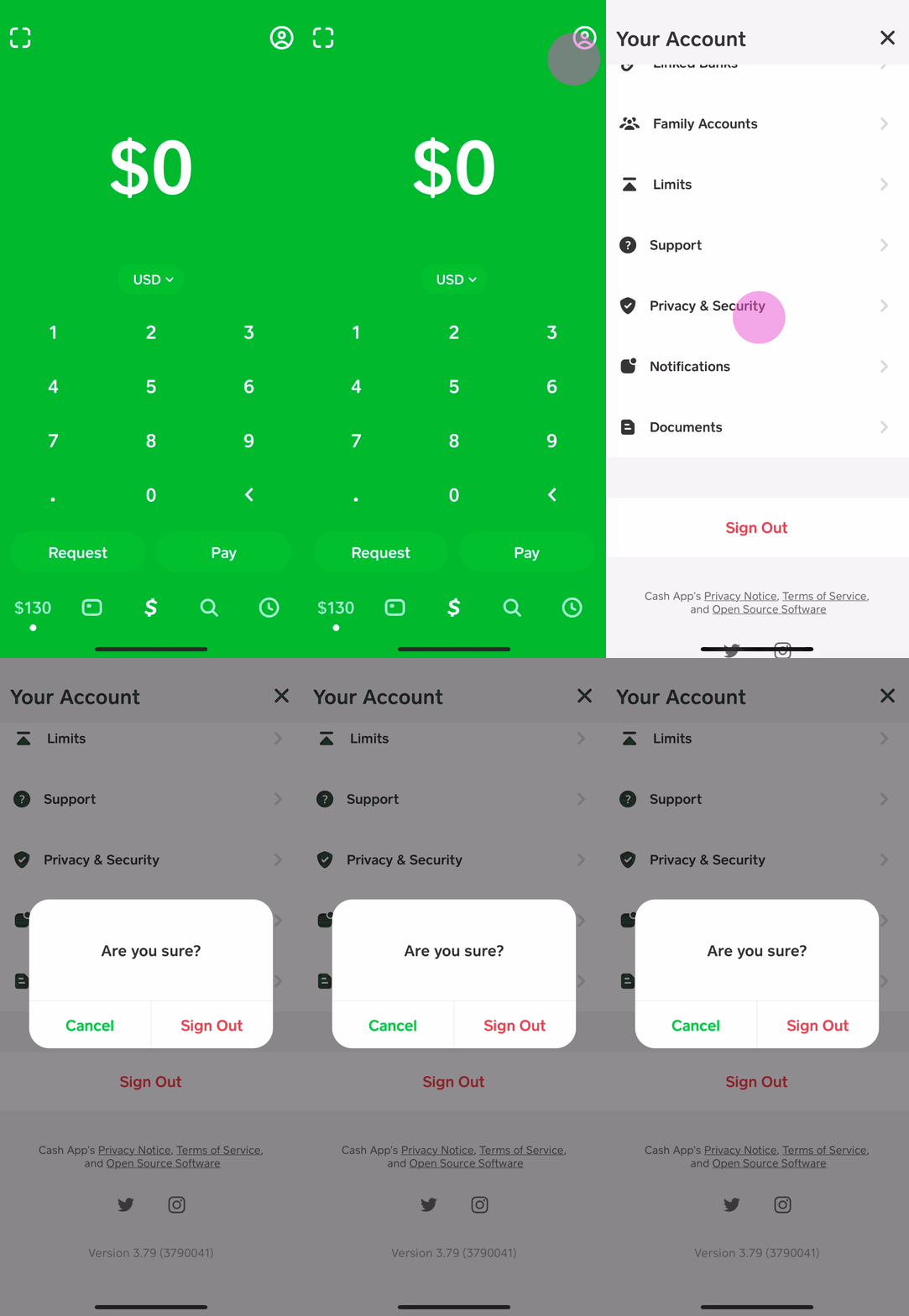
One of the most critical aspects of changing your Cashtag is the need to inform your network. Anyone attempting to send you money using your old Cashtag will encounter an error message, as that identifier will no longer point to your account. This could lead to missed payments or confusion. Proactively communicate your new Cashtag to family, friends, and any businesses or clients who frequently send you funds via Cash App. Consider sending a quick text, email, or updating relevant payment instructions wherever your old Cashtag might be listed. This proactive measure ensures uninterrupted financial interactions.
Security and Privacy Implications
While changing your Cashtag primarily affects how others find you for payments, it can also have minor security and privacy implications, particularly if your old Cashtag was compromised or too revealing. A new, more anonymous or professional Cashtag can offer a fresh start, detaching you from any previous associations. Always choose a Cashtag that does not inadvertently reveal sensitive personal information you wish to keep private. For instance, if your old Cashtag was $JohnDoeAddress123, changing it to $JohnDTech might be a privacy-enhancing move. While a Cashtag is public, minimizing the personal data embedded within it is a sound privacy practice.
Impact on Linked Services and Business Use
For individuals who use Cash App for business transactions, even on a small scale, a Cashtag change requires extra diligence. If your Cashtag is advertised on business cards, websites, social media profiles, or invoices, these materials must be updated promptly. Failure to do so could lead to significant inconvenience for customers attempting to pay you and potentially impact your business operations. Review all platforms where your old Cashtag might be published and update them to reflect your new identifier, maintaining a consistent professional presence.
Troubleshooting Common Cashtag Change Issues and Limitations
While the process of changing a Cashtag is generally smooth, users may occasionally encounter hurdles. Understanding common issues and the inherent limitations of the system can help navigate these challenges effectively.
“Cashtag Already Taken” Errors
The most frequent issue users face is attempting to select a Cashtag that is already in use. Cash App’s system requires absolute uniqueness for each Cashtag. If your desired Cashtag is unavailable, the app will clearly indicate this. The solution is to try variations. This might involve adding numbers (e.g., $YourName777), underscores (e.g., $Your_Name), or initials (e.g., $JDoeTech). Creative thinking is essential here. Sometimes, simply waiting a period might also work if the desired Cashtag was recently retired, but this is less reliable.
Frequency and Restrictions on Cashtag Changes
Cash App does not explicitly state a hard limit on how often you can change your Cashtag, nor does it typically impose a waiting period between changes. However, it’s not designed for frequent alterations. Rapidly changing your Cashtag can lead to confusion among your contacts and potentially raise flags within Cash App’s internal fraud detection systems due to unusual account activity. While infrequent changes are perfectly acceptable, treat your Cashtag as a stable identifier. If you find yourself needing to change it often, it might be indicative of a deeper issue with your initial choice or a need to re-evaluate your digital identity strategy.
Seeking Support for Persistent Issues
If you encounter technical glitches, error messages unrelated to Cashtag availability, or have other difficulties in changing your Cashtag, the best course of action is to contact Cash App support. They can provide direct assistance and investigate account-specific issues. Access to support is usually available through the app’s profile section, under “Support” or “Cash Support,” where you can initiate a chat or find contact information. When reaching out, be prepared to provide details of your account and the specific problem you’re facing.
Beyond the Cashtag: Holistic Cash App Profile Management
While changing your Cashtag is a significant aspect of managing your Cash App identity, it’s part of a broader spectrum of profile management features available within the application. Regularly reviewing and updating your entire profile ensures account security, accuracy, and optimal functionality.
Updating Linked Bank Accounts and Debit Cards
Cash App relies heavily on linked financial instruments for funding and cashing out. As bank accounts or debit cards expire, get replaced, or if you switch financial institutions, it’s crucial to update this information promptly within your Cash App profile. Navigate to the “Linked Banks” section of your profile to add new cards/accounts or remove old ones. Keeping these details current prevents transaction failures and ensures smooth access to your funds.
Modifying Personal Information (Phone, Email, Address)
Your personal information, including your phone number, email address, and physical address, is integral to your Cash App account for verification, notifications, and security. If you change your phone number or email, update it immediately in your Cash App settings. This is particularly important for two-factor authentication and receiving critical security alerts. Outdated information can lock you out of your account or compromise its security.
Enhancing Security Settings
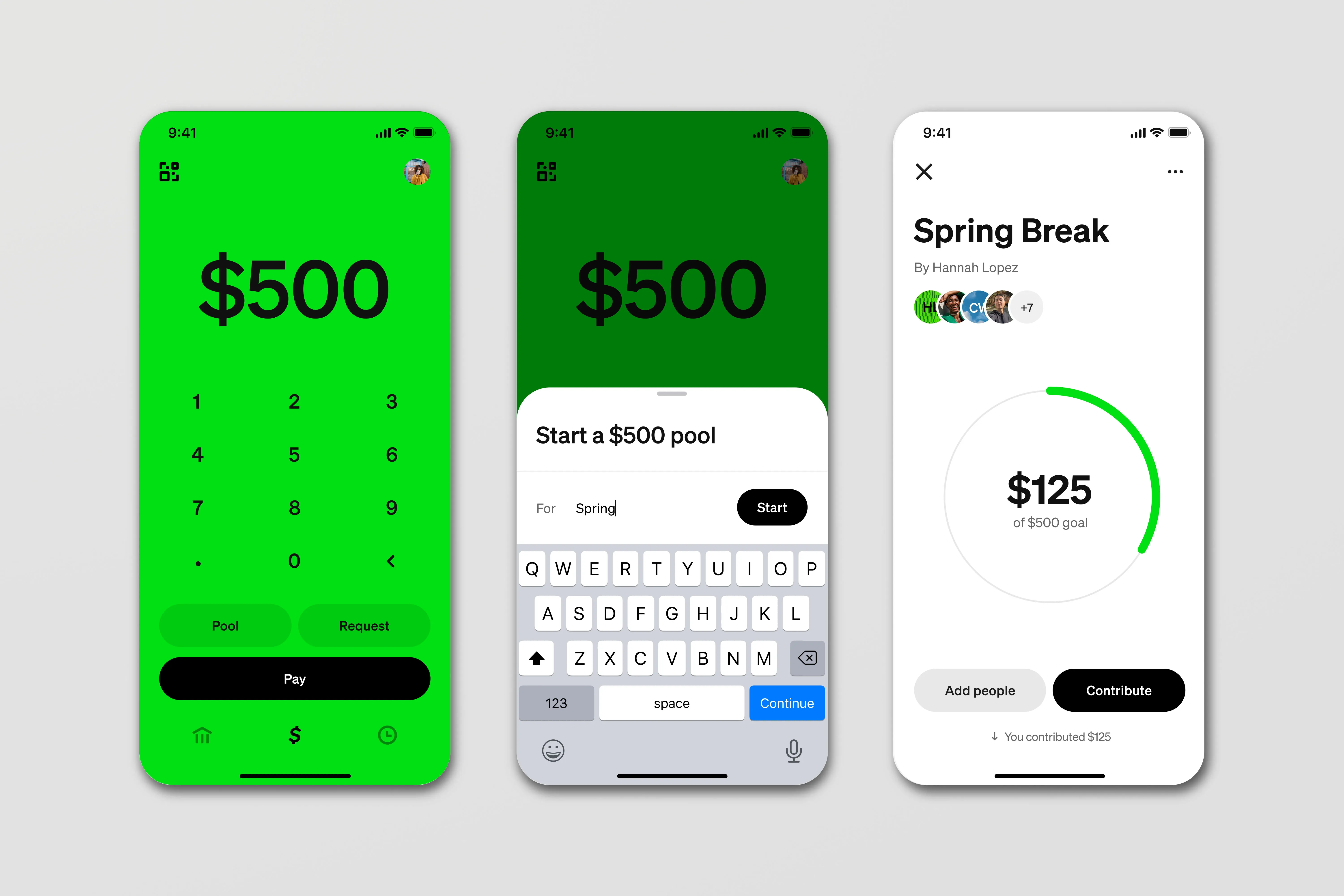
Beyond personal details, Cash App offers various security enhancements. Regularly review your privacy and security settings. This includes enabling a Security Lock (PIN or fingerprint/face ID for transactions), reviewing connected devices, and understanding your notification preferences. For more robust protection, ensure you have enabled two-factor authentication (2FA), which adds an extra layer of security by requiring a second form of verification for logins and transactions. Proactive security management is paramount in safeguarding your digital finance tools.
By understanding how to manage your Cashtag and other profile elements, users can maintain a secure, accurate, and highly functional Cash App experience, adapting their digital identity as their personal and financial needs evolve.
aViewFromTheCave is a participant in the Amazon Services LLC Associates Program, an affiliate advertising program designed to provide a means for sites to earn advertising fees by advertising and linking to Amazon.com. Amazon, the Amazon logo, AmazonSupply, and the AmazonSupply logo are trademarks of Amazon.com, Inc. or its affiliates. As an Amazon Associate we earn affiliate commissions from qualifying purchases.