
In the realm of personal and business finance, the percentage is perhaps the most vital mathematical tool at your disposal. Whether you are calculating the interest on a high-yield savings account, determining the ROI of a recent stock purchase, or simply trying to figure out the discount on a seasonal sale, percentages provide a universal language for value comparison. While modern smartphones and financial software have made these calculations more accessible, understanding the mechanics of how to calculate percentages on a calculator—and the financial logic behind them—is a fundamental skill for anyone looking to achieve financial literacy.
This guide explores the various methods of calculating percentages using standard and financial calculators, specifically tailored to help you navigate the complexities of money management.
The Role of Percentage Calculations in Personal Finance
Before diving into the “how-to,” it is essential to understand why percentages are the backbone of financial decision-making. In finance, raw numbers often fail to tell the whole story. For instance, earning $1,000 on an investment might sound impressive, but its significance changes entirely depending on whether you invested $10,000 or $1,000,000. Percentages normalize these figures, allowing for “apples-to-apples” comparisons.
Understanding the “Part of a Whole” Concept
At its core, a percentage represents a fraction of 100. When we talk about a 5% interest rate, we are saying that for every $100 you have, the bank will pay you $5. On a calculator, the percentage symbol (%) acts as a shortcut for “divide by 100.” Recognizing this relationship is the first step toward mastering financial tools. When you input a percentage into a calculator, you are essentially converting a relative value into a decimal format (e.g., 5% becomes 0.05) to interact with your principal balance.
Why Manual Calculation Skills Matter in the Digital Age
You might wonder why it is necessary to know how to use a calculator for percentages when apps like Excel or specialized financial calculators do the work for you. The answer lies in agility and comprehension. Financial opportunities often arise in real-time—during a meeting with a mortgage broker, while browsing a retail floor, or during a quick look at a brokerage app. Being able to whip out a standard calculator and verify a “15% off” claim or a “2.5% origination fee” ensures that you are never misled by marketing jargon or complex contracts.
Step-by-Step Guide: Using Standard and Financial Calculators
Most people own a standard “four-function” calculator or use the basic calculator app on their smartphone. While these tools look simple, they possess powerful shortcuts for financial math if you know the correct sequences.
The Basic Percentage Button Method
The most straightforward way to find a percentage of a number is to use the dedicated % key. Suppose you want to find 12% of $4,500 for a down payment.
- Type the total amount: 4500.
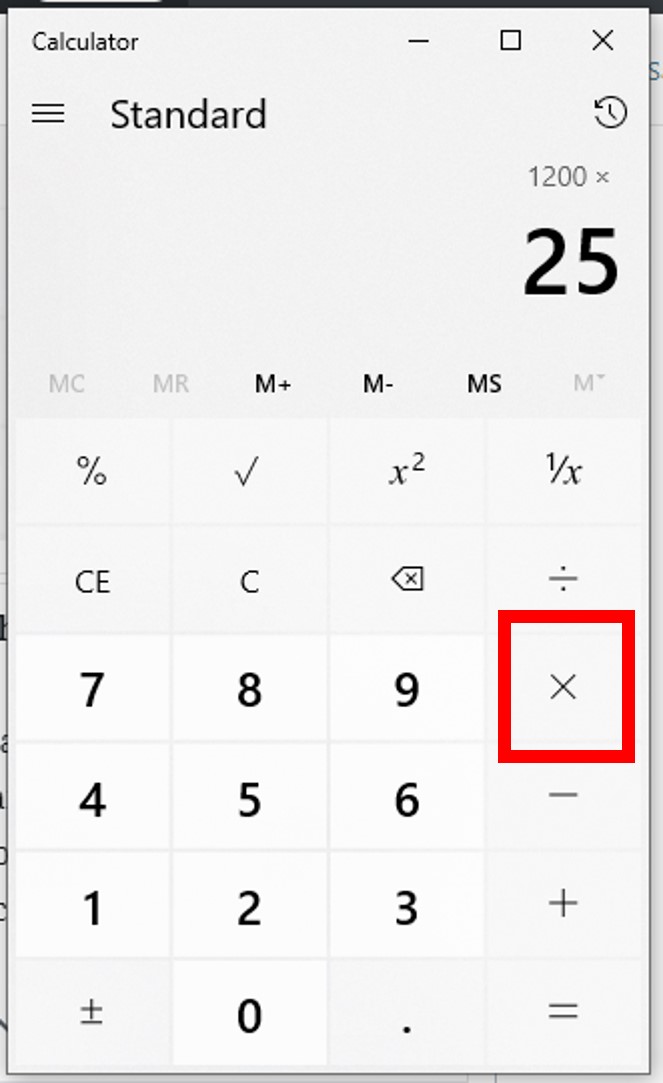
- Press the multiplication sign: ×.
- Type the percentage rate: 12.
- Press the % button.
- Press the equals sign: =.
The result will be 540. In a financial context, this represents your required down payment.
Calculating Percentage Increases and Decreases
In finance, we are often concerned with growth or loss. If your portfolio grew from $10,000 to $11,500, what was the percentage increase?
- The Formula: (New Value – Old Value) / Old Value × 100.
- On the Calculator:
- Subtract the original amount from the new amount (11500 – 10000 = 1500).
- Divide that result by the original amount (1500 / 10000 = 0.15).
- Multiply by 100 to get the percentage (15%).
Conversely, to calculate a “percentage off” (like a 20% discount on a $200 item), you can use a shortcut:
- Type 200.
- Press – (minus).
- Type 20.
- Press %.
- Press =.
The calculator will show 160, which is the final price after the discount.
Solving for the Percentage Itself
Sometimes you know the two numbers but need to find the percentage. For example, if you paid $45 in tax on a $600 purchase, what was the tax rate?
- Enter the “part”: 45.
- Press the division sign: ÷.
- Enter the “whole”: 600.
- Press =.
- The result is 0.075. Multiply by 100 to find it is a 7.5% tax rate.
Advanced Financial Applications for Investors

For those managing an investment portfolio, percentage calculations go beyond basic shopping discounts. They are used to measure performance, risk, and diversification.
Calculating Dividend Yields and ROI
Return on Investment (ROI) is the ultimate metric for any investor. If you buy a stock for $50 and sell it for $65, your profit is $15. To find the ROI:
- Divide the profit (15) by the initial cost (50).
- The result is 0.30, or a 30% ROI.
Dividend yield is calculated similarly. If a stock pays $2.00 in annual dividends and the current stock price is $40:
- Divide 2 by 40.
- The result is 0.05, or a 5% dividend yield. This allows you to compare the income potential of different stocks regardless of their share price.
Determining Portfolio Allocation Percentages
Financial advisors often recommend a specific asset allocation (e.g., 60% stocks, 40% bonds). To see if your current portfolio matches this, you must calculate each asset’s percentage of the total.
If your total portfolio is $100,000 and you hold $65,000 in stocks:
- Divide 65,000 by 100,000.
- The result is 0.65 or 65%.
Knowing this, you can see you are “overweight” in stocks by 5% and may need to rebalance to hit your 60% target.
Analyzing Compound Interest Growth
While compound interest often requires a specialized financial calculator (using the TVM—Time Value of Money keys), you can estimate growth using a basic calculator and the percentage logic. To see a 5% annual growth on $1,000 for two years:
- Year 1: 1000 × 1.05 = 1050
- Year 2: 1050 × 1.05 = 1102.50
Using the decimal equivalent (1.05 instead of 5%) is a faster way to perform sequential growth calculations on a standard device.
Business Finance: Markups, Margins, and Tax
If you run a side hustle or a small business, confusing “markup” with “margin” can be a costly mistake. Both are expressed as percentages, but they are calculated differently.
Difference Between Markup and Profit Margin
Markup is the percentage added to the cost to reach the selling price. If an item costs you $80 and you sell it for $100:
- The profit is $20.
- Divide 20 by the cost (80).
- Result: 0.25 or a 25% markup.
Profit Margin, however, is the percentage of the selling price that is profit.
- Divide the profit (20) by the selling price (100).
- Result: 0.20 or a 20% profit margin.
In business finance, monitoring the margin is crucial because it tells you how much of every dollar of sales you actually keep.
Adding and Subtracting Sales Tax (VAT/GST)
In many regions, sales tax is added at the point of sale. If you are a business owner setting prices, you need to know how to back-calculate tax.
If a customer paid $107 total in a region with 7% sales tax, what was the original price?
- Take the total: 107.
- Divide by 1.07 (1 + the tax rate in decimal form).
- The result is 100.
This ensures you remit the correct amount of tax to the government without eating into your own revenue.
Practical Strategies for Better Financial Decision-Making
Mastering the calculator is only half the battle; the other half is applying that math to your daily financial habits.
The 50/30/20 Rule Implementation
A popular personal finance framework is the 50/30/20 rule: 50% of income to needs, 30% to wants, and 20% to savings/debt repayment. To implement this, take your monthly take-home pay (e.g., $4,200) and use your calculator:
- Needs: 4200 × 0.50 = $2,100
- Wants: 4200 × 0.30 = $1,260
- Savings: 4200 × 0.20 = $840
By performing these quick calculations, you create a data-driven roadmap for your monthly spending.

Evaluating Loan Interest Rates
When taking out a loan, the difference between a 4.5% interest rate and a 5.0% interest rate might seem negligible. However, on a $300,000 mortgage, that 0.5% difference accounts for thousands of dollars over the life of the loan. When comparing financial products, use your calculator to determine the actual dollar impact of percentage differences. This empowers you to negotiate better terms or choose the product that saves you the most money in the long run.
In conclusion, the ability to calculate percentages on a calculator is more than just a math trick; it is a vital financial tool. By understanding how to manipulate these numbers, you gain clarity over your investments, your business profitability, and your personal budget. Whether you are using a vintage desk calculator or the latest smartphone app, the principles remain the same: percentages allow you to see the true value of your money.
aViewFromTheCave is a participant in the Amazon Services LLC Associates Program, an affiliate advertising program designed to provide a means for sites to earn advertising fees by advertising and linking to Amazon.com. Amazon, the Amazon logo, AmazonSupply, and the AmazonSupply logo are trademarks of Amazon.com, Inc. or its affiliates. As an Amazon Associate we earn affiliate commissions from qualifying purchases.