
The digital landscape has undergone a seismic shift over the last decade, transitioning from traditional linear broadcasting to sophisticated internet-protocol television (IPTV). At the forefront of this revolution is YouTube TV, Google’s comprehensive solution for cord-cutters. For those looking to migrate from cable to a software-based ecosystem, the first question is almost always regarding the onboarding process—specifically, how long is the YouTube TV trial and what does the technical experience entail?
While the standard answer fluctuates based on marketing cycles and strategic partnerships, the YouTube TV trial is generally structured to give users enough time to stress-test the platform’s infrastructure. Typically, a standard trial lasts between 7 and 14 days, though it is not uncommon to see promotional windows extending to 21 or even 30 days during major sporting events or hardware product launches. Understanding the nuances of this trial is essential for any tech-savvy consumer looking to optimize their home entertainment stack.
Understanding the Variable Nature of YouTube TV Trial Periods
Unlike static software licenses, the duration of a YouTube TV trial is dynamic. Google utilizes data-driven marketing to adjust the trial length based on various factors, including seasonal demand, competitive pressure from other streaming giants, and specific hardware tie-ins.
Standard vs. Promotional Windows
For the majority of the year, new users can expect a baseline trial of 7 days. This window is designed to provide a “long weekend” of usage, allowing the subscriber to test the interface, check the channel lineup, and verify that their home network bandwidth can support high-definition concurrent streams. However, during periods like the start of the NFL season or the NBA Finals, Google frequently extends these trials to 14 or 21 days. This extension is a strategic move to embed the service into the user’s daily habits, making the platform’s superior UI and Cloud DVR features indispensable.
Strategic Partnerships and Hardware Bundles
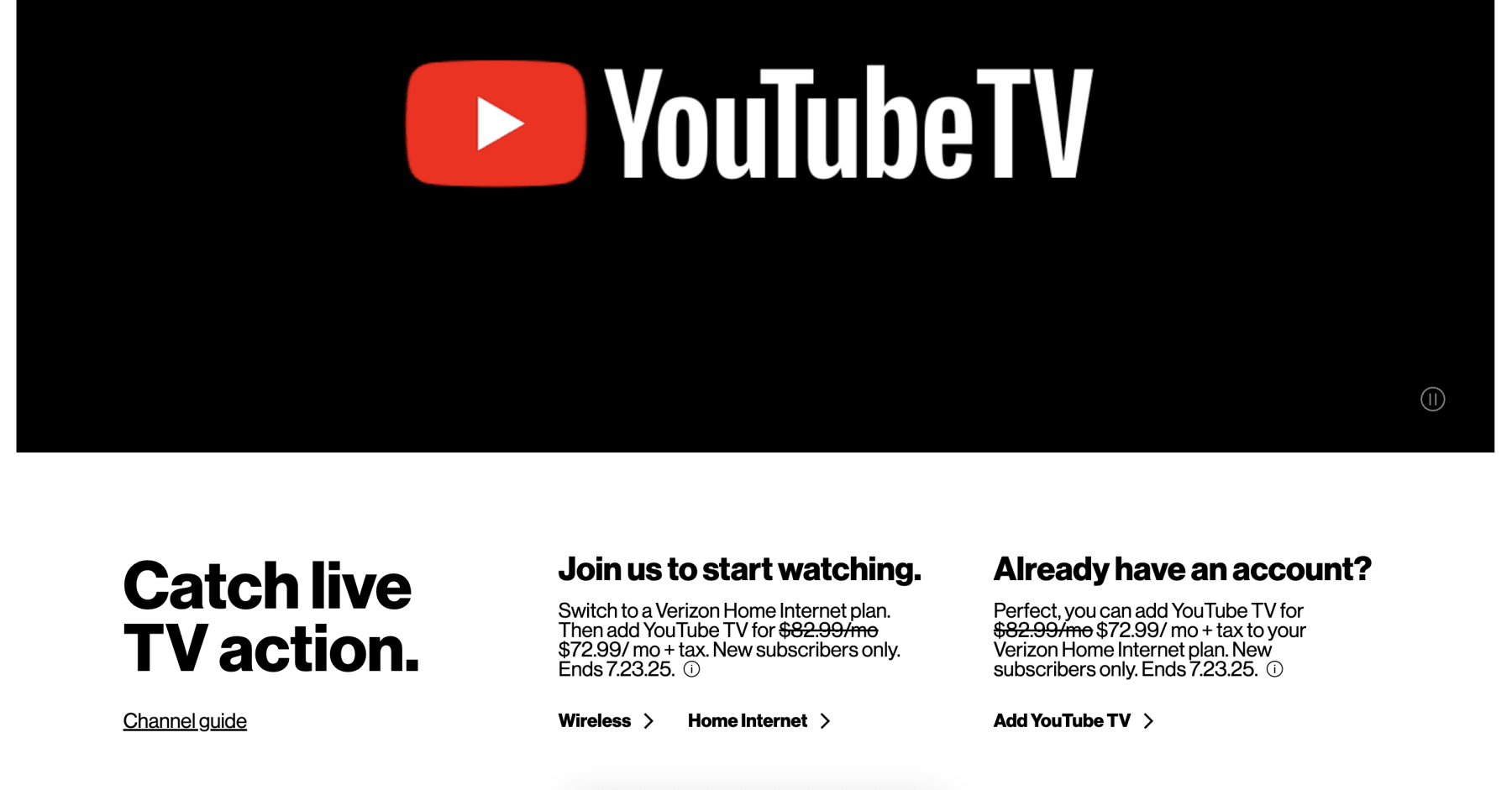
The length of a trial can also be significantly extended through the Google ecosystem. For instance, purchasers of new Chromecast devices, Google Nest products, or specific Android-based smart TVs often find themselves eligible for extended 30-day or even 90-day trials. Furthermore, partnerships with mobile carriers and internet service providers (ISPs) often bundle YouTube TV trials into their service plans. If you are a subscriber to specific 5G home internet services, checking your “Benefits” dashboard might reveal a trial period far exceeding the standard week-long offer available on the public landing page.
Technical Features and Platform Capabilities Included in the Trial
One of the most impressive aspects of the YouTube TV trial is that it rarely restricts access to features. Unlike “freemium” software models that gatekeep high-end functionality, the YouTube TV trial provides a full-access pass to the platform’s robust technical infrastructure.
Unlimited Cloud DVR Infrastructure
The hallmark of YouTube TV’s technical prowess is its unlimited Cloud DVR. During the trial, users can record an unlimited number of shows simultaneously without worrying about local storage constraints or hardware failures. From a technical standpoint, this is managed entirely on Google’s server side, meaning your physical device—whether it’s a Roku, Apple TV, or a smartphone—isn’t doing the heavy lifting. The recordings are stored for up to nine months, and the trial period is the perfect time to test the “Library” logic, which categorizes content using sophisticated metadata to group sports, movies, and series intuitively.
Multi-Stream Functionality and Resolution Scaling
A critical test for any IPTV service is how it handles high-bitrate data across multiple devices. The trial allows for three concurrent streams. This is an excellent opportunity to test the limits of your home Wi-Fi 6 or Ethernet setup. Tech enthusiasts often use the trial to monitor how the platform’s adaptive bitrate switching handles network congestion. YouTube TV is known for its low latency compared to competitors like Hulu + Live TV, which is a vital metric for sports fans who don’t want to hear their neighbors cheer for a goal 30 seconds before it appears on their own screen.
The User Interface and Search Integration
Leveraging Google’s search DNA, the YouTube TV interface is arguably the most responsive in the industry. During your trial, you will notice the seamless integration between the “Home,” “Live,” and “Library” tabs. The software employs machine learning algorithms to suggest content based on viewing history. For those embedded in the Google ecosystem, the trial also demonstrates the power of voice commands via Google Assistant, allowing users to switch channels or find specific programs using only their voice.
How to Optimize Your Trial Experience Through the Tech Ecosystem
To truly evaluate whether YouTube TV is the right replacement for traditional cable, it is important to integrate it into your existing digital environment during the trial period. This involves more than just watching a few shows; it requires a deep dive into the platform’s settings and multi-user capabilities.

Setting Up Family Groups
One of the most significant technical advantages of YouTube TV is its “Family Group” functionality. A single subscription (including a trial) allows you to share the service with up to five other household members. Each member gets their own unique login, personalized recommendations, and private Cloud DVR library. Setting this up during the trial is essential for testing the platform’s ability to manage different user profiles without data “bleeding” between accounts. It utilizes the standard Google Family Link architecture, making it easy to manage if you already use Google services for app sharing or storage.
Testing 4K Plus and Add-on Tech
While the core trial covers the “Base Plan,” Google often offers trials for its “4K Plus” add-on simultaneously. This is where the technical specifications get interesting. The 4K Plus package enables not just higher resolution for select content, but also the ability to download recordings for offline viewing on mobile devices and provides unlimited concurrent streams on your home network. If you have a high-end 4K OLED TV and a robust sound system supporting Dolby 5.1, the trial is the time to verify that the source material and the app’s decoding capabilities meet your standards.
Mobile App and Remote Connectivity
The YouTube TV app is a masterclass in mobile software design. During your trial, test the “Picture-in-Picture” (PiP) mode on mobile devices, which allows you to continue watching a stream while navigating other apps. Furthermore, the ability to “cast” from a phone to a television remains a core part of the experience. Testing the handoff between a mobile device on a cellular network and a smart TV on home Wi-Fi is a great way to judge the stability of the platform’s session management.
Navigating Trial Limitations and Subscription Management
While the trial is designed to be frictionless, there are several technical and administrative hurdles that users should be aware of to ensure they aren’t charged prematurely and to maximize their access.
The Automatic Billing Mechanism
It is a standard industry practice that the YouTube TV trial requires a valid form of payment upfront (Credit Card, PayPal, or Google Play balance). The software is programmed to automatically transition from a free trial to a paid subscription the second the trial clock expires. To manage this technically, users should utilize the “Manage Subscription” section within the YouTube TV settings. Interestingly, unlike some services that terminate access the moment you hit “cancel,” YouTube TV often allows you to continue using the service until the end of the trial window—though this can vary by region and specific promotional terms.
Geographical Restrictions and Portability
The service uses sophisticated geo-fencing to determine your “Home Area.” This is crucial for accessing local broadcast networks (ABC, NBC, CBS, FOX). During the trial, if you travel, you will notice the app prompts you to verify your location. This is a technical requirement to comply with regional broadcasting rights. If you are using the trial to see if the service works for a “digital nomad” lifestyle, it is important to understand the “check-in” requirements, which usually dictate that you must connect from your home area at least once every three months to maintain access to local channels.
Browser Compatibility and Bitrate
For those who plan to watch on a PC or Mac, the browser choice matters. While the service works on most modern browsers, it is optimized for Chromium-based platforms. During the trial, you might notice that Chrome or Microsoft Edge provides a slightly smoother experience with fewer “buffering” instances compared to other engines. This is due to the deep integration of Google’s VP9 and AV1 video codecs, which are designed to deliver high-quality video at lower bitrates.
Comparing the Digital Infrastructure: YouTube TV vs. Competitors
The value of the YouTube TV trial is best understood when compared against the technical offerings of its main rivals, such as FuboTV, Hulu + Live TV, and Sling TV. When running your trial, keep these technical benchmarks in mind.
Latency and Channel Switching
One of the most frustrating aspects of IPTV can be the “lag” when switching channels. YouTube TV uses a technique called “predictive tuning” to pre-buffer potential channel choices, making the transition feel almost as fast as traditional cable. In comparison, competitors often have a noticeable 2-3 second delay. Use your trial to “channel flip” and see if the software’s responsiveness meets your expectations for a premium product.
Search and Discovery Algorithms
While Hulu leverages Disney’s massive library and Fubo focuses on niche sports metadata, YouTube TV relies on the world’s most powerful search engine. The ability to search for “that show with the chef” and get an accurate result for The Bear is a testament to the natural language processing integrated into the app. This is a subtle tech feature that becomes more apparent the more you use the service during the trial.
Stability and Uptime
Google’s global server infrastructure is arguably the most stable in the world. While other services might stutter during high-traffic events like the Super Bowl, YouTube TV’s backend is built on the same scalable architecture that powers YouTube’s billions of daily views. The trial period is your chance to see if the service remains stable during “prime time” hours in your specific local network environment.
In conclusion, the YouTube TV trial is more than just a free pass; it is a comprehensive technical demo of the current state of streaming technology. Whether your trial is 7 days or 21 days, the goal is to evaluate how the software integrates into your hardware ecosystem, how the Cloud DVR handles your recording habits, and whether the streaming quality justifies the eventual subscription cost. By understanding the variable nature of these trials and the deep feature set included, you can make an informed decision on whether to fully embrace the next generation of television.
aViewFromTheCave is a participant in the Amazon Services LLC Associates Program, an affiliate advertising program designed to provide a means for sites to earn advertising fees by advertising and linking to Amazon.com. Amazon, the Amazon logo, AmazonSupply, and the AmazonSupply logo are trademarks of Amazon.com, Inc. or its affiliates. As an Amazon Associate we earn affiliate commissions from qualifying purchases.