
In the world of business finance, the transition from manual ledgers to digital ecosystems has revolutionized how entrepreneurs manage their capital. At the center of this revolution is QuickBooks, a financial management powerhouse designed to track, organize, and optimize the flow of money within a business. To understand how QuickBooks works is to understand the mechanics of modern accounting simplified for the non-accountant.
For small business owners, freelancers, and corporate finance teams, QuickBooks acts as a central nervous system for every dollar that enters or leaves the organization. It is more than just a digital checkbook; it is a comprehensive tool that ensures financial accuracy, tax compliance, and strategic growth through data-driven insights.
The Core Mechanism: Automating Business Bookkeeping
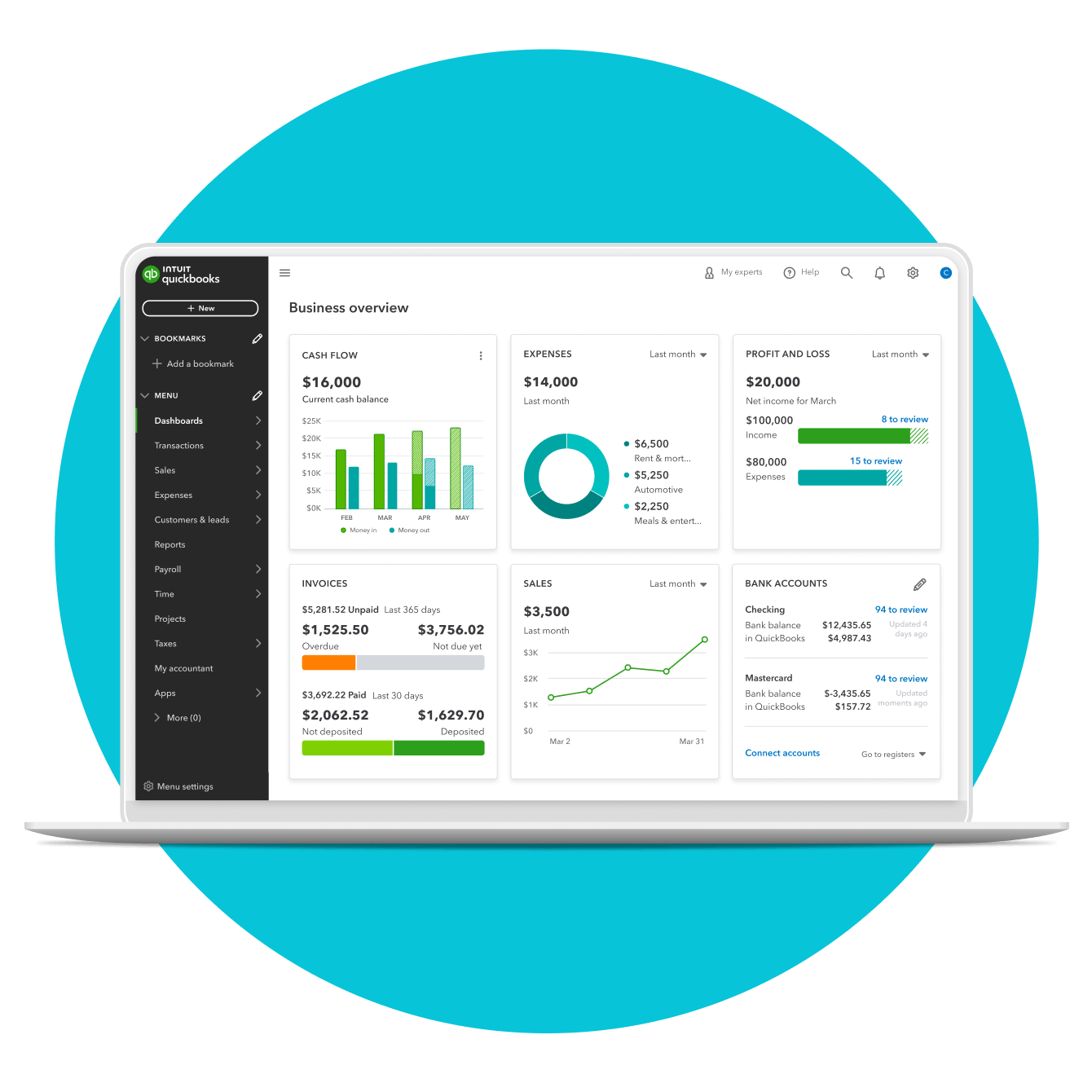
The fundamental premise of QuickBooks is to move away from the “shoebox method” of keeping receipts and toward a real-time, automated record of financial health. At its core, the software operates on the principle of double-entry accounting, ensuring that the books always balance, but it hides this complexity behind a user-friendly interface.
Bank Connectivity and Transaction Categorization
One of the most critical functions of QuickBooks is its ability to sync directly with your business bank accounts and credit cards. Once connected, the software automatically pulls in every transaction—every deposit, every coffee meeting, and every vendor payment.
The software uses machine learning to suggest categories for these transactions. For example, a payment to an insurance company might be flagged as “Insurance Expense.” The user’s role shifts from manual data entry to a simple oversight role, where they “match” or “add” transactions to the ledger. This automation reduces the margin for human error and ensures that the business’s financial records are always up to date, reflecting the actual cash on hand.
The Double-Entry Accounting Foundation
While the user sees simple buttons and dashboards, QuickBooks is performing complex double-entry accounting in the background. Every time money moves, the software records an equal and opposite entry in at least two different accounts. If you pay a bill, your “Cash” account (an asset) decreases, while your “Accounts Payable” (a liability) also decreases. By maintaining this rigorous structure, QuickBooks ensures that the fundamental accounting equation—Assets = Liabilities + Equity—is always maintained, providing a solid foundation for any financial audit.
Streamlining Cash Flow Management
Cash flow is the lifeblood of any enterprise. A business can be profitable on paper but fail because it lacks liquid cash to meet its obligations. QuickBooks manages this by providing a clear bridge between “Accounts Receivable” (money coming in) and “Accounts Payable” (money going out).
Accounts Receivable: Getting Paid Faster
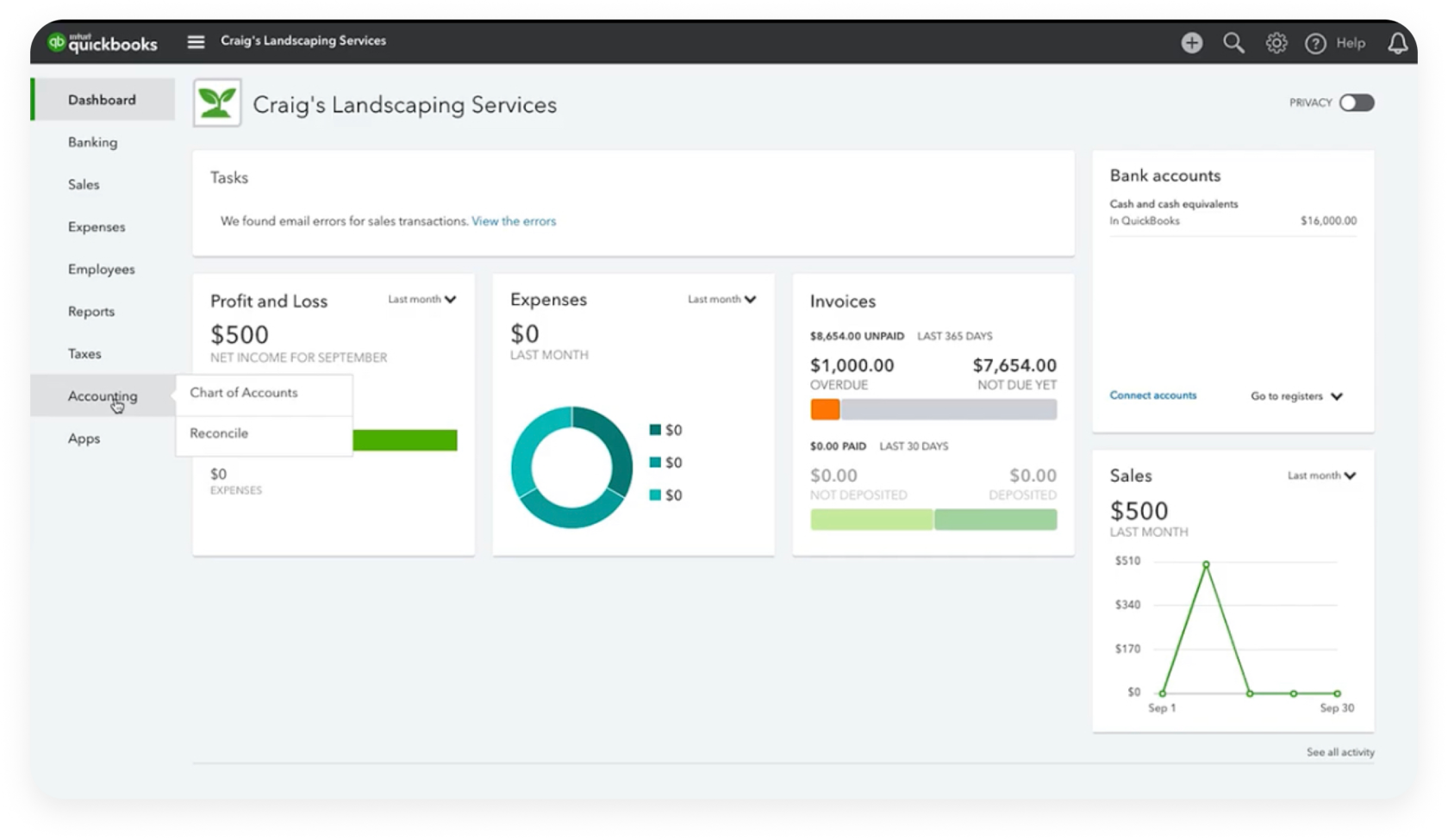
QuickBooks simplifies the income side of the equation through its integrated invoicing system. Users can create professional, branded invoices and send them digitally to clients. However, the true value lies in the tracking. The software monitors when an invoice is viewed, when it is overdue, and provides automated reminders to clients.
Furthermore, by integrating with payment processors, QuickBooks allows clients to pay directly via credit card or ACH transfer. When the payment is received, the software automatically records the income, marks the invoice as paid, and prepares the deposit for reconciliation. This loop reduces the “Days Sales Outstanding” (DSO), putting money back into the business’s bank account faster.
Accounts Payable: Managing Expenses and Bills
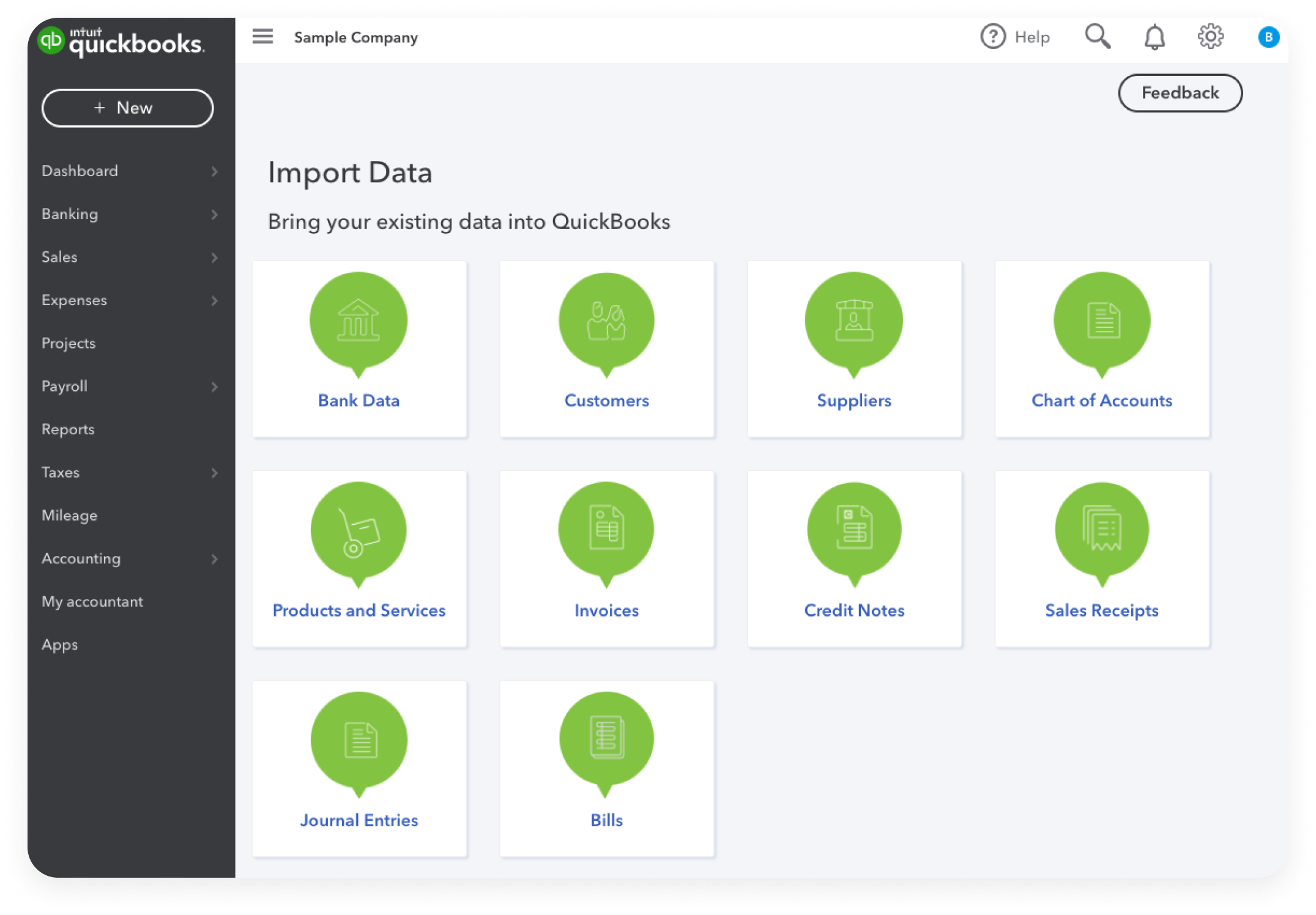
On the flip side of the coin is the management of outflows. QuickBooks allows users to upload bills by simply taking a photo of a physical receipt or forwarding an email. The software uses Optical Character Recognition (OCR) to read the vendor name, the date, and the amount, automatically preparing the transaction for the user’s approval.
By scheduling bill payments through the platform, business owners can ensure they never miss a due date, avoiding late fees and maintaining a strong credit profile. This visibility into upcoming expenses allows for better “burn rate” management, ensuring the business maintains enough liquidity to cover its overhead.
Financial Reporting and Tax Compliance
The ultimate goal of tracking money is to analyze it. QuickBooks transforms raw data into sophisticated financial reports that provide a window into the business’s performance. These reports are not just for the owner; they are vital for lenders, investors, and tax authorities.
Real-Time Financial Statements
QuickBooks generates three primary reports that are essential for any business:
- The Profit and Loss Statement (P&L): This shows income minus expenses over a specific period. It tells the owner if the business is actually making money or losing it.
- The Balance Sheet: This provides a snapshot of the business’s worth at a specific moment, detailing what it owns (assets), what it owes (liabilities), and the owner’s stake (equity).
- The Statement of Cash Flows: This report tracks the actual movement of cash, helping the owner understand if the cash position is improving or declining, regardless of accounting profits.
Because these reports are generated in real-time based on live bank data, business owners can make decisions based on what is happening today, rather than waiting for an accountant to close the books at the end of the month.
Simplification of Tax Obligations
Tax season is often a source of stress for business owners, but QuickBooks serves as an “audit-ready” repository of financial data. By categorizing expenses throughout the year, the software automatically populates the categories needed for tax forms (such as Schedule C for freelancers or Form 1120 for corporations).
When it is time to file, the owner can grant their CPA or tax preparer direct access to their QuickBooks file. The accountant can then review the books, make necessary adjustments, and export the data directly into tax preparation software. This eliminates the need for manual data handover and significantly reduces the billable hours an accountant spends on “cleaning up” the books.
Scaling Your Business Finances
As a business grows, its financial needs become more complex. QuickBooks is designed to scale with these needs, offering advanced features that handle more than just simple income and expenses.
Payroll Integration and Human Capital Costs
For many businesses, labor is the largest expense. QuickBooks integrates payroll services directly into the financial ecosystem. When payroll is run, the software automatically calculates wages, withholds the correct amount of federal and state taxes, and issues payments via direct deposit.
From a financial management perspective, this is invaluable because the “Payroll Expense” and “Payroll Tax Liability” are automatically recorded in the general ledger. This gives the owner a holistic view of how much their team truly costs them, including benefits and employer-side taxes, allowing for more accurate budgeting and forecasting.
Inventory Management and Cost of Goods Sold (COGS)
For product-based businesses, managing inventory is a complex financial balancing act. QuickBooks tracks inventory levels in real-time. When a product is sold, the software not only records the revenue but also automatically moves the cost of that item from the “Inventory” asset account to the “Cost of Goods Sold” (COGS) expense account.
This automated adjustment is crucial for calculating “Gross Profit Margin.” It prevents the business from overestimating its profits by ensuring that the cost of the physical products is always matched against the revenue they generated. This level of detail is essential for businesses looking to optimize their pricing strategies and manage their supply chain effectively.
Conclusion: The Strategic Value of Financial Clarity
Understanding how QuickBooks works reveals that it is not merely a tool for record-keeping; it is a strategic asset for financial health. By automating the tedious aspects of bookkeeping, it frees up the business owner to focus on what matters most: growth and profitability.
Through bank synchronization, streamlined invoicing, robust reporting, and scalable features like payroll and inventory management, QuickBooks provides a clear, 360-degree view of a company’s financial status. In an era where data is the most valuable currency, having a platform that organizes that data into actionable financial intelligence is the difference between a business that merely survives and one that thrives in a competitive marketplace. Whether you are a solo freelancer or a growing corporation, the logic of QuickBooks remains the same: it turns the chaos of daily transactions into the clarity of a balanced ledger.
aViewFromTheCave is a participant in the Amazon Services LLC Associates Program, an affiliate advertising program designed to provide a means for sites to earn advertising fees by advertising and linking to Amazon.com. Amazon, the Amazon logo, AmazonSupply, and the AmazonSupply logo are trademarks of Amazon.com, Inc. or its affiliates. As an Amazon Associate we earn affiliate commissions from qualifying purchases.