
The landscape of personal finance has undergone a radical transformation over the last decade. The shift from traditional brick-and-mortar banking to agile, mobile-first financial technology (FinTech) has empowered consumers with unprecedented control over their liquidity. Two of the most prominent players in this space are Chime, a leader in the neobanking sector, and Cash App, a versatile peer-to-peer (P2P) payment service. While both platforms offer unique advantages, many users find themselves needing to bridge the gap between them to maximize their financial flexibility.
Understanding how to transfer money from Chime to Cash App is not merely a technical necessity; it is a strategic move for anyone looking to optimize their digital wallet ecosystem. Whether you are splitting a bill with friends, paying a freelancer, or moving funds to access Cash App’s unique investment features, mastering this pipeline is essential.
The Intersection of Digital Banking and Peer-to-Peer Payments
Before diving into the mechanics of the transfer, it is vital to understand the roles these platforms play in your financial life. Chime operates primarily as a modern bank account, offering features like early direct deposit, fee-free overdrafts, and credit-building tools. It is designed to be the “hub” of your financial existence. Cash App, conversely, began as a simple P2P payment tool but has evolved into a multi-faceted financial app that includes a debit card (Cash Card), stock trading, and Bitcoin purchasing.
The need to move money between them arises because users often keep their primary savings and paychecks in Chime while using Cash App for daily social transactions or niche investments. Because these two platforms do not have a “native” direct integration button, users must utilize the underlying banking infrastructure to move funds.
Why Liquidity Movement Matters
In the modern economy, liquidity—the ease with which you can move money—is a form of financial security. If your funds are locked in one platform when you need them in another, you face opportunity costs. By mastering the Chime-to-Cash App pipeline, you ensure that your capital is always where it needs to be, whether that is earning interest, paying for a service, or being invested in the market.
Method 1: Linking the Chime Debit Card (The Preferred Path)
The most efficient and common way to transfer money from Chime to Cash App is by linking your Chime Visa Debit Card directly to your Cash App account. This method is preferred by most users because it allows for near-instantaneous transfers and utilizes the existing card processing infrastructure.
Step-by-Step Integration
To begin, open your Cash App and navigate to the “Profile” icon or the “Banking” tab (represented by a house or currency symbol). From there, look for the “Linked Banks” or “Add Bank” option.
When prompted to add a bank, you should first try to add your Chime debit card. Enter the 16-digit card number, expiration date, and CVV. Once the card is verified, it becomes a funding source for your Cash App balance. To move the money, you simply go to the “Banking” tab in Cash App, select “Add Cash,” choose the amount you wish to move, and confirm the transaction. Cash App will pull the funds directly from your Chime balance via the debit card.
The Advantage of Instant Transfers
One of the primary benefits of using the debit card method is the speed of the transaction. Unlike traditional ACH transfers, which can take several business days, “Add Cash” transactions via a linked debit card are usually credited to your Cash App balance immediately. This is crucial for users who need to make a payment or purchase in real-time.
Troubleshooting Card Linkage
Occasionally, users may encounter an error message stating that a card is not supported. This is often due to mismatched personal information. Ensure that the name, zip code, and phone number on your Chime account exactly match the details on your Cash App account. If the issue persists, it may be a temporary security flag from Chime’s fraud prevention system, which can usually be resolved with a quick call to their support line.
Method 2: Linking Chime via Account and Routing Numbers
If you do not have your physical Chime card handy, or if you prefer a more traditional banking connection, you can link Chime to Cash App using your account and routing numbers. This method treats Chime as a standard bank account rather than a card-based source.
Utilizing Plaid for Secure Connection
Cash App often uses Plaid, a secure third-party integration tool, to link bank accounts. When you select “Add Bank” in Cash App, you can search for Chime in the list of institutions. You will then be prompted to log in to your Chime account using your Chime credentials. This creates a secure bridge between the two apps without Cash App ever seeing your password.
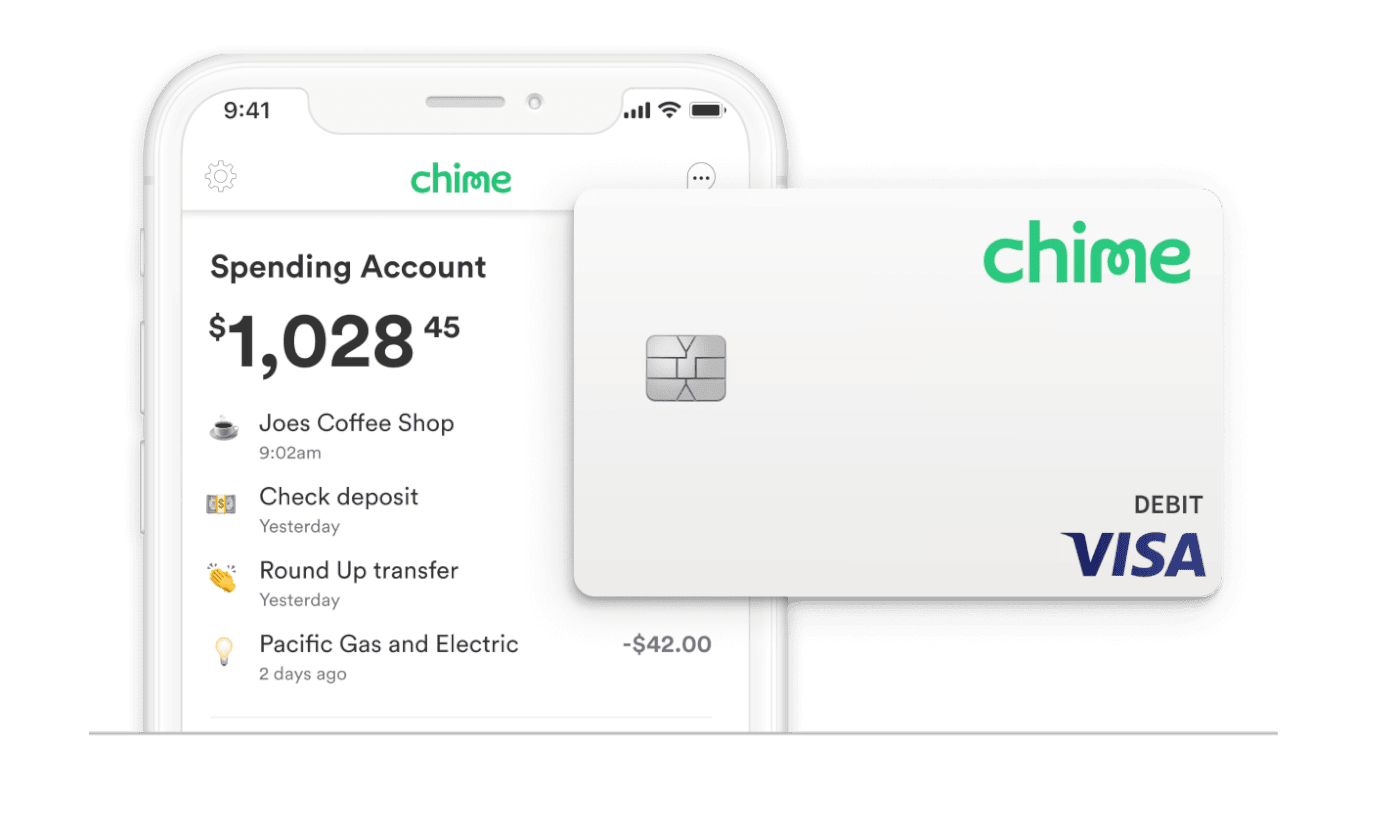
If Chime does not appear in the automated list, you can manually enter your Chime routing and account numbers. You can find these details in the Chime app under the “Settings” menu or by tapping on your “Move Money” tab.
Comparing Speed and Reliability
While linking via account numbers is highly reliable, it is generally slower than the debit card method. When you pull money into Cash App from a linked bank account via ACH, it can take 1 to 3 business days for the funds to clear. This method is best suited for larger, non-urgent transfers where the immediacy of a debit transaction isn’t required.
Strategic Financial Management: Limits, Fees, and Security
Moving money between platforms requires an understanding of the regulatory and platform-specific constraints that govern these transactions. To manage your money effectively, you must be aware of the “fine print” regarding limits and costs.
Navigating Transaction Limits
Both Chime and Cash App impose limits on how much money can be moved within certain timeframes. Cash App, for instance, has a basic limit on “Adding Cash” that may be restricted until you verify your identity with a Social Security Number and a valid ID. Once verified, these limits increase significantly. Chime also has daily spending and withdrawal limits on its debit card. If you are attempting to move a large sum—such as several thousand dollars—you may need to break the transfer into smaller increments over several days.
Understanding the Fee Structure
One of the greatest advantages of the Chime-to-Cash App pipeline is that “Adding Cash” to Cash App is typically free when using a linked debit card or bank account. However, the costs occur when you try to move money in the opposite direction (Cash App to Chime).
While “Standard” deposits back to your bank are free, Cash App charges an “Instant” deposit fee (usually around 1.75%, with a minimum fee) if you want the money back in your Chime account immediately. From a financial optimization standpoint, it is always better to plan ahead and use the free “Standard” transfer option to avoid eroding your capital with unnecessary fees.
Prioritizing Digital Security
Whenever you link two financial accounts, you increase your digital footprint. To protect your funds, enable Two-Factor Authentication (2FA) on both Chime and Cash App. Use biometric locks (Fingerprint or FaceID) for app entry. Furthermore, be wary of “Cash App scams” where third parties ask you to move money between accounts on their behalf. Only move money between accounts that you personally own and control.
Optimizing Your Digital Wallet Ecosystem
Mastering the transfer from Chime to Cash App is just the first step in creating a robust personal finance workflow. By leveraging the strengths of both platforms, you can build a system that handles savings, spending, and investing with minimal friction.
Creating a “Sweep” System
A sophisticated way to manage your money is to set up a monthly “sweep.” For example, after your paycheck arrives in Chime, you might decide to “sweep” a fixed amount—perhaps $200—into Cash App. This $200 could be your designated “social budget” for dining out or small P2P payments. By siloing this money in Cash App, you protect your primary Chime balance and create a natural barrier against overspending.
The Role of the Cash Card
Once your money is in Cash App, you aren’t limited to sending it to other people. The Cash Card allows you to spend your balance at any merchant that accepts Visa. Cash App’s “Boosts” (instant discounts at specific retailers) often provide better value than standard bank rewards. By strategically moving money from Chime to Cash App, you can take advantage of these Boosts to save money on daily purchases like coffee, groceries, or gas.
Integration with Other Income Streams
Many gig workers and freelancers receive payments via Cash App. Knowing how to move money to Cash App from Chime is half the battle; the other half is knowing how to centralize those funds back into Chime to build your savings or pay down debt. The synergy between these two apps allows for a circular flow of capital that supports a dynamic, modern lifestyle.
Final Insights on Modern Fund Portability
The ability to transfer money from Chime to Cash App represents more than just a technical workaround; it represents the democratization of banking. No longer are consumers tethered to the slow, expensive systems of traditional finance. By utilizing the debit card link for speed or the account link for stability, you can ensure your money is working for you exactly where you need it.
As FinTech continues to evolve, the boundaries between banking, payments, and investing will continue to blur. Staying informed about the best practices for fund portability ensures that you remain the master of your own financial destiny, keeping your assets mobile, secure, and ready for whatever the market—or your social life—demands next.
aViewFromTheCave is a participant in the Amazon Services LLC Associates Program, an affiliate advertising program designed to provide a means for sites to earn advertising fees by advertising and linking to Amazon.com. Amazon, the Amazon logo, AmazonSupply, and the AmazonSupply logo are trademarks of Amazon.com, Inc. or its affiliates. As an Amazon Associate we earn affiliate commissions from qualifying purchases.