
The landscape of modern television has undergone a radical transformation, shifting from the rigid schedules of linear cable to the fluid, on-demand world of digital streaming. For fans of high-caliber dramas like The Walking Dead, Better Call Saul, or Interview with the Vampire, knowing how to access AMC without a traditional satellite or cable contract is essential. As cord-cutting becomes the standard rather than the exception, the technical methods for streaming AMC have multiplied, offering a variety of software interfaces, hardware compatibility options, and subscription models.

To successfully stream AMC, you must navigate a digital ecosystem comprised of standalone applications, virtual Multichannel Video Programming Distributors (vMVPDs), and third-party content aggregators. This guide provides a comprehensive technical breakdown of how to integrate AMC into your digital home theater setup, ensuring high-definition playback and seamless user experiences across all your devices.
Understanding the AMC Digital Ecosystem
Before diving into specific platforms, it is important to distinguish between the two primary ways AMC delivers content over the internet: the standard AMC app and the premium AMC+ service. While they share a brand name, their technical backends and content libraries differ significantly.
AMC+ vs. The Standard AMC App
The standard AMC app is primarily designed for “TV Everywhere” authentication. This technology allows users who already pay for AMC through a provider (like a cable company or a live streaming service) to log in using their credentials. Once authenticated, the app unlocks live streams and a limited library of on-demand episodes.
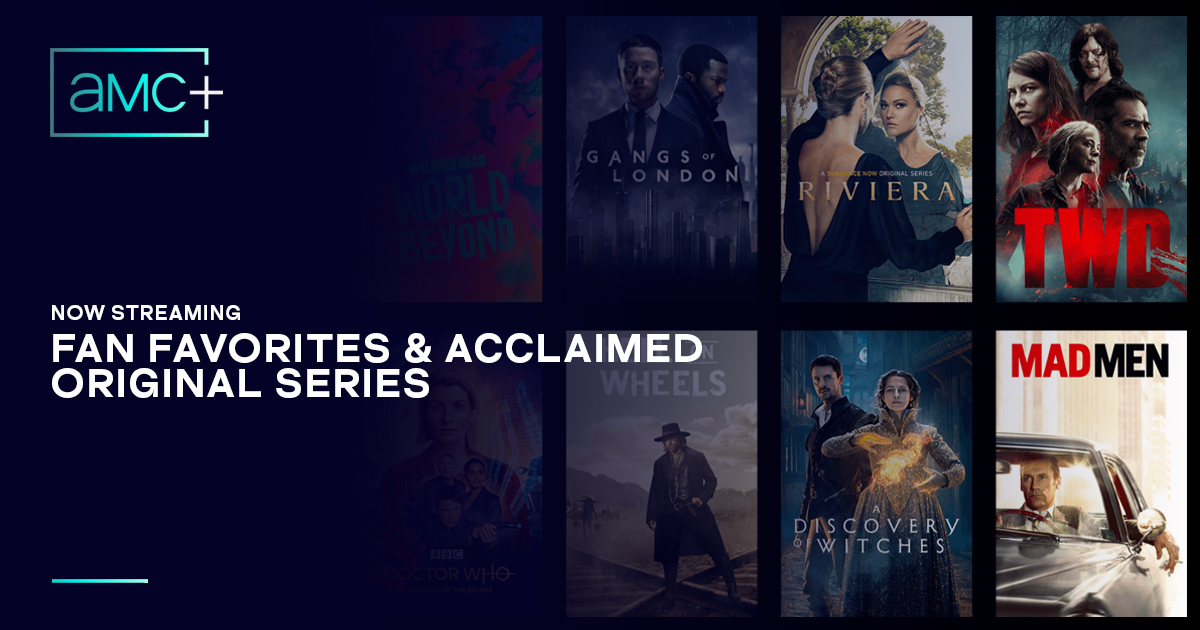
In contrast, AMC+ is a standalone, direct-to-consumer premium subscription. Technically, AMC+ is a “bundle” service. It integrates content not just from the AMC channel, but also from Shudder (horror), Sundance Now (indie films and true crime), and IFC Films Unlimited. For a streamer, AMC+ is the more robust technological choice because it removes the need for a third-party cable login and offers an ad-free experience with early access to flagship series.
Device Compatibility and App Architecture
Both the standard AMC app and AMC+ are built to run on a wide array of operating systems. This includes:
-
tvOS: Optimized for Apple TV 4K, utilizing the Siri Remote for navigation.
-
Fire OS: Tailored for Amazon Fire TV sticks and cubes, deeply integrated with Alexa voice commands.
-
Roku OS: A streamlined, “light” OS that prioritizes app-switching speed.
-
Android TV / Google TV: Found on Sony, Hisense, and Chromecast devices, offering deep integration with the Google Assistant.
The architecture of these apps relies on adaptive bitrate streaming. This means the software constantly monitors your internet bandwidth and adjusts the video quality in real-time to prevent buffering. For the best experience, these apps typically require a minimum download speed of 5 Mbps for High Definition (HD) and 25 Mbps for 4K environments, though most AMC content is currently delivered in 1080p.
Top Live TV Streaming Services (vMVPDs) for AMC
If you prefer the “live” feel of channel surfing while still utilizing your high-speed internet, a vMVPD is your best technological route. These services act like cable over the internet, providing a grid-based Electronic Program Guide (EPG) and cloud-based Digital Video Recording (DVR).
YouTube TV: The Feature-Rich Powerhouse
YouTube TV is often cited as the gold standard for streaming live cable networks like AMC. From a tech perspective, its standout feature is the unlimited Cloud DVR. Unlike physical DVRs of the past, YouTube TV stores your recordings on Google’s massive server farms, allowing you to stream your recorded AMC shows from any device with zero storage limits. It also supports “Key Plays” views, where AI-driven software allows you to jump to important segments of a broadcast.
Sling TV: The Budget-Friendly Entry
Sling TV offers AMC in both its “Orange” and “Blue” base packages. Sling is highly customizable, which appeals to users who want a minimalist software experience. Its interface is designed to be lightweight, making it an excellent choice for older hardware, such as first-generation smart TVs or entry-level streaming sticks that may struggle with heavier, animation-rich UIs.
Philo: The Streamlined Entertainment Hub
Philo is a unique player in the streaming space because it excludes expensive sports and local news channels to keep costs low. For the AMC viewer, Philo is a highly efficient platform. It offers a “deep link” integration, meaning you can often search for an AMC show in the universal search bar of your Roku or Apple TV and jump directly into the Philo player. Philo also supports up to three concurrent streams, allowing multiple users in a household to watch different AMC programs simultaneously.
On-Demand Solutions and Standalone Subscriptions
For viewers who have moved entirely away from the concept of “channels” and “time slots,” the standalone AMC+ subscription offers the most direct technological path.
The AMC+ Standalone Service
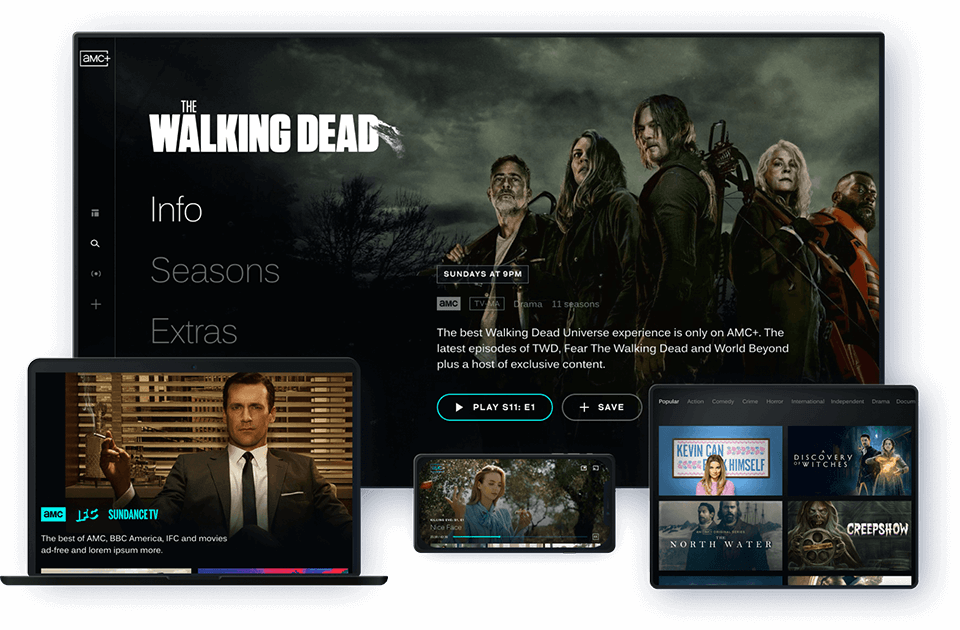
You can subscribe to AMC+ directly through their website or via the app stores on your mobile or TV devices. The standalone app features a dedicated interface that categorizes content by brand (e.g., a “Walking Dead Universe” hub). This platform uses a recommendation engine that analyzes your viewing history to suggest similar titles within the AMC, Shudder, and Sundance libraries.
Third-Party Channels (Amazon, Apple, Roku)
A popular “pro-tech” move is to subscribe to AMC+ through “Channels” on platforms like Amazon Prime Video, Apple TV, or the Roku Channel. This is technically advantageous for several reasons:
-
Unified Billing: You don’t have to manage a separate set of login credentials.
-
Consolidated Interface: The content lives directly inside the Prime Video or Apple TV app. This reduces “app fatigue” and allows the platform’s native player—which is often more stable and feature-rich than a standalone app—to handle the video processing.
-
Higher Bitrates: Occasionally, third-party aggregators like Apple TV Channels serve video at a higher bitrate than the proprietary AMC app, resulting in a cleaner image with fewer compression artifacts in dark scenes.
Optimizing Your Streaming Infrastructure
To stream AMC without interruptions, the hardware and network environment must be optimized. Even the best software cannot overcome a poor local network or outdated hardware.
Bandwidth Requirements and Network Stability
While AMC can stream on 5 Mbps, a stable 25 Mbps connection is recommended to account for other devices on your network. If you experience “jitter” or pixelation, the issue is often the Wi-Fi frequency.
-
2.4 GHz vs. 5 GHz: Standard 2.4 GHz Wi-Fi has a long range but is prone to interference from microwaves and neighbors’ routers. For streaming high-bitrate video, always use the 5 GHz band on your router, which offers more data throughput.
-
Ethernet: For the ultimate stability, use a streaming device with an Ethernet port (like the Apple TV 4K or the Amazon Fire TV Cube). A hardwired connection eliminates the latency inherent in wireless signals.
Hardware Selection: Smart TVs vs. Streaming Sticks
Many users attempt to use the built-in apps on their Smart TVs. However, from a technical longevity standpoint, this is often sub-optimal. TV manufacturers frequently stop updating the onboard processors and software after two or three years.
Using a dedicated streaming device—like a Roku Ultra, Chromecast with Google TV, or an Apple TV—is generally superior. These devices have more powerful CPUs and GPUs, ensuring the AMC app interface remains snappy, transitions are smooth, and the app doesn’t crash during high-traffic premieres.
Troubleshooting Common Streaming Issues
Even with a perfect setup, digital streaming can encounter technical hurdles. Understanding how to troubleshoot these issues can save you from missing the start of a show.
Resolving Authentication Errors
If you are using the standard AMC app with a cable or vMVPD login, you may encounter “Authentication Loop” errors. This happens when the digital “token” stored in the app’s cache expires or becomes corrupted. To fix this, you must log out, clear the app’s cache in your device settings, and re-initiate the “activate” process via a web browser. This forces the server to issue a fresh security token to your device.
Buffering and Latency Optimization
Persistent buffering is usually a sign of a “bottleneck.” If your internet speed tests are high but AMC still buffers, try changing your DNS (Domain Name System) settings on your router or streaming device. Switching from your ISP’s default DNS to a faster public DNS like Google (8.8.8.8) or Cloudflare (1.1.1.1) can significantly reduce the time it takes for your device to find the AMC content servers, leading to faster start times and less mid-stream pausing.
Geo-Restrictions and VPNs
AMC content is often geofenced due to licensing agreements. If you are traveling abroad and cannot access your AMC+ account, a Virtual Private Network (VPN) can be used to route your traffic through a U.S.-based server. From a technical perspective, this masks your IP address and encrypts your data, allowing the AMC app to verify your location as being within the service area. However, ensure your VPN provider offers “obfuscated servers” to bypass VPN-detection software used by many streaming platforms.
By understanding these technical layers—from the software choice of AMC+ to the hardware advantages of dedicated streaming sticks—you can curate a viewing experience that matches the high quality of the content itself. Whether you choose the live-grid experience of YouTube TV or the on-demand depth of the AMC+ app, the power to stream AMC is now entirely in your hands.
aViewFromTheCave is a participant in the Amazon Services LLC Associates Program, an affiliate advertising program designed to provide a means for sites to earn advertising fees by advertising and linking to Amazon.com. Amazon, the Amazon logo, AmazonSupply, and the AmazonSupply logo are trademarks of Amazon.com, Inc. or its affiliates. As an Amazon Associate we earn affiliate commissions from qualifying purchases.