
In the modern financial landscape, your debit card is more than just a piece of plastic; it is the primary gateway to your liquid assets and a vital tool for daily money management. Whether your current card is worn out, lost, or compromised by unauthorized activity, securing a replacement from Chase is a straightforward process designed to minimize disruption to your financial life. Chase, as one of the largest financial institutions in the United States, offers several streamlined paths to obtaining a new card, ranging from high-tech mobile solutions to traditional in-person service. Understanding these methods—and the security implications associated with each—is essential for any proactive bank customer.
Seamless Methods for Requesting Your New Chase Debit Card
The evolution of digital banking has made requesting a replacement card easier than ever. Chase provides multiple channels to ensure that every customer, regardless of their technological proficiency, can access a new card quickly and securely.
Requesting via the Chase Mobile App
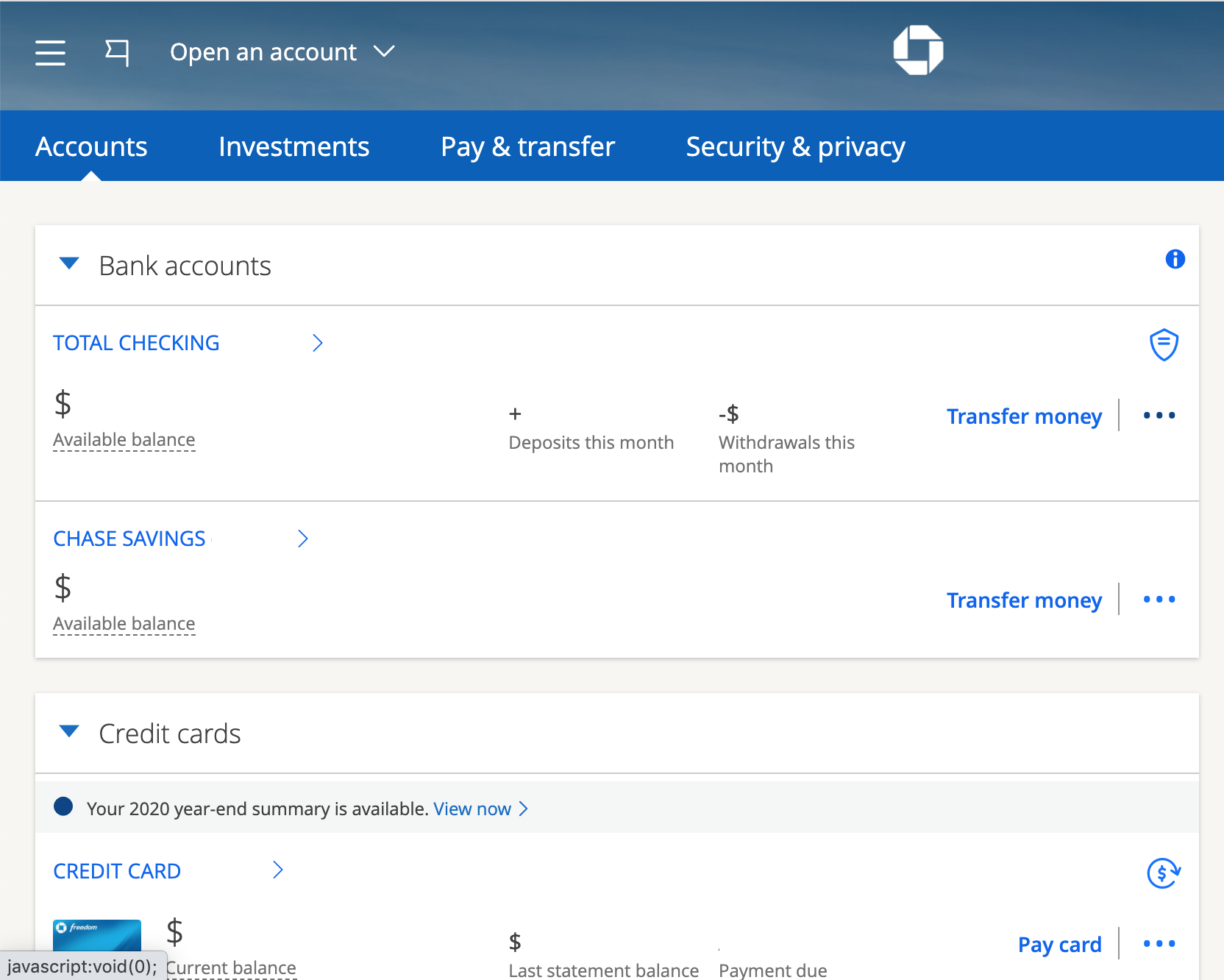
For the tech-savvy consumer, the Chase Mobile app is the most efficient tool for managing account hardware. To request a new card, you simply log into the app, select the specific checking account associated with the card, and scroll down to the “Account services” section. Within this menu, you will find an option specifically for “Replace a card.”
The app allows you to specify the reason for the replacement—such as the card being damaged or not received—which helps the bank determine if a new card number is necessary for security reasons. The interface is intuitive, providing a confirmation screen that details where the card will be sent, ensuring that your mailing information is up to date before the request is finalized.
Using the Chase Website (Online Banking)
If you prefer a desktop environment, Chase’s online banking portal offers a robust set of management tools. After logging in to your account at Chase.com, navigate to the “Things you can do” menu or the “Account services” tab. Much like the mobile app, the website provides a dedicated link for card replacement.
This method is particularly useful if you need to review recent transactions simultaneously to ensure no fraudulent activity occurred before your card went missing. The online portal also allows you to update your contact information or secondary shipping addresses in real-time before placing the order, ensuring the new card reaches you without delay.
Visiting a Local Branch for Immediate Assistance
While digital methods are convenient, visiting a physical Chase branch remains a powerful option for those seeking personalized service or immediate answers. When you visit a branch, you must bring a valid form of government-issued photo identification.
A personal banker can initiate the replacement process for you. While most branches do not print permanent debit cards on-site, they can often provide a “non-embossed” temporary card that allows you to access ATMs and make purchases while you wait for your permanent card to arrive in the mail. This is an invaluable service for individuals who find themselves without any means of payment due to a lost or stolen wallet.
Calling Customer Service
For those who prefer a verbal interaction or are unable to access the internet, Chase’s customer service line is available 24/7. By calling the number on the back of your card (if you still have it) or the general Chase customer service line, you can speak with a representative who will verify your identity and process the request. This method is often preferred if you have complex questions about potential fraud or if you need to discuss expedited shipping options that may not be clearly highlighted in the automated digital menus.
Navigating Common Scenarios: Lost, Stolen, or Damaged Cards
The reason you need a new card dictates the urgency and the specific protocol you should follow. Distinguishing between a “replacement” and a “reported lost/stolen” card is crucial for protecting your personal finances.
What to Do If Your Card Is Lost or Stolen
If you suspect your card has been stolen or you have lost it in a public place, your first priority must be security. In this scenario, you should not just “replace” the card; you must report it as lost or stolen. When you do this via the Chase app or website, the bank immediately deactivates the old card number and issues a new card with a completely different 16-digit number, expiration date, and CVV code.
This step is vital because it prevents unauthorized individuals from draining your account. Chase also offers a “Lock/Unlock” feature in the app. If you think you might have just misplaced the card in your home, you can “Lock” it to prevent any transactions while you look for it. If it doesn’t turn up, you can then proceed with the formal lost/stolen report.
Dealing with a Damaged or Worn-Out Card
Over time, the magnetic stripe or the EMV chip on a debit card can degrade, leading to declined transactions at point-of-sale terminals. If your card is physically damaged but still in your possession, you can request a replacement without changing your card number. In most cases, Chase will issue a card with the same number but a new expiration date and security code. This is a “like-for-like” replacement, which is less disruptive to your financial routine than a total number change.
Handling Card Expiration
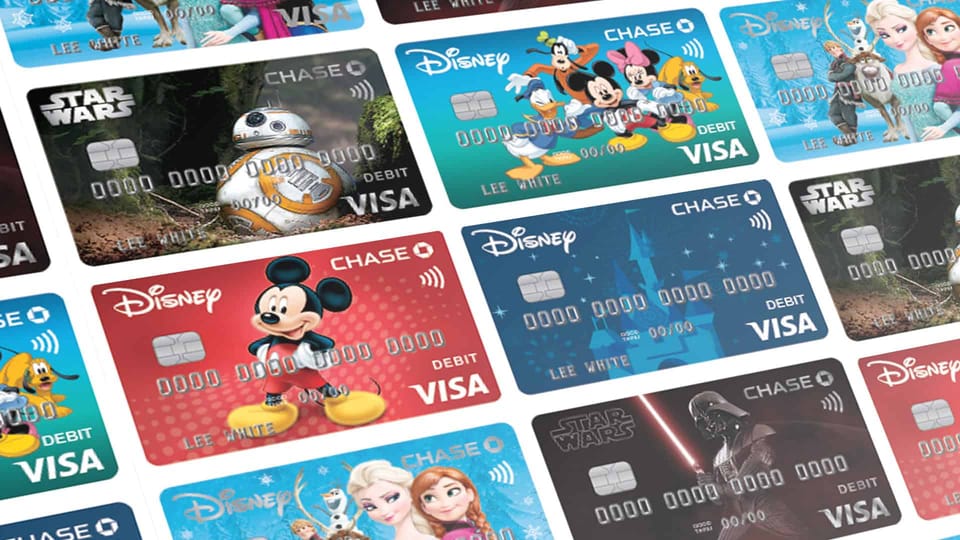
Chase proactively monitors card expiration dates. Typically, the bank will automatically mail a new debit card to your address on file approximately 4 to 6 weeks before your current card expires. If you have not received a replacement within a month of the expiration date shown on your card, it is wise to contact the bank to ensure the card wasn’t lost in the mail or sent to an old address.
Shipping, Timelines, and Digital Solutions
Once the request is placed, the waiting period begins. Understanding the logistics of card delivery can help you manage your cash flow during the transition.
Standard and Expedited Shipping Options
Standard shipping for a Chase debit card typically takes 3 to 5 business days, though it can sometimes take up to 7 to 10 days depending on the mail service. The card arrives in a discreet, non-descript envelope to prevent mail theft.
For customers in an emergency situation—such as being stranded without funds while traveling—Chase may offer expedited shipping. While there is sometimes a fee for this service depending on your account type (such as Chase Sapphire or Private Client), it can get a new card to your door in 1 to 2 business days. It is always worth asking a representative if the fee can be waived, especially if you are a long-standing customer.
The Power of Digital Wallets and Instant Access
One of the most significant advancements in modern banking is the ability to use your “new” card before it physically arrives. Once you request a replacement through the Chase Mobile app, you can often add the digital version of your new card to your mobile wallet (Apple Pay, Google Pay, or Samsung Pay) immediately.
This feature, known as “Spend Instantly,” allows you to make NFC-enabled purchases at retail stores and even withdraw cash at Chase ATMs that are equipped with cardless sensors. This effectively eliminates the “down time” associated with waiting for the mail, ensuring that your personal finances remain fluid even during a card transition.
Post-Delivery: Activation and Security Best Practices
Receiving the card is only the penultimate step. To fully integrate the new card into your financial life, you must follow a few critical post-delivery procedures.
Simple Activation Steps
When your card arrives, it will have a sticker on the front with instructions for activation. This can usually be done via the Chase app, online, or by calling the automated activation line. You may also activate the card by using it at any Chase ATM with your existing PIN. Activation is a security measure to confirm that the card reached the intended recipient and was not intercepted.
Updating Your Subscriptions and Recurring Payments
If your new card has a different number, expiration date, or CVV code, you must update your payment information for any recurring bills. This includes streaming services, utility bills, gym memberships, and online retail accounts like Amazon or PayPal. Failure to update these can lead to declined payments, service interruptions, or late fees. Proactive money management involves keeping a list of these automated transactions to make the transition seamless whenever a card is replaced.
Enhancing Account Security Post-Replacement
A card replacement is an excellent time to conduct a “security audit” of your account. Ensure that your contact information is correct and that you have enabled two-factor authentication for your online banking. It is also a good time to review your “Account Alerts” settings. Chase allows you to receive a text or email every time a transaction exceeds a certain dollar amount, providing an extra layer of visibility into your spending and potential fraud.
Leveraging Chase Financial Tools for Better Money Management
A new debit card is a fresh start for your spending habits. Chase provides several tools within their ecosystem that turn your debit card from a simple spending tool into a comprehensive financial management instrument.
Monitoring Transactions with Real-Time Alerts
By setting up real-time alerts, you can see exactly when and where your money is being spent the moment the card is swiped or tapped. This transparency is crucial for budgeting. If you see a transaction you don’t recognize, you can immediately “Lock” the card via the app, preventing further unauthorized use. This level of control is a cornerstone of modern personal finance.

Utilizing the Chase Debit Card for Budgeting
The Chase Mobile app features a “Budget” tool that automatically categorizes your debit card transactions into groups like “Food & Drink,” “Bills,” and “Shopping.” When you receive your new card, take the opportunity to dive into these analytics. Seeing a visual representation of your spending patterns can help you identify areas where you can cut back and increase your savings or investments. By treating your debit card as a data-gathering tool rather than just a way to pay, you take a significant step toward financial literacy and long-term wealth building.
aViewFromTheCave is a participant in the Amazon Services LLC Associates Program, an affiliate advertising program designed to provide a means for sites to earn advertising fees by advertising and linking to Amazon.com. Amazon, the Amazon logo, AmazonSupply, and the AmazonSupply logo are trademarks of Amazon.com, Inc. or its affiliates. As an Amazon Associate we earn affiliate commissions from qualifying purchases.