
Navigating the complexities of tax preparation often leads to practical questions about software usage. One such common query revolves around the installation of popular tax software, specifically TurboTax 2024. As individuals increasingly utilize multiple devices for work and personal tasks, the desire to access and utilize tax preparation software across different computers becomes a significant consideration. This article will delve into the capabilities and limitations of installing TurboTax 2024 on multiple devices, drawing upon the core tenets of technology, brand considerations, and personal finance management.
Understanding TurboTax Installation Policies and Licensing
The ability to install TurboTax 2024 on multiple computers is fundamentally tied to its licensing agreements and the specific product versions you choose. Intuit, the maker of TurboTax, structures its offerings with varying levels of access and usage rights. Understanding these nuances is crucial for anyone looking to streamline their tax filing process across their digital ecosystem.
Software Licensing: The Foundation of Multi-Computer Access
At its core, software installation is governed by licensing. When you purchase a copy of TurboTax, you are not buying the software itself, but rather a license to use it under specific terms and conditions. These terms dictate how many devices you can install and activate the software on.
Different Versions, Different Rules: TurboTax offers several editions, including Free Edition, Deluxe, Premier, and Home & Business. The licensing for each can differ. While some may offer more flexibility, generally, a single license is intended for use by a single taxpayer on a limited number of computers.
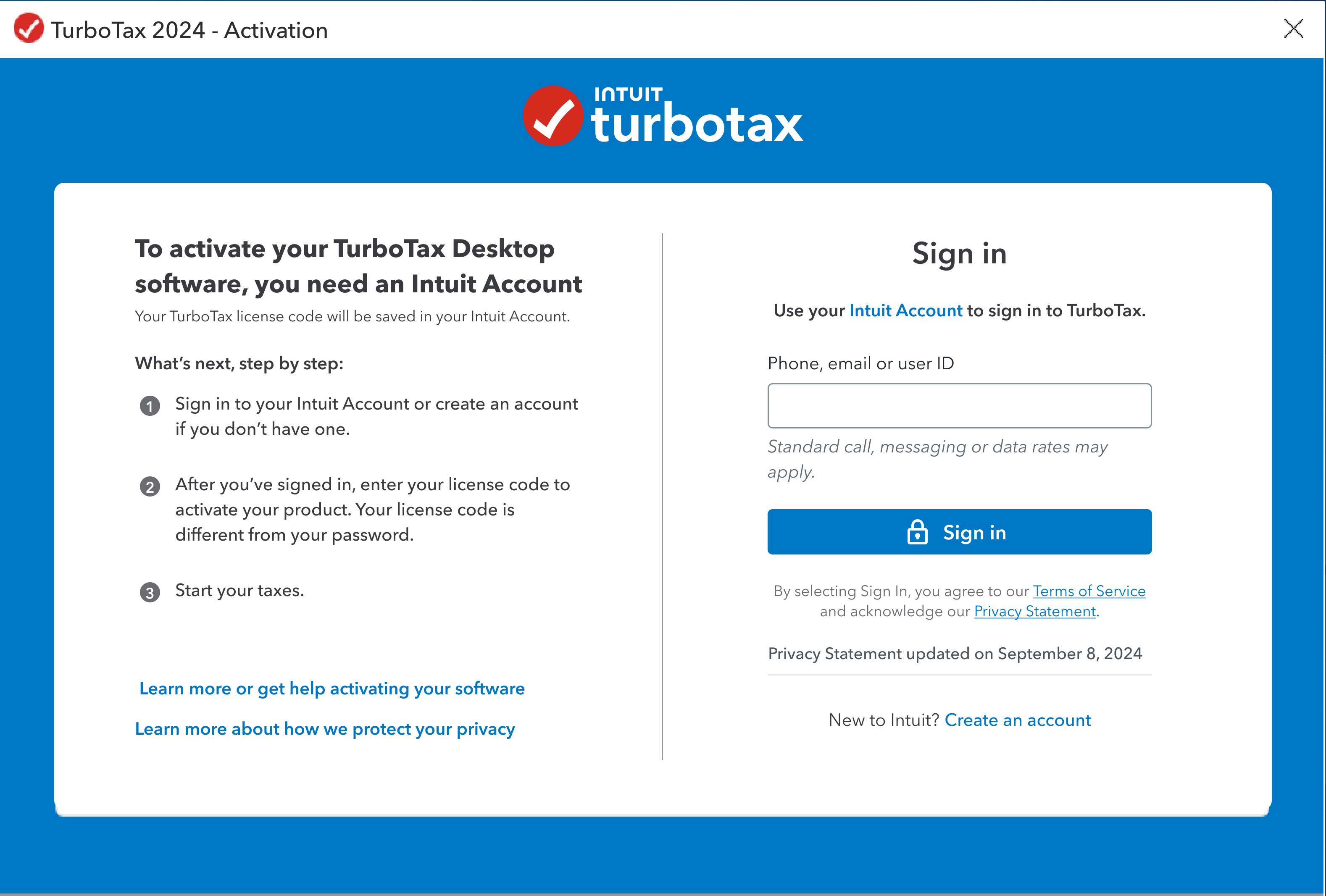
Activation and Registration: Upon installation, TurboTax typically requires activation. This process links the software to your purchased license and, in some cases, to your Intuit account. The number of activations allowed is a key determinant of how many computers you can use the software on simultaneously or sequentially.
Intuit Account Integration: For cloud-based features and data syncing, TurboTax increasingly relies on your Intuit account. This centralizes your tax data, allowing for a degree of cross-device access. However, the installation of the application itself on multiple machines still falls under the licensing agreement.
TurboTax Online vs. Desktop Versions: A Key Distinction
The question of installing TurboTax 2024 on multiple computers often hinges on whether you are considering the TurboTax Online service or the TurboTax Desktop (downloadable) software. These are fundamentally different products with distinct access models.
TurboTax Online: The Ubiquitous Solution
TurboTax Online is a web-based platform. This means there is no software to install in the traditional sense on your computer. Instead, you access TurboTax through a web browser.
- Any Device, Anywhere: The primary advantage of TurboTax Online is its accessibility. As long as you have an internet connection and a compatible web browser, you can log in to your TurboTax account from any computer – your personal laptop, a work desktop, a public library computer, or even a friend’s machine.
- Seamless Data Syncing: Your tax return progress is saved automatically to the cloud within your Intuit account. This ensures that you can start on one computer and continue from where you left off on another without any manual file transfers. This is a significant benefit for users who switch between devices or need to access their tax information on the go.
- No Installation Hassle: For users who dread software installation, updates, and compatibility issues, TurboTax Online offers a frictionless experience. There’s no need to worry about whether the software will work on your specific operating system or if you have enough disk space.
- Cost-Effectiveness for Multi-Device Users: If your primary need is to access your tax return from various locations or devices, TurboTax Online is often the more economical and practical choice. You pay for the service and the tax preparation features, not for a license tied to specific hardware.
TurboTax Desktop: Traditional Software with Licensing Constraints
TurboTax Desktop refers to the downloadable software that you install directly onto your computer’s hard drive. This version typically offers more advanced features and a deeper level of integration with your operating system, but it also comes with more traditional software licensing considerations.
- Installation on Designated Computers: When you purchase a license for TurboTax Desktop, it is generally tied to a specific number of installations allowed per license. For most standard TurboTax Desktop versions, this is typically one or two computers. This means you can install and activate the software on one machine, and potentially a second machine if the license permits.
- Understanding Activation Limits: The activation process is crucial. Each time you install and run TurboTax Desktop, it needs to be activated to verify your license. Intuit monitors the number of activations. Exceeding the allowed activations will prevent you from using the software on additional computers.
- Transferring Installations: If you upgrade to a new computer or your current computer fails, you can usually uninstall TurboTax from the old machine and then reinstall and activate it on the new one. However, it’s essential to follow Intuit’s procedures for deactivation and reactivation to manage your license properly. This often involves uninstalling the software cleanly from the original machine.
- The Need for Manual File Management (if not using cloud features): While TurboTax Desktop can sync with your Intuit account for some data, the core software installation is local. If you are not utilizing the cloud sync features or are working with older versions, you might need to manually transfer your tax return files (.tax files) between computers if you want to switch your working location. This can be cumbersome and prone to errors.
- Key for Power Users and Offline Filing: Some users prefer the desktop version for its perceived greater control, offline functionality, or specific features not always available or as robust in the online version. However, this preference comes with the understanding of its installation limitations.
When Multiple Computers Become Necessary
The need to install or access TurboTax 2024 on multiple computers can arise from several common scenarios. Understanding these situations can help you choose the right TurboTax product and approach.
Scenario 1: The Home Office and Personal Computer Mix
Many individuals now work from home, using both a dedicated work computer and a personal computer. They might want to prepare their taxes on the machine they are most comfortable with or the one that has the necessary resources.
- Work Computer for Security and Setup: You might prefer to use your work computer to set up your tax return due to its robust processing power or to keep sensitive financial information separate from your personal machine.
- Personal Computer for Convenience: Later, you might want to review your return or make final adjustments on your personal laptop while relaxing at home, perhaps not at your primary desk.
Recommendation: For this scenario, TurboTax Online is almost always the superior choice. It eliminates the installation and licensing headaches entirely, allowing seamless access from both devices. If you are determined to use the Desktop version, ensure your license explicitly allows for two installations, and be mindful of the activation process.
Scenario 2: Multiple Taxpayers in a Household

A household might have multiple individuals who need to file separate tax returns. While each individual usually needs their own TurboTax license or account, there might be a shared family computer or a desire to use one primary computer for all tax preparation tasks.
- Shared Family Computer: If you have one computer that the entire family uses for various tasks, including tax filing, the ability to install or access TurboTax easily is important.
- One Person Preparing for All: In some cases, one member of the household might be responsible for preparing taxes for multiple family members.
Recommendation: TurboTax Online is highly recommended here. Each taxpayer can create their own account, and access can be granted from the shared computer. For the Desktop version, each distinct tax return generally requires a separate license. If one person is preparing multiple returns, they would likely need multiple Desktop licenses, or a higher-tier product that supports multiple returns (like Home & Business for self-employed individuals with multiple entities). The cost-effectiveness and ease of access with TurboTax Online often outweigh the benefits of Desktop in this context.
Scenario 3: Upgrading or Replacing a Computer
Technology evolves, and computer upgrades or replacements are common. When this happens, users often want to seamlessly transfer their tax software and data to the new machine.
- New Laptop for Travel: You might purchase a new, lighter laptop for travel and want to continue your tax preparation on it.
- Desktop to Laptop Transition: You might be moving from a desktop setup to a laptop-based workflow.
Recommendation: If you are using TurboTax Desktop, you will need to uninstall the software from your old computer and then install and activate it on your new computer. Ensure you properly deactivate the license on the old machine to avoid hitting activation limits. If you are using TurboTax Online, this transition is effortless. Simply log in to your account from your new device, and all your data will be there.
Brand Considerations and User Experience
Beyond the technical aspects of installation, the choice between TurboTax Online and Desktop also touches upon brand strategy and the overall user experience Intuit aims to provide.
The Intuit Brand: Simplifying Financial Lives
Intuit’s overarching brand mission is to “power prosperity around the world.” This translates into developing products that simplify complex financial tasks. For tax preparation, this means making the process as intuitive, efficient, and accessible as possible.
- Evolution Towards Cloud: The increasing emphasis on TurboTax Online reflects a broader industry trend towards cloud-based services. This allows for greater flexibility, real-time updates, and a more integrated user experience, aligning with Intuit’s goal of simplifying users’ financial lives.
- Customer-Centric Design: Intuit invests heavily in user research to understand customer needs. The flexibility offered by TurboTax Online directly addresses the modern user’s need to access information and tools across multiple devices.
- Security and Trust: As a financial software provider, trust and security are paramount. Intuit employs robust security measures for its online platform, assuring users that their sensitive financial data is protected, regardless of the device they use to access it.
The User Experience of Multi-Device Access
The ability to use TurboTax on multiple computers significantly impacts the user’s overall experience.
- Flexibility and Convenience: The primary benefit is the freedom to work on taxes whenever and wherever it’s most convenient. This reduces the pressure of needing to complete the entire process in one sitting or on one specific machine.
- Reduced Frustration: For those who switch devices frequently, the seamless experience of TurboTax Online eliminates the frustration of software installation, licensing issues, and potential data loss or synchronization problems that can plague desktop software across multiple machines.
- Accessibility for Diverse Users: Users with different technological proficiencies or access to various devices benefit greatly from the ubiquitous nature of the online platform.
Maximizing Your TurboTax Investment: Cost and Efficiency
Considering the cost and efficiency of your TurboTax usage is a key aspect of personal finance management. The decision about installing on multiple computers directly impacts both.
Evaluating the Cost of Multi-Device Access
- TurboTax Online: Typically involves a subscription fee for the online service. This fee grants access from any device. The cost is generally consistent regardless of how many computers you use to access it. If you need multiple returns, you’ll typically pay for each return filed.
- TurboTax Desktop: Involves purchasing a license for the software. While a single license might allow installation on two computers, purchasing multiple separate licenses for different machines or for different users can become significantly more expensive than a single online subscription if you only need to file one return. The cost is upfront for the software.
Recommendation: For users who need to access their tax preparation from more than one or two computers, TurboTax Online is almost always the more cost-effective and efficient solution. The Desktop version’s licensing structure is best suited for individuals who primarily use one or two dedicated computers for their tax filings.
Efficiency Gains Through Seamless Access
The efficiency of tax preparation is directly linked to how easily you can access and work with your tax software.
- Eliminating Setup Time: TurboTax Online bypasses the time-consuming process of downloading, installing, and configuring desktop software on each new computer.
- Instant Access to Data: Your tax data is always up-to-date and accessible from any device, eliminating the need for manual file transfers and the risk of using outdated information.
- Streamlined Workflow: The ability to pick up where you left off on any computer allows for a more fluid and less interrupted workflow, which can lead to faster completion of your tax return.
In conclusion, the question of whether you can install TurboTax 2024 on multiple computers is best answered by considering your preferred version: TurboTax Online offers virtually unlimited access across all devices with an internet connection, while TurboTax Desktop licenses are typically restricted to one or two installations. For most users seeking flexibility, convenience, and cost-effectiveness in their multi-device tax preparation journey, TurboTax Online emerges as the clear and superior choice.
aViewFromTheCave is a participant in the Amazon Services LLC Associates Program, an affiliate advertising program designed to provide a means for sites to earn advertising fees by advertising and linking to Amazon.com. Amazon, the Amazon logo, AmazonSupply, and the AmazonSupply logo are trademarks of Amazon.com, Inc. or its affiliates. As an Amazon Associate we earn affiliate commissions from qualifying purchases.