
Managing credit card payments effectively is a cornerstone of sound personal finance. For holders of an Amazon credit card, understanding the various payment methods available and implementing best practices is crucial not only for maintaining a healthy credit score but also for avoiding unnecessary fees and interest charges. This guide delves into the specifics of how to pay your Amazon credit card, offering a detailed roadmap to ensure your financial obligations are met punctually and efficiently.
An Amazon credit card can be a powerful tool for earning rewards on everyday purchases, especially for frequent Amazon shoppers. However, like any credit product, it comes with the responsibility of timely repayment. Whether you hold the Amazon Rewards Visa Signature Card issued by Chase, or the Amazon Store Card/Prime Store Card issued by Synchrony Bank, the principles of payment management remain consistent, though the specific platforms might differ slightly. This article will equip you with the knowledge to confidently navigate your payment options and foster disciplined financial habits.

Understanding Your Amazon Credit Card and Its Issuer
Before diving into payment specifics, it’s vital to understand which financial institution issues your particular Amazon credit card. Amazon partners with different banks for its various credit products, and this distinction dictates where and how you will make your payments.
Identifying Your Card Issuer: Chase vs. Synchrony
The most common Amazon credit cards are issued by one of two major banks:
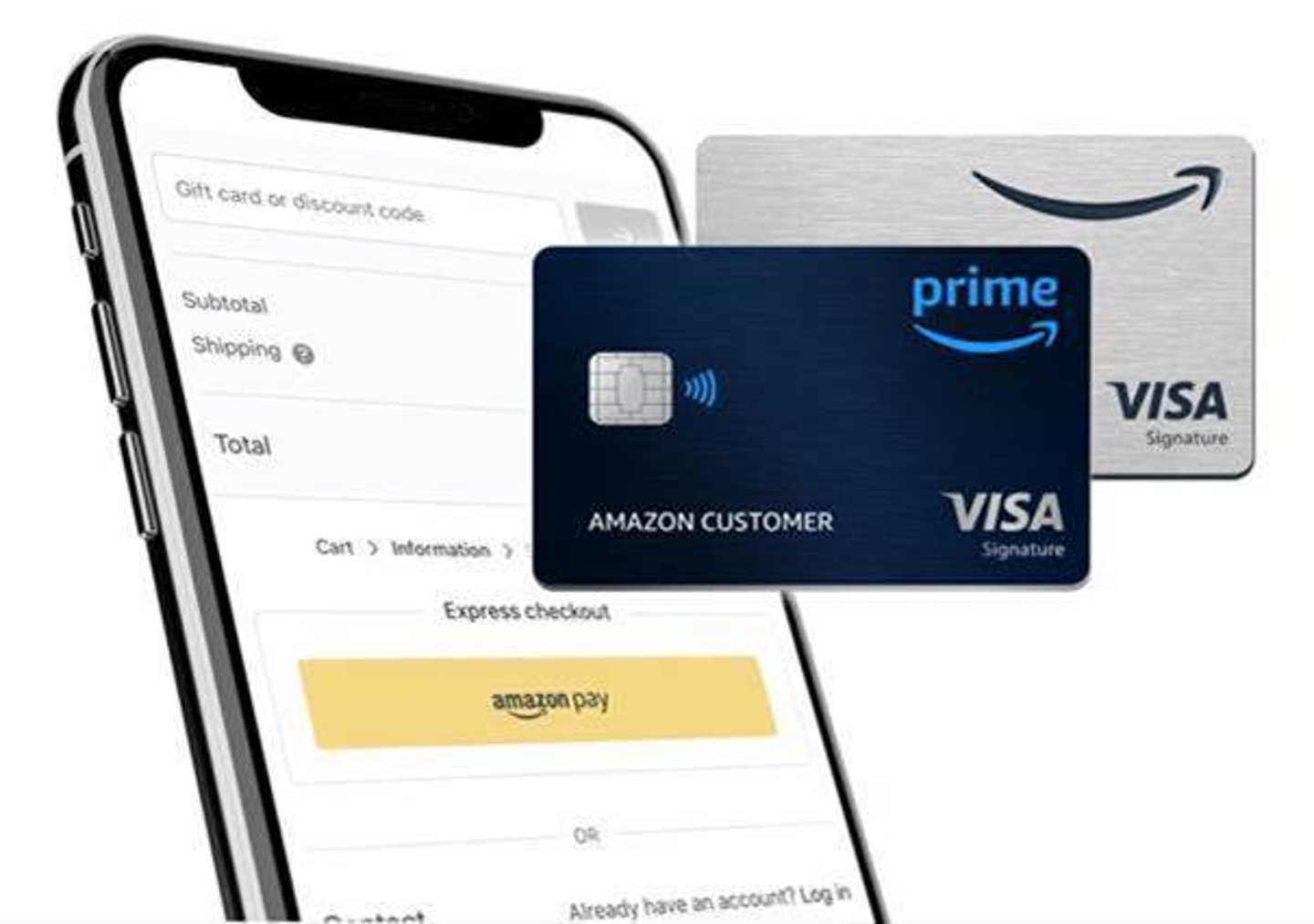
- Chase Bank: Issues the Amazon Rewards Visa Signature Card (formerly Amazon.com Rewards Visa Card) and the Amazon Prime Rewards Visa Signature Card. These cards can be used anywhere Visa is accepted, offering broader utility.
- Synchrony Bank: Issues the Amazon Store Card and the Amazon Prime Store Card. These are “store cards,” meaning they can typically only be used for purchases made directly on Amazon.com, at Amazon Fresh, Amazon Go, and Whole Foods Market.
Knowing your issuer is the first step because all payments, account management, and customer service inquiries will be directed to that specific bank, not directly to Amazon. Your card itself will display the issuer’s logo prominently.
The Importance of Timely Payments
Paying your credit card bill on time is not merely a formality; it is a critical component of your financial health. Missed payments can trigger a cascade of negative consequences, including:
- Late Fees: Banks typically charge a fee for payments received after the due date.
- Penalty APR: Your interest rate could significantly increase (known as a penalty APR or default APR), making future balances much more expensive to carry.
- Credit Score Damage: Payment history is the single most influential factor in your credit score. A single late payment reported to credit bureaus (typically after 30 days past due) can significantly drop your score, impacting your ability to secure loans, mortgages, or even rent apartments in the future.
- Loss of Promotional Offers: You might lose any introductory 0% APR offers or special financing options you qualified for.
Conversely, consistently paying on time demonstrates financial responsibility, strengthens your credit profile, and opens doors to better financial products and rates down the line.
Navigating the Primary Online Payment Methods
In today’s digital age, online payment methods offer unparalleled convenience, speed, and security. These are by far the most popular and recommended ways to pay your Amazon credit card.
Making Payments Directly Through Your Issuer’s Website
Both Chase and Synchrony Bank provide dedicated online portals for their cardholders, offering a comprehensive suite of account management tools, including payment functionality.
- For Chase-issued Amazon Cards:
- Go to Chase.com.
- Log in to your account using your username and password. If you don’t have one, you’ll need to enroll your card first.
- Navigate to your Amazon Rewards Visa account.
- Look for the “Pay Bill” or “Make a Payment” option.
- You’ll typically be able to choose from several payment options: minimum payment, statement balance, current balance, or a custom amount.
- Select the bank account you wish to pay from (you may need to link it if it’s your first time).
- Choose a payment date and confirm the transaction. You can often set up one-time payments or recurring payments.
- For Synchrony-issued Amazon Store Cards:
- Go to SynchronyBank.com or Amazon.com/storecard (which redirects to Synchrony’s portal).
- Log in to your Synchrony account. Similar to Chase, first-time users will need to register.
- Locate your Amazon Store Card account.
- Find the “Make a Payment” or “Pay Now” section.
- Enter the payment amount, select your linked bank account, and choose a payment date.
- Confirm your payment details. Synchrony also allows for one-time and recurring payments.
Key advantage: Direct payments offer immediate confirmation, often post faster than other methods, and allow for granular control over payment amounts and dates.
Utilizing Mobile Banking Apps for Convenience
Both Chase Mobile and the Synchrony Bank mobile app provide an extension of their online services, optimized for smartphone users.
- Download and Log In: Download the respective app from your device’s app store and log in with your existing online banking credentials.
- Navigate to Your Card: Select your Amazon credit card account within the app.
- Initiate Payment: Look for the “Make a Payment” or “Pay Bill” option.
- Enter Details and Confirm: Input the payment amount, select your funding account, and set the payment date.
- Push Notifications: Mobile apps often allow you to set up push notifications for payment reminders, due date alerts, and payment confirmations, adding an extra layer of helpful management.
Key advantage: Pay your bill anytime, anywhere, directly from your mobile device, making it ideal for those on the go.
Leveraging Your Bank’s Online Bill Pay Service
Most major banks offer an online bill pay service that allows you to manage and pay all your bills from a single platform.
- Add Your Credit Card as a Payee: Log in to your personal bank’s online banking portal. Navigate to the “Bill Pay” section. You’ll need to add your Amazon credit card (either Chase or Synchrony) as a new payee. This typically requires the payee name (e.g., “Chase Card Services” or “Synchrony Bank”), your credit card account number, and sometimes the payment mailing address (which your bank often autofills or you can find on your statement).
- Schedule Payment: Once added, you can schedule one-time or recurring payments from your checking or savings account directly through your bank’s bill pay interface.
Key advantage: Centralized bill management. You can see all your upcoming payments and manage them from one dashboard, simplifying your financial overview. However, be mindful that payments sent via bank bill pay might take an extra day or two to process compared to direct payments on the issuer’s website.
Exploring Alternative Payment Channels
While online and mobile payments are the most efficient, there are still traditional methods available for those who prefer them or face specific circumstances.
Paying Over the Phone: Customer Service Assistance
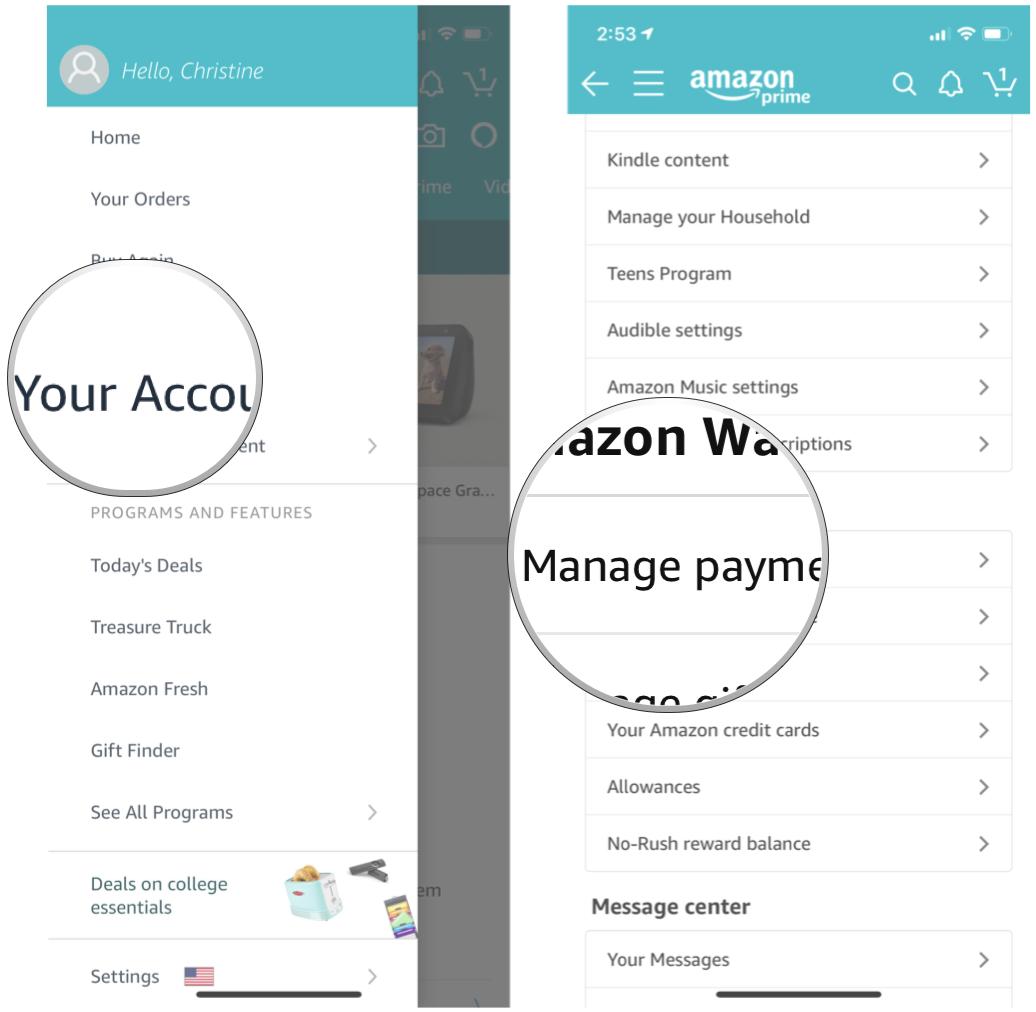
Both Chase and Synchrony Bank offer customer service lines where you can make payments directly with a representative.
- For Chase: Call the number on the back of your Amazon Rewards Visa Signature Card.
- For Synchrony: Call the number on the back of your Amazon Store Card or Prime Store Card.
- Automated System: Many banks also have automated phone systems that allow you to make payments by following voice prompts and entering your account details and bank information.
Considerations: While convenient, some banks may charge a small fee for payments made over the phone with a live representative, especially if it’s a rush payment. Always confirm any potential fees upfront.
The Mail-In Payment Option: Checks and Money Orders
For those who prefer a more traditional approach, or if you encounter issues with digital payments, mailing a check or money order is still an option.
- Locate Payment Address: The correct mailing address for payments will be clearly listed on your monthly Amazon credit card statement (physical or electronic). It’s crucial to use the exact address provided.
- Include Payment Stub: Always include the payment stub from your statement with your check or money order. This ensures your payment is correctly identified and applied to your account.
- Allow Ample Time: Mail payments take several business days to arrive and be processed. To avoid late fees, mail your payment at least 7-10 business days before your due date.
- Never Mail Cash: Sending cash through the mail is highly risky and should never be done.
Considerations: This method is the slowest and offers the least control over payment timing. It’s generally not recommended for regular payments due to the risk of postal delays and the lack of immediate confirmation.
Best Practices for Managing Your Credit Card Payments
Effective credit card management goes beyond just making a payment; it involves strategic planning and proactive habits.
Setting Up Autopay: Eliminating Missed Deadlines
Autopay is arguably the most effective tool for ensuring timely payments. You can typically set this up through your issuer’s online portal or mobile app.
- Choose Your Payment Amount: Most systems allow you to choose to autopay the minimum payment due, the statement balance (recommended to avoid interest), or a custom fixed amount each month.
- Select Payment Date: You can usually specify which day of the month the payment should be debited from your bank account, often a few days before the due date.
Recommendation: Set autopay for the full statement balance if you can afford it. This ensures you avoid all interest charges. If cash flow is tight, at least set it for the minimum payment to avoid late fees and credit score damage, and then try to make additional manual payments throughout the month.
Understanding Your Statement and Due Dates
Your monthly statement is a treasure trove of vital information.
- Payment Due Date: This is the absolute deadline for your payment to be received and processed. Mark it on your calendar or set digital reminders.
- Minimum Payment Due: The lowest amount you can pay to keep your account in good standing. Paying only the minimum, however, will result in interest charges on the remaining balance and will take significantly longer to pay off your debt.
- Statement Balance: The total amount you owed at the end of the billing cycle. Paying this amount in full by the due date avoids interest.
- Current Balance: The real-time balance on your card, including charges made after the statement closing date.
Regularly reviewing your statement helps you catch fraudulent charges, understand your spending, and plan your payments effectively.
What to Do If You’ve Missed a Payment
If you realize you’ve missed a payment, act immediately:
- Make the Payment ASAP: Pay the overdue amount as soon as possible through the fastest method (online or mobile app).
- Contact Customer Service: Call your card issuer immediately. Explain the situation. If it’s your first time missing a payment and you have a good payment history, they might waive the late fee as a courtesy.
- Monitor Your Credit: Keep an eye on your credit report. A payment usually isn’t reported as “late” to credit bureaus until it’s 30 days past the due date. If you pay within that window, your credit score might be spared.
Strategies for Paying More Than the Minimum
To truly optimize your financial health, aim to pay more than just the minimum due.
- Pay the Statement Balance in Full: This is the ideal strategy, as it prevents any interest from accruing on your purchases.
- Pay Multiple Times a Month: If you get paid bi-weekly, consider making smaller payments throughout the month instead of one large payment at the end. This can reduce your average daily balance, potentially lowering interest, and keeps your available credit higher.
- Apply Windfalls: Use bonuses, tax refunds, or other unexpected income to make a substantial dent in your credit card balance.
The Financial Implications of Payment Habits
Your approach to paying your Amazon credit card has far-reaching consequences for your overall financial well-being.
Impact on Your Credit Score
As mentioned, payment history is paramount. Consistent on-time payments contribute positively to your credit score, indicating reliability to potential lenders. A higher credit score translates to better interest rates on future loans (like mortgages or car loans), more favorable credit card offers, and even benefits like lower insurance premiums. Conversely, late or missed payments will harm your score, making all forms of credit more expensive and harder to obtain.
Avoiding Late Fees and Interest Charges
Paying on time, especially the full statement balance, directly translates into monetary savings. Late fees can range from $30 to $41 per occurrence, adding up quickly. More significantly, interest charges on revolving balances can erode your finances. If you carry a balance, you’re paying extra for past purchases, effectively diminishing the value of any rewards you might have earned. Understanding your Annual Percentage Rate (APR) and actively working to avoid interest is a key tenet of smart credit card use.
Building a Strong Financial Foundation
Ultimately, mastering the payment process for your Amazon credit card is a step towards building a robust financial foundation. It fosters discipline, improves your creditworthiness, reduces unnecessary expenses from fees and interest, and frees up your money for savings, investments, or other financial goals. Treat your credit card like a financial tool that requires diligent maintenance, and it will serve you well in achieving your broader financial aspirations.
aViewFromTheCave is a participant in the Amazon Services LLC Associates Program, an affiliate advertising program designed to provide a means for sites to earn advertising fees by advertising and linking to Amazon.com. Amazon, the Amazon logo, AmazonSupply, and the AmazonSupply logo are trademarks of Amazon.com, Inc. or its affiliates. As an Amazon Associate we earn affiliate commissions from qualifying purchases.