
In the modern landscape of commerce, the ability to track, analyze, and optimize capital is the difference between a thriving enterprise and a struggling one. At the heart of this financial ecosystem for millions of small to medium-sized businesses (SMBs) is QuickBooks. Developed by Intuit, QuickBooks has evolved from a simple digital ledger into a comprehensive financial management suite that serves as the “source of truth” for business owners, accountants, and stakeholders.
Understanding QuickBooks requires looking beyond its interface; it is a tool designed to solve the fundamental problems of cash flow management, tax compliance, and financial forecasting. Whether you are a freelance consultant or a scaling corporation, QuickBooks provides the infrastructure necessary to turn raw data into actionable financial intelligence.
The Evolution of Financial Management: From Ledgers to Automation
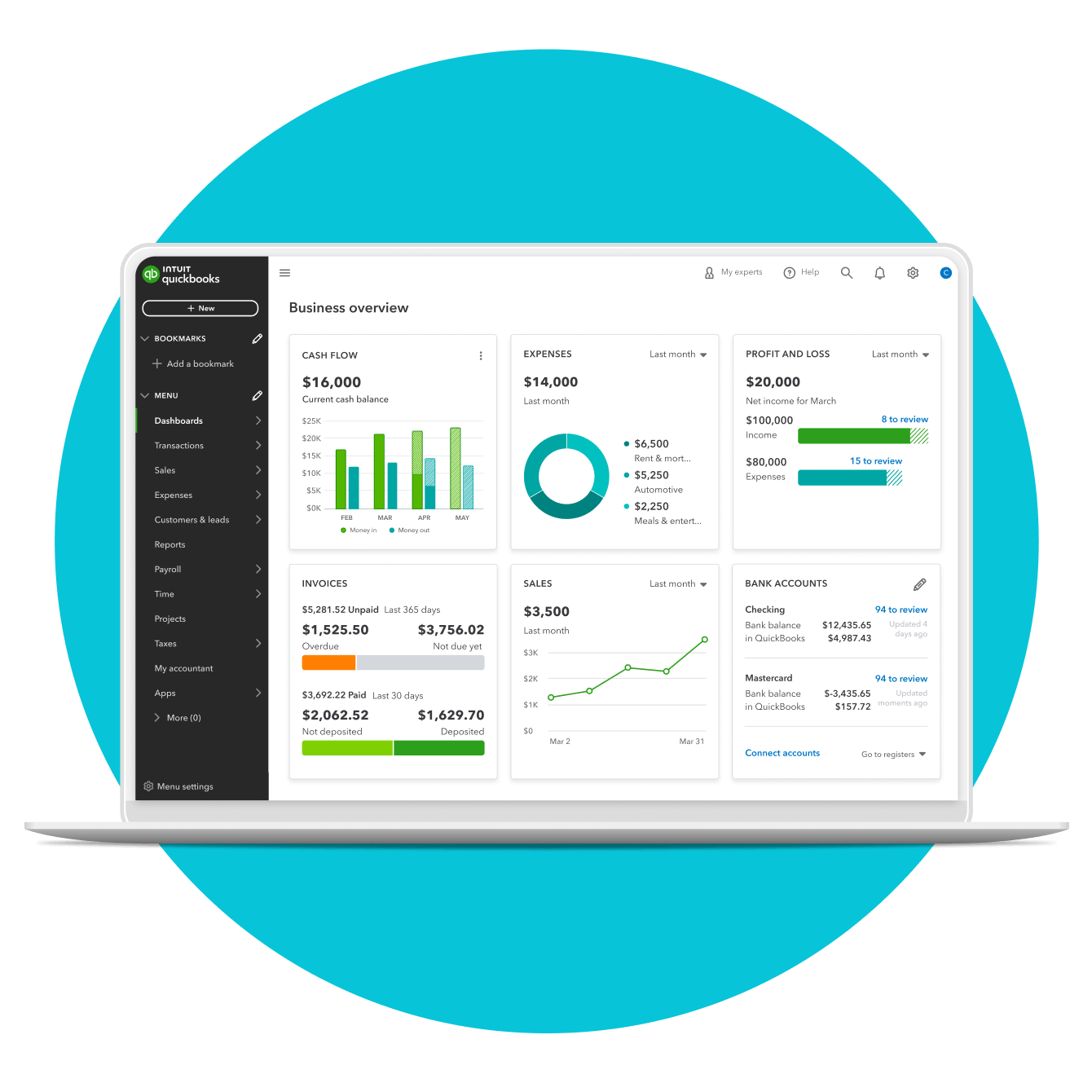
Historically, bookkeeping was a labor-intensive process involving physical ledgers and manual entries. This method was not only prone to human error but also provided a “lagging” view of financial health—business owners often didn’t know their true profit margins until weeks after a month had ended. QuickBooks revolutionized this by digitizing the general ledger and introducing real-time data processing.
The Shift to Cloud-Based Accounting
The most significant shift in the QuickBooks lineage was the transition from “Desktop” software to “QuickBooks Online” (QBO). In the context of business finance, cloud accounting changed the mobility of capital management. Business owners can now monitor bank feeds, approve expenses, and send invoices from any location. This connectivity ensures that the financial data is always current, allowing for “real-time” accounting rather than the traditional “reactive” accounting.
Automation of Daily Transactions
One of the primary reasons QuickBooks dominates the financial tool market is its ability to automate the mundane. By linking directly to business bank accounts and credit cards, the software pulls in transaction data automatically. Through machine learning and user-defined rules, it categorizes these transactions into appropriate expense accounts. This automation reduces the “bookkeeping burden,” allowing business owners to focus on revenue-generating activities rather than data entry.
Navigating the QuickBooks Ecosystem
Not all businesses have the same financial requirements. A solopreneur needs simple tax tracking, while a manufacturing firm requires complex inventory management and multi-user access. QuickBooks addresses these varying needs through a tiered ecosystem of products, each tailored to a specific stage of business growth.
QuickBooks Online: The Standard for SMBs
QuickBooks Online is the flagship product, offered in several tiers (Simple Start, Essentials, Plus, and Advanced). This version is designed for businesses that prioritize accessibility and integration. It excels at managing service-based businesses and retail through its seamless connection to payment processors and e-commerce platforms. For most modern entrepreneurs, QBO is the entry point into professional financial management.
QuickBooks Self-Employed
Targeted specifically at the “gig economy” and independent contractors, this version focuses on the intersection of personal and business finance. Its primary goal is tax optimization. It tracks mileage via GPS, allows users to separate business expenses from personal ones with a swipe, and calculates estimated quarterly tax payments to avoid penalties from the IRS.
QuickBooks Desktop and Enterprise
While the world is moving to the cloud, many businesses with complex inventory needs—such as wholesalers and manufacturers—still rely on QuickBooks Desktop. The Enterprise version offers robust features like advanced pricing rules, multi-warehouse inventory tracking, and the capacity for up to 40 users. From a financial perspective, this version provides the granular control necessary for high-volume operations where margin accuracy is measured in fractions of a percent.
Core Features for Financial Health and Sustainability
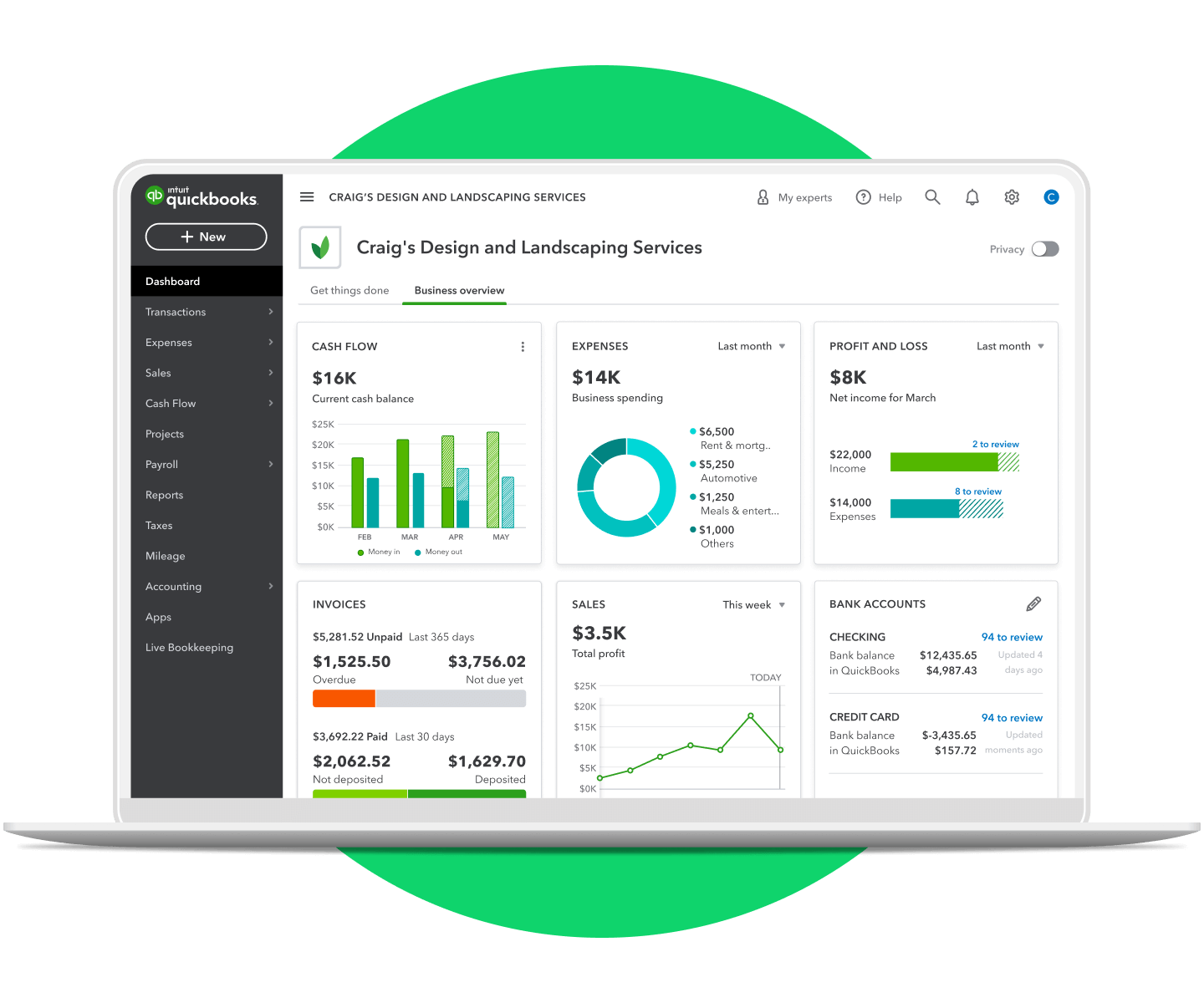
The utility of QuickBooks lies in its specialized features that handle the entire lifecycle of a dollar within a business. By centralizing these functions, the software ensures that financial data remains consistent across all reports.
Professional Invoicing and Accounts Receivable
Cash flow is the lifeblood of any business. QuickBooks facilitates faster payments through professional invoicing tools. Users can create branded invoices, set up automatic payment reminders, and allow clients to pay via credit card or ACH transfer directly from the invoice. This reduces the “Days Sales Outstanding” (DSO), a key financial metric that measures how quickly a company collects its debts.
Expense Tracking and Accounts Payable
Maintaining a healthy bottom line requires rigorous expense management. QuickBooks allows users to capture receipts via a smartphone app, which the software then matches to bank transactions. By categorizing every dollar spent, businesses can identify “leakage”—unnecessary subscriptions or overspending in specific departments—and adjust their budgets accordingly.
Integrated Payroll Management
Payroll is often a business’s largest expense and its most significant compliance risk. QuickBooks Payroll integrates directly with the accounting software, ensuring that wage expenses, tax withholdings, and employer contributions are automatically reflected in the general ledger. This integration eliminates the need for manual journal entries and ensures that the business remains compliant with local and federal labor laws.
The Strategic Advantage: Reporting and Tax Readiness
Beyond daily operations, QuickBooks serves as a strategic tool for long-term financial planning. The true power of the software is revealed during tax season and when seeking external investment or loans.
Generating Essential Financial Statements
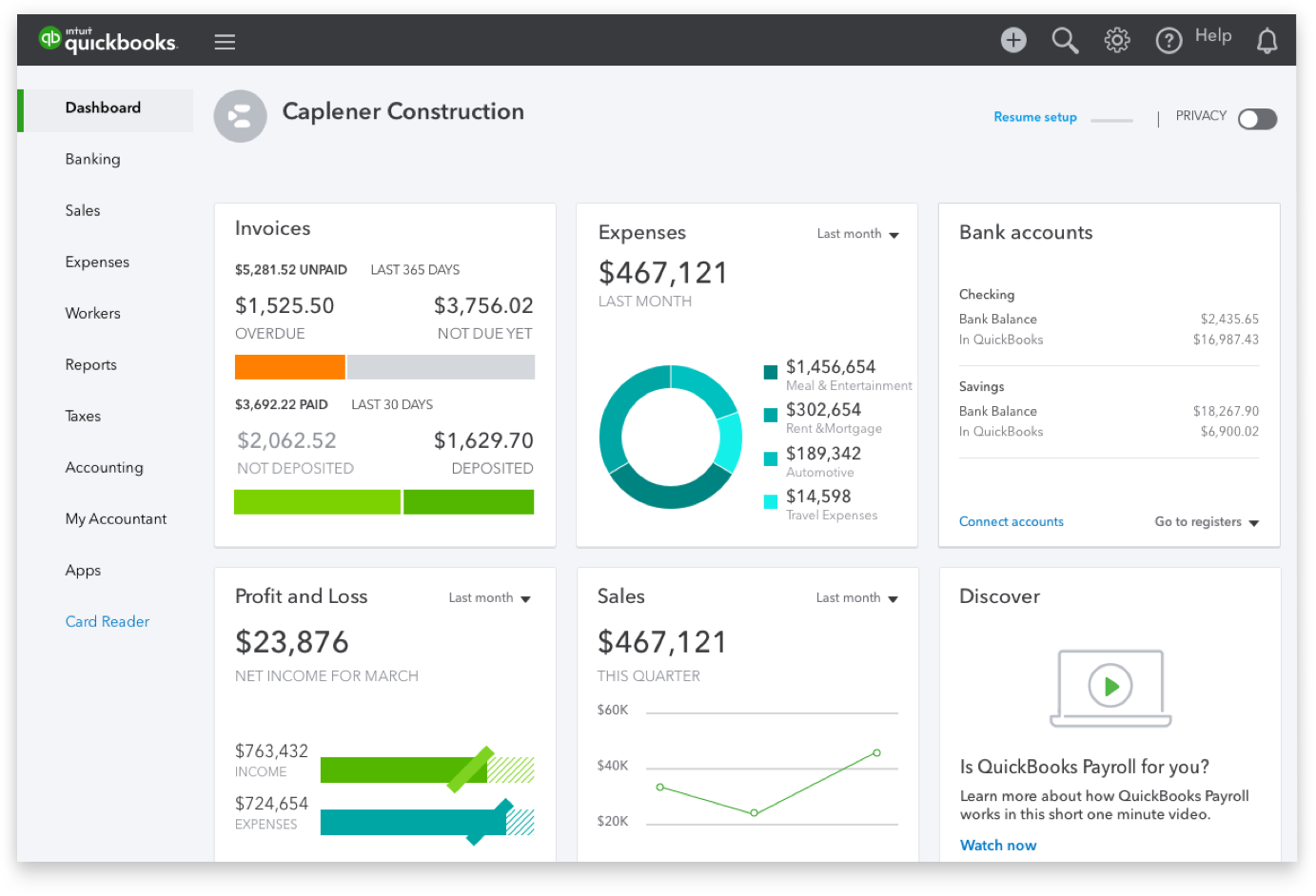
QuickBooks provides “one-click” access to the three pillars of financial reporting: the Profit and Loss Statement (P&L), the Balance Sheet, and the Statement of Cash Flows. These reports provide a holistic view of the company’s performance. For instance, a P&L helps a business owner understand if their current business model is sustainable, while a Balance Sheet reveals the company’s net worth by balancing assets against liabilities.
Streamlining Tax Compliance
For many business owners, tax season is a period of high stress. QuickBooks mitigates this by maintaining an “audit-ready” trail of all financial activity. Since every transaction is categorized and linked to a source (like a receipt or bank statement), preparing a tax return becomes a matter of exporting data rather than hunting through shoeboxes of paper. Furthermore, QuickBooks allows users to grant access to their CPA or tax preparer, facilitating a collaborative environment that ensures all deductions are captured legally.
Budgeting and Forecasting
Financial success is rarely accidental; it is planned. QuickBooks Plus and Advanced versions offer budgeting and forecasting tools that allow users to set financial goals based on historical data. By comparing “Actual vs. Budget” reports, management can see exactly where the business is overperforming or underperforming, allowing for mid-year pivots that can save the fiscal year.
Choosing the Right Financial Tool for Business Growth
The decision to implement QuickBooks is an investment in the business’s financial infrastructure. However, the tool is only as effective as the strategy behind its use.
Scalability and Third-Party Integrations
One of the greatest strengths of QuickBooks is its extensibility. Through the QuickBooks App Store, the software can integrate with hundreds of third-party tools, including Shopify for e-commerce, TSheets for time tracking, and Bill.com for advanced accounts payable. This modularity means that as a business grows in complexity, its financial system can grow with it, avoiding the need for a costly migration to a more expensive Enterprise Resource Planning (ERP) system too early.
Data Security and Integrity
In the realm of finance, data integrity is paramount. QuickBooks employs bank-grade encryption and automatic backups to ensure that financial records are protected from both cyber threats and physical data loss. Moreover, the software provides an “Audit Log,” which tracks every change made to the books, by whom, and when. This transparency is vital for preventing internal fraud and ensuring that the financial records remain accurate and trustworthy.
Conclusion: The Bottom Line
QuickBooks is more than just a software application; it is a foundational financial tool that empowers business owners to take control of their economic destiny. By providing clarity on where money is coming from and where it is going, it enables smarter decision-making, ensures regulatory compliance, and provides a clear roadmap for future growth. In an era where data is the new currency, QuickBooks ensures that a business’s financial data is organized, accessible, and, most importantly, profitable.
aViewFromTheCave is a participant in the Amazon Services LLC Associates Program, an affiliate advertising program designed to provide a means for sites to earn advertising fees by advertising and linking to Amazon.com. Amazon, the Amazon logo, AmazonSupply, and the AmazonSupply logo are trademarks of Amazon.com, Inc. or its affiliates. As an Amazon Associate we earn affiliate commissions from qualifying purchases.