
In the rapidly evolving landscape of digital finance, applications like Cash App have become indispensable tools for millions, facilitating everything from peer-to-peer payments to investing in stocks and Bitcoin. Its seamless integration into daily life makes any disruption in its functionality particularly frustrating. When your Cash App stops working as expected—whether it’s failing to send payments, refusing to load, or exhibiting persistent errors—it can disrupt your financial flow and cause significant inconvenience. This article delves into the common technical reasons behind Cash App malfunctions, offering a systematic troubleshooting approach to help you diagnose and resolve these issues, ensuring your digital wallet remains a reliable part of your technological toolkit.

Common Culprits Behind Cash App Malfunctions
When Cash App encounters issues, the root cause often lies within a few predictable technical areas. Identifying these common culprits is the first step toward effective resolution, allowing users to pinpoint the problem quickly and efficiently.
Internet Connectivity Issues
The most frequent reason any online application, including Cash App, fails to function is a lack of or unstable internet connection. Cash App requires a consistent and robust internet connection to communicate with its servers, process transactions, and load account information. A weak Wi-Fi signal, data plan exhaustion, or intermittent cellular service can all prevent the app from performing its core functions. Even if other apps seem to work, Cash App’s real-time financial transactions often demand a more stable connection, and brief drops can lead to transaction failures or app freezes. Ensuring you are connected to a strong, stable Wi-Fi network or have adequate cellular data is a fundamental first step in troubleshooting.
Outdated App Version
Software developers regularly release updates to their applications to introduce new features, improve performance, and, crucially, fix bugs and security vulnerabilities. Running an outdated version of Cash App can lead to compatibility issues with your device’s operating system, unexpected errors, or even a complete inability to access the service. These older versions might not be compatible with the latest server-side changes, causing transactions to fail or the app to crash. Regularly checking for and installing updates from your device’s app store (Google Play Store for Android or Apple App Store for iOS) is a simple yet critical maintenance step for optimal performance and security.
Server-Side Problems
Sometimes, the problem isn’t with your device or internet, but with Cash App’s own servers. Like any large-scale online service, Cash App can experience outages, maintenance periods, or temporary glitches that prevent users from accessing its features. These server-side issues are beyond user control and typically affect a large number of users simultaneously. During such times, you might encounter error messages like “Cash App is currently unavailable,” or transactions might simply fail to process. While you can’t fix a server outage, being aware of this possibility helps avoid unnecessary troubleshooting on your end and prompts you to check official status pages or social media channels for updates.
Device Compatibility and Storage
For Cash App to run smoothly, your smartphone or tablet needs to meet certain technical specifications. Older devices or those running outdated operating systems might struggle to support the latest version of the app, leading to slow performance, frequent crashes, or outright refusal to open. Additionally, insufficient storage space on your device can hinder any app’s performance, including Cash App. Apps require space for their core files, temporary data, and updates. If your device is critically low on storage, it may prevent Cash App from downloading updates, storing cache effectively, or even launching properly, causing it to freeze or display errors.
App Cache and Data Corruption
Over time, apps accumulate temporary files and data, known as cache, which are designed to speed up loading times and improve user experience. However, this cache can sometimes become corrupted, leading to unexpected errors, slow performance, or an inability for the app to function correctly. Corrupted data can cause an app to misinterpret information, leading to failed transactions or a blank screen. Clearing the app’s cache and data essentially gives it a fresh start, removing potentially problematic temporary files and forcing the app to download necessary information anew, often resolving many persistent issues without needing to reinstall.
User-Specific Account and Transaction Hurdles
Beyond the general technical issues, certain problems with Cash App stem directly from your account status, linked payment methods, or transaction behaviors. These user-specific hurdles require a different approach to diagnosis and resolution.
Account Verification and Security Holds
Cash App, as a financial service, adheres to strict regulatory requirements, including “Know Your Customer” (KYC) protocols to prevent fraud and money laundering. If your account is not fully verified, or if there’s a discrepancy in your personal information (e.g., name, date of birth, SSN), certain functionalities may be limited, or transactions might be placed on hold. Furthermore, Cash App’s robust security algorithms constantly monitor transactions for suspicious activity. If a transaction appears unusual, exceeds certain thresholds, or originates from an unfamiliar location, the system might automatically place a temporary hold on your account or block the transaction, requiring additional verification steps to proceed.
Payment Method Glitches
The effectiveness of Cash App is heavily reliant on the seamless integration with your linked bank accounts and debit/credit cards. Glitches in these payment methods can directly impact your ability to send or receive money. Common issues include an expired card, insufficient funds in the linked account, a changed card number (even if the bank account is the same), or a temporary hold placed by your bank on the transaction. Sometimes, the issue might be with the bank’s own system experiencing an outage or maintenance, preventing Cash App from communicating effectively to process transactions. It’s crucial to ensure all linked payment methods are current, active, and have sufficient balances.
Transaction Limits and Flags
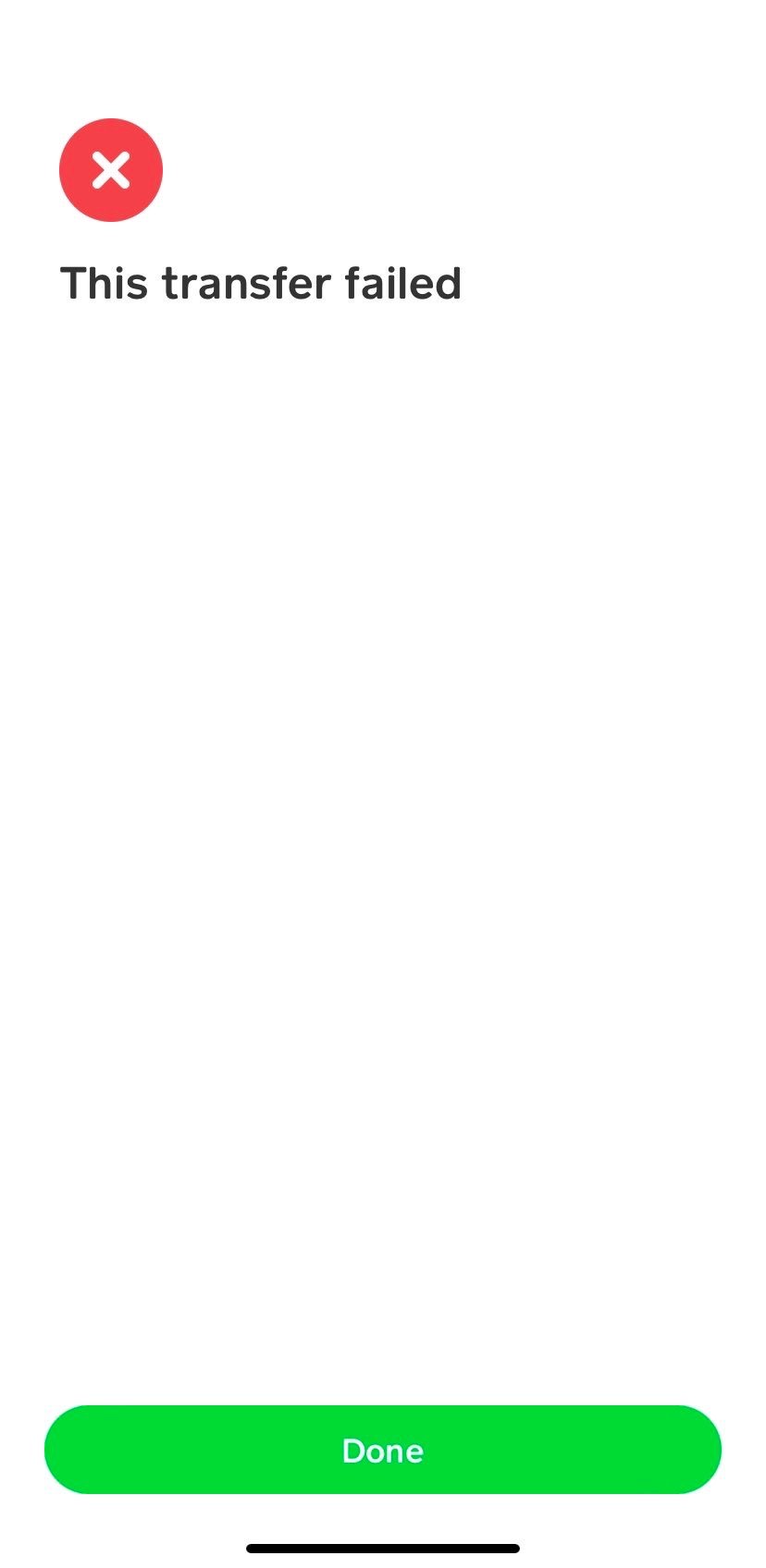
Cash App imposes certain transaction limits, both daily and weekly, especially for unverified accounts. Attempting to send or receive amounts that exceed these predefined limits will result in a failed transaction or a request for further verification. These limits are in place as a security measure and to comply with financial regulations. Additionally, certain types of transactions or repeated transactions that are unusual for your account’s history might be flagged for review, temporarily preventing them from going through. Understanding and respecting these limits, or completing full account verification, can prevent many transaction-related errors.
Regional Restrictions and VPN Usage
While Cash App is widely used, its services are geographically restricted primarily to the United States and the United Kingdom. Attempting to use Cash App from an unsupported region, or while connected to a Virtual Private Network (VPN) that masks your true location to appear as if you’re in an unsupported region, can lead to the app not working correctly or outright blocking access. Cash App’s security measures often detect and flag VPN usage as a potential security risk, leading to account restrictions or transaction failures. For optimal functionality, it’s best to disable any VPN when using Cash App and ensure you are within its supported operating regions.
Step-by-Step Troubleshooting and Resolution Strategies
When your Cash App isn’t cooperating, a systematic approach to troubleshooting can often resolve the problem quickly. Here’s a sequence of actions you can take, starting with the simplest solutions.
Basic Device and App Restart
The first and often most effective step for any software glitch is the classic “turn it off and on again.” Start by fully closing the Cash App. On iOS, swipe up from the bottom of the screen (or double-tap the home button on older models) and swipe the Cash App card away. On Android, go to your recent apps list and swipe Cash App away. Next, perform a full restart of your smartphone. This clears your device’s RAM, stops any background processes that might be interfering, and can resolve minor software conflicts, providing a fresh slate for the app to launch. After your device restarts, open Cash App again and check if the issue persists.
Clearing Cache and Reinstalling the App
If a simple restart doesn’t work, corrupted app data or cache is a likely culprit. For Android users, go to your device’s Settings > Apps (or Applications) > Cash App > Storage, then tap “Clear Cache” and “Clear Data.” Be aware that clearing data will log you out and remove any local settings, requiring you to sign back in. For iOS, there’s no direct way to clear an app’s cache without deleting it. Therefore, both Android users (if clearing cache/data doesn’t work) and iOS users should consider uninstalling Cash App entirely. After uninstalling, restart your device, then download and reinstall Cash App from the official app store. This ensures you have the latest, cleanest version of the app.
Updating Operating System and App
Ensure both your device’s operating system (iOS or Android) and the Cash App itself are fully updated to their latest versions. Outdated software can create compatibility issues that manifest as app malfunctions. To update Cash App, visit the Apple App Store or Google Play Store, search for “Cash App,” and tap “Update” if an update is available. To update your device’s operating system, go to your device’s Settings > General (iOS) or System (Android) > Software Update. Keeping your entire software environment current minimizes bugs and improves overall stability, enhancing the performance of all applications, including Cash App.
Checking Network Status and Switching Connections
Verify the strength and stability of your internet connection. Try opening a demanding website or another streaming app to confirm your connection is working. If you’re on Wi-Fi, try switching to cellular data (if available), or vice-versa, to see if the issue is specific to one network. Sometimes, simply toggling Airplane Mode on and off for a few seconds can reset network connections and resolve minor glitches. If you suspect your home network is the issue, try restarting your Wi-Fi router. For persistent network problems, contacting your internet service provider might be necessary.
Verifying Account Details and Linked Banks
If you’re facing transaction-specific issues, meticulously review your Cash App account details. Ensure your name, date of birth, and any linked personal information are accurate and up-to-date. Check the status of your linked bank account or debit card within the app. Confirm that the card hasn’t expired, the numbers are correct, and your bank hasn’t placed any holds or restrictions on transactions. If you’ve recently changed banks or card numbers, update them in Cash App promptly. Sometimes, removing and re-linking a payment method can resolve underlying communication issues between Cash App and your bank.
When to Seek Advanced Support and Preventative Measures
While many Cash App issues can be resolved through self-troubleshooting, there are instances where external assistance becomes necessary. Knowing when and how to escalate your problem, along with adopting preventative measures, ensures a smoother digital finance experience.
Contacting Cash App Support
If you’ve exhausted all standard troubleshooting steps and your Cash App remains non-functional, it’s time to reach out to official Cash App support. You can typically find support options within the app itself (Profile Icon > Support > Start a New Chat) or through their official website. When contacting support, be prepared to provide specific details about the issue: what exactly isn’t working, the error messages you’re receiving, and all the troubleshooting steps you’ve already attempted. This information will help their support team diagnose the problem more efficiently. Be cautious of unofficial support channels, as these can often be scams.
Understanding System Status Pages
Before contacting support, especially for widespread issues like outages or slowdowns, check Cash App’s official system status page (if available) or their official social media channels (like Twitter). Major companies often use these platforms to announce service interruptions, scheduled maintenance, and provide updates on resolution times. If you see that there’s a known issue affecting many users, your best course of action is often to wait for the service to be restored, rather than continuing to troubleshoot on your end. This saves time and confirms the problem is not isolated to your device.
Best Practices for Smooth Operation
Proactive maintenance can significantly reduce the likelihood of Cash App encountering issues. Regularly update the app and your device’s operating system to benefit from bug fixes and performance enhancements. Ensure your device has sufficient free storage space by periodically clearing unnecessary files and apps. Always use a strong, stable internet connection when performing financial transactions. Monitor your linked payment methods to ensure they are current and active. Additionally, be mindful of your transaction patterns and limits to avoid triggering security flags or exceeding allowed amounts.
Digital Security Implications of Malfunctions
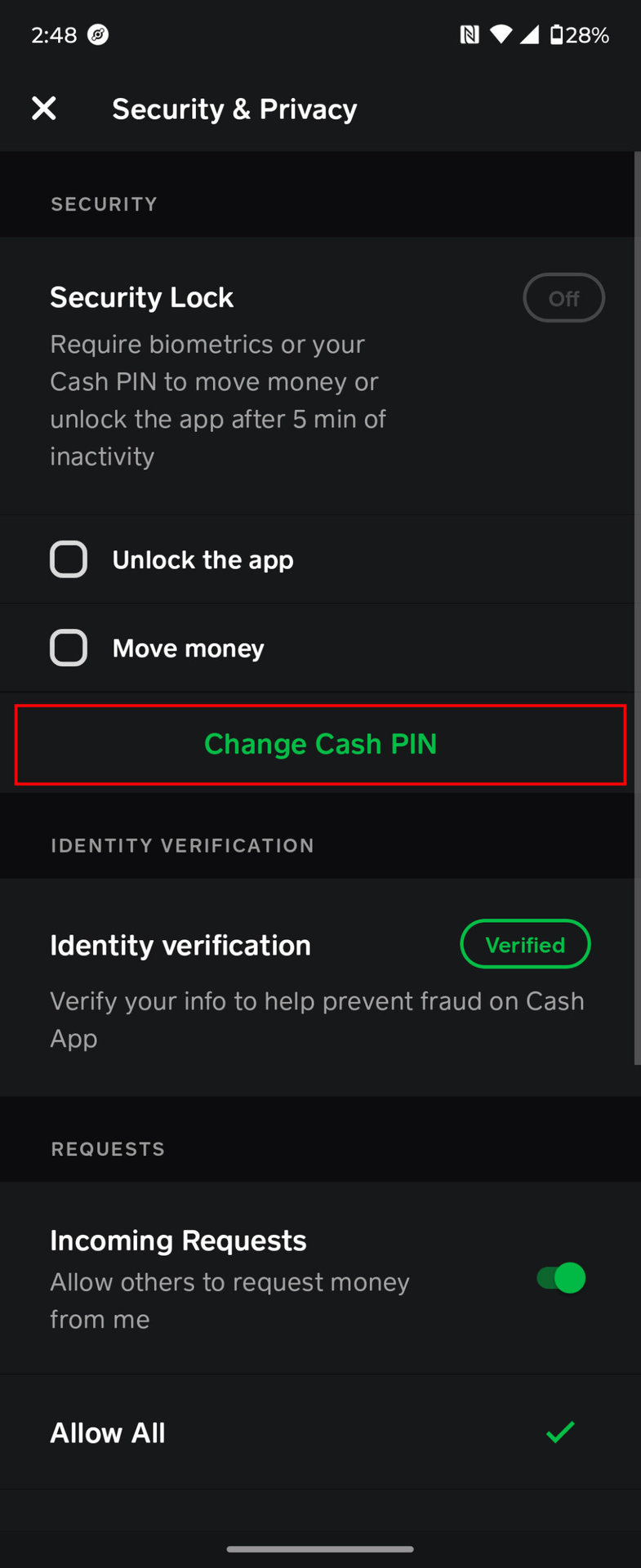
Beyond inconvenience, a malfunctioning Cash App can sometimes have digital security implications. For example, if you’re unable to access your account, you might be vulnerable if unauthorized activity occurs. If you suspect your account has been compromised or if you see unrecognized transactions, it’s critical to act immediately. Change your Cash App PIN, update your account password, and contact Cash App support to report the suspicious activity. Ensuring your app is always updated also means you benefit from the latest security patches, protecting your financial data from potential threats.
In conclusion, while a non-working Cash App can be a significant nuisance, most issues stem from common technical or account-related factors that are often within a user’s control to fix. By systematically addressing connectivity, app versions, device health, and account specifics, users can restore functionality and ensure their digital wallet remains a reliable tool. When self-resolution isn’t possible, leveraging official support and staying informed about system status become crucial. Proactive maintenance and a keen awareness of digital security best practices will ensure your Cash App experience remains seamless and secure, allowing you to fully harness the power of modern digital finance.
aViewFromTheCave is a participant in the Amazon Services LLC Associates Program, an affiliate advertising program designed to provide a means for sites to earn advertising fees by advertising and linking to Amazon.com. Amazon, the Amazon logo, AmazonSupply, and the AmazonSupply logo are trademarks of Amazon.com, Inc. or its affiliates. As an Amazon Associate we earn affiliate commissions from qualifying purchases.