
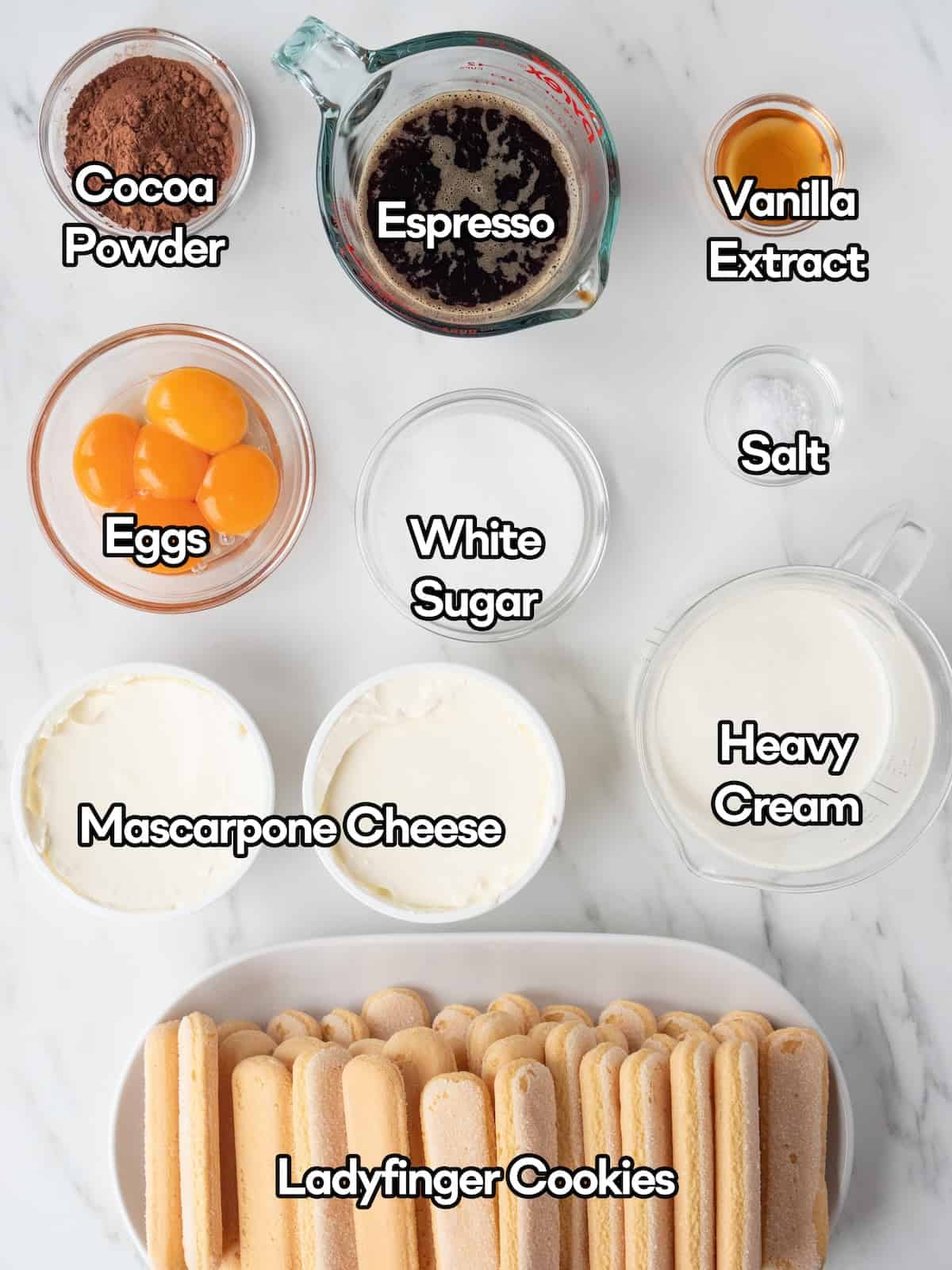
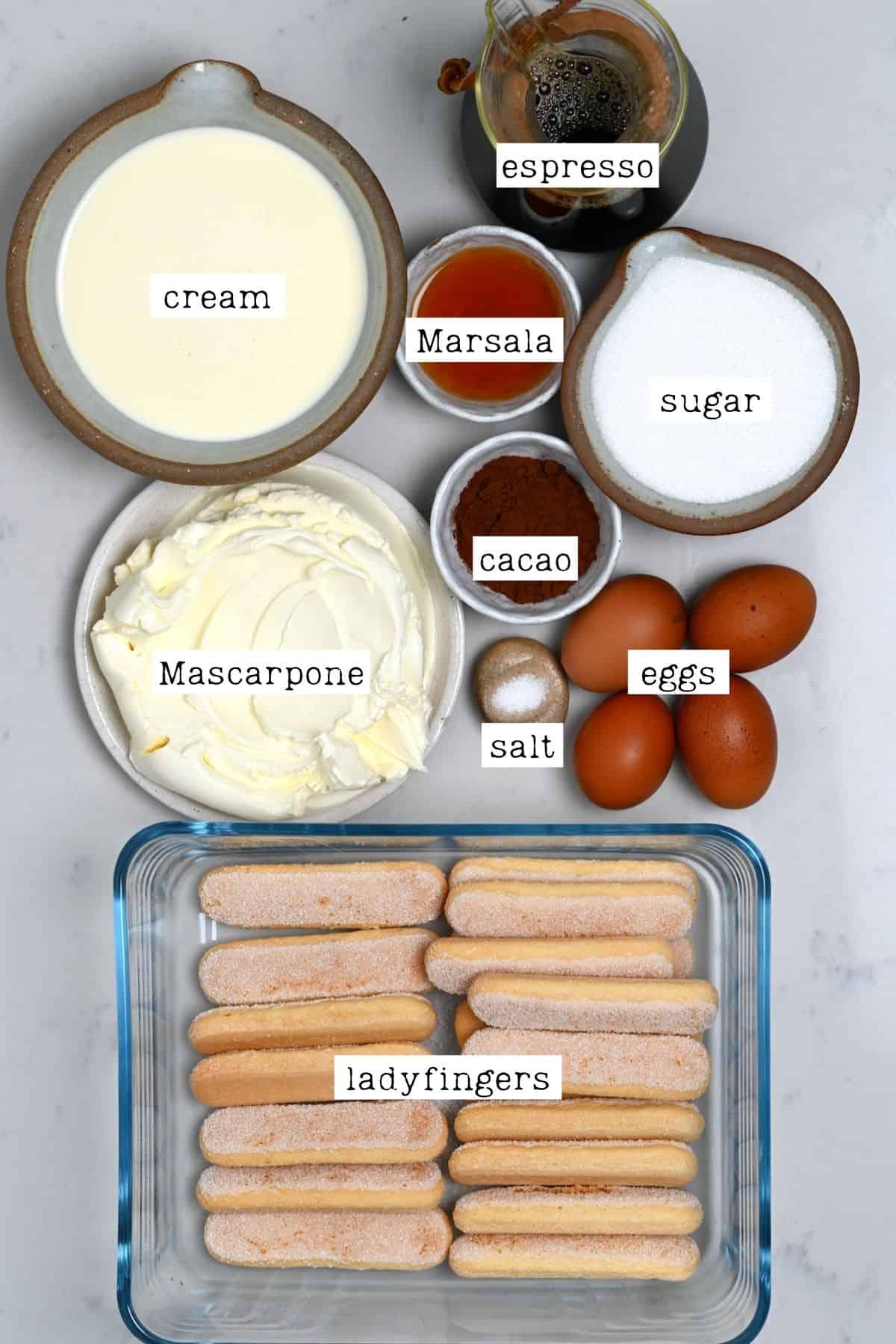
In the world of software development and mobile operating systems, names carry a certain weight. While Google officially shifted to a numerical naming convention with Android 10, the internal culture of “dessert names” never truly faded. For the release of Android 13, the internal moniker chosen was “Tiramisu.” Just like the classic Italian dessert known for its distinct layers of espresso-soaked ladyfingers and mascarpone cream, Android 13—or “Tiramisu”—is an intricate composition of architectural layers, security protocols, and user-centric design elements.
Understanding what “Tiramisu” is made of requires peeling back the user interface to examine the underlying code, the API enhancements, and the strategic shifts in how Google manages hardware-software synergy. This article explores the technical ingredients that make up this robust version of the world’s most popular mobile operating system.
The Core Ingredients: The Evolution from Code Name to OS
To understand what Tiramisu is made of, one must first understand its place in the lineage of Android. Every major release is a refinement of its predecessor, and Android 13 serves as the “polished” layer atop the radical redesign introduced in Android 12.
The Legacy of Internal Dessert Names
While the public simply sees “Android 13,” developers and tech enthusiasts look for the “Tiramisu” designation in the AOSP (Android Open Source Project) Gerrit and developer preview builds. The choice of Tiramisu signifies a “pick-me-up”—a literal translation of the Italian name—focusing on performance boosts and subtle refinements rather than a ground-up overhaul. It is built on the Foundation of the Linux kernel, but with specific modifications to handle modern ARM architectures and low-power states.
The Foundation: API Level 33
At its most basic technical level, Tiramisu is made of API Level 33. This is the set of protocols that developers use to talk to the hardware. API Level 33 introduced a more modular approach to the system. By using “Project Mainline,” Google made Tiramisu more “updatable.” Large portions of what makes up the OS are now updated via the Google Play Store rather than requiring a full system OTA (Over-the-Air) update from the manufacturer. This modularity is a key “ingredient” in solving the fragmentation issues that have historically plagued Android.
The Privacy Layer: Enhancing User Security and Permissions
If the kernel is the base, the privacy framework is the protective layer that keeps the system secure. One of the most significant components of Tiramisu’s “recipe” is the granular control it gives users over their data.
Granular Media Permissions
In previous versions of Android, if an app wanted to upload a photo, you had to grant it permission to access your entire “Files and Media” storage. Tiramisu changed the composition of these permissions. It broke them down into three distinct categories: READ_MEDIA_IMAGES, READ_MEDIA_VIDEO, and READ_MEDIA_AUDIO. This means an app like Spotify only needs audio access, while an editor like Instagram only needs photo and video access. This architectural shift prevents apps from “over-scooping” data they don’t need.
Notification Permissions and the Opt-In Model
Perhaps the most noticeable “ingredient” in Tiramisu for the end-user is the change to notification management. Before Android 13, apps had the right to send notifications by default. Tiramisu flipped the script, making notifications an opt-in feature (POST_NOTIFICATIONS permission). This technical requirement forces developers to justify why their app needs to interrupt the user, significantly reducing “notification bloat” and improving the overall device battery life by reducing unnecessary wake-locks.
The Photo Picker Tool
Tiramisu introduced a standardized Photo Picker. Unlike the old system where an app would open its own file explorer to find a photo, the new Photo Picker is a secure, system-integrated tool. The app itself never sees your entire library; it only receives the specific file you click on. This is a massive leap in sandboxing technology, ensuring that “Tiramisu” is one of the most private iterations of Android to date.
The Design Layer: Refining Material You and Personalization
In Android 12, Google introduced “Material You,” a design language that uses color extraction to theme the entire UI based on the user’s wallpaper. Tiramisu takes this ingredient and refines it, making the aesthetic experience more cohesive and developer-friendly.
Themed App Icons
One of the criticisms of the initial Material You rollout was its inconsistency. While Google apps changed colors, third-party apps remained their original, jarring colors. Tiramisu solved this by providing a framework for “Themed App Icons.” By providing a monochromatic app icon and a small amount of metadata, developers allow the OS to apply user-selected color palettes to the icon. This makes the home screen feel like a unified piece of software rather than a patchwork of different brand identities.
Per-App Language Preferences
For the multilingual user, Tiramisu introduced a feature that had been requested for years: the ability to set different languages for different apps. This is made of a new API that allows the system to override the global locale for a specific package. Technically, this involved a significant rework of how the Resources and Configuration classes are handled in the Android framework, allowing for a more flexible, globalized user experience.
The Updated Media Player
Tiramisu’s media player is a masterclass in UI design. It features a squiggly progress bar that reacts to the music being played—a small but significant “garnish” to the OS. Beyond the visual, it includes technical support for “Spatial Audio,” which head-tracks the user to provide a 360-degree soundstage, provided the hardware supports it.
The Functional Layer: Productivity and Cross-Device Synergy
A mobile OS is only as good as its utility. Tiramisu is made of features that bridge the gap between smartphones, tablets, and even PCs.
Bluetooth LE Audio and MIDI 2.0
Under the hood, Tiramisu is the first Android version to fully bake in support for Bluetooth LE (Low Energy) Audio and the LC3 codec. This is a critical technical ingredient because it allows for high-fidelity audio at lower bitrates, meaning better sound quality and longer battery life for wireless earbuds. Additionally, the inclusion of MIDI 2.0 support via USB allows musicians to connect hardware with lower latency and higher resolution, turning Android devices into more capable workstations.
Copy-Paste Improvements
The clipboard in Tiramisu received a significant functional upgrade. When you copy text or an image, a small overlay appears in the corner, allowing you to edit that content before sharing it. This is powered by a more robust clipboard service that handles “ClipData” more efficiently. Furthermore, Tiramisu allows for “Cross-Device Copy and Paste,” where a user can copy a URL on their phone and immediately paste it onto their paired Android tablet, a feature built on the “Nearby Share” framework.
Optimizing for Large Screens and Foldables
As foldable phones and tablets regained popularity, Tiramisu was engineered to handle varying screen densities and aspect ratios dynamically. It includes a taskbar for tablets, similar to what one might find on ChromeOS or Windows, and improved split-screen multitasking. These “ingredients” ensure that the OS isn’t just a “stretched-out phone” interface but a tailored experience for larger canvases.
Developer Ingredients: APIs and Performance Tweaks
Finally, we must look at what Tiramisu offers the people who build the apps we use every day. The “flavor” of an OS is often determined by how easy it is for developers to create smooth, efficient software.
The Runtime Shader (AGSL)
Tiramisu introduced the Android Graphics Shading Language (AGSL). This is a subset of GLSL that allows developers to create complex, programmable effects like ripples, blurs, and stretches directly within the Android UI toolkit. This moves the heavy lifting of visual effects from the CPU to the GPU, ensuring that even the most visually demanding apps run at a consistent 60 or 120 frames per second.
Faster Hyphenation and Text Layouts
It sounds minor, but text rendering is one of the most expensive operations for a mobile processor. Tiramisu optimized hyphenation by 200%, allowing the system to layout complex text blocks much faster. For developers, this means that news apps, e-readers, and social media feeds load more smoothly with less “jank” during scrolling.
Predictable Back Gesture
One of the most frustrating aspects of modern gesture navigation is not knowing where the “back” swipe will take you. Tiramisu introduced a “predictable back gesture” API. This allows the OS to show a preview of the home screen or the previous app before the user finishes the swipe. It’s a sophisticated technical implementation that requires apps to tell the system their “back stack” state in real-time, resulting in a much more intuitive navigation experience.

Conclusion: A Multi-Layered Masterpiece
What is Tiramisu made of? It is made of more than just code and icons. It is a carefully layered stack of security-first permissions, modular system architecture, and user-centric personalization. By taking the bold visual changes of Android 12 and fortifying them with technical stability and privacy-conscious APIs, Google created a version of Android that is both “sweet” for the consumer and “robust” for the enterprise.
Like its namesake dessert, the beauty of Android 13 lies in how the layers work together. The Linux kernel provides the strength, the API Level 33 provides the structure, and the Material You design provides the finish. For the tech world, Tiramisu isn’t just a version number; it represents a more mature, refined, and secure era of mobile computing.
aViewFromTheCave is a participant in the Amazon Services LLC Associates Program, an affiliate advertising program designed to provide a means for sites to earn advertising fees by advertising and linking to Amazon.com. Amazon, the Amazon logo, AmazonSupply, and the AmazonSupply logo are trademarks of Amazon.com, Inc. or its affiliates. As an Amazon Associate we earn affiliate commissions from qualifying purchases.