
Life360 has cemented its place as a household name in the digital age, effectively bridging the gap between physical safety and mobile connectivity. In an era where smartphone ubiquity allows for constant communication, Life360 distinguishes itself by shifting the focus from simple messaging to real-time location intelligence. At its core, the application serves as a private social network designed for families and close-knit groups, utilizing advanced GPS tracking to provide peace of mind in an unpredictable world.
The application’s rise to prominence is not merely a result of its utility, but a reflection of how modern families have integrated technology into their daily safety protocols. By transforming a smartphone into a beacon of location data, Life360 provides a visual dashboard of where family members are, how they are moving, and whether they have arrived at their destinations safely.
The Core Functionality: How Life360 Works
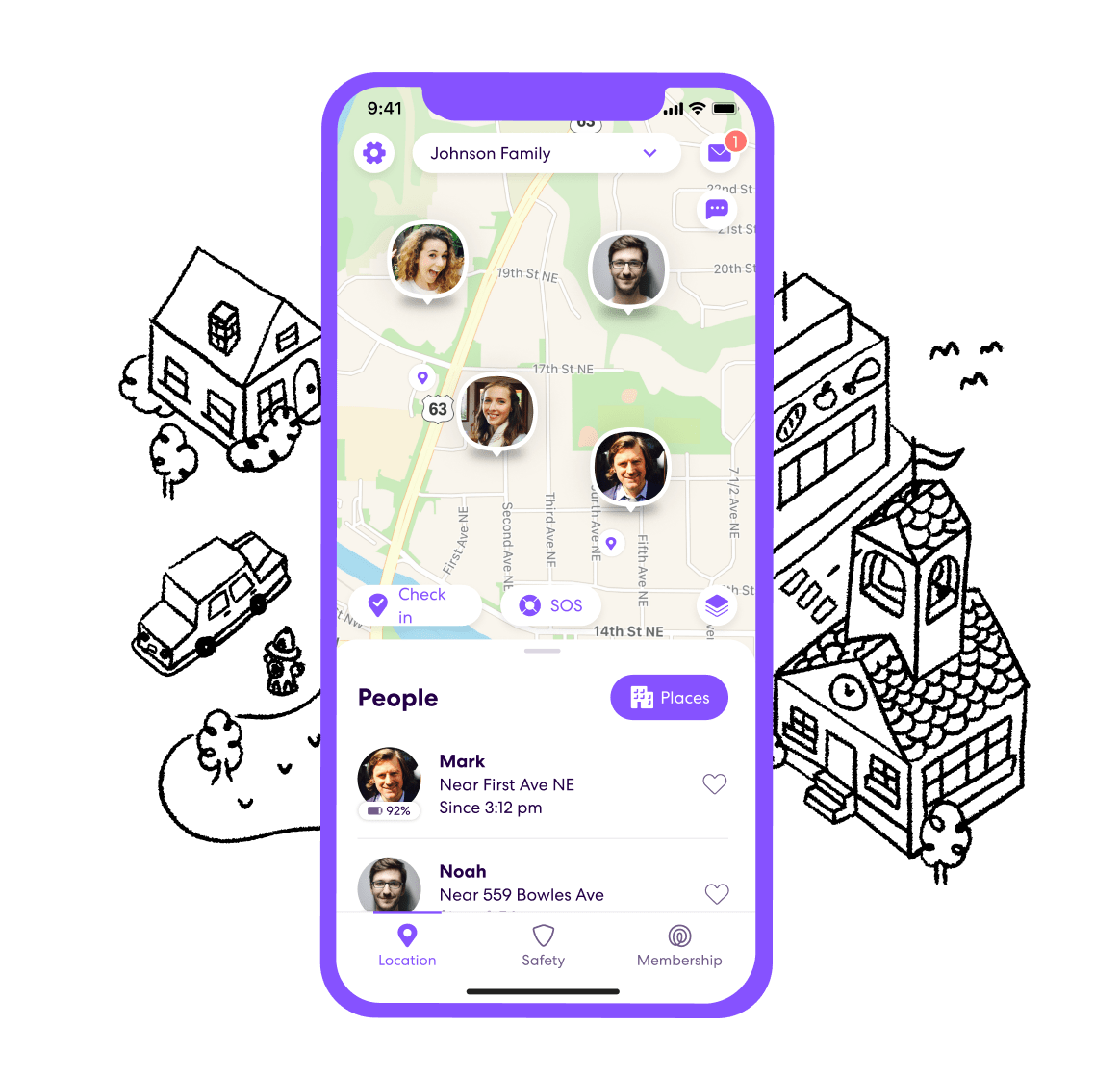
The primary mechanism of Life360 is the creation of “Circles.” These are private, invite-only groups where members can see each other’s real-time locations on a private map. When a user joins a Circle, they grant permission for their mobile device to share its geospatial coordinates with other members of that group.
Real-Time Location Sharing and Geofencing
The fundamental utility of Life360 lies in its high-frequency location updates. Unlike standard navigation apps that refresh periodically, Life360 is optimized for continuous monitoring, ensuring that the “current location” data is as accurate as possible.
A critical component of this feature is “Place Alerts.” Users can set up geofences around specific addresses—such as home, school, or the office. Once a geofence is established, the application automatically triggers a notification whenever a member enters or exits that zone. This removes the need for repetitive “Did you get there yet?” text messages, allowing for a seamless flow of information that keeps family members informed of movement patterns without constant manual check-ins.
Driving Safety and Telematics
As the platform has evolved, it has moved beyond simple GPS tracking into the realm of advanced telematics. Life360 interprets sensor data from a user’s smartphone to analyze driving habits. The app detects high speeds, rapid acceleration, and hard braking events.
This data is synthesized into a “Driver Report,” which provides feedback on safety performance. For parents with teen drivers, this feature has become an essential tool for coaching. By quantifying driving behavior, Life360 turns abstract concepts like “safe driving” into measurable data points, allowing parents to have concrete conversations with their children about their performance behind the wheel.
Safety Features Beyond Location
While location sharing is the foundation, Life360 has expanded its feature set to include comprehensive emergency services. The platform recognizes that location data is most valuable during moments of crisis, prompting the integration of tools designed to facilitate immediate assistance.
Crash Detection and Emergency Response
One of the most technically sophisticated features of the app is automatic crash detection. By utilizing the accelerometer, gyroscope, and microphone data from a smartphone, the application can determine when a vehicle collision has likely occurred. If a crash is detected, the app automatically triggers an emergency protocol.
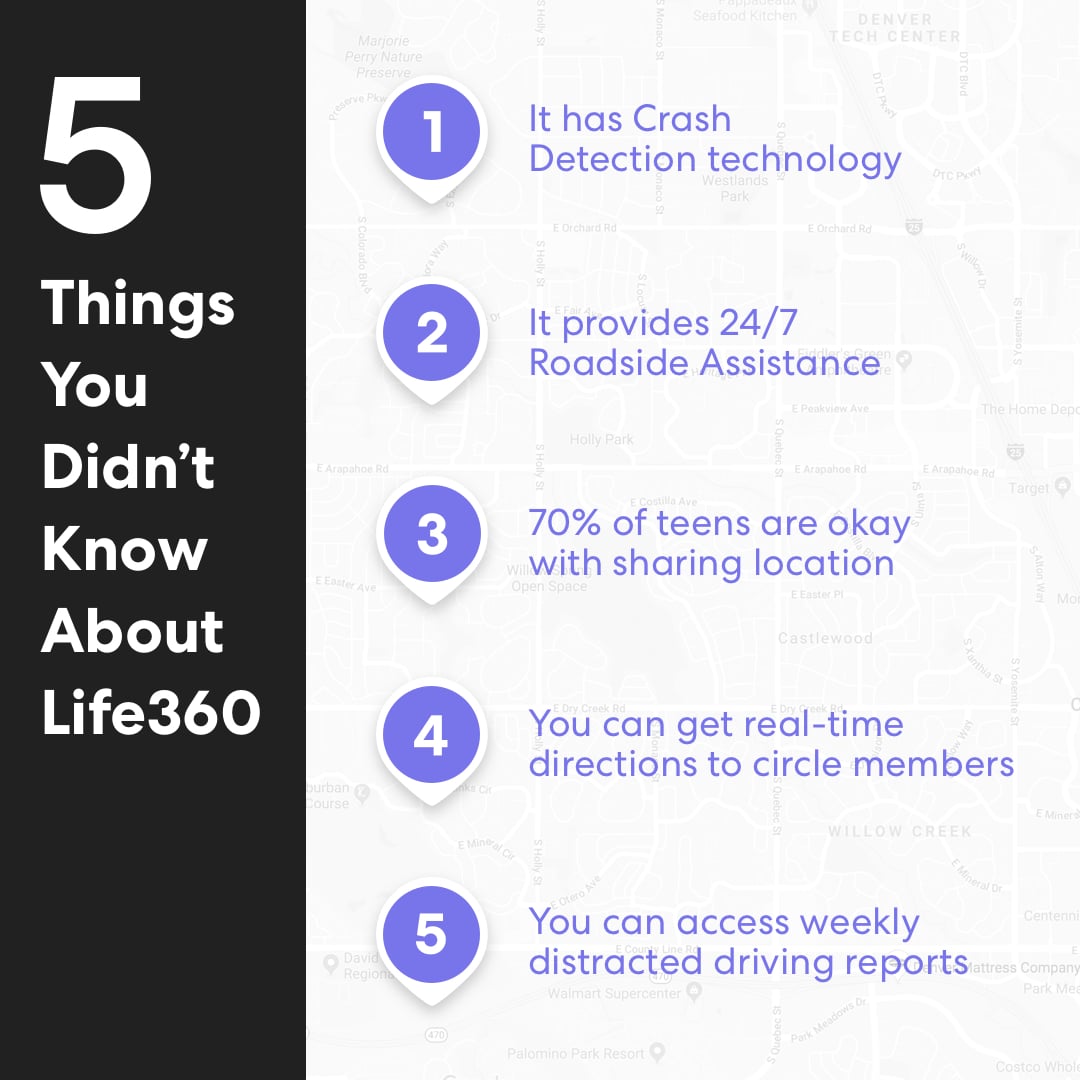
Depending on the subscription tier, this can include an immediate alert to family members and, in some cases, a dispatch of professional emergency responders. This feature effectively turns a personal smartphone into a sophisticated safety device, bridging the gap between a standard mobile phone and specialized automotive safety systems.
SOS and 24/7 Dispatch
For situations that do not involve a vehicular crash but still require immediate assistance, Life360 offers an SOS button within the interface. When held down, this button alerts Circle members to the user’s location and, if the user has a premium plan, contacts a 24/7 emergency dispatch service. This functionality provides a critical layer of protection for individuals walking alone, traveling in unfamiliar areas, or finding themselves in precarious situations.
Navigating the Privacy-Utility Balance
The adoption of Life360 is not without nuance. Because the app requires constant access to location data, it occupies a complex space at the intersection of digital convenience and personal privacy. Understanding how to manage this balance is essential for any user group.
Data Privacy Standards
Life360 operates under a strict privacy policy, emphasizing that location data is shared only within the specific, user-defined Circles. The company has invested heavily in security architecture to ensure that this sensitive movement data remains encrypted and shielded from unauthorized third-party access.
However, users must be conscious of the permissions they grant. The app requires “Always Allow” location access to function in the background, which is a significant privacy concession for many users. The trade-off is clear: the app can only guarantee safety if it is allowed to monitor movement at all times, including when the phone is locked or the app is not being actively viewed.
Establishing Boundaries within Circles
The effectiveness of Life360 often depends on the level of trust and transparency between members. For households using the app, it is highly recommended to establish ground rules regarding its use. For instance, defining when location sharing should be active and when it is appropriate to “pause” sharing (a feature the app provides) can prevent friction between members.
When treated as a tool for safety rather than a tool for surveillance, Life360 tends to be better received by younger generations. It is less about “watching” someone and more about “checking in” on them, ensuring that support is available whenever needed.
The Future of Digital Family Safety
As we look toward the future, the integration of Life360 into the broader ecosystem of connected technology seems likely to deepen. The app’s roadmap suggests a move toward more AI-driven insights and better hardware integration.
AI and Predictive Modeling
We are seeing the emergence of predictive AI within the platform, where the app learns routines to identify anomalies. If a user’s movement pattern deviates significantly from their standard routine, the system may flag this as a potential concern. By leveraging machine learning, Life360 is shifting from a passive tracking tool to an active participant in a family’s well-being.
Hardware Integration and IoT
The next frontier for Life360 involves moving beyond the smartphone. By integrating with smartwatches and connected vehicle systems, the platform is becoming platform-agnostic. This ensures that even if a user leaves their phone behind, their location and status remain visible to their Circle through secondary devices.
Ultimately, Life360 serves as a powerful example of how mobile technology can be harnessed to solve universal human problems. By digitizing the concept of the “family safety net,” it has provided millions of users with the comfort of knowing where their loved ones are and, more importantly, that they are safe. As our world becomes increasingly fast-paced and fragmented, the ability to maintain a digital tether to those we care about most remains an indispensable utility in our modern software toolkit. Whether for managing the daily commute or ensuring the safety of a new driver, Life360 continues to evolve as an essential utility for the connected family.
aViewFromTheCave is a participant in the Amazon Services LLC Associates Program, an affiliate advertising program designed to provide a means for sites to earn advertising fees by advertising and linking to Amazon.com. Amazon, the Amazon logo, AmazonSupply, and the AmazonSupply logo are trademarks of Amazon.com, Inc. or its affiliates. As an Amazon Associate we earn affiliate commissions from qualifying purchases.