
The sudden, jarring blare of an emergency alert is a sound that most modern smartphone users have come to recognize instantly. Whether it is a shrill, high-pitched tone or a relentless vibration, these notifications are designed to command immediate attention, bypassing silenced ringers and active focus modes. If you were startled by a notification today and found yourself asking, “What was the emergency alert on my phone?” you are participating in a highly sophisticated, multi-layered technological ecosystem designed to disseminate critical information in milliseconds.

While the content of the alert—whether a weather warning, an AMBER alert, or a national test—is what matters most to the end-user, the technology that enables this communication is a marvel of modern telecommunications engineering. Understanding why your phone made that sound requires diving into the protocols of cell broadcasting, the hierarchy of federal warning systems, and the specific software settings within your mobile operating system.
The Architecture of the Wireless Emergency Alerts (WEA) System
At the heart of the alert you received today is the Wireless Emergency Alerts (WEA) system. Unlike a standard text message (SMS) or a push notification from an app like WhatsApp or X (formerly Twitter), a WEA alert is sent via a specialized communication protocol known as “Cell Broadcast.”
Cell Broadcast vs. Standard SMS
Standard SMS messages are “point-to-point.” When you send a text, the network attempts to deliver it to a specific device associated with a specific phone number. During an emergency, if millions of people were sent a standard SMS simultaneously, the cellular network would experience massive congestion, leading to delays or total system failure.
In contrast, Cell Broadcast is a “one-to-many” technology. It allows a cell tower to broadcast a message to every compatible mobile device within its reach, regardless of the carrier or the congestion level of the voice and data channels. Because it uses a dedicated signaling channel, it does not require your phone number; it simply targets every device connected to a specific set of cell towers. This is why alerts are often localized to specific counties or neighborhoods.
The Role of IPAWS
The “brain” behind these broadcasts in the United States is the Integrated Public Alert and Warning System (IPAWS), managed by FEMA. IPAWS acts as a central hub that authenticates and routes alerts from authorized senders—such as the National Weather Service, the National Center for Missing & Exploited Children, or the Office of the President—to the various cellular service providers. Once a carrier receives the authenticated message through the IPAWS gateway, they push it out to the cell towers in the affected geographic area.
Decoding the Different Tiers of Mobile Alerts
Not every emergency alert carries the same weight or follows the same technical triggers. If your phone buzzed today, it likely fell into one of several distinct categories recognized by the Federal Communications Commission (FCC) and international telecommunications standards.
National Alerts
Formerly known as Presidential Alerts, these are the highest tier of notification. These are intended for use during a national emergency. In recent years, FEMA has conducted nationwide tests of this system to ensure that the “one-to-many” broadcast capability is functioning across all carriers and device manufacturers. Under current FCC regulations, users cannot opt-out of National Alerts.
Imminent Threat Alerts
This category is subdivided into “Extreme Threats” and “Severe Threats.” If you received an alert today regarding a flash flood, a tornado, or a wildfire, it fell under this umbrella. These alerts are triggered by sophisticated meteorological data and sensor networks. For instance, the National Weather Service (NWS) uses Doppler radar and automated algorithms to detect rotation in a storm; once certain thresholds are met, a digital signal is sent to the IPAWS gateway, which then pushes the alert to cell towers within the storm’s projected path.
AMBER and Public Safety Alerts
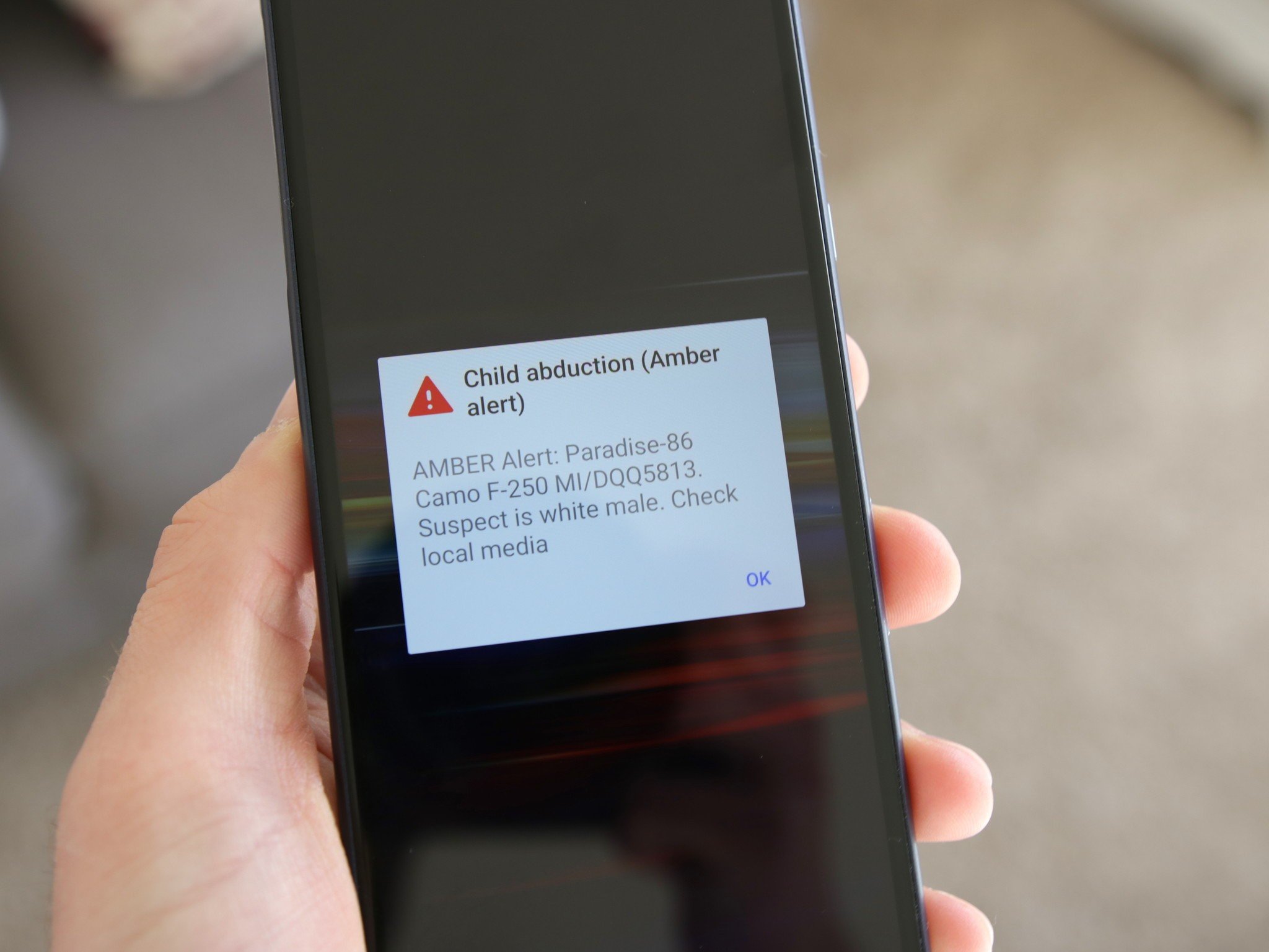
AMBER alerts (America’s Missing: Broadcast Emergency Response) utilize the same WEA infrastructure but serve a different social function. They are distributed based on specific criteria involving child abductions. Additionally, a newer category of “Public Safety” alerts allows local law enforcement to communicate urgent but non-imminent threats, such as a localized chemical spill or a directive to shelter in place due to police activity.
The Hardware and Software Response: How Your Phone Reacts
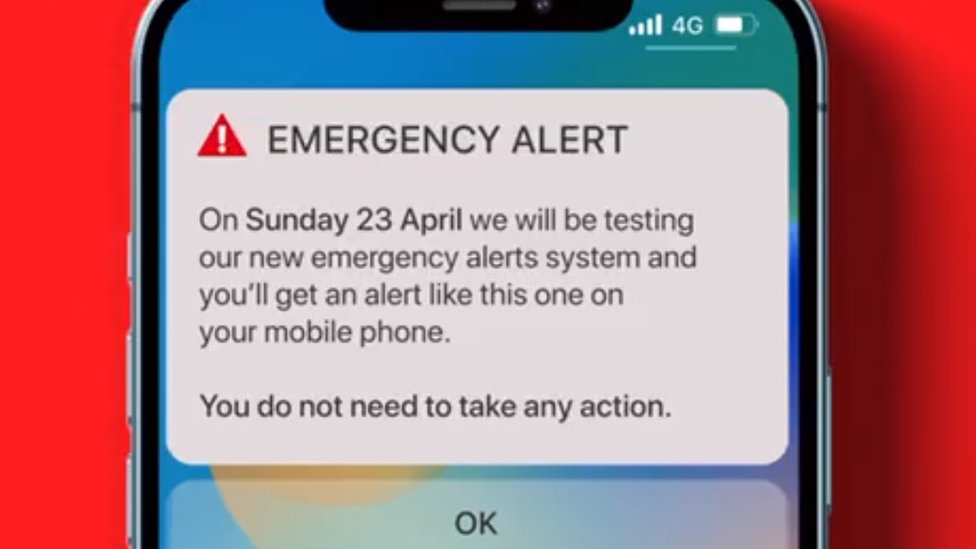
When your smartphone detects the specific digital header associated with a WEA broadcast, it shifts into a specialized “emergency mode.” This is a hardware-level response dictated by the device’s firmware and the mobile operating system (iOS or Android).
Audio and Vibration Patterns
The distinctive sound you heard today is not a standard MP3 or ringtone stored in your phone’s user-accessible memory. It is a specific audio frequency and cadence—often a mix of two different tones—designed to be audible even to those with hearing impairments and to penetrate background noise. On a technical level, this is handled by the device’s Digital Signal Processor (DSP), which ensures the alert plays at maximum volume even if your phone is set to “Silent” or “Vibrate.”
Bypassing Software Barriers
One of the most impressive (and sometimes frustrating) aspects of emergency alerts is their ability to bypass “Do Not Disturb” (DND) or “Focus” modes. In the software stack, emergency alerts are assigned the highest priority interrupt. This means the CPU will pause other non-essential background processes to ensure the alert is rendered on the screen immediately. For Android devices, this is often managed through the “Emergency Alerts” system app, while on iPhones, it is integrated into the core “Notification Center” logic.
Geo-Fencing and Precision
If you received an alert but someone a few miles away did not, it is due to the precision of modern geo-fencing. Modern WEA (version 3.0) allows for much tighter geographic targeting. Older versions of the technology would hit every tower in a broad radius, often leading to “over-alerting.” Newer standards allow authorities to draw a polygon on a map; the system then calculates which specific cell towers have a coverage area that overlaps with that polygon, ensuring only the relevant population is notified.
Why You Might (or Might Not) Have Received the Alert
It is common for groups of people in the same room to experience “alert lag” or for some to receive no alert at all. This phenomenon is usually tied to the technical state of the device or its connection to the network.
Network Generation and Handshakes
If your phone was currently operating on an older 3G network or was in a “dead zone” for LTE/5G during the broadcast, it may have missed the signal. Furthermore, if you were on a Wi-Fi call and had no cellular signal whatsoever, the WEA broadcast—which relies on cellular towers—might not have reached you, as many legacy systems do not yet support WEA over Wi-Fi.
Software Updates and Firmware
Device manufacturers frequently update the “Carrier Settings” on your phone. These small software patches contain the instructions on how to interpret signals from specific towers. If your device’s software is significantly out of date, it may fail to recognize a new alert protocol or a new frequency band used by your carrier for emergency broadcasts.
The Opt-Out Mechanism
In your phone’s settings (usually under “Notifications” and then “Government Alerts”), there are toggles for AMBER alerts, Public Safety alerts, and Test alerts. If you did not receive a notification today that others did, you may have these toggles switched off. However, as noted previously, National Alerts cannot be disabled through these menus on most modern devices.
The Future of Digital Emergency Communication
As we move further into the 5G era and beyond, the technology behind the emergency alert on your phone today is set to become even more integrated and intelligent.
Satellite-to-Mobile Integration
We are currently witnessing the birth of satellite-enabled emergency messaging. Companies like Apple, through their “Emergency SOS via Satellite,” and partnerships between T-Mobile and SpaceX, are working to ensure that even if you are miles away from a cell tower, you can still receive and send emergency data. In the future, the “alert today” could reach your phone via a low-earth orbit satellite if terrestrial networks are down due to a natural disaster.
AI and Predictive Alerting
The next frontier involves the integration of Artificial Intelligence into the alerting pipeline. By analyzing real-time data from IoT (Internet of Things) sensors—such as seismic sensors for earthquakes or water-level sensors in rivers—AI can predict the severity of a threat before it fully manifests, potentially sending out “Pre-Alerts” that give citizens precious extra seconds to react.
Enhanced Rich Media
While today’s alerts are primarily text-based, the transition to 5G allows for “Rich Media” alerts. Future notifications may include high-resolution maps of evacuation routes, real-time video feeds from local authorities, or interactive buttons that allow users to report their safety status back to a central hub.
The alert you received today was not just a simple text; it was the result of a massive, invisible digital infrastructure working in harmony. From the federal servers at FEMA to the localized cell towers in your neighborhood, and finally to the specialized firmware within your smartphone, the system is a testament to the power of modern mobile technology to prioritize human safety in an increasingly connected world.
aViewFromTheCave is a participant in the Amazon Services LLC Associates Program, an affiliate advertising program designed to provide a means for sites to earn advertising fees by advertising and linking to Amazon.com. Amazon, the Amazon logo, AmazonSupply, and the AmazonSupply logo are trademarks of Amazon.com, Inc. or its affiliates. As an Amazon Associate we earn affiliate commissions from qualifying purchases.