
In the high-speed ecosystem of modern technology development, the physical whiteboard remains one of the most resilient and critical pieces of “low-tech” hardware. Despite the ubiquity of digital project management tools, agile teams, software architects, and systems engineers continue to rely on the whiteboard as a primary interface for rapid iteration, logic mapping, and collaborative debugging. However, the efficacy of this tool is entirely dependent on its surface integrity. A whiteboard plagued by “ghosting”—the faint, persistent remains of previous sessions—or chemical degradation can hinder cognitive flow and visual clarity.
Understanding what to use to clean a whiteboard requires more than a simple household solution; it requires an understanding of material science, chemical compatibility, and the maintenance of modern office infrastructure. Whether you are managing a fleet of traditional porcelain-on-steel boards in a scrum room or maintaining high-end tempered glass surfaces in a Silicon Valley boardroom, the choice of cleaning agent impacts the longevity and performance of your collaborative workspace.
The Material Science of Dry-Erase Surfaces
Before selecting a cleaning agent, it is vital to understand the hardware you are maintaining. In tech environments, whiteboards generally fall into three categories: melamine, painted steel/aluminum, and tempered glass. Each surface interacts differently with the polymers found in dry-erase markers.
Understanding Porosity and Ghosting
Melamine is the most common and budget-friendly material, often found in startup environments. It is essentially a resin-infused paper laminate. Over time, the constant friction of erasing wears down the top seal, exposing a porous sub-layer. When ink particles become trapped in these microscopic pores, “ghosting” occurs. Cleaning melamine requires non-abrasive solvents that can lift pigment without further eroding the thin resin coating.
In contrast, porcelain-on-steel (ceramic) and tempered glass are non-porous. These surfaces are the standard for high-intensity tech hubs because they resist staining and chemical damage. However, even these premium surfaces can accumulate a “film” or “haze” caused by the waxy binders in markers and the oils from human skin. This film acts as an adhesive for new ink, making standard erasing difficult.
The Role of Capillary Action in Ink Removal
Dry-erase markers utilize a solvent (usually an alcohol) to keep the ink liquid, a pigment for color, and a polymer (release agent) that prevents the ink from bonding permanently to the surface. When you clean a board, you are essentially trying to re-dissolve the polymer or break its weak bond with the surface. Using the wrong cleaner—such as a glass cleaner with ammonia—can strip the release agent from the board, permanently “locking” future ink applications to the surface.
Essential Solvents and Tools for the Tech Workspace
Maintaining a professional-grade whiteboard requires a curated kit of solvents and tools. In a tech-centric workspace, efficiency and hardware safety are paramount. The goal is to achieve a pristine surface with minimal downtime and zero damage to surrounding electronics.
Isopropyl Alcohol: The Industry Standard
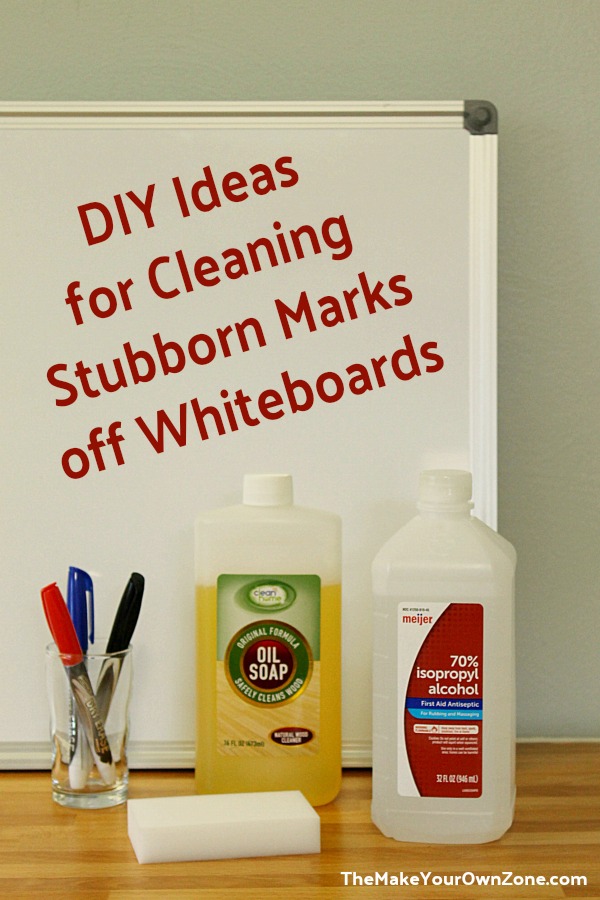
For most IT and engineering departments, Isopropyl Alcohol (IPA) is already a staple for cleaning circuit boards and hardware components. It is also the most effective and safest general-purpose cleaner for whiteboards. A solution of 70% to 99% IPA is highly effective at breaking down the stubborn resins found in dry-erase ink.
The advantage of IPA is its high evaporation rate. It leaves virtually no residue, ensuring that when the next engineer steps up to the board, the surface is dry and ready for immediate use. For deep cleaning, 99% IPA is recommended to remove permanent marker (accidental or intentional) and heavy ghosting. However, for daily maintenance, a 50/50 dilution with distilled water is often sufficient to maintain surface clarity without over-drying the board’s protective coating.
Microfiber Technology vs. Traditional Erasers
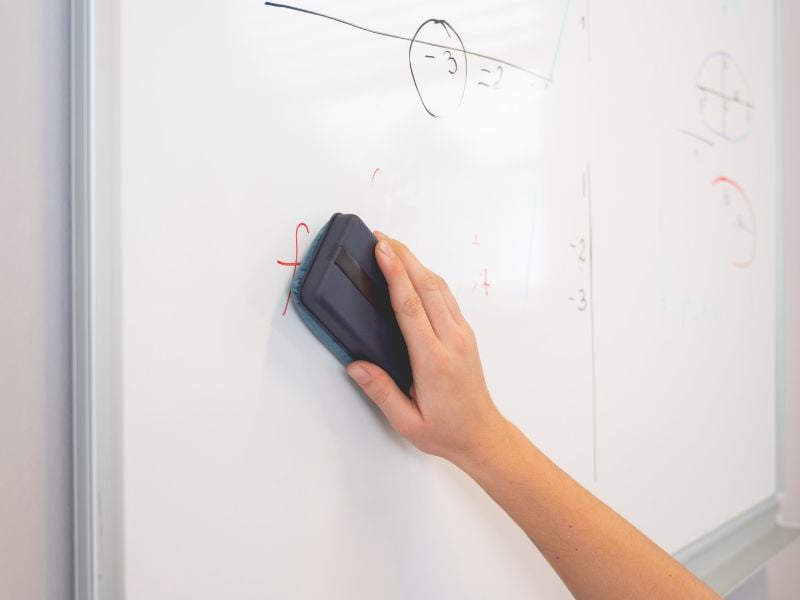
The traditional felt eraser is often a primary source of whiteboard degradation. Felt erasers trap pigment and wax, essentially redistributing old ink across the board during subsequent uses. In a high-performance office, microfiber cloths are the superior alternative.
Microfiber is engineered with a high surface area that lifts and traps particles within its fibers rather than pushing them around. For the best results, use a dual-phase approach: a damp microfiber cloth with a dedicated cleaning solution to lift the ink, followed by a dry microfiber cloth to buff the surface. This mechanical action removes the microscopic “haze” that chemical sprays alone might leave behind.
Specialized Restorative Solutions
When a board has reached a state of extreme ghosting—often referred to as “the point of no return” in office management—standard alcohol may not suffice. In these cases, specialized whiteboard restorers are necessary. These solutions often contain a mixture of surfactants and conditioning agents that deep-clean the pores of the board and apply a temporary, microscopic silane-based film. This film mimics the original factory finish, allowing markers to glide and erase more effectively. These should be used sparingly, perhaps once a quarter, as part of a scheduled hardware maintenance cycle.
Advanced Maintenance for Hybrid and Smart Digital Whiteboards
The evolution of the “whiteboard” has led to the integration of interactive displays and hybrid digital-physical surfaces. Maintaining these high-value assets requires a significantly different approach than traditional analog boards.
Screen-Safe Cleaning for Interactive Displays
Interactive whiteboards, such as the Microsoft Surface Hub or various capacitive touch displays, feature specialized coatings designed to reduce glare and fingerprints. Using standard whiteboard cleaners or high-concentration alcohol on these surfaces can lead to catastrophic hardware failure or permanent clouding of the screen.
For digital interfaces, only use cleaners specifically labeled as “screen-safe” or “electronic-grade.” These are typically formulated without ammonia, alcohol, or phosphates. A slightly dampened, high-quality microfiber cloth is the safest bet. It is also critical to ensure that no liquid seeps into the bezels, where infrared sensors or capacitive digitizers are housed. In a tech environment, cleaning these tools is an IT function rather than a janitorial one, ensuring the sensitivity of the touch interface remains uncompromised.
Addressing Static and Dust Accumulation
Interactive displays and glass whiteboards in server-heavy environments often accumulate static electricity. This static attracts fine dust and particulate matter, which can act as an abrasive when markers are used or when the screen is wiped. Using an anti-static cleaning solution can help repel dust, keeping the collaboration area cleaner for longer periods. This is particularly important for optical-touch whiteboards, where dust buildup in the corners can interfere with the cameras’ ability to track pen movement.
Workspace Optimization: Implementing a Maintenance Protocol
In a professional tech setting, the “how” of cleaning is just as important as the “what.” A whiteboard is a shared resource, and its maintenance should be integrated into the team’s workflow to ensure it remains a reliable tool for innovation.
The “Definition of Done” for Collaboration Spaces
In Agile and Scrum methodologies, “Definition of Done” (DoD) is a critical concept. This should extend to the physical workspace. A sprint planning session is not “done” until the whiteboard has been documented (via a high-resolution photo or digital scan) and cleaned.
Implementing a standardized “cleaning station” next to every major whiteboard—stocked with 70% IPA, fresh microfiber cloths, and high-quality markers—reduces the friction of maintenance. When the tools are readily available, teams are more likely to leave the board in a “ready” state for the next group. This cultural shift prevents the long-term buildup of ink that leads to permanent staining.
Long-term Hardware Lifecycle Management
Even with the best cleaning practices, every whiteboard has a functional lifespan. Tech leads and office managers should audit board surfaces annually. If a board requires aggressive chemical cleaning after every single use, it has likely suffered surface failure.
In these instances, rather than continuing to waste time and labor on ineffective cleaning, the best tech-forward solution is often hardware replacement. Transitioning to tempered glass boards, while more expensive upfront, offers a near-infinite lifecycle and superior cleaning characteristics, ultimately lowering the total cost of ownership (TCO) by reducing the need for specialized chemicals and frequent replacements.
By treating the whiteboard as a piece of essential collaboration hardware, organizations can ensure that their physical spaces are as optimized and high-performing as their software stacks. Proper cleaning is not just about aesthetics; it is about maintaining the clarity of communication that drives the next generation of technological breakthroughs.
aViewFromTheCave is a participant in the Amazon Services LLC Associates Program, an affiliate advertising program designed to provide a means for sites to earn advertising fees by advertising and linking to Amazon.com. Amazon, the Amazon logo, AmazonSupply, and the AmazonSupply logo are trademarks of Amazon.com, Inc. or its affiliates. As an Amazon Associate we earn affiliate commissions from qualifying purchases.