
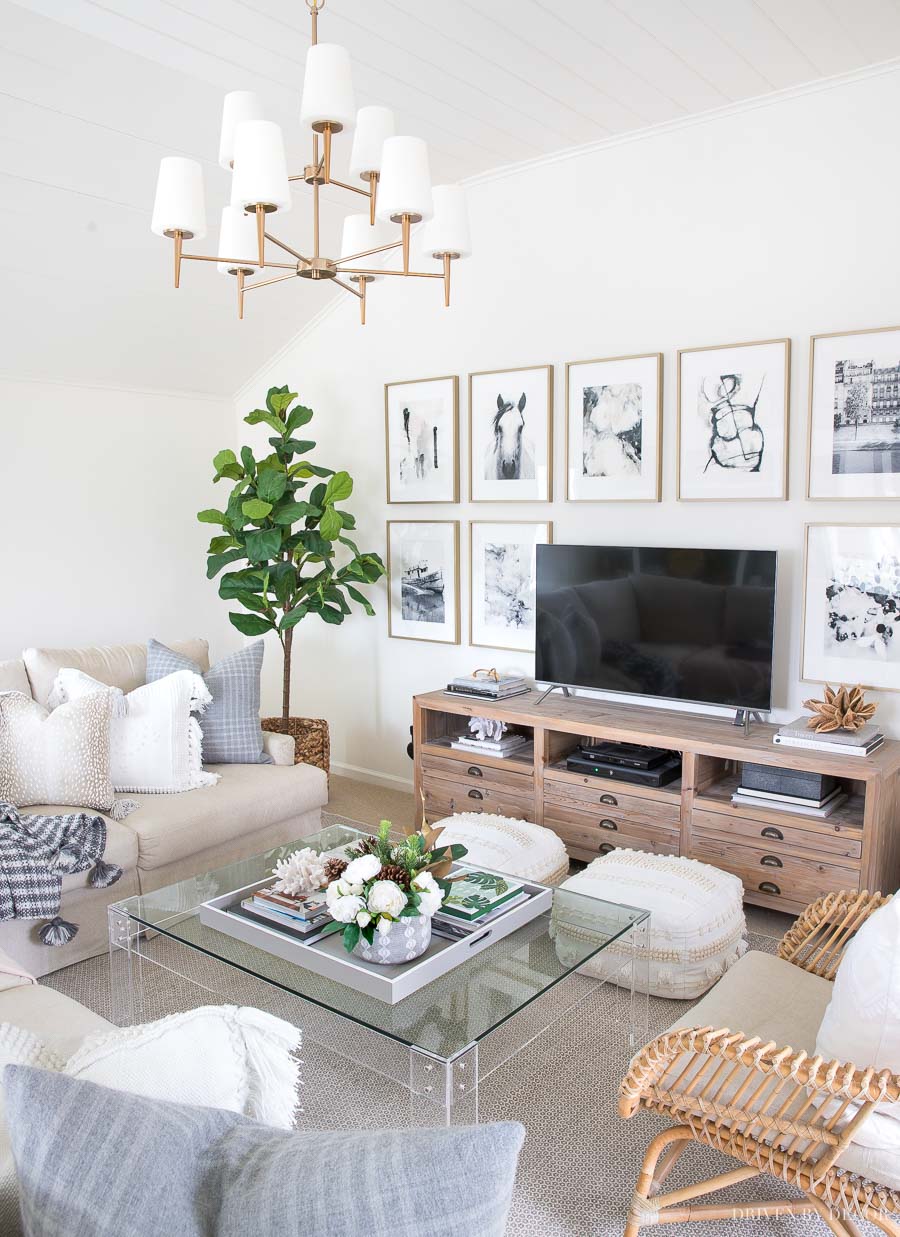
The living room corner has long been the most underutilized real estate in the modern home. Historically reserved for a dusty floor lamp or a neglected houseplant, this “dead space” is being reclaimed through the lens of high-performance technology. As the boundaries between professional productivity, digital entertainment, and smart home management blur, the corner of the living room has evolved into the most strategic location for a centralized technology hub.
Optimizing a corner requires more than just placing a gadget on a side table; it requires a deep understanding of hardware integration, signal strength, ergonomics, and aesthetic cohesion. Whether you are looking to build a high-end remote workstation, a dedicated smart home command center, or a compact gaming sanctuary, the following guide explores the most innovative tech solutions to transform your living room corner into a powerhouse of digital efficiency.
The Professional Productivity Hub: High-Performance Hardware Integration
With the rise of hybrid work and the gig economy, the living room corner has become the primary site for professional-grade setups that do not disrupt the home’s overall design language. The goal here is “stealth tech”—high-performance hardware that provides maximum output with a minimal physical footprint.
Ultrawide Displays and Multi-Monitor Ergonomics
The cornerstone of any productive corner is the display. Rather than a traditional dual-monitor setup that requires significant desk width, a curved ultrawide monitor—specifically a 34-inch or 38-inch OLED or Nano-IPS panel—is the ideal solution for corner placement. The curve naturally follows the geometry of the corner, utilizing depth rather than width.
For those who require vertical real estate for coding or data analysis, a “stacked” monitor configuration using a heavy-duty gas-spring mount allows you to utilize the vertical space of the wall, keeping the actual desk surface clear for peripherals. High-refresh-rate panels (144Hz+) are no longer just for gaming; they reduce eye strain during long hours of scrolling through documents and navigating complex software interfaces.
The Rise of the Small Form Factor (SFF) Workstation
To maintain the aesthetic of a living room, bulky tower PCs are being replaced by Small Form Factor (SFF) workstations. Modern SFF builds, often under 10 liters in volume, can now house top-tier GPUs and CPUs without the thermal throttling issues of previous generations. Alternatively, high-end Mac Studio setups or NUC (Next Unit of Computing) devices provide massive computational power in a chassis smaller than a stack of books. Tucking these into a corner-specific floating desk creates a “zero-gravity” look that emphasizes tech-forward minimalism.
The Smart Home Command Center: Centralizing the IoT Ecosystem
If the living room is the heart of the home, the corner should be its brain. As the number of Internet of Things (IoT) devices per household continues to scale, the need for a centralized, physical interface becomes critical. A corner-bound command center allows for the seamless management of lighting, security, climate, and energy consumption.
Wall-Mounted Tablets and Dashboard Integration
One of the most effective uses of a living room corner is the installation of a permanent smart home dashboard. Using a dedicated iPad Pro or a high-resolution Android tablet mounted with a recessed wall kit, users can run software like Home Assistant or ActionTiles.
This setup provides a real-time overview of the home’s health:
- Energy Monitoring: Track real-time solar production or grid consumption.
- Security Feeds: High-definition, low-latency streaming from doorbell cameras and perimeter sensors.
- Climate Zones: Granular control over smart thermostats and automated blinds based on sun tracking.
By placing this in a corner, you create a dedicated “cockpit” experience that remains accessible but doesn’t dominate the room’s visual focal point.
Mesh Wi-Fi Nodes and Network Infrastructure
From a technical standpoint, corners are often the best or worst places for connectivity. To ensure the entire home benefits from high-speed data, the living room corner is an ideal spot for a Wi-Fi 6E or Wi-Fi 7 mesh node. Premium nodes, such as those from the Asus ROG or TP-Link Deco lines, are designed with modern aesthetics that can sit out in the open.
Furthermore, for the power user, a corner can house a hidden network closet. A small, ventilated cabinet can hide a 10Gbps switch, a Network Attached Storage (NAS) device for local media hosting, and a UPS (Uninterruptible Power Supply) to keep the home’s digital nervous system running during a power surge.

The Entertainment Powerhouse: Immersive Audio and Gaming
When the workday ends, the tech-focused corner transitions into a site for high-fidelity entertainment. Modern engineering allows us to squeeze theater-quality audio and flagship gaming performance into these tight angles.
Spatial Audio and Invisible Sound
Traditional 5.1 or 7.1 surround sound systems often struggle with corner placement due to acoustic reflections. However, the latest generation of soundbars and satellite speakers utilizes advanced “room correction” software. Devices like the Sonos Era 300 or the Sony HT-A9 use built-in microphones to ping the walls, measuring the distance to the corner and the ceiling to create a virtual soundstage.
Placing a high-excursion subwoofer in a corner can also provide a “corner-loading” effect, which naturally boosts the low-end frequencies by up to 6dB, providing a more cinematic experience without needing a massive, room-filling speaker.
Discrete Gaming and VR Base Stations
For the gaming enthusiast, the corner is the perfect location for a “sim-rig” or a VR (Virtual Reality) base station. High-end VR headsets, like the Valve Index or the Meta Quest Pro (via Air Link), require a clear line of sight to sensors. Mounting these sensors high in the corner minimizes occlusion and maximizes the playable “guardian” area.
Additionally, the corner is the ideal spot for a console “hideaway.” Using specialized mounts, a PlayStation 5 or Xbox Series X can be mounted directly to the wall behind a television or tucked into a corner nook with custom LED backlighting (Govee or Philips Hue) that syncs with the on-screen action to extend the visual field through “Ambilight” technology.
Digital Wellness and Environmental Tech
As we spend more time indoors, the tech we put in our corners is increasingly focused on biology and wellness. The “Wellness Corner” utilizes IoT sensors and environmental hardware to optimize the air we breathe and the light we consume.
Smart Air Purification and IoT Climate Control
The corner of a room often experiences stagnant air. Integrating a smart air purifier, such as a Dyson Purifier Humidify+Cool or a Levoit Core 600S, allows for automated air quality management. These devices use laser sensors to detect PM2.5, VOCs, and NO2, automatically ramping up fan speeds when pollutants are detected. By connecting these to a smart home ecosystem, you can receive push notifications on your phone when the air quality dips, or have the system automatically activate the HVAC fan to circulate air.
Circadian Lighting and Bio-Centric Technology
Modern lighting technology has moved far beyond the simple on/off switch. A corner can be transformed using smart floor lamps or “smart glass” panels that mimic the natural progression of sunlight. Using the Matter protocol, your corner lighting can sync with your local time, transitioning from high-energy blue light in the morning to warm, melatonin-friendly amber tones in the evening.
For those who use their corner for reading or meditation, the addition of a “Paperwhite” digital canvas—like the Meural or Samsung The Frame—can display world-class art during the day and transition into a soft-glow digital fireplace at night, reducing the digital fatigue associated with standard LED screens.
Structural Strategy: Cable Management and Power Delivery
The most advanced tech corner in the world will fail if it is a “rat’s nest” of cables. Technical optimization requires a sophisticated approach to power and data distribution.
Integrated Power Solutions
When designing a tech corner, the first step is often upgrading the wall outlet to a smart receptacle with integrated USB-C Power Delivery (PD). This allows you to charge laptops and peripherals directly from the wall without bulky “bricks.” For more complex setups, using an under-desk cable management tray is essential. These trays house power strips, excess cabling, and converters, ensuring that only a single, braided power cable is visible.

Thermal Management in Tight Spaces
Tech generates heat, and corners can become heat traps. When placing high-performance gadgets in a corner cabinet or nook, it is vital to install active cooling. Small, USB-powered silent fans (such as those from AC Infinity) can be mounted into furniture to ensure a constant flow of air, preventing the thermal throttling of gaming consoles, NAS drives, or PCs.
In conclusion, the corner of the living room is no longer a design afterthought; it is a high-value zone for technological integration. By prioritizing high-performance hardware, centralizing smart home controls, and implementing wellness-focused IoT devices, the modern homeowner can turn a 90-degree angle into the most functional and impressive space in the house. The future of interior design is not about hiding technology, but about strategically placing it where it can best serve our increasingly digital lives.
aViewFromTheCave is a participant in the Amazon Services LLC Associates Program, an affiliate advertising program designed to provide a means for sites to earn advertising fees by advertising and linking to Amazon.com. Amazon, the Amazon logo, AmazonSupply, and the AmazonSupply logo are trademarks of Amazon.com, Inc. or its affiliates. As an Amazon Associate we earn affiliate commissions from qualifying purchases.