
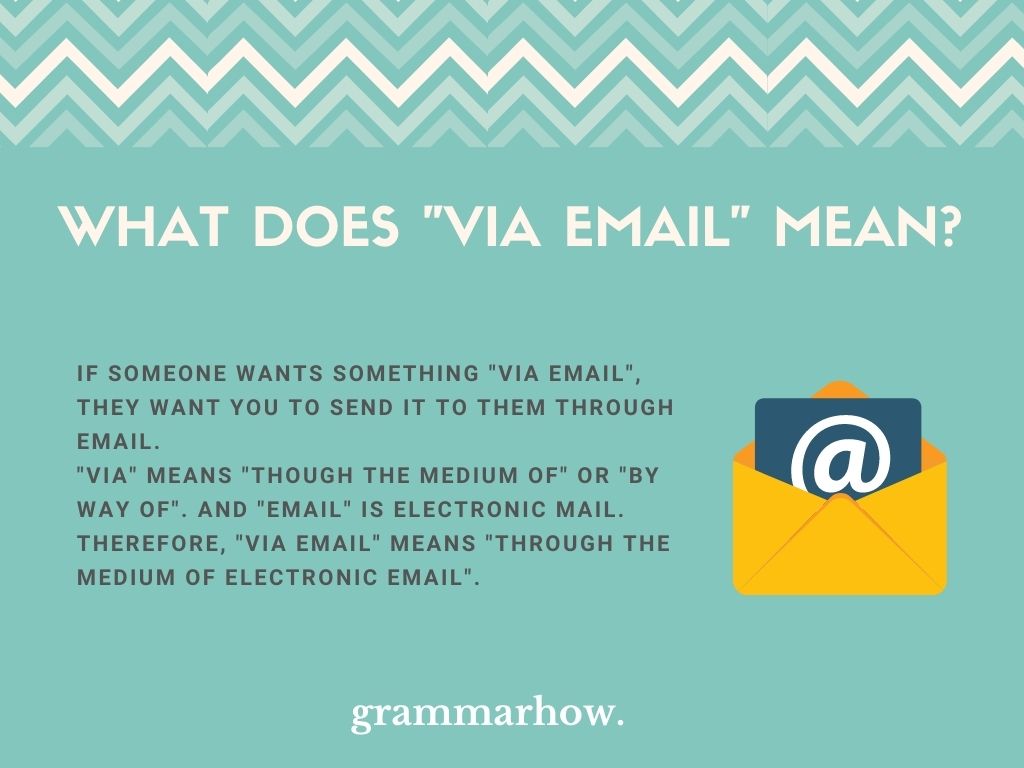
The phrase “via email” signifies much more than just a method of sending a message; it represents a foundational pillar of modern digital communication, built upon a complex interplay of protocols, servers, and client applications. At its core, “via email” refers to the process of transmitting electronic messages over computer networks, predominantly the internet, leveraging a standardized system that ensures interoperability and reliability across diverse platforms. Understanding “via email” from a technological perspective involves delving into the underlying infrastructure that enables this ubiquitous form of communication, from the moment a message is composed to its secure arrival in an inbox, and the ongoing evolution of its capabilities and security challenges.
The Foundational Protocols: How Communication “Via Email” Works
The seeming simplicity of sending an email belies a sophisticated architecture governed by a set of technical protocols that dictate how messages are structured, sent, and received. These protocols ensure that an email sent from a client in one part of the world can be correctly interpreted and delivered to another, regardless of the software or hardware in use.
SMTP: The Sender’s Engine
The primary protocol responsible for sending email is the Simple Mail Transfer Protocol (SMTP). When you click “send” on an email, your email client (e.g., Outlook, Gmail in a browser) communicates with an SMTP server. This server, acting as a digital post office, is responsible for routing your message across the internet. It takes your email, including the recipient’s address, the subject, and the body, and attempts to deliver it to the recipient’s mail server. SMTP servers handle the initial handoff of mail from a sender’s client to the internet and then from one mail server to another until it reaches the destination mail server.
POP3 and IMAP: Receiving and Managing Messages
Once an email reaches the recipient’s mail server, two other protocols come into play for retrieval: Post Office Protocol version 3 (POP3) and Internet Message Access Protocol (IMAP).
- POP3 is a simpler protocol that traditionally downloads emails from the mail server to your local device and often deletes them from the server once downloaded. This approach saves server space but means emails are tied to a specific device.
- IMAP, on the other hand, allows you to access and manage your emails directly on the mail server. This means messages remain on the server, and any changes you make (like marking as read, moving to a folder, or deleting) are synchronized across all devices connected to that IMAP account. IMAP is the preferred choice for modern users who access email from multiple devices, ensuring a consistent view of their inbox.
DNS and MX Records: Directing the Mail
For an SMTP server to know where to send an email, it relies on the Domain Name System (DNS). Specifically, it queries for Mail Exchanger (MX) records associated with the recipient’s domain. An MX record is a type of resource record in the DNS that specifies the mail server responsible for accepting email messages on behalf of a recipient’s domain and a preference value used to prioritize mail delivery if multiple mail servers are available. Without MX records, an SMTP server wouldn’t know which server to deliver the email to, effectively rendering “via email” communication impossible for that domain. This intricate dance between sender, server, and DNS ensures that an email navigates the vastness of the internet to its correct destination.
Beyond Basic Transmission: Features and Functionality of Email Systems
While the underlying protocols handle the core transmission, the functionality of “via email” extends far beyond simple message delivery. Modern email systems and clients offer a rich ecosystem of features that enhance productivity, organization, and communication efficiency. These functionalities transform email from a mere messaging tool into a comprehensive digital workspace component.
Email Clients and Webmail Interfaces
Users interact with email through various interfaces. Email clients (e.g., Microsoft Outlook, Apple Mail, Thunderbird) are standalone software applications installed on a device. They offer robust offline access, extensive customization, and integration with other desktop applications. In contrast, Webmail interfaces (e.g., Gmail, Outlook.com, Yahoo Mail) are accessed directly through a web browser. They provide convenience, accessibility from any internet-connected device, and often integrate cloud-based services and real-time updates without the need for local software installation. Both types of interfaces serve the same purpose but cater to different user preferences and operational needs, leveraging the underlying POP3 or IMAP protocols to retrieve and manage messages.
Attachments and MIME Types
A crucial feature of email is the ability to send and receive file attachments, allowing for the easy exchange of documents, images, videos, and other digital content. This functionality is made possible by Multipurpose Internet Mail Extensions (MIME). MIME is a standard that allows various types of data—text, images, audio, video, application-specific files—to be embedded in or attached to email messages. Before MIME, email was largely restricted to plain text. MIME extends email’s capability to include rich media and diverse file formats, expanding the utility of “via email” beyond simple textual communication into a vital tool for collaborative work and information exchange.
Group Communication and Mailing Lists
Email also facilitates group communication through mailing lists and distribution groups. A mailing list allows a single email to be sent to multiple recipients simultaneously, often managed by a list server. These lists can be used for internal team communications, customer newsletters, community forums, or broadcasting announcements. The technical backend ensures that one message sent to a list address is then forwarded to all subscribed members, automating what would otherwise be a tedious manual process. This capability underscores email’s role not just in one-to-one communication but also in scalable one-to-many and many-to-many interactions.
Calendar Integration and Tasks
Many modern email platforms integrate closely with calendar and task management systems. This integration allows users to schedule meetings, send invitations (which appear directly in recipients’ calendars), respond to RSVPs, and manage personal and team tasks directly from their email environment. For example, an event invitation received “via email” can be added to a calendar with a single click, and updates to the event can be communicated and synchronized automatically. This functionality blurs the lines between communication, scheduling, and project management, making email a central hub for organizational activities and collaborative efforts within technological ecosystems.

Navigating the Digital Landscape: Security and Privacy “Via Email”
Despite its foundational role, communication “via email” is not without its vulnerabilities. The open nature of the internet and the widespread use of email make it a prime target for malicious actors, necessitating robust security measures and vigilant user practices. Protecting the integrity and privacy of email exchanges is a continuous technological challenge.
Understanding Phishing and Spam Threats
Two of the most pervasive threats to email security are phishing and spam.
- Spam refers to unsolicited bulk email, often commercial in nature. While annoying, it can also be a vector for malware or scams. Spam filters employ sophisticated algorithms, machine learning, and blacklists to identify and block these unwanted messages before they reach the inbox.
- Phishing is a more insidious attack where perpetrators attempt to trick recipients into revealing sensitive information (like passwords, credit card numbers, or personal data) by impersonating a trustworthy entity, such as a bank, a well-known company, or a government agency. Phishing emails often contain deceptive links or attachments designed to compromise the recipient’s system or steal credentials. Recognizing the tell-tale signs of phishing—suspicious senders, urgent or threatening language, generic greetings, and mismatched URLs—is critical.
Encryption: Protecting “Via Email” Content
To protect the confidentiality of email content, encryption is essential. Email encryption scrambles the message content so that it can only be read by the intended recipient.
- Transport Layer Security (TLS), formerly SSL, encrypts the connection between your email client/server and the recipient’s mail server. This is analogous to securing the envelope, preventing eavesdropping while the email is in transit. Most modern email providers use TLS by default.
- For end-to-end encryption, where the message remains encrypted from sender to recipient’s inbox, technologies like PGP (Pretty Good Privacy) or S/MIME (Secure/Multipurpose Internet Mail Extensions) are used. These require both the sender and recipient to have specific software and keys, which adds a layer of complexity but offers the highest level of content confidentiality. Widespread adoption of these methods for everyday email remains a challenge due to their technical demands.
Sender Authentication: SPF, DKIM, and DMARC
To combat email spoofing—where attackers forge sender addresses to appear legitimate—several technical standards have been developed for sender authentication:
- Sender Policy Framework (SPF) allows a domain owner to specify which mail servers are authorized to send email on behalf of their domain. Receiving mail servers check incoming mail against the SPF record to verify its legitimacy.
- DomainKeys Identified Mail (DKIM) adds a digital signature to outgoing emails, allowing the recipient’s server to verify that the email was indeed sent by the authorized domain and that its content hasn’t been tampered with in transit.
- Domain-based Message Authentication, Reporting, and Conformance (DMARC) builds upon SPF and DKIM by providing a policy for how receiving mail servers should handle emails that fail authentication checks (e.g., quarantine, reject) and enables reporting to the domain owner about authentication failures. These protocols collectively form a strong defense against spoofing and phishing attempts, making “via email” communication more trustworthy.
Best Practices for Secure Email Usage
Beyond technological safeguards, user behavior significantly impacts email security. Strong, unique passwords for email accounts, enabling two-factor authentication (2FA), regularly updating email client software, exercising caution with attachments and links from unknown senders, and avoiding public Wi-Fi for sensitive email operations are crucial best practices. Furthermore, understanding the limitations of email—that it should not be used for transmitting highly sensitive data without robust encryption—is vital for maintaining digital security and privacy when communicating “via email.”
The Evolving Role of Email in Modern Technology Stacks
While often considered a legacy technology, email has continuously adapted and integrated into the broader digital landscape. Its decentralized nature and universal adoption have cemented its role as a critical component in modern technology stacks, serving purposes far beyond person-to-person messaging. “Via email” has become an indispensable channel for system-level communications, identity management, and automated workflows.
API Integrations and Automated Workflows
Email’s utility is significantly amplified through Application Programming Interface (API) integrations. Modern email services provide APIs that allow other applications to programmatically send, receive, and manage emails. This enables businesses and developers to create sophisticated automated workflows. For example, an e-commerce platform can automatically send order confirmations, shipping updates, and promotional offers “via email” to customers. Customer relationship management (CRM) systems use email APIs to track communications, schedule follow-ups, and manage email campaigns. These integrations transform email from a manual communication tool into an automated, data-driven engine for business operations and customer engagement, making it a powerful component in any integrated tech stack.
Event-Driven Notifications and System Alerts
In enterprise and cloud computing environments, “via email” serves as a primary channel for event-driven notifications and system alerts. Monitoring systems can be configured to automatically send email alerts to administrators or on-call teams when critical events occur, such as server outages, security breaches, performance degradation, or task failures. Developers receive email notifications about continuous integration/continuous deployment (CI/CD) pipeline statuses. These automated emails provide timely information, allowing technical teams to quickly respond to issues and maintain system stability. The reliability and universality of email make it an ideal fallback or primary notification method, especially when other communication channels might be unavailable.
Identity Verification and Password Resets
Email plays a critical role in identity verification and account security across countless online services. When you sign up for a new account or need to reset a forgotten password, the verification link or code is almost always sent “via email.” This process leverages the user’s email account as a unique identifier and a trusted channel for secure communication. By requiring access to the associated email account, service providers can verify the user’s identity before granting access or allowing changes to account settings. This mechanism is fundamental to the security architecture of the vast majority of web applications and online services, underscoring email’s central role in managing digital identities.

The Future of Email: Interoperability and AI Augmentation
The future of “via email” is likely to involve further enhancements in interoperability, security, and the integration of artificial intelligence. Efforts continue to standardize and improve end-to-end encryption for wider adoption, enhancing the privacy of communications. AI and machine learning are increasingly being used to augment email experiences, from intelligent spam filtering and phishing detection to automated response suggestions, smart categorization, and personalized content delivery. Furthermore, email continues to evolve as a platform for rich, interactive content, moving beyond static messages to incorporate dynamic elements that can update in real-time within the inbox. As technology progresses, “via email” will undoubtedly continue to adapt, maintaining its indispensable position as a cornerstone of digital communication and technological interaction.
aViewFromTheCave is a participant in the Amazon Services LLC Associates Program, an affiliate advertising program designed to provide a means for sites to earn advertising fees by advertising and linking to Amazon.com. Amazon, the Amazon logo, AmazonSupply, and the AmazonSupply logo are trademarks of Amazon.com, Inc. or its affiliates. As an Amazon Associate we earn affiliate commissions from qualifying purchases.