
In an increasingly interconnected digital world, communication applications have become indispensable tools for personal and professional interaction. Amidst a crowded marketplace dominated by tech giants, niche players emerge, often distinguishing themselves through specific features or a unique value proposition. Zangi is one such application, positioning itself as a secure, efficient, and private communication platform. But beyond the broad strokes of being another messaging app, what exactly is the Zangi app used for, and what makes it a compelling choice for its users? This article delves into the core functionalities, technological underpinnings, and specific use cases that define Zangi’s place in the modern digital communication landscape.
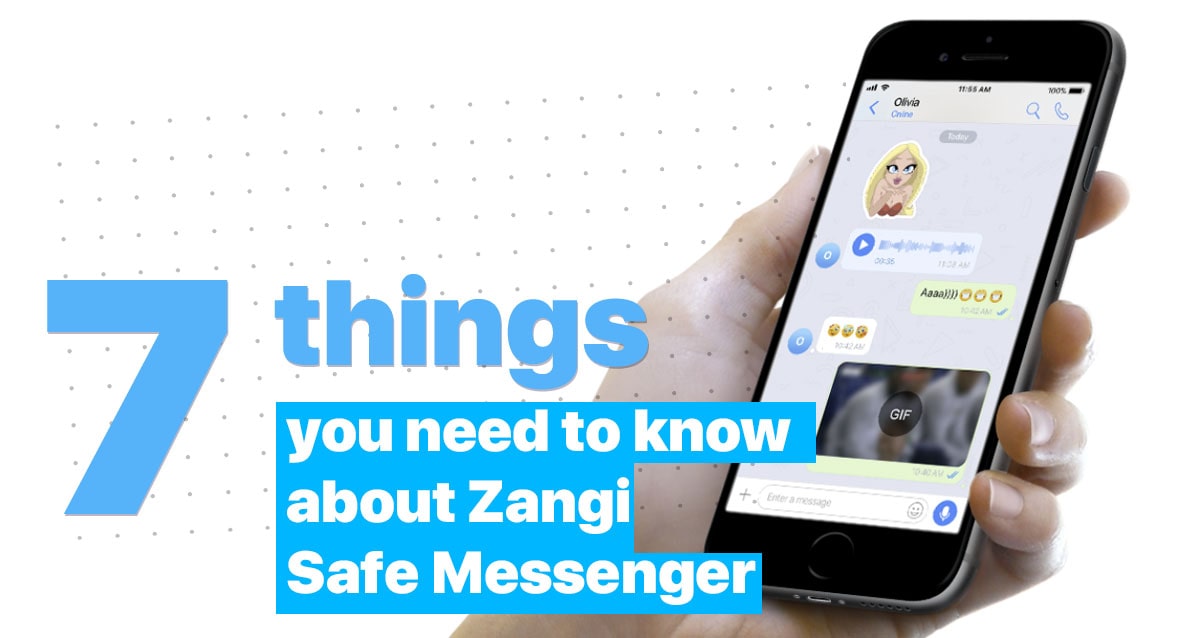
Zangi: A Secure and Private Communication Hub
At its core, Zangi is designed as an all-in-one communication application, offering a comprehensive suite of features that users have come to expect from modern messaging platforms. However, its primary differentiator and the main reason users flock to it lie in its steadfast commitment to privacy, security, and performance, even under challenging network conditions.
Core Functionality: Messaging, Voice, and Video Calls
Like most contemporary communication apps, Zangi facilitates a wide array of interaction methods. Users can engage in text-based instant messaging, supporting individual and group chats, complete with multimedia sharing capabilities for photos, videos, and documents. This allows for rich, expressive communication that goes beyond simple text.
Beyond messaging, Zangi offers robust voice and video calling features. These are designed to provide high-quality audio and video experiences, bridging geographical distances with clarity and reliability. Whether it’s a quick voice call to a friend overseas or a professional video conference, Zangi aims to deliver a smooth and consistent connection. The app is available across multiple platforms, including iOS, Android, and desktop operating systems (Windows, macOS, Linux), ensuring that users can connect regardless of their device preference.
Emphasizing Privacy and Security
In an era of heightened concerns over data breaches and surveillance, Zangi’s most significant selling point is its unwavering focus on user privacy and communication security. The app employs end-to-end encryption (E2EE) for all its communications—messages, voice calls, and video calls. This means that only the sender and intended recipient can read or listen to their conversations; not even Zangi itself can access the content. This cryptographic protection ensures that private discussions remain private, safeguarding sensitive information from prying eyes.
Furthermore, Zangi operates on a principle of minimal data collection. Unlike many mainstream apps that monetize user data through targeted advertising, Zangi states that it does not store user conversations on its servers, nor does it sell user data. This architectural choice aligns with a privacy-first philosophy, offering users greater control and peace of mind regarding their digital footprint.
Cross-Platform Accessibility
Zangi’s utility extends across various devices and operating systems, ensuring broad accessibility for its user base. It offers native applications for iOS and Android smartphones, providing a familiar and optimized mobile experience. For users who prefer to communicate from their computers, Zangi also provides desktop clients for Windows, macOS, and Linux. This cross-platform support means that users can seamlessly switch between devices, starting a conversation on their phone and continuing it on their desktop without interruption, enhancing productivity and convenience.
Key Features That Set Zangi Apart
While its core functionalities are similar to other messengers, Zangi integrates several distinctive features and technological optimizations that elevate its offering, particularly in specific use cases.
End-to-End Encryption and Data Control
As mentioned, Zangi’s commitment to security is paramount. It utilizes advanced encryption protocols to secure all communications. This goes beyond mere data transmission encryption; it’s about encrypting the content itself on the sender’s device and decrypting it only on the recipient’s device. This “no-server-logs” policy means that once a message is delivered, it’s removed from Zangi’s servers, further reinforcing the user’s control over their data and communication history. The app also features options for self-destructing messages, adding another layer of ephemeral privacy to sensitive exchanges.
Low Data Usage and Connectivity in Challenging Networks
One of Zangi’s most touted technical achievements is its ultra-low data consumption. The app is engineered to operate efficiently, requiring significantly less data for calls and messages compared to many competitors. This makes Zangi an ideal solution for users with limited data plans, those traveling internationally where roaming charges are exorbitant, or individuals residing in regions with unreliable or expensive internet access.
This efficiency also translates into superior performance in low-bandwidth environments. Zangi’s proprietary technology is designed to maintain call quality and message delivery even when network connectivity is weak or inconsistent. This capability is crucial for users in developing countries, remote areas, or anyone frequently experiencing spotty Wi-Fi or cellular service. The app dynamically adjusts its data rate and codec based on network conditions, ensuring the best possible communication experience under adverse circumstances.
High-Quality Audio and Video Communication
Despite its focus on low data usage, Zangi does not compromise on the quality of its audio and video calls. Leveraging advanced codecs and adaptive bitrate technologies, the app strives to deliver HD voice and video clarity. This ensures that conversations are crisp, clear, and natural, minimizing frustrating dropouts or pixelated video feeds. The emphasis on quality, combined with data efficiency, provides a compelling alternative for users who prioritize reliable and clear communication without excessive data consumption.
Unique Features: Invisible Mode and Call Recording
Zangi also incorporates several unique features that enhance user control and privacy. The Invisible Mode allows users to appear offline to their contacts, even when they are actively using the app. This provides a level of discretion and control over one’s online presence, which is not commonly found in other mainstream messengers.
For specific professional or personal needs, Zangi offers built-in call recording functionality. This feature allows users to record their voice and video calls directly within the app, which can be invaluable for documenting important conversations, interviews, or simply keeping a record of memorable moments. Importantly, Zangi ensures that both parties are informed when a call is being recorded, maintaining ethical communication practices.
Who Benefits from Using Zangi?
Given its unique feature set, Zangi caters to a diverse range of users and use cases, extending beyond the average consumer seeking a simple messaging app.
Individuals Prioritizing Digital Privacy
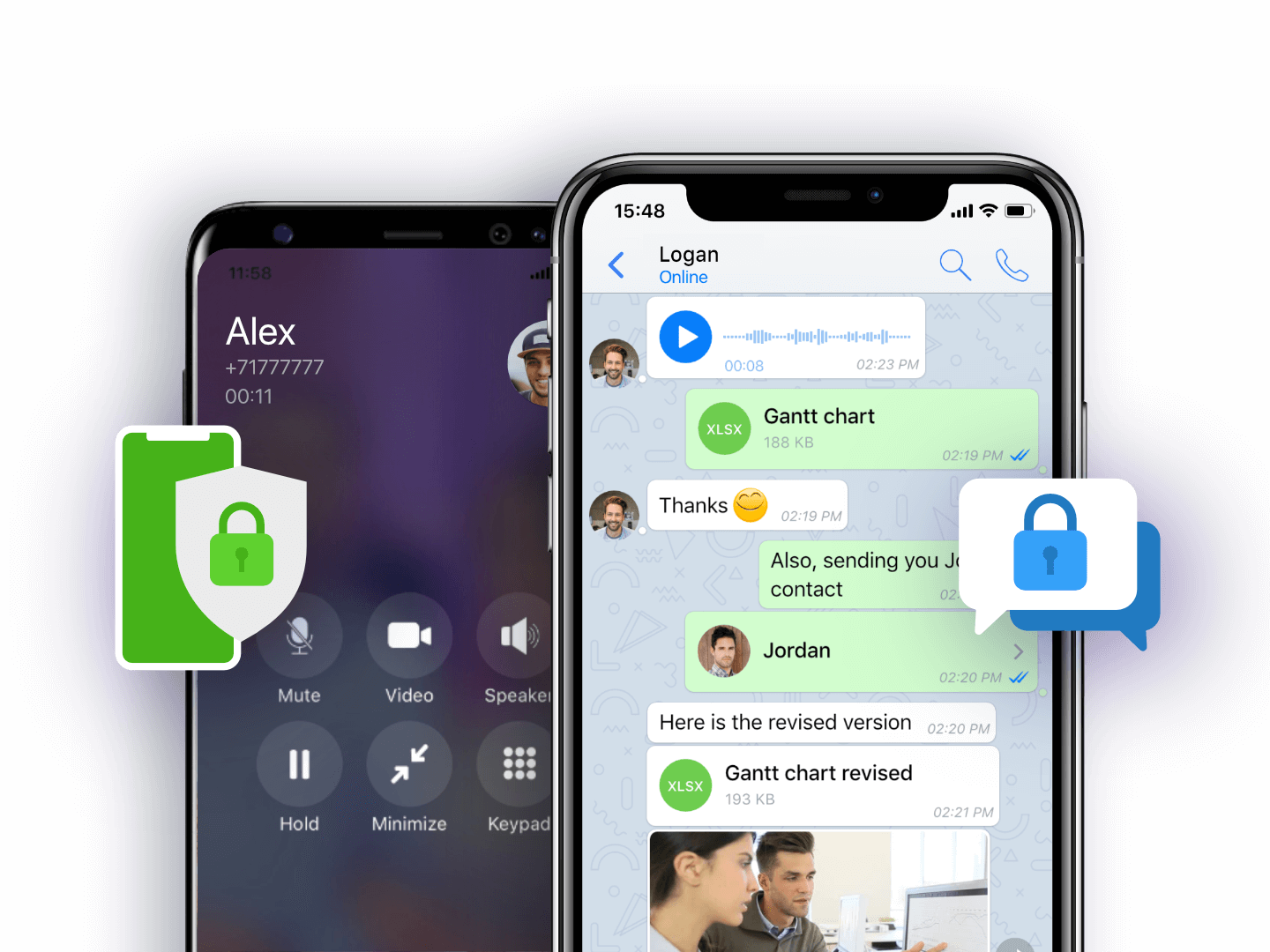
For anyone concerned about their digital footprint, data privacy, and surveillance, Zangi presents a compelling option. Individuals wary of mainstream platforms that collect and monetize user data find Zangi’s no-logs, end-to-end encrypted approach reassuring. Journalists, activists, legal professionals, and anyone discussing sensitive topics can benefit from the enhanced security it offers.
Users in Regions with Limited Bandwidth or High Data Costs
The app’s exceptional data efficiency makes it invaluable for users in geographical areas with expensive mobile data, limited data plans, or unreliable internet infrastructure. Students, expatriates, and residents of developing countries can significantly reduce their communication costs while maintaining high-quality connections with family and friends globally. This also applies to travelers who wish to avoid exorbitant roaming charges.
Businesses and Teams Requiring Secure Communication
While not exclusively marketed as an enterprise solution, Zangi’s robust security features make it suitable for businesses and teams that handle confidential information. Project discussions, client communications, and internal team coordination can all benefit from the end-to-end encryption, minimizing the risk of corporate espionage or data leaks. The cross-platform availability further ensures that teams can connect regardless of their preferred device.
Global Communicators Seeking Reliable Connections
For individuals and groups who frequently communicate across international borders, Zangi’s ability to perform well under challenging network conditions is a major advantage. It provides a reliable bridge for maintaining connections, ensuring that distance or poor local infrastructure doesn’t impede vital conversations, whether personal or professional.
Comparing Zangi to Other Messaging Platforms
To fully appreciate Zangi’s utility, it’s helpful to contextualize it against the broader messaging app ecosystem, which includes giants like WhatsApp, Telegram, Signal, and Messenger.
Differentiating Factors: Data Consumption and Security Protocols
Zangi distinctively shines in its data efficiency. While other apps have made strides in this area, Zangi often outperforms them, especially in low-bandwidth scenarios. This is a technical advantage derived from its proprietary codecs and optimization algorithms.
Regarding security, Zangi stands alongside privacy-focused apps like Signal by offering end-to-end encryption by default for all communication types. It differentiates itself from apps like WhatsApp (which also uses Signal Protocol for E2EE but is owned by Meta) and Telegram (where E2EE is not default for group chats and requires “secret chats” for 1-to-1 conversations) through its explicit “no server logs” policy and a business model that does not rely on data monetization. This transparency and architectural choice provide a stronger guarantee of user privacy compared to platforms with more complex data handling policies.
User Experience and Interface Design
Zangi’s user interface is generally clean, intuitive, and straightforward, aiming for ease of use without unnecessary clutter. While it may not offer the vast array of social features or integrations found in more social-media-centric apps, its focus remains squarely on communication. Users accustomed to a minimalist design and functional efficiency will find Zangi’s UX appealing. New users typically find the onboarding process simple, allowing them to quickly get started with messaging and calls.
The Trade-offs: Adoption vs. Specialization
The primary trade-off for Zangi, like many niche, privacy-focused apps, is its user base size compared to mainstream alternatives. Widespread adoption is a significant network effect advantage for apps like WhatsApp or Messenger, as most contacts are likely already on those platforms. Zangi users often need to actively encourage their contacts to join the platform to maximize its utility.
However, this lower adoption is also a consequence of its specialization. Zangi isn’t trying to be everything to everyone; instead, it focuses intensely on a core set of values: security, privacy, and performance. For users for whom these values are paramount, Zangi’s specialized approach is a feature, not a bug, making it a powerful tool for those specific needs.
Getting Started and Making the Most of Zangi
For those interested in exploring Zangi, getting started is a simple process, and leveraging its features can significantly enhance one’s digital communication experience.
Installation and Setup
To begin using Zangi, users simply need to download the app from their respective app stores (Google Play Store for Android, Apple App Store for iOS) or from Zangi’s official website for desktop versions. The registration process typically involves verifying a phone number, similar to many other messaging applications. Once registered, users can import their contacts and begin communicating securely.
Customizing Privacy Settings
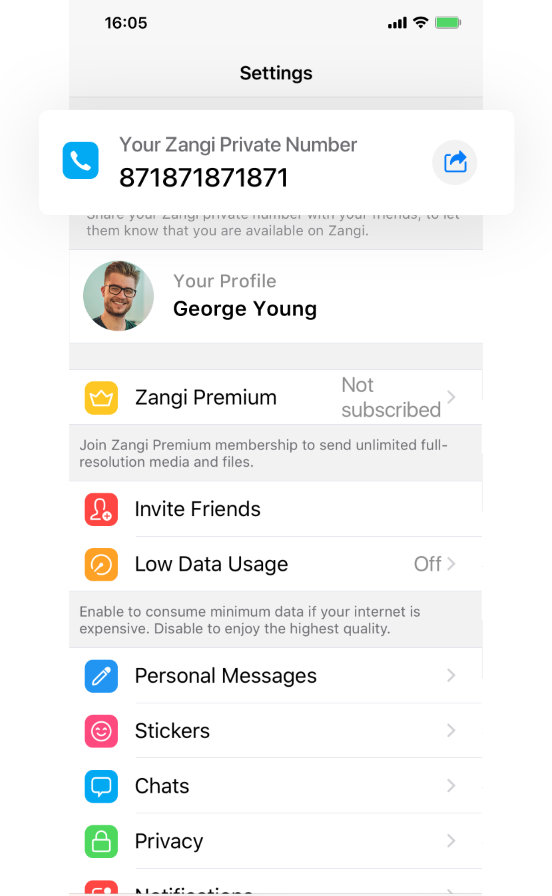
Upon installation, it is advisable to delve into Zangi’s privacy settings. Users can customize various options, such as who can see their online status, profile picture, and last seen timestamps. Activating the “Invisible Mode” is also an option for those who wish to maintain a low profile. Understanding and configuring these settings allows users to tailor their privacy experience to their individual comfort levels.
Advanced Tips for Optimized Usage
To truly maximize Zangi’s benefits, especially in challenging network conditions, consider these tips:
-
Encourage all frequent contacts to use Zangi: The security and data-saving benefits are maximized when both parties are on the platform.
-
Utilize the call recording feature judiciously: Ensure all participants are aware and consent to recording when necessary.
-
Monitor data usage: Observe how much data Zangi saves compared to other apps, especially when making international calls, to appreciate its efficiency.
-
Stay updated: Regularly update the app to benefit from the latest security patches, performance improvements, and new features.
Conclusion: Zangi’s Role in the Evolving Digital Communication Landscape
The Zangi app is primarily used as a secure, private, and highly efficient communication platform for messaging, voice, and video calls. It distinguishes itself through end-to-end encryption, a no-server-logs policy, and remarkably low data consumption, making it particularly valuable for users who prioritize digital privacy, operate in low-bandwidth environments, or seek cost-effective international communication. While it may not command the vast user base of global giants, Zangi carves out a significant niche by offering a robust and reliable alternative focused on the core tenets of secure and accessible communication. In an increasingly complex digital world, Zangi offers a refreshing commitment to user control and technological excellence, making it a noteworthy contender for anyone seeking a more private and efficient way to connect.
aViewFromTheCave is a participant in the Amazon Services LLC Associates Program, an affiliate advertising program designed to provide a means for sites to earn advertising fees by advertising and linking to Amazon.com. Amazon, the Amazon logo, AmazonSupply, and the AmazonSupply logo are trademarks of Amazon.com, Inc. or its affiliates. As an Amazon Associate we earn affiliate commissions from qualifying purchases.