
In an era where our mobile devices are extensions of our digital identity, the intrusion of unsolicited telemarketing calls is more than just a nuisance—it is a significant concern for digital security and personal privacy. The “No Call Number” refers to the contact point for the National Do Not Call Registry, a specialized database managed by the Federal Trade Commission (FTC). Designed to provide consumers with a technical barrier against unwanted commercial solicitations, this registry is a cornerstone of modern telecommunications privacy.
Understanding how to leverage the No Call Number, the technology that powers the registry, and the additional digital security layers available to users is essential for maintaining a clean and secure digital footprint. This guide explores the mechanics of the registry, the evolving technology of spam prevention, and how users can protect their data in an increasingly connected world.
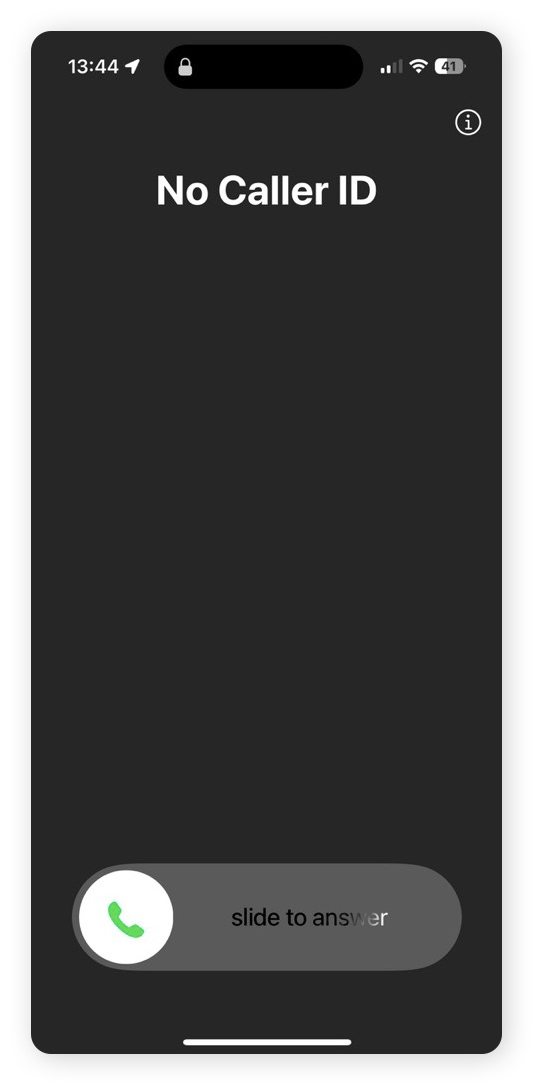
Understanding the National Do Not Call Registry
The National Do Not Call Registry was established to give consumers a choice regarding whether they receive telemarketing calls at home or on their mobile devices. From a technical standpoint, the registry is a massive, centralized database that stores the telephone numbers of individuals who have opted out of receiving commercial solicitations.
The Technology of the Registry
The registry operates as a regulatory filter. Legitimate telemarketers are required by law to synchronize their calling lists with the FTC’s database at least once every 31 days. This process, often referred to as “scrubbing,” involves using specialized software that compares a company’s lead list against the millions of numbers stored in the national database. Any matches are automatically removed, ensuring the company remains compliant with the Telephone Consumer Protection Act (TCPA).
For developers and corporate IT departments, the FTC provides access to the registry through a secure web portal. Companies must register for a Subscription Account Number (SAN) to download the list of restricted numbers for specific area codes. This technical infrastructure ensures that the burden of compliance lies with the solicitor, provided the consumer has initiated the block through the No Call Number.
How the Registration Process Works
To place a number on the registry, users must engage with the system through one of two primary channels:
- Voice Interaction: Users can call 1-888-382-1222 (the No Call Number) from the phone they wish to register. This method uses Interactive Voice Response (IVR) technology to verify the caller’s identity and link the phone number to the request automatically.
- Digital Portal: Users can visit the official website (donotcall.gov). This method requires a valid email address for verification. Once the user submits their number, the system sends a confirmation link containing a unique token. Clicking this link completes the handshake between the user’s browser and the FTC database, finalizing the registration.
Once registered, a number remains in the database indefinitely. There is no technical need to “renew” a registration, a common misconception that is often exploited by phishing scammers.
The Evolution of Spam-Blocking Technology
While the National Do Not Call Registry is a powerful tool against legitimate businesses, it is often bypassed by bad actors, scammers, and international robocallers who ignore local regulations. As a result, the technology surrounding “no call” protections has evolved into a multi-layered ecosystem of digital security.
STIR/SHAKEN Framework
One of the most significant technological advancements in telecommunications security is the implementation of the STIR/SHAKEN protocol. STIR (Secure Telephone Identity Revisited) and SHAKEN (Signature-based Handling of Asserted information using toKENs) are a suite of protocols and procedures intended to combat caller ID spoofing.
When a call is placed, the originating carrier “signs” the call with a digital certificate, verifying that the caller ID displayed to the recipient is legitimate. As the call travels through the network, the receiving carrier validates this digital signature. If the signature is missing or invalid, the carrier may flag the call as “Potential Spam” or block it entirely before it ever reaches the user’s device. This cryptographic verification is the digital equivalent of the No Call Registry, operating at the network level to ensure integrity.
AI-Powered Call Filtering
Modern smartphones have integrated sophisticated software to augment the No Call Registry. Mobile operating systems like iOS and Android now feature built-in AI filters.
- Android Call Screen: Google utilizes its AI assistant to answer calls from unknown numbers in real-time. The software transcribes the caller’s response and displays it on the screen, allowing the user to decide whether to pick up, report the call as spam, or hang up.
- iOS Silence Unknown Callers: This feature uses the device’s internal logic to check incoming calls against the user’s contact list, outgoing calls, and Siri Suggestions. If no match is found, the call is sent directly to voicemail without ringing, providing a silent barrier against unsolicited noise.
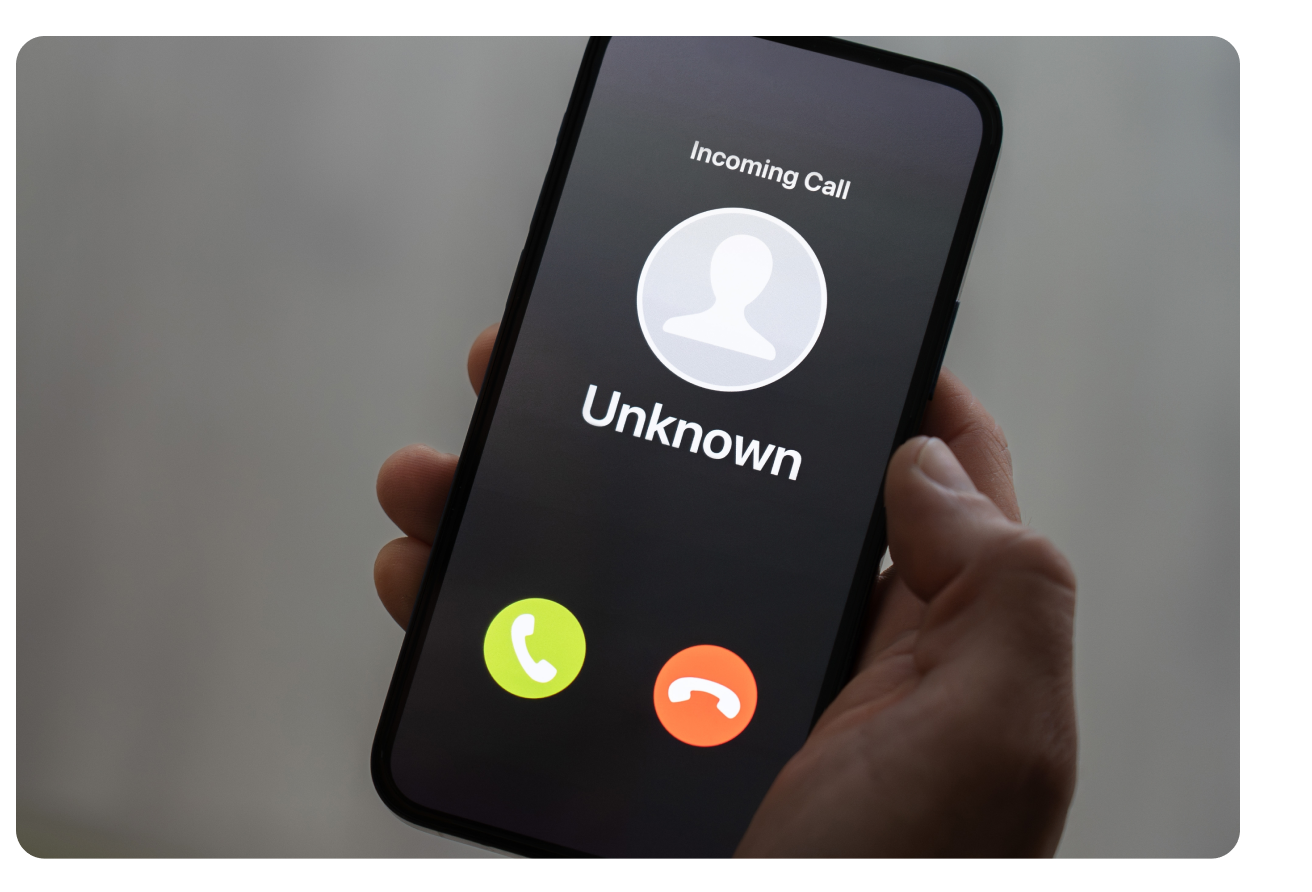
Digital Security: Protecting Against Spoofing and Scams
Despite the effectiveness of the No Call Number and network-level protocols, scammers frequently use Voice over IP (VoIP) technology to circumvent protections. Understanding these technical exploits is vital for personal digital security.
Identifying Caller ID Spoofing
Spoofing occurs when a caller deliberately falsifies the information transmitted to your caller ID to disguise their identity. Often, scammers use “neighbor spoofing,” a technique where they use a VoIP service to display a phone number with your local area code and exchange. This increases the likelihood that the target will answer, thinking it is a local business or neighbor.
From a security perspective, it is important to remember that the No Call Registry only stops legitimate telemarketers. Scammers operating outside the law do not check the registry. Therefore, if you are registered and still receive frequent calls, it is a high-probability indicator that the caller is engaging in fraudulent activity.
Third-Party Security Apps
To supplement the official No Call Number, many users turn to third-party applications like Truecaller, Hiya, or Robokiller. These apps function by maintaining their own proprietary databases of reported spam numbers.
- Crowdsourced Intelligence: These apps rely on millions of users reporting spam in real-time. When a number is flagged by a specific threshold of users, it is globally blocked for all subscribers of the app.
- Audio Fingerprinting: Some advanced apps use “audio fingerprinting” technology to analyze the patterns of robocalls. Even if a scammer changes their outgoing number, the software can recognize the specific frequency and cadence of the recorded message, blocking it based on the content of the call rather than the source number.
Best Practices for Maintaining Telecommunications Privacy
To maximize the effectiveness of the No Call Number and ensure your digital security remains uncompromised, users should adopt a proactive stance toward their mobile data.
1. Register Every Device
The No Call Registry is not limited to landlines. In the modern tech landscape, mobile numbers are often more vulnerable because they are linked to social media accounts, banking apps, and two-factor authentication (2FA) systems. Ensuring every mobile device in your household is registered at 1-888-382-1222 is the first line of defense.
2. Avoid “Interacting” with Automated Systems
A common mistake users make when receiving a spam call is pressing a button to “opt-out” or speaking to an automated prompt. From a data-harvesting perspective, any interaction—even pressing “2” to be removed—confirms to the scammer’s software that the number is active and that a human is on the other end. This makes your number a “high-value target,” which is then sold to other telemarketing lists. The most secure action is to hang up immediately or let the call go to a filtered voicemail.
3. Use Virtual Phone Numbers for Web Signups
When signing up for digital services, apps, or rewards programs, your phone number is often collected and shared with third-party data brokers. To prevent your primary number from ending up on telemarketing lists, consider using virtual number services like Google Voice or specialized privacy apps. These services provide a secondary digital layer, allowing you to receive texts and calls without exposing your underlying hardware’s primary number.

The Future of Call Security and Regulation
As we look toward the future of telecommunications, the battle between privacy advocates and unsolicited callers is moving into the realm of advanced automation. The FTC and FCC continue to refine the technical requirements for carriers, pushing for 100% adoption of STIR/SHAKEN and increasing the penalties for companies that fail to use the No Call Registry database correctly.
Furthermore, we are seeing the rise of “Personal AI Gatekeepers.” Future mobile operating systems may feature persistent AI agents that live on-device, capable of holding complex conversations with callers to determine their intent before the user’s phone ever vibrates. This shift from reactive blocking (the current No Call Registry model) to proactive AI mediation represents the next frontier in digital security.
In conclusion, the No Call Number (1-888-382-1222) remains an essential tool in the digital consumer’s arsenal. By combining the official protections of the National Do Not Call Registry with modern network protocols like STIR/SHAKEN and device-level AI filtering, users can significantly reduce their exposure to digital intrusions. Protecting your phone number is no longer just about avoiding annoyance; it is a critical component of maintaining your overall digital privacy and security in a hyper-connected world.
aViewFromTheCave is a participant in the Amazon Services LLC Associates Program, an affiliate advertising program designed to provide a means for sites to earn advertising fees by advertising and linking to Amazon.com. Amazon, the Amazon logo, AmazonSupply, and the AmazonSupply logo are trademarks of Amazon.com, Inc. or its affiliates. As an Amazon Associate we earn affiliate commissions from qualifying purchases.