
In the realm of modern computing, the graphics processing unit (GPU) stands as one of the most sophisticated pieces of hardware within a system. However, even the most powerful NVIDIA RTX 40-series card is essentially dormant without the specialized software required to translate code into visual brilliance. This software is the NVIDIA Display Driver. For gamers, creative professionals, and AI researchers, keeping track of the “latest” driver is not merely a matter of routine maintenance; it is a critical step in ensuring system stability, security, and peak performance.
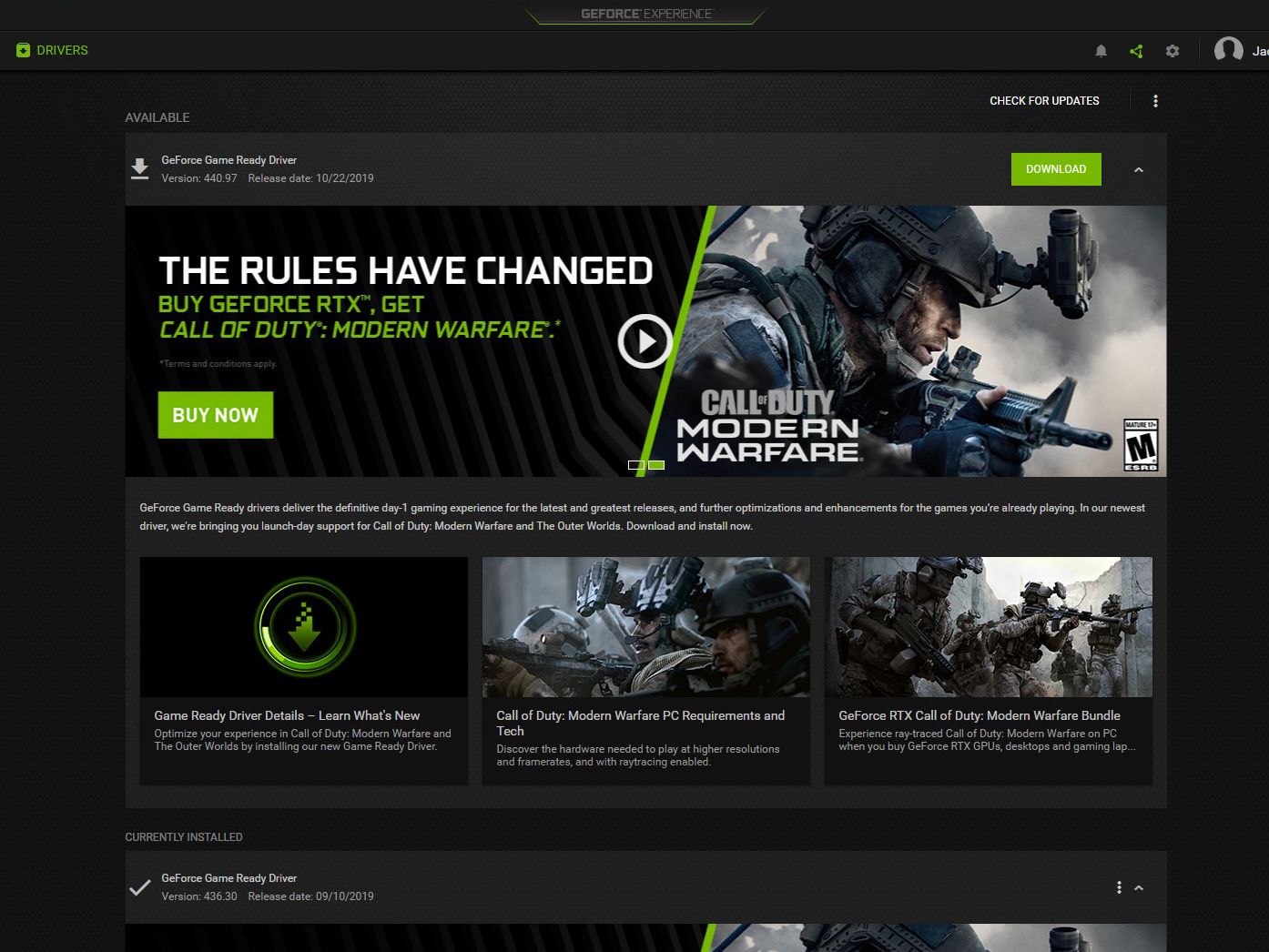
The landscape of NVIDIA drivers has shifted significantly in recent months. With the transition toward a unified software ecosystem and the introduction of groundbreaking AI-driven features, understanding what the latest driver offers—and how to manage it—is essential for anyone looking to maximize their hardware investment.
The Vital Role of NVIDIA Display Drivers in Modern Computing
To understand the latest version of NVIDIA’s software, one must first understand what the driver actually does. At its core, the driver acts as an intermediary between the Windows or Linux operating system and the GPU hardware. It tells the hardware how to render 3D graphics, manage power consumption, and interface with APIs like DirectX 12, Vulkan, and OpenGL.
Unlocking Hardware Potential via Software
NVIDIA’s development cycle is aggressive. Each new driver release, typically falling under the “Version 550” or “Version 560” branches in the current era, provides specific instructions that optimize the GPU’s “cores” for the latest software releases. For instance, a driver update might include a specific “profile” for a newly released AAA game. This profile tells the GPU how to distribute its workload across CUDA cores, RT (Ray Tracing) cores, and Tensor cores to achieve the highest frame rates and the lowest latency.
Security and Stability Patches
Beyond performance, the latest NVIDIA drivers serve a defensive purpose. Modern GPUs are complex enough to have their own security vulnerabilities. NVIDIA regularly patches these through driver updates, protecting users from potential exploits that could occur through malicious code executed via web browsers or compromised software. Stability is the other pillar; as Windows updates its kernel or changes the way it handles memory management, NVIDIA must update its drivers to prevent the dreaded “Blue Screen of Death” (BSOD) or application crashes.
Game Ready vs. Studio Drivers: Choosing the Right Path
When searching for the latest NVIDIA driver, users are often presented with two distinct paths: Game Ready Drivers (GRD) and NVIDIA Studio Drivers (SD). Selecting the correct one depends entirely on the primary use case of the machine.
The Game Ready Driver (GRD)
The Game Ready Driver is the most frequent release. These drivers are timed to launch alongside—or even before—major video game releases. The goal of the GRD is to provide “Day 0” support. This means that when a blockbuster title launches, the driver already contains the necessary optimizations to prevent flickering, graphical artifacts, and performance dips. If you are a gamer or a general user who wants the absolute newest features as soon as they are coded, the latest Game Ready Driver is your target.
The NVIDIA Studio Driver (SD)
For professionals working in video editing (Adobe Premiere Pro, DaVinci Resolve), 3D modeling (Blender, Autodesk Maya), or graphic design, the Studio Driver is the superior choice. While the Game Ready Driver focuses on the latest titles, the Studio Driver prioritizes “uptime” and extensive testing across creative application suites. NVIDIA coordinates with software vendors like Adobe and Blackmagic Design to ensure that these drivers are rock-solid for long render sessions. The Studio Driver may not be updated as frequently as the GRD, but when it is, it represents the pinnacle of reliability for production environments.
The Unified Architecture: WHQL Certification
Regardless of whether you choose GRD or Studio, the latest drivers are usually WHQL (Windows Hardware Quality Labs) certified. This is a “seal of approval” from Microsoft, indicating that the driver has undergone rigorous testing to ensure compatibility with the Windows ecosystem. For the average user, always opting for the WHQL-certified version is the safest way to maintain a healthy system.
The Evolution of Software Management: The New NVIDIA App
For over a decade, NVIDIA users relied on two separate pieces of software: the NVIDIA Control Panel (for granular settings) and GeForce Experience (for driver updates and game optimization). As of 2024, NVIDIA has begun a massive transition toward a unified “NVIDIA App.”
A Modern, Integrated Interface
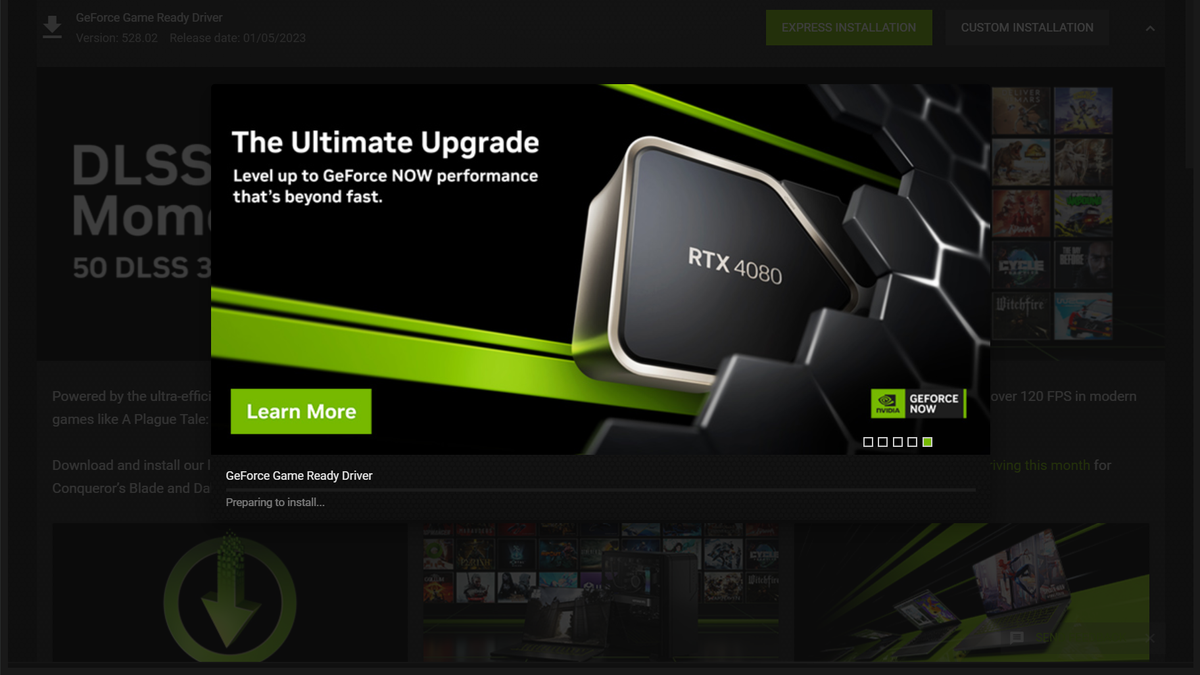
The latest NVIDIA driver releases are now designed to work seamlessly with the new NVIDIA App, which is currently in its beta phase but is rapidly becoming the standard. This app replaces the aging, clunky interface of the Control Panel with a sleek, responsive design. It integrates driver downloads, global GPU settings, and an improved overlay for performance monitoring.
Why the Transition Matters
The latest software stack is significantly lighter on system resources than GeForce Experience. Users no longer need to log in with an account just to download a driver update—a major point of contention in the past. This shift reflects a “performance-first” philosophy, where the software supporting the hardware doesn’t cannibalize the very resources (like RAM and CPU cycles) that it is meant to optimize.
Advanced Features and AI Integration in Current Releases
The most recent driver versions (specifically those supporting the RTX 40-series and 30-series) are more than just stability patches; they are gateways to AI-enhanced computing. NVIDIA has moved heavily into the AI space, and the latest drivers are the delivery mechanism for these technologies.
DLSS 3.5 and Ray Reconstruction
One of the most significant reasons to stay on the latest driver is Deep Learning Super Sampling (DLSS). The current iterations, such as DLSS 3.5, introduce “Ray Reconstruction.” This feature uses a trained AI model to replace manually tuned denoisers in ray-traced scenes. The result is higher-quality lighting and reflections that are more physically accurate, often with a performance boost. This technology is constantly being refined, and each driver update typically expands the list of supported games and improves the AI’s accuracy.
RTX Video Super Resolution and HDR
The latest drivers have also expanded AI benefits to video consumption. RTX Video Super Resolution (VSR) uses AI to upscale blurry, low-resolution web video (like 720p YouTube clips) into crisp 4K content in real-time. Furthermore, the latest “RTX HDR” feature can take SDR (Standard Dynamic Range) games and use AI to inject high-dynamic-range lighting, giving older titles a modern visual facelift without requiring a developer patch.
NVIDIA Broadcast and Latency Reduction
For streamers and remote workers, the latest drivers include optimizations for NVIDIA Broadcast, which uses AI to remove background noise and replace camera backgrounds. Simultaneously, the latest “NVIDIA Reflex” updates integrated into the drivers help minimize system latency, providing a competitive edge by ensuring that the time between a mouse click and a pixel change on screen is as short as humanly possible.
Troubleshooting and Maintaining Driver Health
While the latest driver is usually the best, the process of updating can sometimes encounter hurdles. Maintaining a clean software environment is vital for avoiding the “stuttering” or “flickering” issues that can plague a system after years of overlapping updates.
The Importance of a Clean Installation
When installing the latest driver via the NVIDIA App or website, users are often given the option for a “Custom Installation” followed by a “Perform a Clean Installation” checkbox. This is highly recommended if you are moving between major version numbers (e.g., from 530.xx to 550.xx). It wipes previous settings and temporary files that might conflict with the new code.
Using Display Driver Uninstaller (DDU)
For enthusiasts facing persistent graphical issues, the “latest driver” might not work correctly if the previous installation was corrupted. In these cases, a third-party tool called Display Driver Uninstaller (DDU) is the industry standard. It removes every trace of NVIDIA software from the Windows Registry and file system in Safe Mode. Once the system is “clean,” installing the latest official driver from the NVIDIA website often resolves issues that a simple update could not.
How to Check Your Current Version
If you are unsure if you are running the latest version, the simplest method is to right-click your desktop and open the NVIDIA Control Panel or the NVIDIA App. Under the “System Information” or “Drivers” tab, you will see a version number (e.g., 555.85). Comparing this number against the official NVIDIA download page will tell you instantly if an update is required.
Conclusion: Staying Current in an AI-Driven Era
The question of “what is the latest NVIDIA driver” is a moving target, but the answer always points toward the same goal: maximizing the synergy between silicon and software. As NVIDIA continues to push the boundaries of what a GPU can do—moving from simple rasterization to complex AI-generated frames and neural rendering—the driver becomes the most important piece of software on your PC.
By staying updated, users gain more than just a few extra frames per second. They gain access to a suite of AI tools, enhanced security protocols, and the stability required for both high-stakes gaming and professional creative work. Whether you are using the traditional manual download method or the streamlined new NVIDIA App, keeping your drivers current is the single most effective way to ensure your hardware remains at the cutting edge of technology.
aViewFromTheCave is a participant in the Amazon Services LLC Associates Program, an affiliate advertising program designed to provide a means for sites to earn advertising fees by advertising and linking to Amazon.com. Amazon, the Amazon logo, AmazonSupply, and the AmazonSupply logo are trademarks of Amazon.com, Inc. or its affiliates. As an Amazon Associate we earn affiliate commissions from qualifying purchases.