
In the landscape of modern technology, terminology often overlaps, borrowing from the natural world to describe digital phenomena. While a layman might view the difference between a “rat” and a “mouse” through the lens of biology, the distinction within the tech industry is far more profound—and significantly more critical for security. One is a foundational hardware peripheral that has defined human-computer interaction for decades; the other is a sophisticated piece of malicious software designed to undermine privacy and corporate security.
Understanding the difference between a mouse (the hardware) and a RAT (the Remote Access Trojan) is not merely a lesson in semantics. It is an exploration of the duality of technology: our ability to create tools that empower users versus the development of exploits that strip that power away. This article examines these two “rodents” of the tech world, exploring their history, their mechanics, and why every digital citizen needs to know the difference.
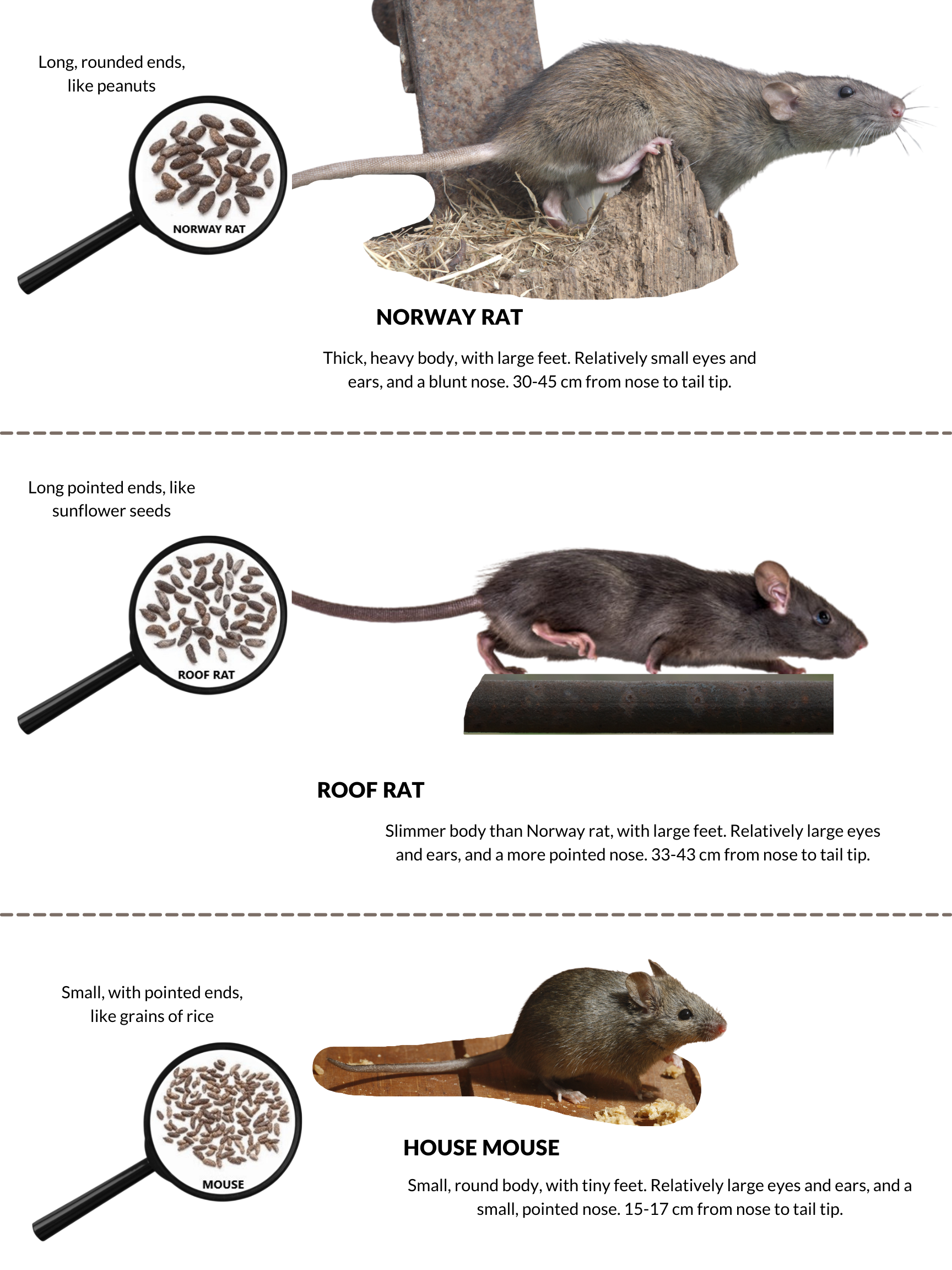
Hardware vs. Malware: Defining the Fundamentals
At the most basic level, the difference lies in physicality and intent. A mouse is a tangible input device, whereas a RAT is an intangible, often invisible, set of instructions designed for exploitation.
The Ubiquitous Mouse: From Xerox PARC to Modern Ergonomics
The computer mouse is perhaps the most successful human-machine interface ever devised. Conceptualized by Douglas Engelbart in 1964 and brought to the masses by Apple and Xerox, the mouse transformed computing from a text-based, command-line experience into a visual, intuitive journey.
In technical terms, a mouse is a peripheral that translates two-dimensional motion into the movement of a pointer on a GUI (Graphical User Interface). Over the years, the technology has evolved from mechanical rubber balls to high-precision optical and laser sensors. Its purpose is singular: to provide the user with agency over their digital environment. Whether through a $10 office peripheral or a $150 high-DPI (dots per inch) gaming mouse, the device is a tool of empowerment.
The Invisible Threat: Decoding the Remote Access Trojan (RAT)
In contrast, a RAT (Remote Access Trojan) is a type of malware that provides an administrative “backdoor” to a target computer. Unlike a standard mouse, which requires physical presence, a RAT allows a remote actor to control a system from anywhere in the world.
The “Trojan” designation is crucial here. Like the mythical horse of Troy, these programs are often disguised as legitimate software—such as a PDF viewer, a game update, or a system utility. Once installed, the RAT grants the attacker the same capabilities as the local user, often with elevated “System” or “Admin” privileges. While a mouse is a tool you use to talk to your computer, a RAT is a tool an intruder uses to listen to it.
Functionality and Mechanics: How They “Move”
To truly understand the difference, we must look at how these entities operate under the hood. Their “movement” describes how they interact with the operating system’s kernel and the user’s data.
Input Precision: How Modern Optical and Laser Mice Work
The modern computer mouse is a marvel of sensor technology. Most contemporary mice use a tiny, low-resolution camera to take thousands of images per second of the surface beneath them. An onboard Digital Signal Processor (DSP) analyzes these images to detect patterns and calculate movement.
This data is then sent via USB or Bluetooth to the computer’s OS. The “polling rate” (measured in Hz) determines how often the mouse reports its position to the computer. For tech professionals and gamers, low latency and high precision are the benchmarks of a quality mouse. The interaction is transparent, predictable, and entirely governed by the physical laws of the user’s hand movements.
The Silent Infiltration: Deployment and Propagation of RATs
A RAT does not “move” through physical space; it moves through network layers and file systems. The mechanics of a RAT are built on the Client-Server model. The “Server” is the infected machine, and the “Client” is the attacker’s control panel.
Propagation usually occurs through social engineering, such as phishing emails or “drive-by” downloads from compromised websites. Once the payload is executed, the RAT establishes a “C2” (Command and Control) connection. It often uses common ports (like port 80 or 443) to blend in with normal web traffic, making it difficult for standard firewalls to detect the outgoing signal. The RAT doesn’t just move the cursor; it can move files, activate the webcam, log keystrokes, and dump password hashes.
User Impact and Control Dynamics

The most significant difference between a mouse and a RAT is who is in the driver’s seat. This is where the tech-definition of these terms becomes a study in digital sovereignty.
Empowering the User: The Mouse as an Extension of Human Intent
The mouse represents user intent. When you click, the OS interprets that action as a command. In professional software suites like Adobe Creative Cloud or AutoCAD, the mouse is an extension of the artist’s hand or the engineer’s mind.
In the tech world, ergonomic design and haptic feedback are the primary concerns for mouse manufacturers. The goal is to make the interface between the human and the machine as seamless as possible. The impact of a good mouse is increased productivity and reduced physical strain (such as Carpal Tunnel Syndrome). It is a symbiotic relationship where the human is always the dominant actor.
Relinquishing Control: How a RAT Subverts System Authority
A RAT represents the subversion of intent. The impact of a RAT is the total loss of digital privacy. Because a RAT provides “remote access,” an attacker can literally watch the user’s screen in real-time. This is often referred to as “VNC” (Virtual Network Computing) hijacking.
The psychological and professional impact of a RAT is devastating. In a corporate environment, a single RAT can lead to a massive data breach, the theft of intellectual property, or the deployment of ransomware across the entire network. While the user moves their physical mouse to browse the web, the RAT is moving behind the scenes to exfiltrate their browser cookies and saved passwords. The user believes they are in control, but the system’s authority has been silently transferred to an external, malicious party.
Security Protocols and Preventive Measures
Because these two “rodents” occupy such different spaces in the tech ecosystem, the way we manage them is vastly different. One requires maintenance; the other requires a multi-layered defense-in-depth strategy.
Recognizing the Signs of a Compromised System
If your physical mouse is malfunctioning, the signs are obvious: the cursor jumps, the clicks don’t register, or the light on the bottom goes out. These are hardware failures easily solved by cleaning the sensor or replacing the device.
However, recognizing a RAT is significantly more difficult. Signs of a RAT infection include:
-
Unexplained Network Activity: High data usage when the computer should be idle.
-
Active Webcams: The “camera on” light flickering when no video software is running.
-
Ghosting: The cursor moving independently of the physical mouse (a literal “mouse vs. rat” scenario where the RAT wins).
-
System Slowdowns: High CPU or RAM usage caused by the RAT’s background processes or encryption activities.
Advanced Defense Strategies: Firewalls, EDR, and User Vigilance
Protecting a computer from a RAT involves more than just an antivirus. Modern cybersecurity relies on EDR (Endpoint Detection and Response) tools that monitor for suspicious behavior rather than just known file signatures.
Technical professionals use “sandboxing” to test suspicious files and “Network Segmentation” to ensure that if one device is compromised by a RAT, the infection cannot spread to critical servers. Furthermore, the use of Multi-Factor Authentication (MFA) is the strongest deterrent against RATs; even if an attacker steals a password via a keylogger (a common RAT feature), they cannot access the account without the secondary physical token.
The Evolution of Interaction and Exploitation
As we move toward the future of technology, both the mouse and the RAT are evolving, reflecting the broader trends in AI, connectivity, and hardware design.
The Future of Peripheral Tech: Beyond the Physical Mouse
The mouse as we know it is being challenged by gesture control, haptic touchpads, and eye-tracking technology. In the professional Tech niche, we are seeing the rise of “smart mice” that integrate AI to predict user workflows or offer customizable OLED screens on the peripheral itself. The goal remains the same: faster, more accurate input to facilitate human creativity.

The Sophistication of Modern Cyber-Espionage Tools
On the flip side, RATs are becoming more sophisticated through “fileless” malware techniques. These modern RATs reside entirely in the computer’s memory (RAM) rather than on the hard drive, making them nearly invisible to traditional disk-scanning software. State-sponsored actors use advanced RATs for long-term espionage, staying hidden within a network for years to slowly bleed data.
In conclusion, while the names “mouse” and “rat” might suggest a simple difference in size or species in the natural world, in the technology sector, they represent the absolute poles of the digital experience. The mouse is the tool of the creator, the worker, and the player. The RAT is the tool of the infiltrator, the spy, and the thief. Distinguishing between them is the first step in mastering your digital environment and securing your technological future. Whether you are clicking a button or defending a network, knowing which “rodent” is in your system makes all the difference.
aViewFromTheCave is a participant in the Amazon Services LLC Associates Program, an affiliate advertising program designed to provide a means for sites to earn advertising fees by advertising and linking to Amazon.com. Amazon, the Amazon logo, AmazonSupply, and the AmazonSupply logo are trademarks of Amazon.com, Inc. or its affiliates. As an Amazon Associate we earn affiliate commissions from qualifying purchases.