
For the modern entrepreneur, financial literacy is no longer just a desirable skill—it is a survival requirement. As businesses scale, the complexity of managing cash flow, tax obligations, and payroll grows exponentially. This is where QuickBooks enters the frame. Developed by Intuit, QuickBooks has become the industry standard for small to medium-sized business (SMB) accounting. But to categorize it simply as “accounting software” underestimates its role. In the context of business finance, QuickBooks serves as the central nervous system for a company’s monetary health.
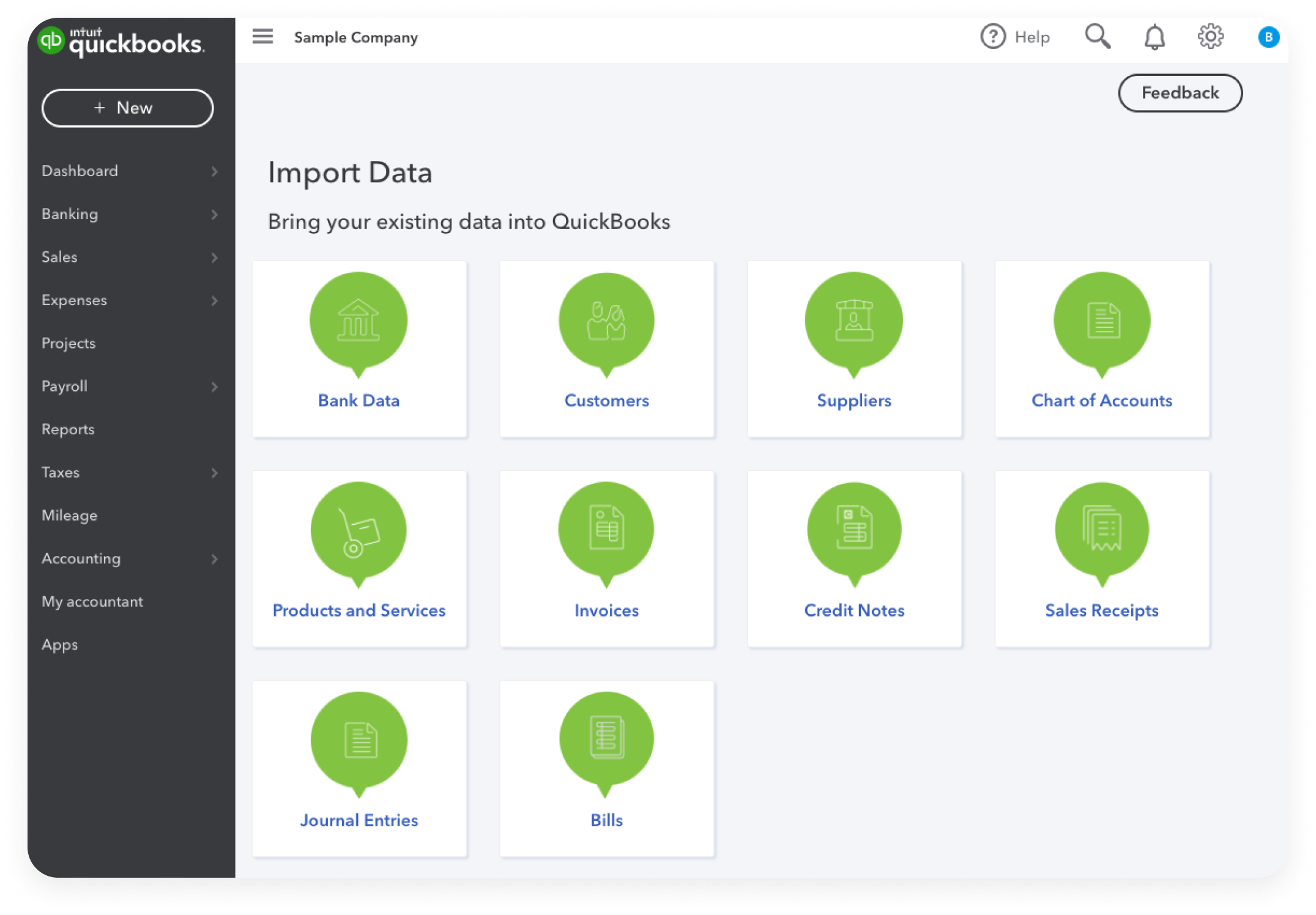
Understanding what QuickBooks is used for requires a deep dive into the mechanics of financial management. It is designed to replace the fragmented world of spreadsheets and paper receipts with a unified, automated ecosystem. By leveraging this tool, business owners can transition from reactive bookkeeping to proactive financial strategy.

Streamlining Core Financial Operations and Cash Flow
The primary utility of QuickBooks lies in its ability to automate the day-to-day “grunt work” of business finance. For many business owners, the most significant drain on productivity is the manual entry of transactions. QuickBooks mitigates this through direct integration with banking institutions.
Automated Bookkeeping and Transaction Categorization
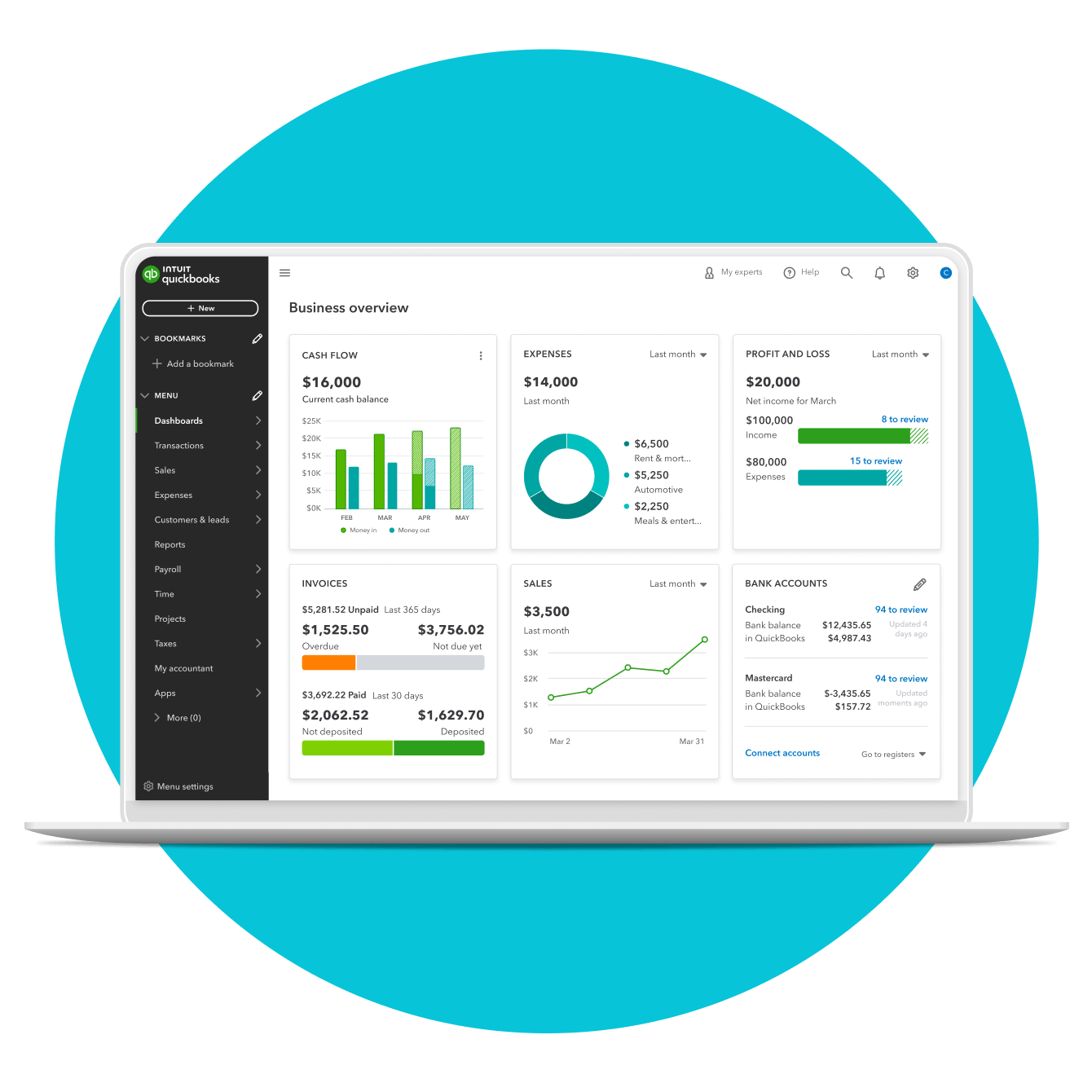
One of the most powerful features of QuickBooks is its ability to link directly to business bank accounts and credit cards. Once connected, the software pulls in transactions automatically. Using machine learning, it learns to categorize these expenses—identifying office supplies, travel expenses, or utility payments. This automation ensures that the ledger is always up to date, providing a real-time snapshot of the company’s financial position rather than waiting for a monthly reconciliation.
Accounts Receivable and Professional Invoicing
Cash flow is the lifeblood of any enterprise. QuickBooks is used extensively to manage the “Money In” side of the business. Users can create professional, branded invoices, send them via email, and track when they are opened. Perhaps more importantly, it allows for the integration of payment gateways, enabling clients to pay via credit card or ACH transfer directly from the invoice. This reduces the “Days Sales Outstanding” (DSO), ensuring that capital is returned to the business as quickly as possible.
Accounts Payable and Bill Management
Just as it tracks incoming revenue, QuickBooks is an essential tool for managing liabilities. By inputting vendor bills and setting due dates, business owners can avoid late fees and manage their outgoing cash flow strategically. The platform allows users to schedule payments, track recurring expenses, and maintain a clear history of vendor relationships, which is vital for negotiating better terms or identifying areas where costs can be trimmed.
Maximizing Tax Efficiency and Regulatory Compliance
In the realm of business finance, the end of the fiscal year can be a period of immense stress. QuickBooks is specifically designed to alleviate this burden by maintaining “audit-ready” books throughout the year.
Simplifying Year-End Tax Filings
Because QuickBooks organizes income and expenses into tax-ready categories, the process of filing a return becomes a matter of exporting data rather than hunting through shoeboxes of receipts. For those working with a CPA or tax professional, QuickBooks allows for “Accountant Access,” where the professional can log in directly to review the books, make adjustments, and pull the necessary data for Form 1120-S, 1065, or Schedule C. This efficiency often results in lower accounting fees and more accurate filings.
Managing Sales Tax and Payroll Liabilities
For businesses selling physical goods or employing staff, the financial complexity increases significantly. QuickBooks automatically calculates sales tax based on the customer’s location and the type of product sold, tracking these liabilities so they can be remitted to the state correctly. Similarly, the integrated payroll function calculates federal and state withholdings, Social Security, and Medicare. By automating these calculations, the software prevents the costly penalties associated with incorrect tax payments.
Deduction Tracking for Improved Margins
Every dollar saved in taxes is a dollar added to the bottom line. QuickBooks includes features specifically for tracking deductible expenses, such as mileage or home office costs. By capturing these figures in real-time through mobile app integration, business owners ensure they are not leaving money on the table when it comes time to calculate their taxable income.
Strategic Financial Reporting and Growth Analysis
Beyond the tactical level of paying bills and tracking taxes, QuickBooks is a sophisticated tool for financial intelligence. It transforms raw data into actionable insights that inform high-level business decisions.
Profit and Loss (P&L) Statements
The P&L statement is perhaps the most critical report for any business owner. It provides a summary of revenues, costs, and expenses incurred during a specific period. QuickBooks generates these reports with a single click, allowing owners to see their gross and net margins. By comparing P&L statements across different months or years, a business can identify seasonal trends, see if expenses are growing faster than revenue, and adjust their strategy accordingly.
Balance Sheets and Cash Flow Forecasts
While the P&L shows performance, the Balance Sheet shows the financial health of the company at a specific point in time. QuickBooks tracks assets, liabilities, and equity, providing a clear picture of what the business owns versus what it owes. Furthermore, advanced versions of the software offer cash flow forecasting. This tool uses historical data to predict future cash positions, helping owners decide when it is safe to invest in new equipment or when they might need to secure a line of credit.
Custom Reporting for Data-Driven Decisions
Every industry has different Key Performance Indicators (KPIs). A construction firm might need to track “Job Costing” to see which projects are most profitable, while a retail store might focus on inventory turnover. QuickBooks allows for deep customization of reports. Users can tag transactions to specific projects, departments, or locations, enabling a granular view of which parts of the business are generating the highest Return on Investment (ROI).
Choosing the Right Financial Infrastructure
As a business grows, its financial needs evolve. QuickBooks offers various versions—primarily Online and Desktop—each serving different strategic purposes within the “Money” niche.
QuickBooks Online vs. Desktop for Modern Scaling
QuickBooks Online (QBO) has become the preferred choice for modern businesses due to its cloud-based nature. It allows for multi-user access from anywhere in the world, making it ideal for distributed teams and real-time collaboration with accountants. On the other hand, QuickBooks Desktop remains a powerhouse for businesses with complex inventory needs or those in industries like manufacturing that require specialized “Enterprise” features. Choosing between them is a strategic decision based on the company’s operational model and financial complexity.
Integrating Third-Party Financial Tools
The utility of QuickBooks is further extended by its ability to integrate with hundreds of third-party apps. From specialized “Buy Now, Pay Later” services to advanced inventory management systems and CRM platforms like Salesforce, QuickBooks acts as the central ledger that consolidates data from these various financial touchpoints. This “tech-stack” approach to finance ensures that all monetary data flows into one place, eliminating silos and providing a “single source of truth” for the company’s finances.
Conclusion: The ROI of Structured Financial Management
Ultimately, QuickBooks is used to turn the chaos of entrepreneurship into the clarity of business management. In the “Money” niche, the goal is always to maximize value and minimize risk. By providing tools for automated bookkeeping, tax compliance, and sophisticated reporting, QuickBooks empowers business owners to move beyond “gut feeling” and start making decisions based on hard financial data.
Investing the time to set up and maintain a robust QuickBooks ecosystem pays dividends in the form of saved time, reduced tax liability, and a clearer path to profitability. For any business serious about its financial future, QuickBooks isn’t just a software choice; it is a foundational component of a successful financial strategy. Whether you are a solo freelancer tracking billable hours or a growing corporation managing complex payroll and inventory, the platform provides the structural integrity needed to scale a business in today’s competitive economic landscape.
aViewFromTheCave is a participant in the Amazon Services LLC Associates Program, an affiliate advertising program designed to provide a means for sites to earn advertising fees by advertising and linking to Amazon.com. Amazon, the Amazon logo, AmazonSupply, and the AmazonSupply logo are trademarks of Amazon.com, Inc. or its affiliates. As an Amazon Associate we earn affiliate commissions from qualifying purchases.