
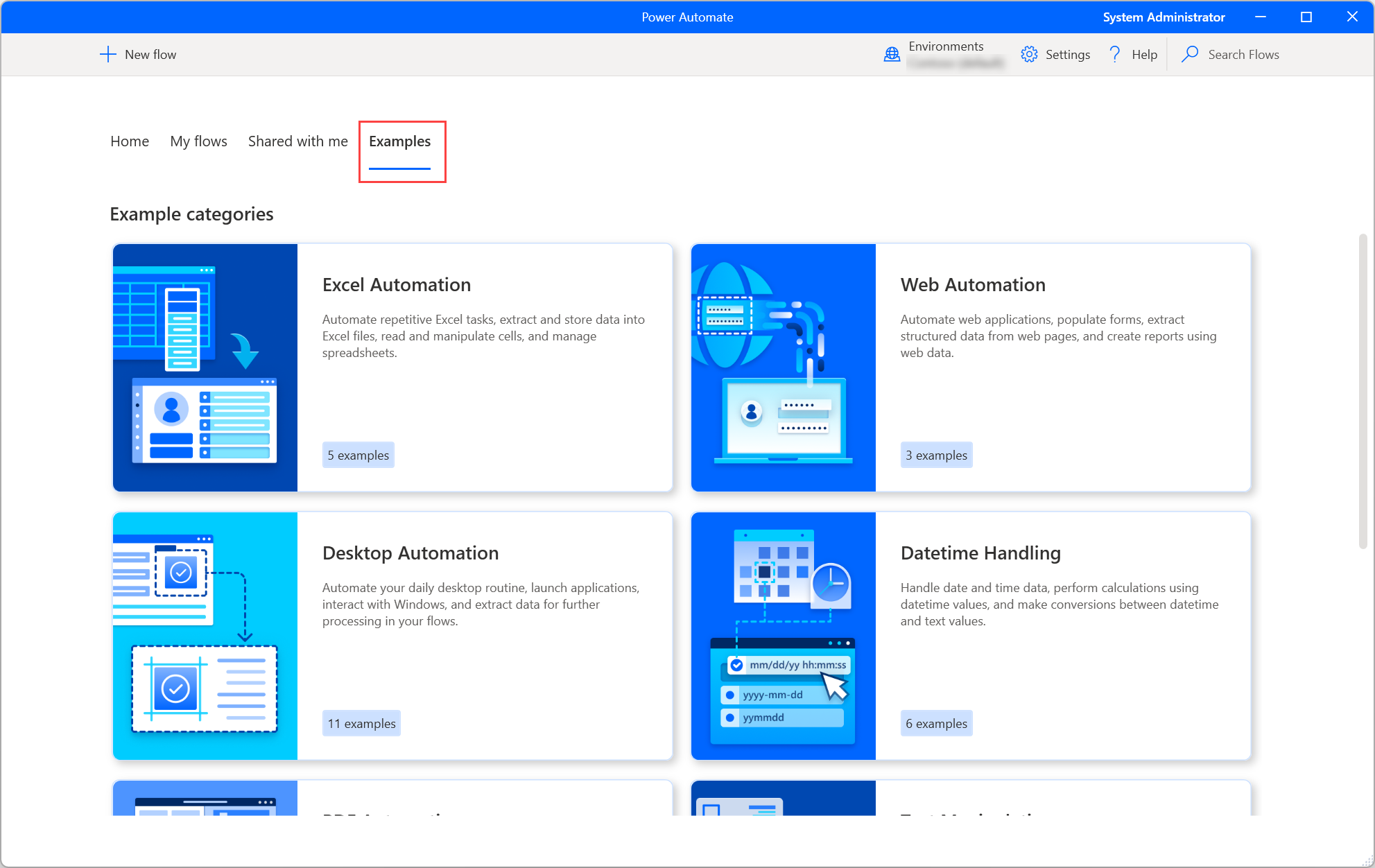
In the contemporary digital landscape, the drive for efficiency has moved beyond simple software updates to a fundamental reimagining of how we interact with technology. At the forefront of this shift is Power Automate Desktop (PAD), a powerful Robotic Process Automation (RPA) solution developed by Microsoft. As a central pillar of the Microsoft Power Platform, Power Automate Desktop is designed to bridge the gap between manual, repetitive tasks and seamless digital workflows.
By allowing users to automate legacy applications, web-based interfaces, and complex data entry processes without requiring extensive coding knowledge, PAD has democratized automation. This article explores the technical architecture, core features, and transformative potential of Power Automate Desktop within the tech ecosystem.
1. Understanding the Mechanics of Robotic Process Automation (RPA)
To understand what Power Automate Desktop is, one must first grasp the concept of Robotic Process Automation (RPA). Unlike traditional automation that relies on Application Programming Interfaces (APIs) to allow different software to “talk” to each other, RPA operates at the user interface (UI) level. It essentially “mimics” human actions—clicking buttons, typing text, and moving files.
The Distinction Between Attended and Unattended Automation
Power Automate Desktop offers two primary modes of operation. Attended automation runs on a user’s workstation while they are logged in, acting as a digital assistant that handles specific parts of a task under human supervision. This is ideal for customer service representatives or accountants who need to trigger a process during their workday.
Unattended automation, conversely, runs on a server or a dedicated virtual machine without human intervention. These flows are usually scheduled or triggered by specific events (like the arrival of an email) and are designed to handle high-volume, back-office processes.
The Evolution from WinAutomation to Power Automate
The technology behind PAD originated from Microsoft’s acquisition of Softomotive and its flagship product, WinAutomation. Since then, Microsoft has deeply integrated these capabilities into the Windows ecosystem. Today, Power Automate Desktop is built directly into Windows 11, signaling a shift where automation is no longer an enterprise-only luxury but a standard tool for every digital professional.
2. Key Technical Features and Capabilities
Power Automate Desktop stands out in the crowded RPA market due to its intuitive design and deep integration with the Microsoft stack. It provides a robust environment where complex logic can be mapped out visually.
Drag-and-Drop Visual Designer
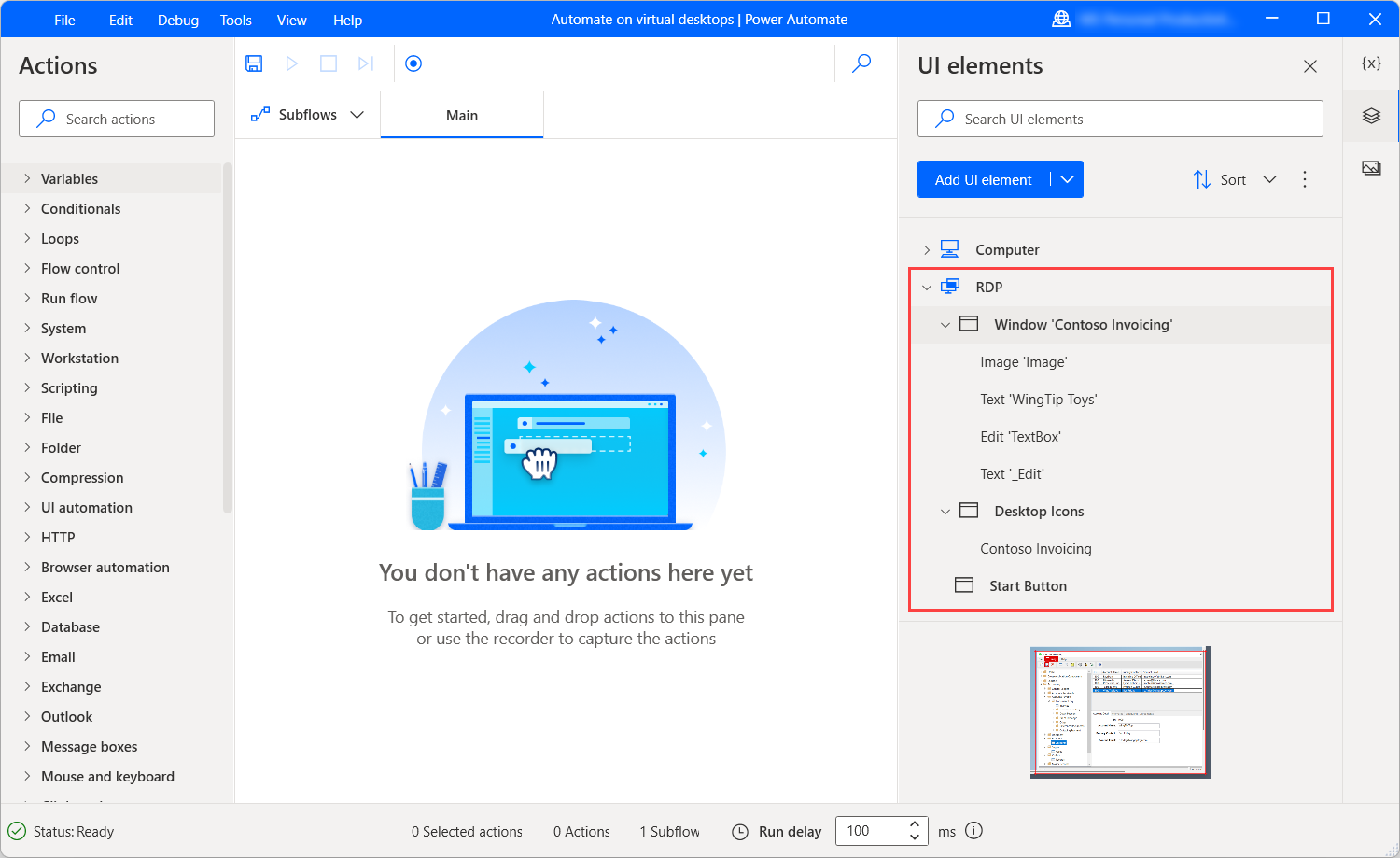
The core of the PAD experience is its visual flow designer. Users are presented with a canvas where they can drag and drop from a library of over 400 pre-built actions. These actions cover everything from basic file manipulation and Excel operations to more advanced tasks like PDF data extraction and cryptographic operations. This “low-code” approach ensures that IT professionals and “citizen developers” alike can build sophisticated scripts without writing a single line of Python or C#.
Web and Desktop Recorders
One of the most powerful technical features is the recorder functionality. For users who find the manual assembly of actions daunting, the Web and Desktop recorders allow them to simply perform the task they wish to automate. The software tracks mouse clicks, keystrokes, and window transitions in real-time, automatically converting these movements into a structured flow. These recordings can then be edited, looped, or enhanced with conditional logic (If/Else statements) to handle exceptions.
Advanced Exception Handling and Logic
A common challenge in automation is the “brittleness” of scripts—when a software update changes a button’s location, the automation often breaks. Power Automate Desktop mitigates this through advanced UI element selectors and robust exception handling. Developers can set “On Error” rules, instructing the flow to retry a step, notify an administrator, or skip to a different part of the process if a specific application fails to respond.
3. Practical Use Cases in the Modern Tech Ecosystem

The true value of Power Automate Desktop is revealed through its application in real-world technical scenarios. It excels in environments where “legacy” software—older applications that lack modern APIs—is still in use.
Streamlining Data Migration and Web Scraping
In the world of data science and IT administration, moving data between systems is a constant hurdle. PAD can be configured to scrape data from a legacy web portal, format it within an Excel spreadsheet, and then input that data into a modern ERP system. By automating this “swivel-chair” data entry, organizations reduce the risk of human error and free up technical staff for higher-level architectural tasks.
Automating IT Administration Tasks
System administrators use Power Automate Desktop to manage repetitive maintenance tasks. For example, a flow can be designed to automatically check server logs for specific error codes every morning, compile those errors into a report, and send a summary via Microsoft Teams. It can also manage user provisioning by interacting with active directory tools and HR portals simultaneously.
Seamless Integration with Microsoft 365 and Power Platform
While PAD functions as a standalone desktop application, its true power is unlocked when connected to the “Cloud Flows” of the broader Power Automate service. This allows for a hybrid approach: a cloud-based trigger (like a new entry in a SharePoint list) can initiate a desktop flow on a local machine to perform a task in a legacy desktop app. This creates a unified automation fabric that spans across local hardware and the cloud.
4. Security and Governance in Automation
As with any tool that has the power to manipulate data and interface with enterprise systems, security is a paramount concern. Power Automate Desktop is built with enterprise-grade security protocols that align with Microsoft’s broader security standards.
Data Loss Prevention (DLP) Policies
Administrators can implement Data Loss Prevention (DLP) policies to control which connectors and actions users can access. For example, an organization can prevent a user from creating a flow that scrapes sensitive data from an internal SQL database and posts it to a public social media platform. These guardrails ensure that the democratization of automation does not lead to a compromise in data integrity.
Centralized Monitoring and Logs
Every action performed by a Power Automate Desktop flow can be logged and audited. Within the Power Platform Admin Center, IT departments can see which flows are running, who created them, and whether they succeeded or failed. This visibility is crucial for maintaining compliance in regulated industries such as finance, healthcare, and government.
5. The Future of PAD: AI Integration and Generative RPA
The trajectory of Power Automate Desktop is increasingly intertwined with Artificial Intelligence. Microsoft is heavily investing in “Generative RPA,” where the boundaries between AI and automation blur.
Copilot in Power Automate
The introduction of Microsoft Copilot—a generative AI assistant—is transforming how flows are built. Instead of manually searching for the “Extract data from PDF” action, users can describe their goal in natural language: “Create a flow that reads invoices from this folder and enters the totals into my accounting software.” The AI then generates a draft of the flow, which the user can refine. This significantly lowers the barrier to entry and accelerates the development lifecycle.
AI Builder and Intelligent Document Processing (IDP)
Beyond simple UI automation, PAD integrates with AI Builder to handle unstructured data. Through machine learning models, the software can “read” an image of a handwritten note or a scanned invoice, identify the relevant fields, and convert that information into structured data. This represents the next frontier of Tech: software that doesn’t just follow instructions, but actually “understands” the content it is processing.
Conclusion
Power Automate Desktop is more than just a macro recorder; it is a sophisticated, scalable platform that sits at the intersection of human creativity and machine precision. By providing a bridge to legacy systems, integrating deeply with the cloud, and embracing the potential of AI, PAD has become an essential tool for any organization looking to thrive in a digital-first economy. As the technology continues to evolve, the ability to automate will transition from a specialized skill set to a fundamental digital literacy, with Power Automate Desktop leading the charge.
aViewFromTheCave is a participant in the Amazon Services LLC Associates Program, an affiliate advertising program designed to provide a means for sites to earn advertising fees by advertising and linking to Amazon.com. Amazon, the Amazon logo, AmazonSupply, and the AmazonSupply logo are trademarks of Amazon.com, Inc. or its affiliates. As an Amazon Associate we earn affiliate commissions from qualifying purchases.