
In the digital era, the term “Outbox” is one that almost every internet user has encountered, yet few stop to consider its technical significance. Whether you are hitting “send” on an urgent professional email or designing a complex microservices architecture for a global enterprise, the Outbox serves as a critical intermediary. It is the digital “waiting room”—a transitional space where data resides after a user or system has initiated a transfer but before the destination has successfully received and acknowledged it.
While the average user identifies the Outbox with a folder in Microsoft Outlook or Gmail, its importance in the field of technology extends far beyond a simple UI element. In software engineering, the “Transactional Outbox Pattern” is a sophisticated solution to one of the most difficult problems in distributed systems: ensuring data consistency across multiple services. This article explores the dual nature of the Outbox, from its functional role in daily communication to its architectural necessity in modern software development.
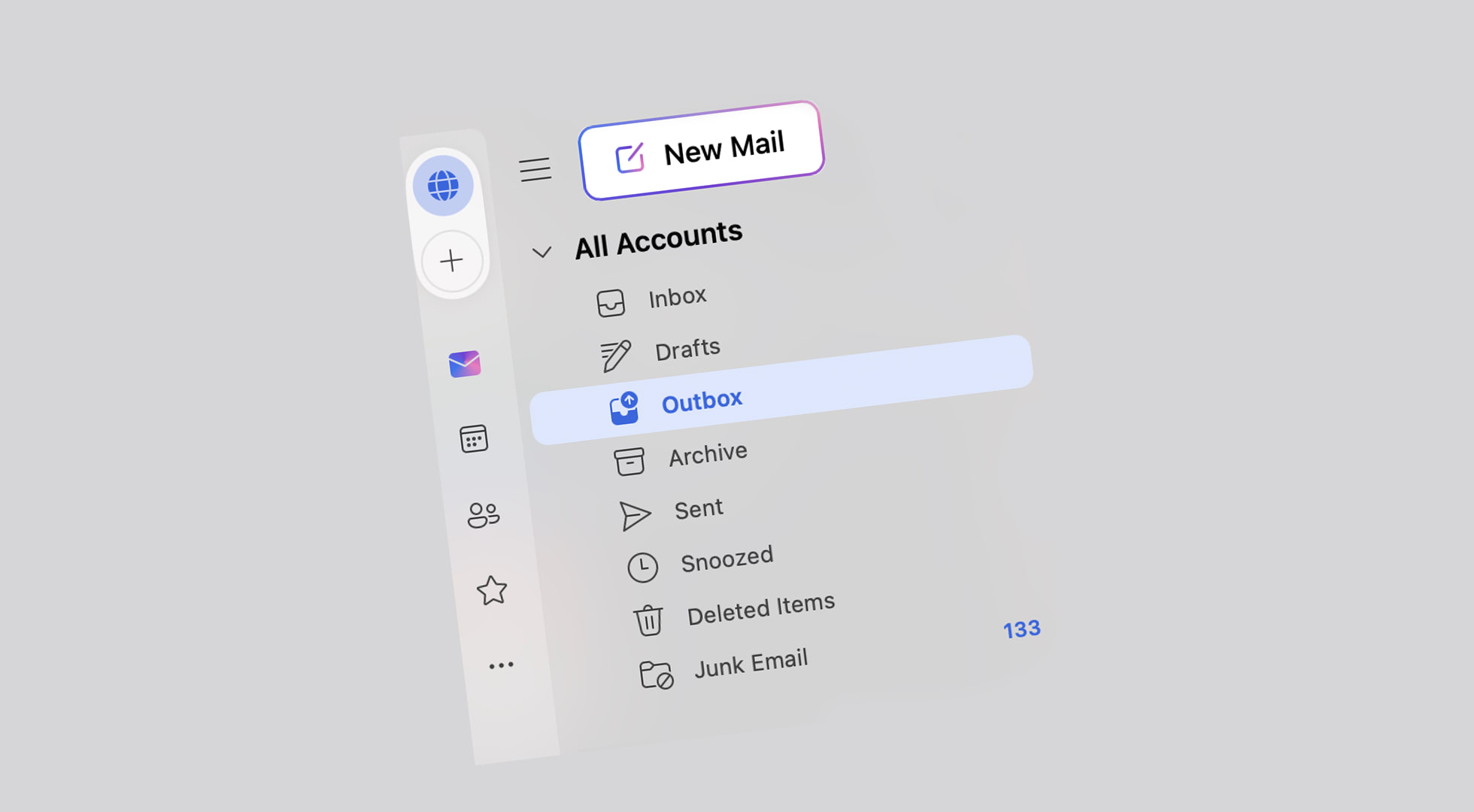
The Traditional Outbox: How Digital Communication Works
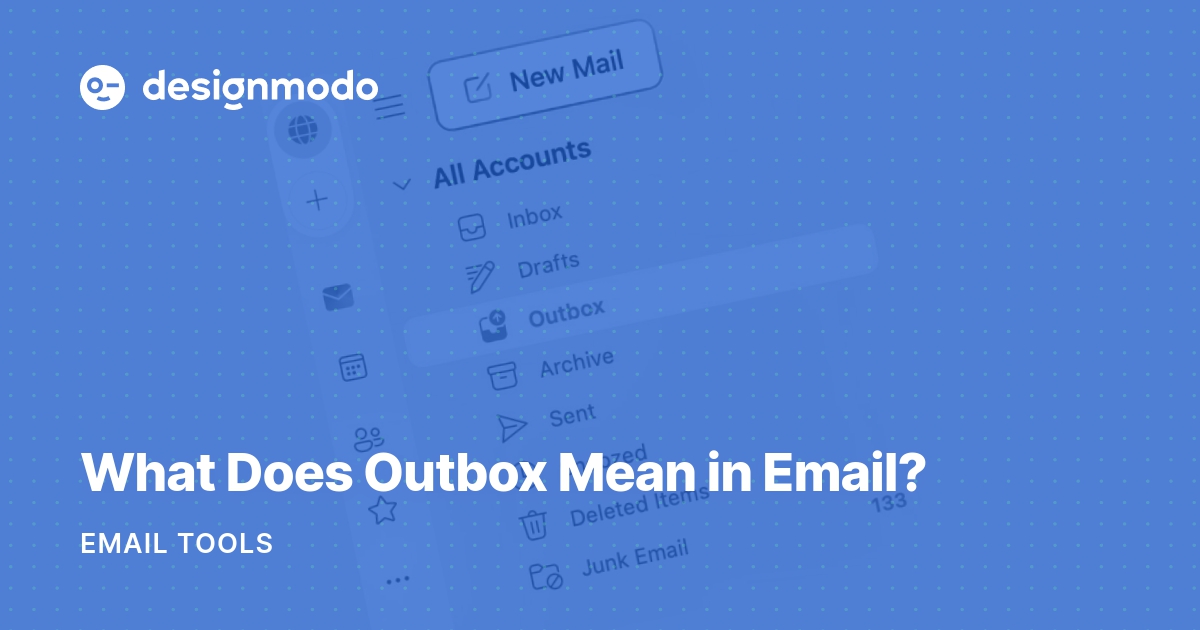
At its most basic level, the Outbox is a temporary storage area for outgoing messages. Unlike the “Sent” folder, which acts as a historical record of completed transactions, the Outbox is dynamic and transient. It represents “work in progress.”
Defining the Outbox in Email Clients
In traditional email clients like Outlook, Apple Mail, or Thunderbird, the Outbox serves as a staging area. When you click the “Send” button, the email does not instantly vanish into the recipient’s inbox. Instead, it is moved from your “Drafts” or “Compose” window into the Outbox.
Technically, this is the point where the client prepares to communicate with the Simple Mail Transfer Protocol (SMTP) server. The Outbox holds the message while the application establishes a handshake with the mail server, authenticates the user’s credentials, and uploads the message data. Once the SMTP server accepts the message for delivery, the client moves the item from the Outbox to the Sent folder.
Outbox vs. Sent Folder: The Key Differences
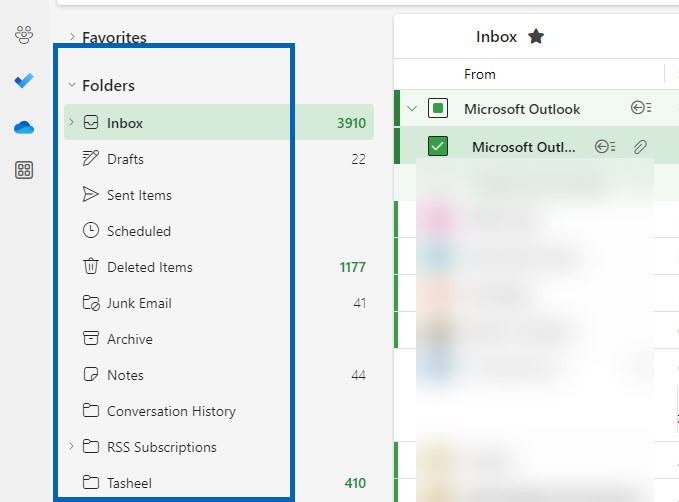
The distinction between these two folders is a common point of confusion for users. The Outbox is a state of transition, whereas the Sent folder is a state of completion.
- The Outbox contains messages that are either currently being sent, scheduled for future delivery, or failed to send due to a technical error.
- The Sent Folder contains copies of messages that the outgoing mail server has successfully accepted.
Understanding this difference is crucial for digital productivity. If a message is sitting in your Outbox, the recipient has not received it. It is essentially a “pending” transaction.
Common Troubleshooting for Stuck Messages
From a tech support perspective, the Outbox is often where “connectivity friction” becomes visible. Messages typically get “stuck” in the Outbox for three primary reasons:
- Size Constraints: The attachment exceeds the limits set by the SMTP server.
- Authentication Errors: The mail client is unable to verify the user’s identity with the server.
- Connection Timeouts: A weak internet connection prevents the full upload of the message packet.
In these scenarios, the Outbox acts as a fail-safe, preventing the loss of the message while providing the user with a clear indicator that the communication process is incomplete.
The Technical Deep Dive: The Transactional Outbox Pattern
As we move from user-facing applications into the realm of software architecture and backend engineering, the Outbox takes on a much more complex and vital role. In modern cloud-native environments, developers often use the “Transactional Outbox Pattern” to maintain data integrity.
Solving the Distributed Transaction Problem
In a microservices architecture, a single action often requires two things to happen simultaneously: updating a local database and notifying other services via a message broker (like Apache Kafka or RabbitMQ). For example, when a customer places an order, the Order Service must save the order to its database and send a message to the Shipping Service.
The problem arises if the database update succeeds but the message broker is down, or vice versa. This leads to data inconsistency—an order exists in the database, but the shipping department never hears about it. Traditional “Two-Phase Commits” (2PC) are slow and don’t scale well in the cloud. This is where the Outbox pattern becomes the hero of the architecture.
How the Outbox Pattern Ensures Data Consistency
Instead of trying to update the database and the message broker in two separate steps, the developer treats them as one atomic transaction.
- The Outbox Table: A dedicated “Outbox” table is created within the service’s local database.
- Atomic Transaction: When a business event occurs (e.g., “Order Created”), the service saves the order data to the
Orderstable AND writes a message to theOutboxtable within the same database transaction. - Guaranteed Success: Because these two writes happen in the same transaction, they either both succeed or both fail. This eliminates the risk of a partial update.
Implementation Strategies: Polling vs. Transaction Log Tailing
Once the message is safely in the database’s Outbox table, a separate process (a “Message Relayer”) must move it to the actual message broker. There are two primary ways to do this:
- Polling Publisher: A background worker “polls” the Outbox table every few milliseconds, picks up new entries, publishes them to the broker, and then deletes them from the table.
- Transaction Log Tailing (CDC): A more advanced method involving Change Data Capture (CDC). Tools like Debezium monitor the database’s low-level transaction logs. When they see a new entry in the Outbox table, they automatically stream that change to the message broker. This method is highly efficient as it doesn’t put additional query load on the database.
Why the Outbox is Critical for System Reliability
Whether in a simple email app or a massive banking system, the Outbox is the primary mechanism for “Reliable Messaging.” It acknowledges that technology is imperfect and that networks will eventually fail.
Preventing Data Loss in Microservices
Without an Outbox mechanism, systems are fragile. If a service crashes immediately after updating a database but before sending a notification, that data “leak” can cause cascading failures across an enterprise. By persisting the intent to communicate (the Outbox entry) into durable storage (the Database), the system ensures that even if a crash occurs, the message can be resent upon recovery.
Guaranteed Message Delivery (At-Least-Once Delivery)
The Outbox pattern is the cornerstone of “At-Least-Once” delivery semantics. In high-reliability tech environments, it is often better to send a message twice than to never send it at all. The Outbox ensures that until the message broker acknowledges receipt, the message remains in the Outbox. This persistence allows for retries, ensuring that no matter how many network hiccups occur, the data eventually reaches its destination.
The Future of Outbox Mechanics in Modern Apps
As technology evolves toward edge computing and real-time synchronization, the concept of the Outbox is being reimagined for the 5G and IoT era.
Real-time Communication and Edge Computing
In mobile applications and IoT devices, “offline-first” architecture is becoming the standard. When a technician in a remote mine records data on a tablet with no signal, the application saves that data to a local Outbox on the device. Once the device detects a connection, the Outbox synchronizes with the cloud. This “Edge Outbox” is what allows modern apps like Slack or Notion to feel seamless even when our internet connections are intermittent.
Security Implications of Outbound Data Queues
From a digital security perspective, the Outbox is a point of scrutiny. For enterprises, monitoring the Outbox—or the outbound data flow—is a key part of Data Loss Prevention (DLP). Security tools often scan the Outbox for sensitive information, such as credit card numbers or proprietary code, before allowing the data to leave the internal network. In this sense, the Outbox acts as a final checkpoint or “security gate” for the organization.
Conclusion: More Than Just a Temporary Storage Space
The Outbox is a fundamental concept in the world of technology, acting as the bridge between intent and execution. In its simplest form, it provides users with a way to manage their digital correspondence and troubleshoot connectivity issues. In its most complex form, it provides software architects with a robust pattern for maintaining data integrity in an increasingly fragmented and distributed digital landscape.
As we move toward more complex systems—from AI-driven automated agents to global microservice meshes—the Outbox remains the silent guardian of reliability. It reminds us that in a world of instantaneous expectations, some of the most important technical work happens in the “waiting room,” ensuring that when data finally moves, it does so accurately, securely, and permanently. Understanding the Outbox is not just about knowing where your emails go; it is about understanding the very fabric of reliable digital communication.
aViewFromTheCave is a participant in the Amazon Services LLC Associates Program, an affiliate advertising program designed to provide a means for sites to earn advertising fees by advertising and linking to Amazon.com. Amazon, the Amazon logo, AmazonSupply, and the AmazonSupply logo are trademarks of Amazon.com, Inc. or its affiliates. As an Amazon Associate we earn affiliate commissions from qualifying purchases.