
In the intricate dance of sending and receiving digital messages, few terms are as fundamental yet perhaps less consciously understood as “outbox.” While we’re all familiar with the act of sending an email, the journey that message takes from our fingertips to the recipient’s inbox involves several crucial stages, and the outbox plays a pivotal role in this behind-the-scenes operation. This exploration delves into the nature of the outbox within the realm of email technology, its function, its significance, and how it fits into the broader ecosystem of digital communication.
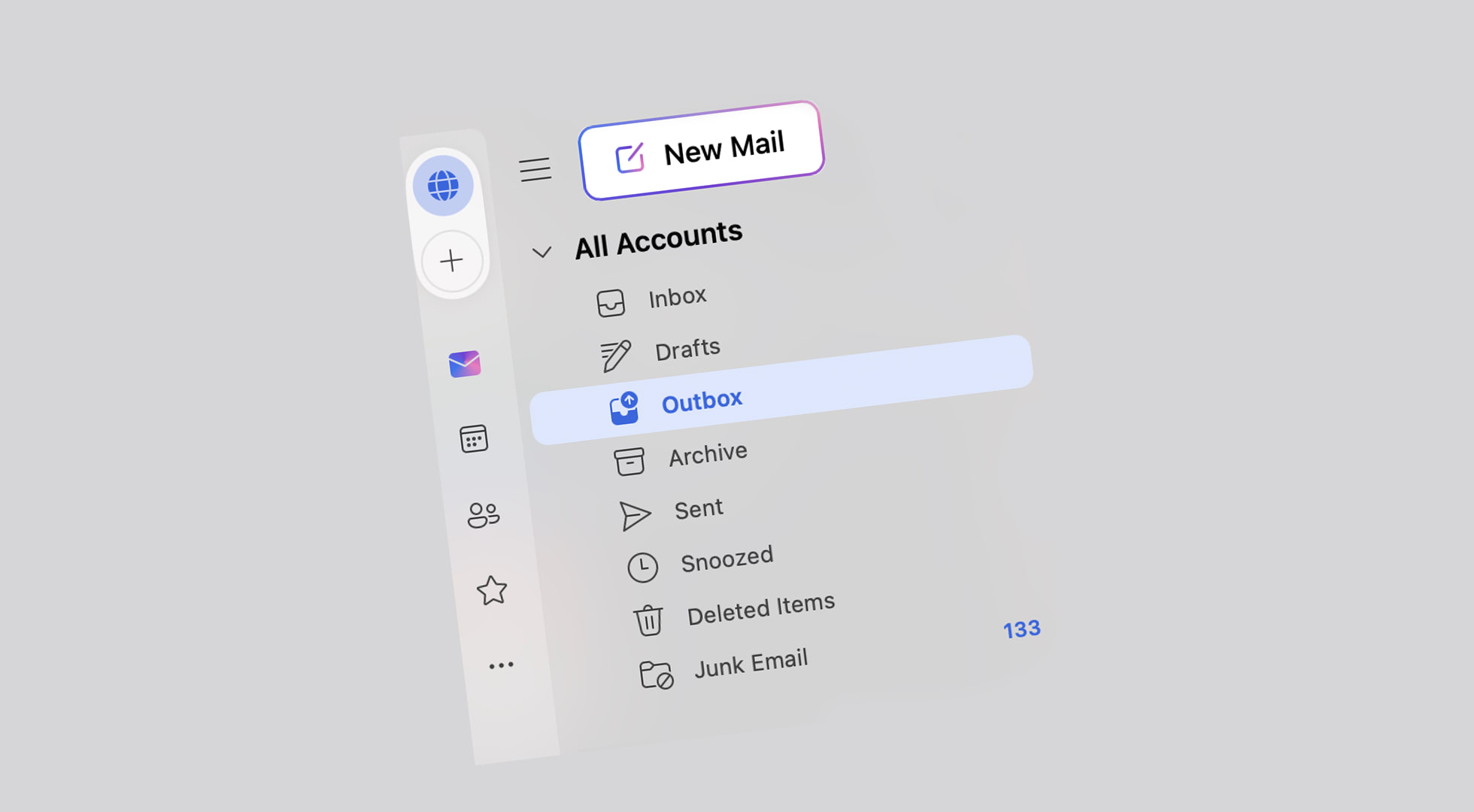
The Outbox: A Temporary Holding Pen for Sent Messages
At its core, an email outbox is a temporary storage location within an email client or service where outgoing emails are held before they are successfully transmitted to the recipient’s mail server. Think of it as a digital waiting room for your messages, a place where they reside briefly after you hit “send” but before they’ve definitively left your system and embarked on their journey across the internet.
The Lifecycle of an Outgoing Email
Understanding the outbox necessitates tracing the path of an email from the moment of creation to its successful delivery.
1. Composition and Sending
When you compose an email, you input the recipient’s address, subject line, and the body of your message. Upon clicking the “Send” button, the email client initiates the sending process. This action doesn’t instantaneously propel the email across the globe. Instead, the email client first queues the message for transmission.
2. The Outbox: A Stage of Pending Transmission
This is where the outbox comes into play. The freshly “sent” email is placed into the outbox. It remains here until the email client can establish a connection with the Simple Mail Transfer Protocol (SMTP) server. The SMTP server is the workhorse of email transmission, responsible for forwarding emails from the sender’s server to the recipient’s server.
- Pending Status: While in the outbox, the email is in a “pending” state. It has been initiated but not yet confirmed as successfully sent to the SMTP server.
- Queuing Mechanism: Most email clients and services utilize a queuing mechanism for outgoing emails. The outbox is essentially the visible manifestation of this queue. Emails are typically sent in the order they are received into the outbox, though priority settings or network conditions can sometimes influence this.
3. Transmission to the SMTP Server
Once the email client connects to the SMTP server, it uploads the email from the outbox. This process involves the client authenticating with the server and then transferring the email’s data.
- Successful Transmission: If the connection is successful and the SMTP server accepts the email, it is then removed from the outbox and typically moved to a “Sent Items” or “Sent Mail” folder. This signifies that the email has left your control and is now the responsibility of the email infrastructure to deliver.
- Failed Transmission: If the connection fails, or if there are issues with the SMTP server (e.g., server is down, authentication fails, network issues), the email will remain in the outbox. Many email clients will attempt to re-send emails that fail to transmit, keeping them in the outbox until successful delivery is achieved.
4. Delivery to the Recipient
From the SMTP server, the email embarks on the next leg of its journey, which involves the Mail Transfer Agent (MTA) and eventually the recipient’s Mail Delivery Agent (MDA), which places the email into the recipient’s inbox. This entire process, from outbox to inbox, can vary in speed depending on network traffic, server load, and geographical distances.
Distinguishing the Outbox from Other Email Folders
It’s crucial to differentiate the outbox from other standard email folders to fully grasp its purpose and function.
Outbox vs. Sent Items
This is perhaps the most common point of confusion.
- Outbox: Contains emails that have been initiated for sending but have not yet been successfully transmitted to the outgoing mail server (SMTP). These are pending emails.
- Sent Items (or Sent Mail): Contains emails that have been successfully transmitted from your email client to the outgoing mail server and are on their way to the recipient. These are confirmed as sent.
The presence of an email in your outbox is a signal that something might still need to happen for it to reach its destination. An email in your “Sent Items” folder is a confirmation that the first major hurdle of transmission has been cleared.
Outbox vs. Drafts
- Outbox: For emails that are complete and have been “sent” by the user, but are waiting for technical transmission.
- Drafts: For emails that are not yet complete and have not been “sent” by the user. You might save an email in your drafts folder to finish later. Drafts are intentionally set aside, whereas outbox emails are actively waiting for transmission.
Outbox vs. Inbox
- Outbox: Holds emails you are sending.
- Inbox: Holds emails you are receiving.
Outbox vs. Trash/Spam
- Outbox: Related to outgoing communication.
- Trash/Spam: Related to incoming communication that is unwanted or malicious.
Why the Outbox Matters in Email Functionality
The outbox serves several practical purposes that contribute to the reliability and user experience of email communication.
Troubleshooting and Error Identification
One of the most significant benefits of the outbox is its role in troubleshooting. If an email you’ve sent isn’t reaching its intended recipient, the first place to check is your outbox.
- Connection Issues: An email lingering in the outbox often indicates a problem with your internet connection or the configuration of your email client’s outgoing server settings. The client cannot reach the SMTP server to send the message.
- Server Problems: Occasionally, the SMTP server itself might be experiencing downtime or technical difficulties. In such cases, your email client will be unable to upload the message, and it will remain in the outbox until the server issue is resolved.
- Authentication Failures: Incorrect login credentials or security settings for your outgoing mail server can prevent transmission, leaving emails stuck in the outbox.
- Large Attachments: While less common with modern systems, extremely large attachments could potentially cause transmission delays or failures, especially on older or less robust mail servers, leading to messages remaining in the outbox.
By providing a visible location for these pending messages, the outbox empowers users to diagnose and, in many cases, rectify issues preventing their emails from being sent.
Offline Sending Capabilities
In scenarios where a constant internet connection is not guaranteed, the outbox plays a crucial role in enabling offline sending. Many email clients allow you to compose and “send” emails while offline. These messages are then placed in the outbox. As soon as an internet connection is re-established, the email client will automatically attempt to transmit the queued messages from the outbox. This feature ensures that you can prepare your communications at your convenience, without being tethered to a live connection.
Managing Email Queues
For users who send a high volume of emails or send emails at specific times, the outbox acts as a natural queue manager. It ensures that messages are processed in an orderly fashion, preventing a flood of outgoing requests that could overwhelm the email client or the server. This is particularly relevant for automated systems or scheduled email campaigns, although dedicated services often handle such tasks more robustly.
The Outbox in Modern Email Clients and Services
While the fundamental concept of the outbox remains consistent, its implementation and visibility can vary across different email clients and webmail services.
Desktop Email Clients
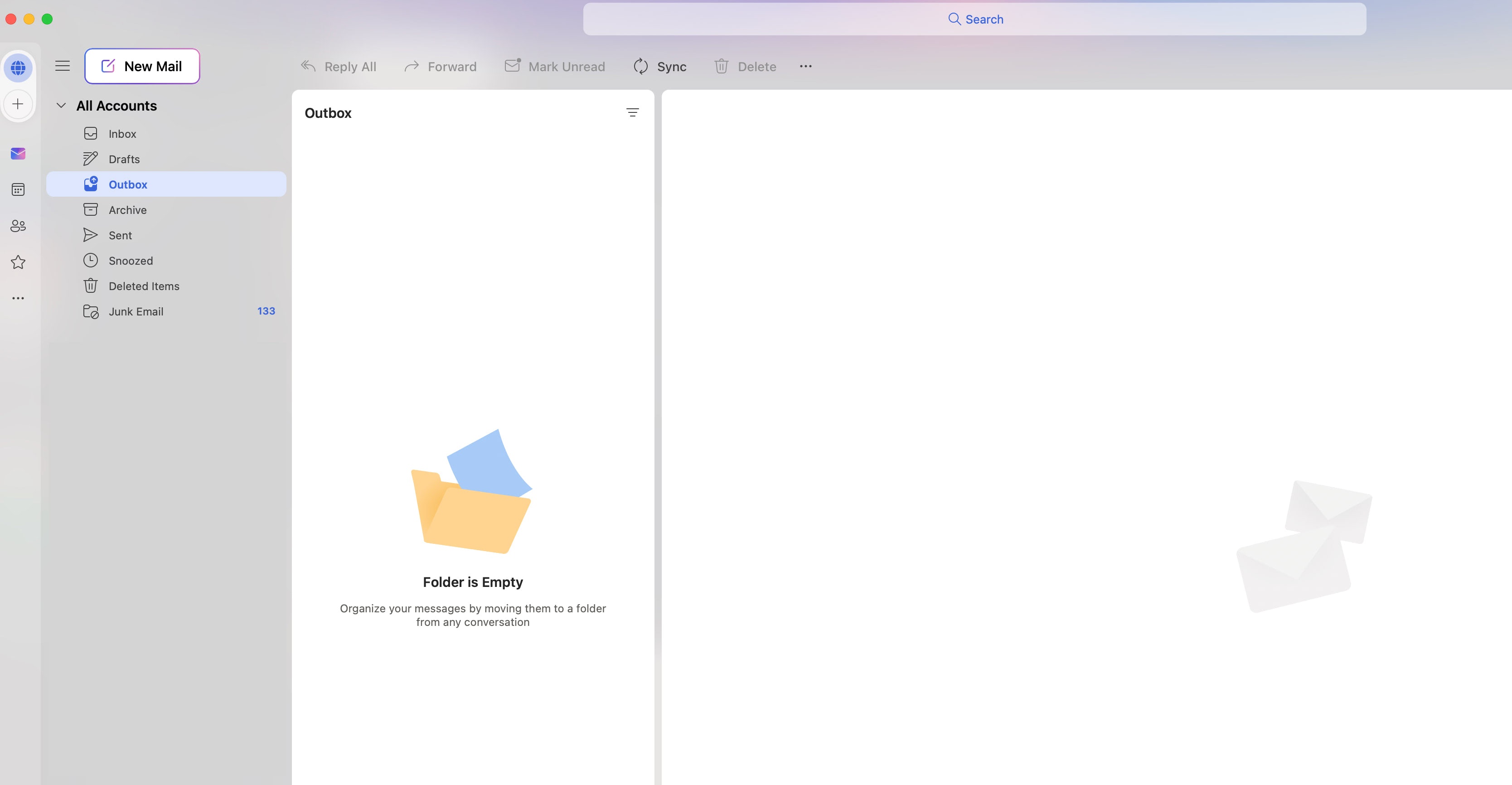
Traditional desktop email clients like Microsoft Outlook, Mozilla Thunderbird, and Apple Mail typically have a clearly defined “Outbox” folder. Users can navigate to this folder to see any emails that are pending transmission. These clients often provide clear notifications or visual cues when an email is stuck in the outbox.
Webmail Services
Webmail services like Gmail, Yahoo Mail, and Outlook.com generally handle the sending process more seamlessly in the background. While they don’t always present a distinct, user-accessible “Outbox” folder in the same way as desktop clients, the concept is still present.
- Behind the Scenes: In most modern webmail interfaces, emails that fail to send immediately are often held temporarily in a system-level queue. The user might receive an error message or notification if an email cannot be sent, but a dedicated “Outbox” folder for manual inspection might not be prominently displayed.
- Gmail Example: Gmail, for instance, typically shows a notification if an email fails to send, often suggesting to “Try Again.” While there isn’t a visible “Outbox” folder, the underlying mechanism for managing pending emails still exists.
Despite the varying interfaces, the underlying technological principle of queuing outgoing messages before successful transmission to the SMTP server remains a constant.

Conclusion: The Unsung Hero of Email Transmission
The outbox, though often overlooked, is an indispensable component of the email ecosystem. It acts as a critical intermediary, holding our messages in a state of pending transmission and providing a vital diagnostic tool for identifying and resolving sending issues. From ensuring the smooth flow of communication in offline environments to guaranteeing that our digital dispatches are eventually on their way, the outbox plays a silent yet essential role in the seamless operation of email. Understanding its function demystifies a part of our daily digital interactions and highlights the sophisticated engineering that underpins even the most commonplace of technologies. It is a testament to the robust architecture of email systems that allows us to send messages with confidence, knowing that behind the scenes, a dedicated holding pen ensures our communications are processed efficiently and reliably.
aViewFromTheCave is a participant in the Amazon Services LLC Associates Program, an affiliate advertising program designed to provide a means for sites to earn advertising fees by advertising and linking to Amazon.com. Amazon, the Amazon logo, AmazonSupply, and the AmazonSupply logo are trademarks of Amazon.com, Inc. or its affiliates. As an Amazon Associate we earn affiliate commissions from qualifying purchases.