
In the rapidly evolving landscape of PC gaming and software distribution, the methods by which we package and share user-generated content have become increasingly sophisticated. For the Minecraft community—one of the largest and most active modding scenes in the world—the transition from disorganized ZIP files to structured metadata formats has been a game-changer. At the heart of this shift is the .mrpack file extension.
A .mrpack file is a specialized format designed by Modrinth, an open-source platform for Minecraft mods, plugins, and data packs. While it may appear as a simple archive to the casual user, it represents a significant leap forward in software distribution efficiency, creator ethics, and digital security. This article explores the technical intricacies of the .mrpack format, its advantages over legacy systems, and how it is shaping the future of the Minecraft ecosystem.
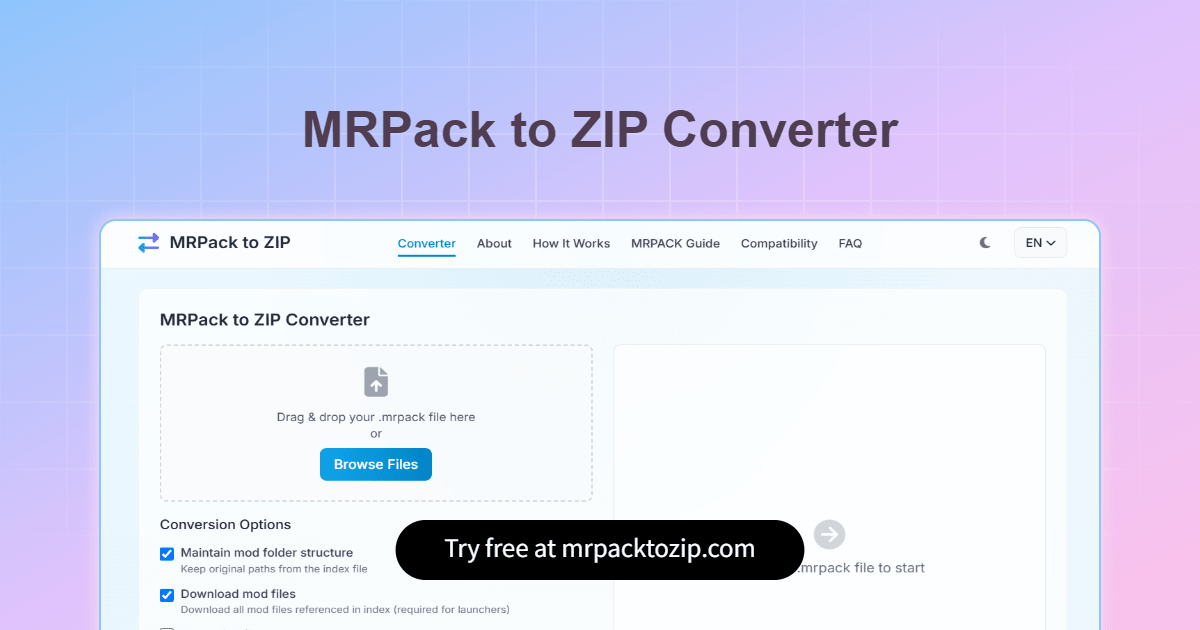
Understanding the Technical Architecture of .mrpack
To understand what a .mrpack file is, one must first look under the hood. At its core, an .mrpack file is a ZIP-compressed archive, but its internal structure is strictly governed by a specific schema that allows mod launchers to automate the installation process with surgical precision.
The Index: modrinth.index.json
The most critical component of any .mrpack file is the modrinth.index.json file. Unlike traditional modpacks that might include the actual mod files (.jar) directly within the folder, the .mrpack format primarily uses an index of metadata. This JSON file contains a list of every file required for the modpack, including:
- File Hashes: Cryptographic signatures (usually SHA-1 or SHA-512) to ensure the integrity of the downloaded files.
- Download Links: Direct pointers to the Modrinth API or external URLs where the software resides.
- Pathing Information: Specific instructions on where each file belongs within the game directory (e.g.,
/mods,/config, or/resourcepacks). - Dependencies: Information regarding the required game version (e.g., 1.20.1) and the mod loader (e.g., Fabric, Quilt, or Forge).
Optimized Archive Content
Because the .mrpack format relies on an index to fetch large files from the web, the archive itself is remarkably small. It typically only contains “overrides”—files that are unique to that specific modpack, such as custom configuration files (.conf or .toml), custom textures, or script files. By separating the massive mod binaries from the pack-specific configuration, .mrpack files remain lightweight and easy to share.
The Benefits of .mrpack in Software Distribution
The shift toward the .mrpack format was not merely a cosmetic change; it addressed several systemic issues within the Minecraft modding community. From a technical and ethical standpoint, it offers several key advantages over the legacy “ZIP full of JARs” approach.
Enhanced Digital Security
Distributing compiled Java files (.jar) carries inherent risks. Malicious actors have, in the past, injected malware into modpacks. The .mrpack format mitigates this risk by using a centralized index verified by the Modrinth platform. When a launcher processes an .mrpack, it verifies the hash of every downloaded mod against the official version stored on the server. If a file has been tampered with, the hash will not match, and the installation will fail, protecting the user from potential security breaches.
Respecting Creator Rights and Analytics
In the older era of modding, “re-hosting” was a major point of contention. Users would download dozens of mods and re-upload them as a single ZIP file. This deprived original mod developers of their download counts, which are often tied to reward programs or simply the motivation to continue development.
The .mrpack format solves this by acting as a “shopping list.” When a user installs an .mrpack, the launcher sends a request to the original download source for each individual mod. This ensures that every developer gets credit for the download, maintaining the health of the software ecosystem.
Efficiency and Version Control
Managing versions in a traditional modpack is a nightmare for developers. If a single mod is updated to fix a critical bug, the pack creator would historically have to re-upload a several-hundred-megabyte ZIP file. With .mrpack, the creator only needs to update the JSON index to point to the new file version. For the end-user, this translates to faster updates and significantly lower bandwidth consumption.

How to Utilize .mrpack Files: A Tutorial for Modern Launchers
For users and developers, interacting with .mrpack files requires specific software tools designed to interpret the Modrinth schema. While you cannot simply drop an .mrpack file into your Minecraft “mods” folder, the installation process is streamlined through modern third-party launchers.
Using the Modrinth App
The Modrinth App is the native environment for .mrpack files. Because the format and the app are developed by the same team, the integration is seamless.
- Importing: Users can simply drag and drop an .mrpack file into the app interface.
- Resolution: The app reads the
modrinth.index.json, identifies the necessary mods, and begins downloading them simultaneously from the Modrinth CDN. - Isolation: The app creates a dedicated instance for the pack, ensuring that the configurations for one modpack do not interfere with another.
Prism Launcher and Multi-Launcher Support
One of the greatest strengths of the .mrpack format is its open-source nature. Other popular launchers, such as Prism Launcher, have fully implemented support for .mrpack.
- Cross-Compatibility: This allows users who prefer different software interfaces to enjoy the same modding experience without the developer having to create multiple versions of the pack.
- Import Process: In Prism Launcher, selecting “Add Instance” and then “Import from ZIP” allows the user to select an .mrpack file. The launcher then handles the heavy lifting of fetching the dependencies.
Manual Inspections and Development
For developers who want to inspect an .mrpack file, any standard archiving tool (like 7-Zip or WinRAR) can open it. This allows creators to manually edit the index.json or adjust configuration files. This transparency is a core tenet of the Modrinth philosophy, encouraging a “code-first” approach to game modification.
.mrpack vs. CurseForge: A Shift in Standards
To fully grasp the significance of .mrpack, one must compare it to the “CurseForge” format, which dominated the industry for nearly a decade. While CurseForge also uses a manifest system, it is a proprietary ecosystem often criticized for its “walled garden” approach.
Open Source Philosophy
The .mrpack format is documented and open. This means that any developer can write a tool to create, modify, or install these files without needing permission from a corporate entity. This aligns with the broader tech trend of moving away from proprietary formats in favor of interoperable standards.
Universal Content Support
While CurseForge focuses heavily on mods hosted on its own platform, the .mrpack format is designed to be more flexible. It can point to various sources, making it easier for pack creators to include resources, shaders, and data packs alongside traditional mods. This holistic approach to “content packaging” makes it a more robust solution for modern game customization.
Performance Comparisons
In technical testing, .mrpack-based installations often prove to be faster and more stable. Because the format is designed for modern APIs, it can take advantage of parallel downloading and better caching mechanisms. For a user with a high-speed internet connection, a 200-mod pack can be “constructed” from an .mrpack file in a fraction of the time it would take to download a monolithic ZIP file.
The Future of Modding and Software Packaging
The emergence of the .mrpack file extension is a symptom of a larger trend in software engineering: the move toward declarative environments. Just as web developers use package.json in Node.js to manage dependencies, Minecraft players are now using .mrpack to manage their gaming environments.
Potential for Expansion
While currently localized to the Minecraft community, the logic behind .mrpack—a lightweight metadata index that fetches verified binaries from a trusted API—is a model that could be applied to other moddable games. As digital security concerns grow, the need for hashed, verified distribution methods will only increase.

Conclusion
The .mrpack format represents the professionalization of game modding. By combining the convenience of ZIP archives with the power of JSON-based metadata and cryptographic security, it has created a safer, more efficient, and more ethical way to share software. Whether you are a casual player looking for a one-click install or a developer seeking to protect your intellectual property and reach a wider audience, .mrpack stands as the current gold standard in the Minecraft technical ecosystem. As the industry continues to move toward open-source and interoperable tools, the adoption of structured formats like .mrpack will likely serve as a blueprint for the future of community-driven content distribution.
aViewFromTheCave is a participant in the Amazon Services LLC Associates Program, an affiliate advertising program designed to provide a means for sites to earn advertising fees by advertising and linking to Amazon.com. Amazon, the Amazon logo, AmazonSupply, and the AmazonSupply logo are trademarks of Amazon.com, Inc. or its affiliates. As an Amazon Associate we earn affiliate commissions from qualifying purchases.