
In the interconnected world of technology, our devices are only as good as their ability to communicate with each other. At the heart of this communication lies a fundamental, yet often overlooked, component: driver support. While the term itself might sound technical and niche, understanding what driver support entails is crucial for anyone who relies on their computers, smartphones, or any other connected gadget for work, entertainment, or daily life. This article will delve into the world of driver support, exploring its significance across various technological realms, its impact on performance and security, and how to navigate the landscape of obtaining and managing it effectively. We will also touch upon how this concept intersects with broader themes of Tech, Brand, and Money, revealing its far-reaching implications.
The Foundation of Functionality: Understanding Drivers and Their Support
At its core, a driver is a piece of software that acts as a translator between your operating system (like Windows, macOS, or Android) and a specific piece of hardware (such as your graphics card, printer, or Wi-Fi adapter). Imagine your operating system speaking one language and your hardware speaking another. Drivers bridge this gap, allowing the OS to send commands to the hardware and receive information back. Without the correct drivers, your hardware might not be recognized at all, or it might function poorly, with glitches, errors, or limited capabilities.
Driver support, therefore, refers to the ongoing provision of these essential software components by the manufacturer of the hardware. This support encompasses several critical aspects:
- Initial Installation Drivers: When you purchase new hardware, it usually comes with the necessary drivers to get it up and running.
- Updates and Patches: As technology evolves and operating systems are updated, manufacturers release new versions of drivers. These updates often address bugs, improve performance, enhance compatibility with newer software, and crucially, patch security vulnerabilities.
- Troubleshooting and Diagnostics: Driver support also involves providing resources for users who encounter problems. This can include FAQs, online forums, knowledge bases, and sometimes direct technical assistance from the manufacturer.
- New Feature Enablement: Sometimes, driver updates introduce new functionalities or unlock the full potential of a piece of hardware, especially with complex components like graphics cards or network adapters.
Without robust driver support, even the most advanced hardware can become a digital paperweight. It’s the continuous effort by manufacturers to ensure their products remain functional, secure, and performant throughout their lifespan.
The Tech Ecosystem: Where Drivers Power Everything
The world of Tech is intrinsically linked to driver support. From the smallest app to the most complex AI tool, everything relies on the underlying hardware functioning correctly, which in turn, relies on well-supported drivers.
Hardware Interoperability and Performance
Consider the sheer diversity of hardware connected to our computers today: graphics cards for immersive gaming and professional design, sound cards for rich audio experiences, network adapters for seamless internet connectivity, printers and scanners for digitizing and reproducing documents, webcams and microphones for communication, and a myriad of peripherals like keyboards, mice, and external drives. Each of these components requires specific drivers to function.
- Graphics Cards: High-performance graphics cards, essential for gaming, video editing, and 3D rendering, are prime examples of hardware heavily reliant on driver support. Manufacturers like NVIDIA and AMD constantly release driver updates that optimize performance for new game titles, fix graphical glitches, and improve overall stability. Without these updates, even a powerful GPU might underperform or be incompatible with the latest software.
- Network Adapters: Reliable internet access is non-negotiable in today’s digital age. Drivers for Wi-Fi and Ethernet adapters ensure your device can connect to networks, and updates can improve connection speeds, stability, and security protocols.
- Printers and Scanners: While seemingly straightforward, printers and scanners also require precise driver instructions to translate digital documents into physical copies or vice versa. Updates can enhance print quality, improve scanning accuracy, and ensure compatibility with new operating system features.
AI Tools and Software Compatibility
The rise of AI Tools has further amplified the importance of driver support. Many AI applications, particularly those involving machine learning and deep learning, heavily leverage the processing power of graphics cards (GPUs). Optimized drivers are crucial for these applications to run efficiently, accelerate training times for models, and ensure smooth inference. When an AI tool is developed, it’s often tested against specific driver versions. Without updated drivers, you might experience slowdowns, errors, or even complete inability to run complex AI models. Similarly, the smooth operation of specialized hardware used in AI, such as AI accelerators, depends entirely on manufacturers providing up-to-date and stable drivers.
Digital Security and Vulnerabilities
In the realm of Digital Security, driver support plays a critical, albeit less obvious, role. Hardware drivers are essentially software that interacts directly with the operating system kernel. This proximity makes them potential targets for malicious actors. Vulnerabilities found in drivers can be exploited to gain elevated privileges, steal data, or even inject malware into a system. Manufacturers who actively provide driver updates are essentially patching these security holes, making your system more resilient to attacks. Neglecting driver updates can leave your devices exposed to known exploits, undermining your overall digital security posture.
Productivity and Seamless Operation
For everyday Productivity, the seamless functioning of all your hardware is paramount. Imagine a scenario where your external hard drive isn’t recognized due to an outdated driver, or your office printer won’t connect because of a compatibility issue with a recent OS update. These seemingly minor inconveniences can lead to significant lost time and frustration. Robust driver support ensures that your peripherals work as expected, allowing you to focus on your tasks rather than troubleshooting technical glitches. Even simple Apps can rely on specific hardware functionalities that are enabled and optimized by drivers.
Branding and Perception: The Unseen Impact of Driver Support
While not directly involved in the creative process of building a brand, driver support has a significant, often subconscious, impact on how a brand is perceived. This falls under the umbrella of Brand and its multifaceted aspects, from Corporate Identity to Reputation.
Building Trust and Reliability
For hardware manufacturers, consistent and reliable driver support is a cornerstone of building Trust and demonstrating a commitment to their customers. When a company actively maintains and updates the software for its products, it signals that they stand behind their creations and are invested in the long-term satisfaction of their users. This proactive approach fosters a positive Corporate Identity and contributes to a strong Reputation for quality and dependability. Conversely, a company that abandges its hardware with outdated or buggy drivers can quickly tarnish its image, leading to customer dissatisfaction and negative word-of-mouth.
Competitive Advantage and Market Position
In a competitive Tech Market, excellent driver support can be a significant differentiator. Companies that invest in thorough testing, provide timely updates, and offer comprehensive support resources can attract and retain customers who value reliability and performance. This can translate into a stronger Market Position and a more loyal customer base. For example, gaming hardware manufacturers often highlight their commitment to providing game-ready drivers, which appeals directly to a core segment of their target audience.
Case Studies in Brand Loyalty
Think of Case Studies where a particular brand has earned a reputation for exceptional hardware longevity and user experience. Often, this is not just due to superior hardware engineering but also due to meticulous software support, including drivers. Consumers are more likely to recommend a brand that they feel has supported them throughout the product’s lifecycle, even if it means occasional driver updates. This loyalty is invaluable and directly impacts the brand’s bottom line.
The Financial Implications: Driver Support and Your Wallet
The seemingly technical aspect of driver support also has tangible implications for your Money, impacting both personal finances and business operations.
Cost of Downtime and Inefficiency
For individuals and businesses alike, malfunctioning hardware due to outdated or incompatible drivers can lead to costly downtime. If a critical machine cannot perform its function, it directly translates to lost productivity and, consequently, lost revenue. The cost of a technician to diagnose and fix a driver-related issue, or the cost of lost work hours, can far outweigh the perceived cost of “free” software updates from a manufacturer. Personal Finance can be affected when a personal computer is rendered unusable for work or essential tasks.
Maximizing Hardware Lifespan and Return on Investment
Investing in quality hardware is an investment in your digital tools. However, to maximize the Return on Investment (ROI) of that hardware, it needs to function optimally. Driver updates often bring performance enhancements and bug fixes that can breathe new life into older hardware, extending its useful lifespan. This means you might not need to upgrade as frequently, saving you money in the long run. For businesses, this can be a significant cost-saving measure, especially for large fleets of computers or specialized equipment.
The Rise of “Driver Updater” Software: A Cautionary Tale
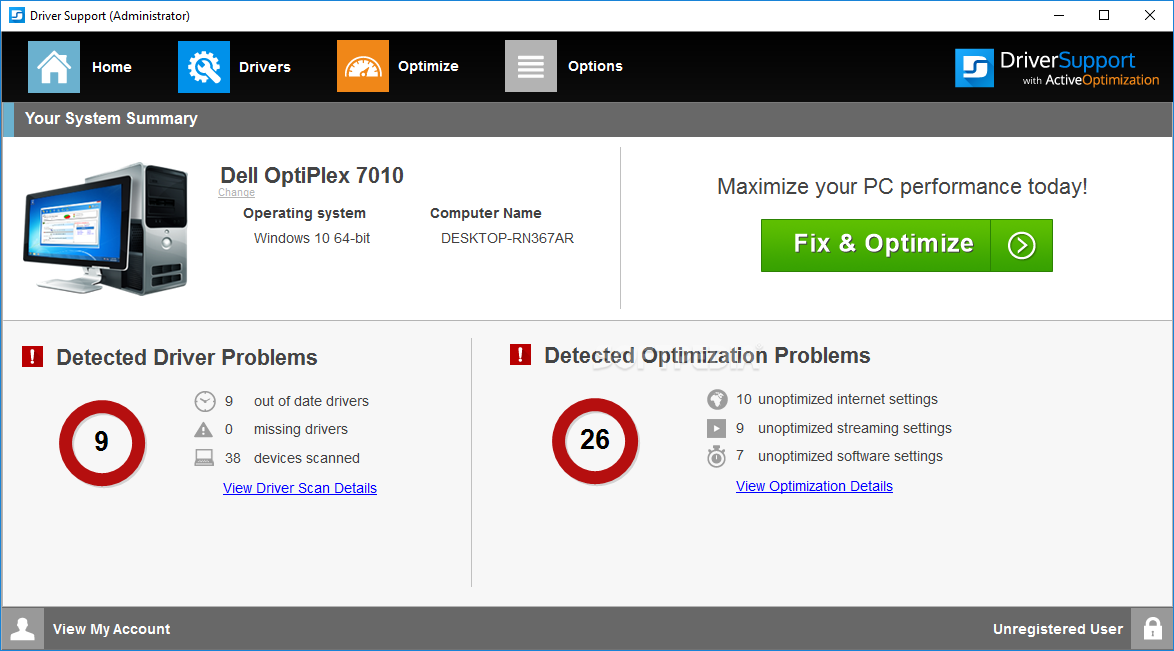
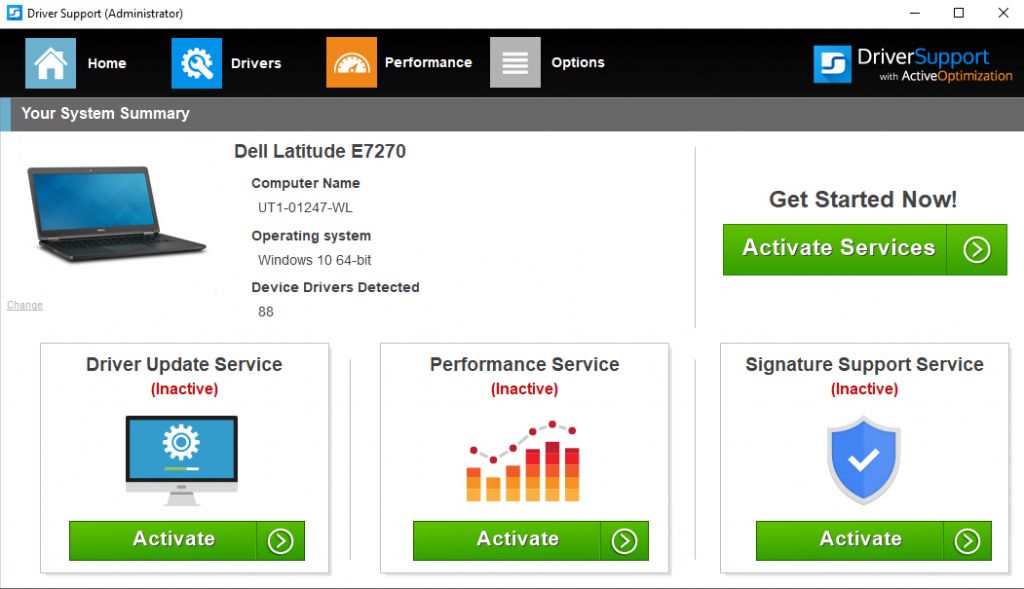
The perceived complexity of managing drivers has led to the proliferation of third-party Driver Updater software. While some of these tools might offer convenience, many are scams or employ aggressive marketing tactics. They often install unnecessary software, bundle malware, or even install incorrect drivers that can cause more harm than good. This highlights the importance of obtaining drivers directly from the original hardware manufacturer, which is the safest and most reliable approach. The pursuit of a quick fix for driver management can, paradoxically, lead to significant financial losses and security risks. It’s often a false economy to rely on unverified third-party solutions when the manufacturer provides legitimate support.
Online Income and Side Hustles: Ensuring Your Tools Work
For those generating Online Income or pursuing Side Hustles that rely on technology, such as freelance graphic design, video editing, or even running an e-commerce store, every piece of hardware needs to be in top working condition. A glitching webcam during a client meeting, a slow rendering graphics card for a video project, or an unresponsive printer for shipping labels can directly impact your ability to earn money. Proactive driver management ensures your tools are reliable, supporting your income-generating activities and preventing unexpected financial setbacks.
Navigating Driver Support: Best Practices for Users
Understanding what driver support is is the first step; actively managing it is the next. Here are some best practices for ensuring your devices are running smoothly and securely:
Always Download from Official Sources
The golden rule of driver management is to always download drivers directly from the official website of the hardware manufacturer. Avoid third-party download sites or the aforementioned “driver updater” tools unless they are explicitly recommended by the manufacturer or a trusted IT professional. This ensures you are getting legitimate, tested, and secure drivers.
Utilize Manufacturer Update Utilities
Many hardware manufacturers provide their own dedicated software utilities that can automatically scan for and install driver updates. Examples include NVIDIA GeForce Experience, AMD Radeon Software, and Intel Driver & Support Assistant. These tools are generally safe and convenient for managing drivers for their respective hardware.
Understand Your Operating System’s Update Mechanisms
Modern operating systems like Windows and macOS have built-in mechanisms for delivering driver updates through their regular software update cycles. While these are generally reliable for basic drivers, they might not always include the latest performance-optimizing or feature-enabling drivers from specialized hardware like graphics cards.
Keep a Record of Your Hardware
Knowing what hardware you have installed in your computer is essential for finding the correct drivers. You can usually find this information in your system’s device manager or by checking your original purchase records.
When in Doubt, Consult the Manufacturer’s Support
If you encounter issues or are unsure about updating a driver, always refer to the manufacturer’s support documentation, knowledge base, or contact their technical support. A little caution can prevent a lot of potential problems.
In conclusion, driver support is far more than just a technical jargon term. It is the invisible scaffolding that holds up our digital lives, ensuring that the hardware we depend on can communicate effectively with our operating systems. From powering cutting-edge Tech and shaping our Brand perceptions to impacting our Money, the significance of well-managed driver support cannot be overstated. By understanding its role and adopting best practices, we can ensure our devices remain functional, secure, and performant, allowing us to navigate the increasingly complex digital landscape with confidence.
aViewFromTheCave is a participant in the Amazon Services LLC Associates Program, an affiliate advertising program designed to provide a means for sites to earn advertising fees by advertising and linking to Amazon.com. Amazon, the Amazon logo, AmazonSupply, and the AmazonSupply logo are trademarks of Amazon.com, Inc. or its affiliates. As an Amazon Associate we earn affiliate commissions from qualifying purchases.